Android emulators for PC are no longer just for gaming needs. Today, users can leverage these tools to run mobile applications, execute software testing, practice MMO, or manage multiple accounts simultaneously. However, among a wide array of options like BlueStacks, LDPlayer, MuMu Player, or Android Studio Emulator, which solution fits your needs and computer configuration best? The article below will help you compare, evaluate, and choose the right tool.
1. What is an Android emulator for PC?
An Android emulator for PC is software that creates a virtual Android environment inside the Windows or macOS operating system. Thanks to this, users can install and use Android applications directly on their computers without needing a real phone or tablet.
When using an emulator, everyone can download applications from Google Play or install APK files just like on an actual Android device. The applications will operate in an isolated environment but still leverage the computer's hardware resources such as CPU, RAM, and graphics card.
How does an Android emulator work?
Basically, the emulator software will create a virtual Android device inside the computer. This device features a virtual CPU, virtual RAM, virtual storage, and a virtual screen to simulate how an Android phone functions.
To boost performance, most software nowadays utilizes hardware virtualization technology from Intel or AMD, commonly known as VT. This technology allows the emulator to leverage system resources more efficiently, helping applications and games run smoothly.
Therefore, many emulator softwares recommend users enable VT in the BIOS to achieve better operational performance.
Who should use Android emulator software?
Android emulators are well-suited for many different user groups.
- Gamers who want to play mobile titles like PUBG Mobile, Free Fire, Arena of Valor, or Wild Rift on a larger screen. Using a keyboard and mouse also helps execute actions more precisely compared to playing directly on a phone.
- Regular users who need to run applications available only on Android but do not want to use their phones constantly. Examples include banking apps, social media, or specific work utility tools.
- Developers who need to test applications across multiple Android versions and many different types of devices during the product development pipeline.
- MMO, affiliate, or marketing practitioners who need to manage multiple accounts concurrently on a single computer to optimize work efficiency.
If you frequently use Android applications or want to operate on a larger screen, an Android emulator for PC can make your work and user experience significantly more convenient.
2. Selection criteria for Android emulator software
There are currently many Android emulator softwares in the marketplace. However, each tool possesses its own distinct strengths. Prior to making a selection, everyone should consider several critical criteria below.
- Resource consumption levels such as RAM and CPU.
- Stability when running applications and games.
- Compatibility with many types of Android applications.
- Support for multiple different Android versions.
- Multi-instance and multitasking features.
- Capability to operate on Windows or macOS.
- Minimum computer configuration required for deployment.
Evaluating your options based on these criteria will help you choose the software best suited to your usage needs as well as your existing computer configuration.
3. Top Android emulators for PC currently available
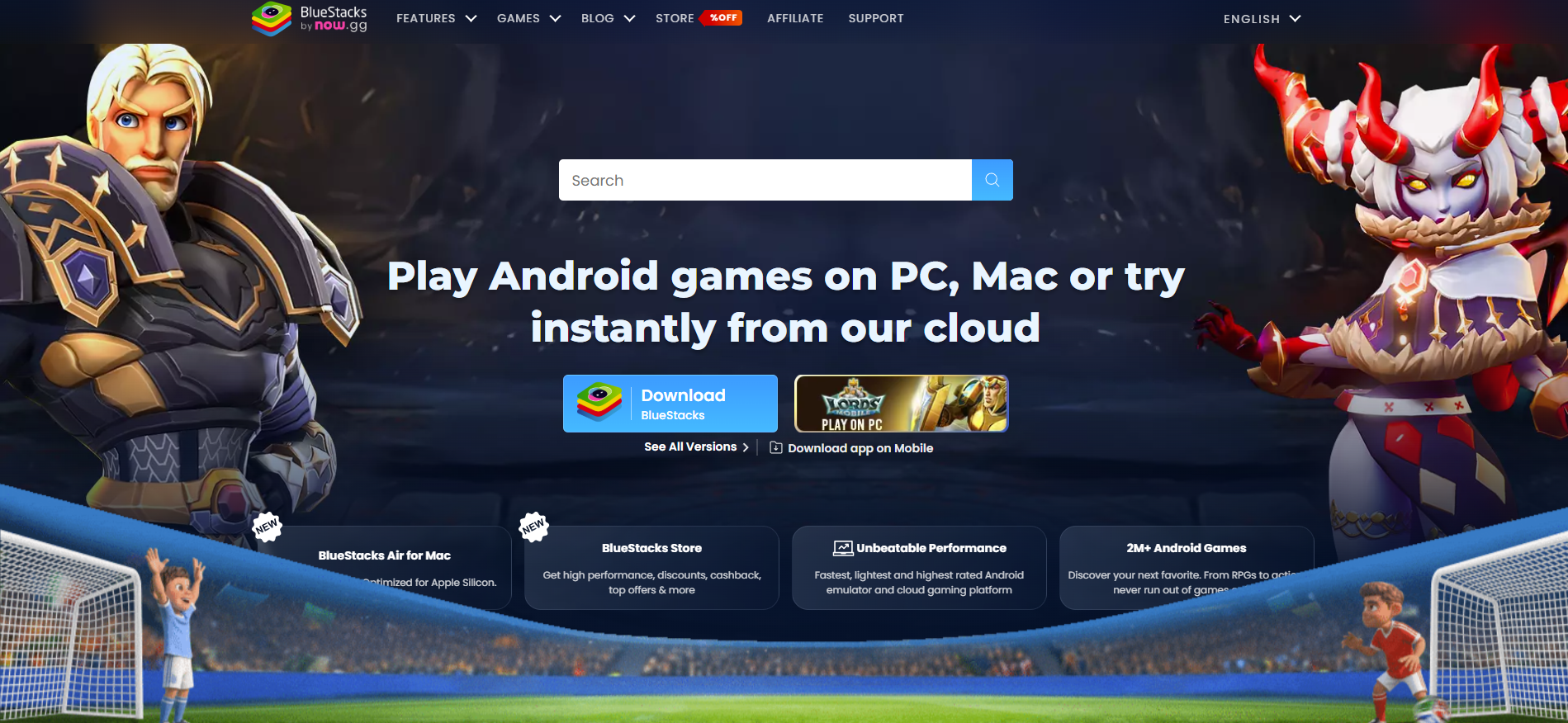
3.1. BlueStacks
BlueStacks is one of the most popular Android emulator softwares today. This tool is chosen by many due to its excellent compatibility with almost all Android games and apps, while featuring an intuitive interface that is easy to get used to, even for absolute beginners.
Supported Android versions: Android 9, Android 11
Supported operating systems: Windows, macOS (BlueStacks Air)
Minimum configuration: 8GB RAM, SSD storage
Prior to choosing BlueStacks, everyone can review some advantages and limitations below.
Advantages
- Compatible with the vast majority of current Android games and applications.
- Intuitive and easy-to-use interface.
- Supports key mapping to optimize the gaming experience using a keyboard and mouse.
- Allows customizing FPS and multiple alternative performance settings.
- Integrated Google Play Store for rapid application installation.
- Updated regularly to improve performance metrics and compatibility.
Limitations
- Consumes more RAM and CPU resources than most competitors.
- Operates best on computers with mid-range to high-end configurations.
- The free version displays advertisements.
BlueStacks fits users who require stable emulator software with high compatibility for both Android games and applications. If your computer packs 8GB RAM or more and you prioritize a smooth user experience, this is one of the choices well worth trying.
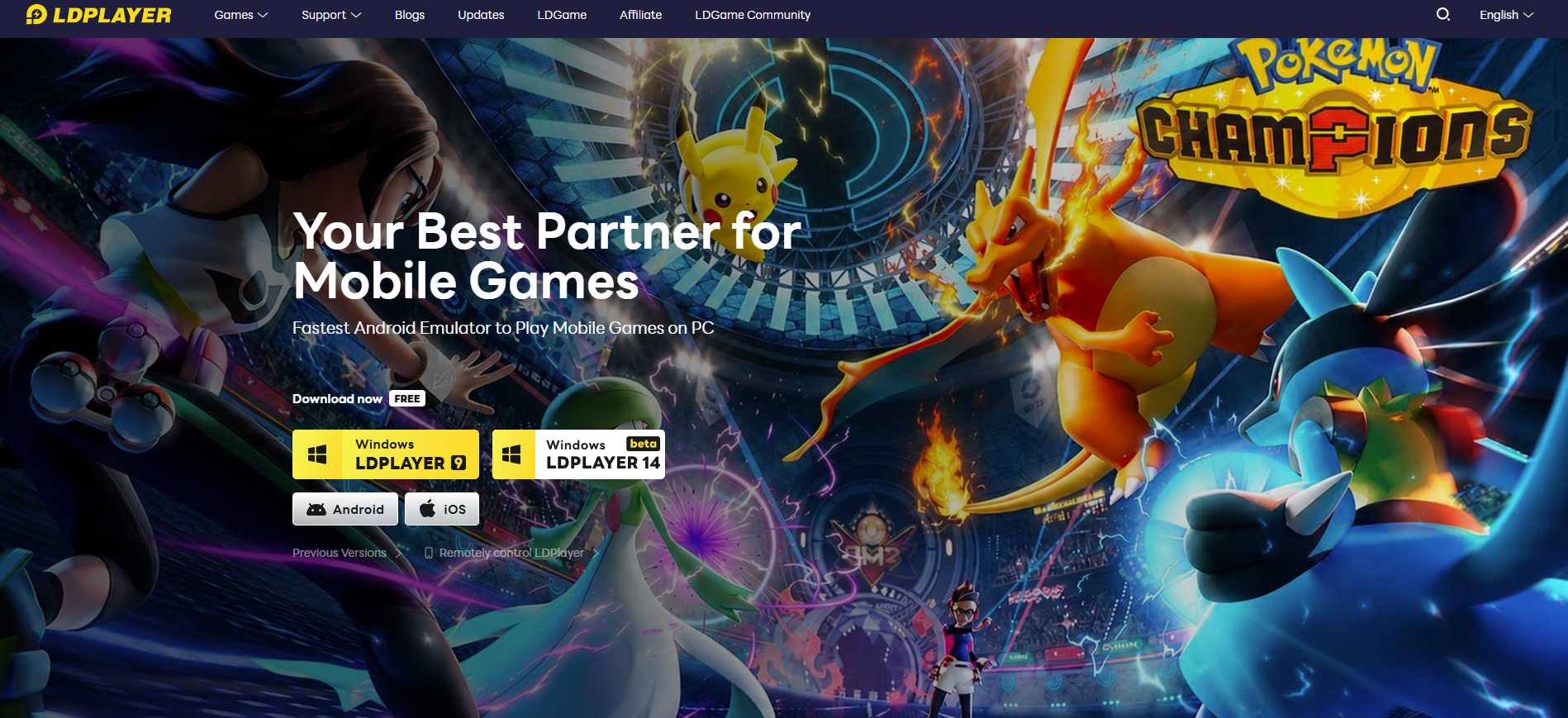
3.2. LDPlayer
LDPlayer is one of the Android emulator softwares favored by many gamers thanks to its ability to optimize performance effectively on both low-end and mid-range computers. The software focuses heavily on the gaming experience while continuing to support features like multi-instance, macros, and key mapping.
Supported Android versions: Android 5.1, 7.1, 9
Supported operating systems: Windows
Minimum configuration: 4GB RAM, VT-supported CPU, 36GB storage
Advantages
- Relatively low resource consumption overhead.
- Optimizes well for many popular eSports titles.
- Supports macros, key mapping, and multi-instance features.
- Regular updates and minimal advertisements.
Limitations
- Primarily optimized for gaming workloads.
- Lacks an official version for macOS.
LDPlayer fits users with low-end to mid-range computer configurations, especially those who need to play games or run multiple accounts simultaneously.
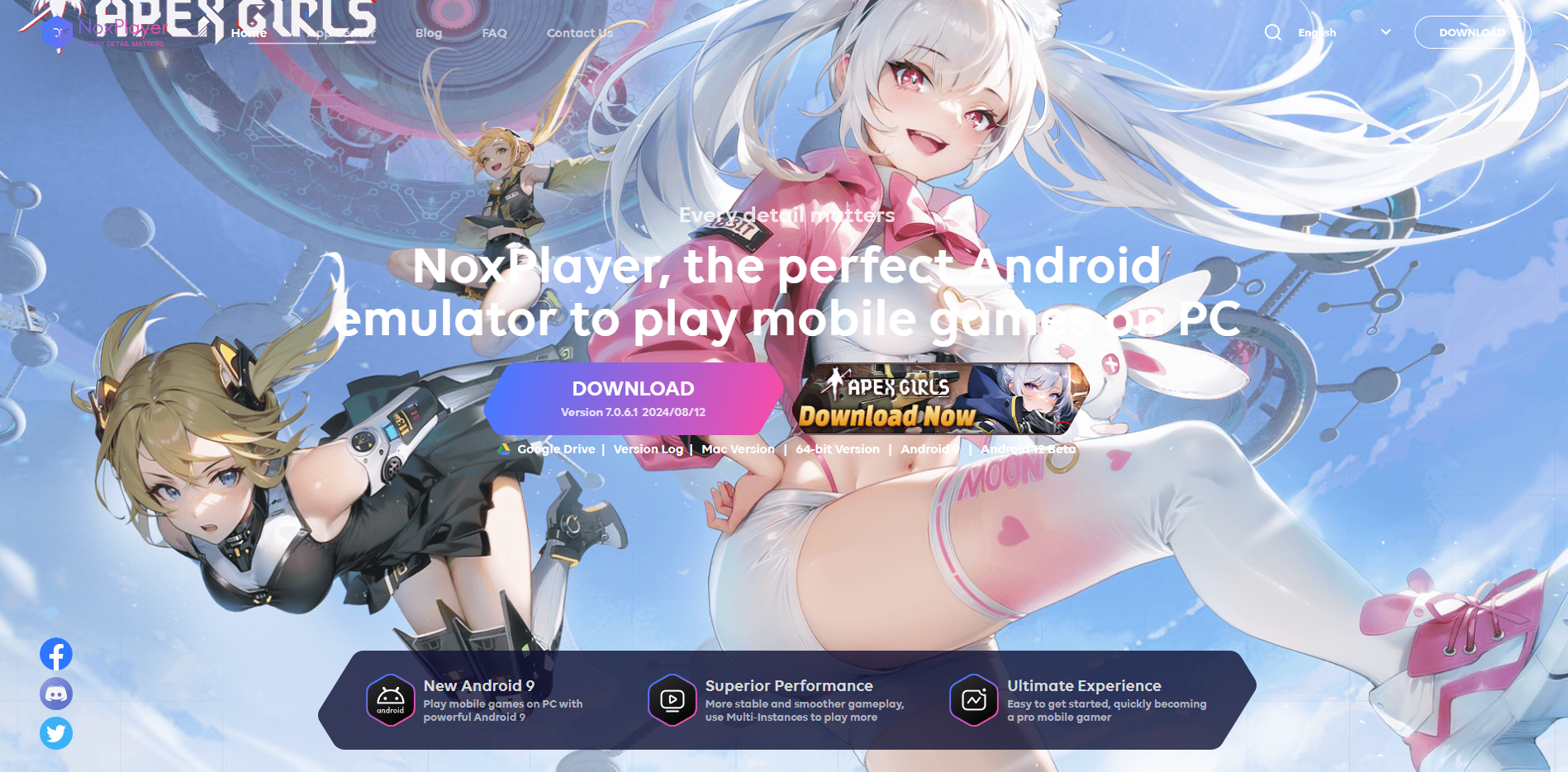
3.3. NoxPlayer
Instead of focusing completely on gaming, NoxPlayer targets a balanced experience between entertainment and work. This utility delivers multiple customization choices such as macros, multi-instance, and key mapping, aiming at users who want to proactively control their emulator environment.
Supported Android versions: Android 7, Android 9
Supported operating systems: Windows, macOS
Minimum configuration: 4GB RAM, VT-supported CPU, 2GB or more storage
Prior to installing NoxPlayer, everyone can review some advantages and limitations below.
Advantages
- Simple interface, easy to get used to for beginners.
- Supports running multiple Android windows simultaneously.
- Integrated macro feature to automate user actions.
- Supports key mapping for mobile titles.
- Compatible with many popular Android applications.
- Offers deployment versions for both Windows and macOS.
Limitations
- Startup times can be slower than some competitors.
- Performance is not exceptionally prominent on heavy graphic games.
- Some older versions faced user reports regarding bundled software during installation.
NoxPlayer represents a solid choice for people who want to leverage both Android apps and games on a unified platform. If you prioritize operational flexibility and multiple customization options, this is a suitable path.
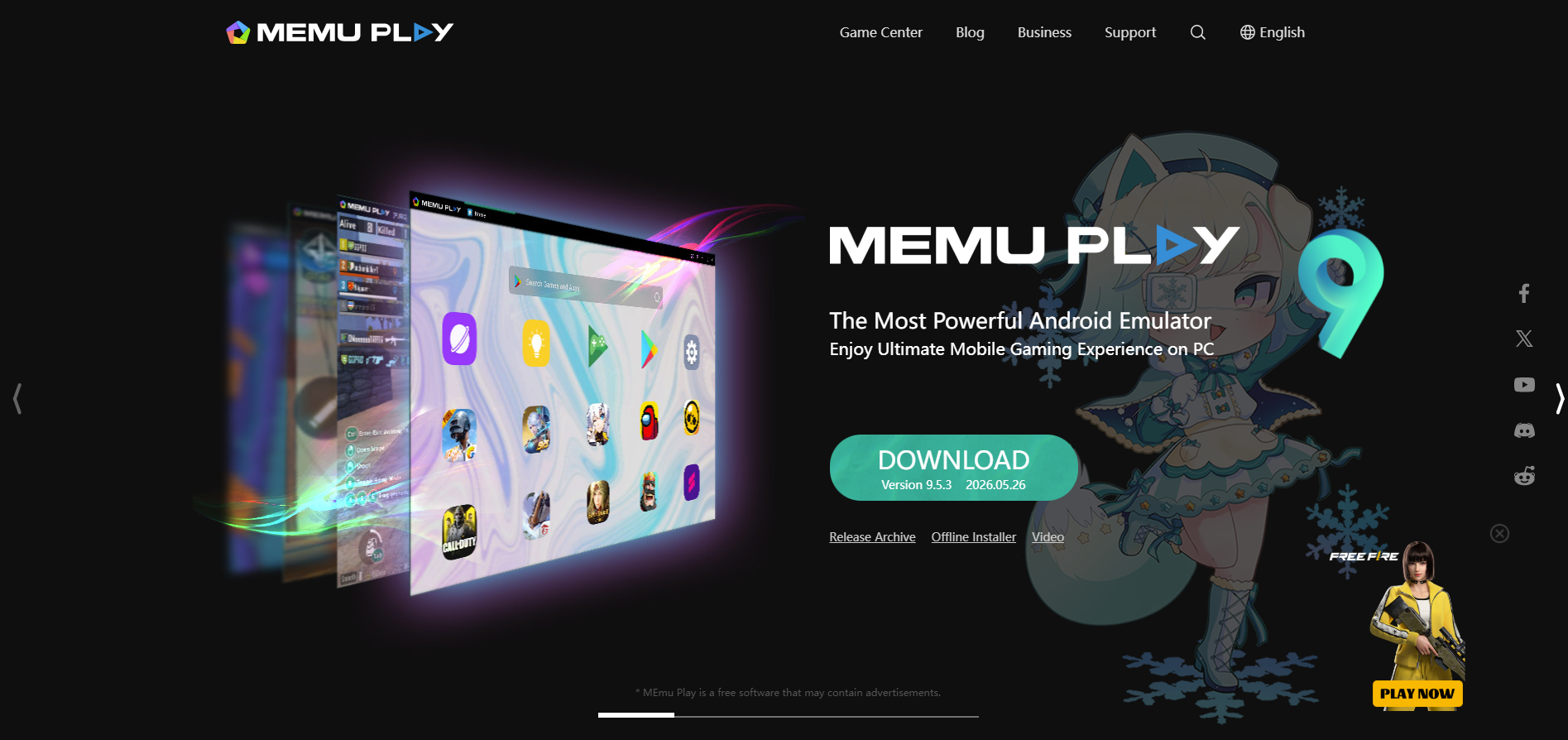
3.4. MEmu Play
The standout strength of MEmu Play lies in its ability to execute multiple Android versions concurrently. Thanks to this, the software is frequently chosen for tasks requiring multi-account management or operating large numbers of applications on a unified device infrastructure.
Alongside its multitasking capacity, MEmu Play provides robust support on both Intel and AMD CPUs, granting users extra flexibility when deploying across varying computer hardware configurations.
Supported Android versions: Android 5.1, Android 7.1, Android 9
Supported operating systems: Windows
Minimum configuration: 4GB RAM, VT-supported CPU, 5GB or more storage
Prior to choosing MEmu Play, everyone can review some advantages and limitations below.
Advantages
- Supports running multiple Android instances simultaneously.
- Compatible with both Intel and AMD CPUs.
- Can generate different Android versions on a single computer.
- Supports convenient data sharing between the host PC and the emulator.
- Integrated fake GPS functionality.
- Relatively stable performance metrics when running multitasking workloads.
Limitations
- The free version displays advertisements.
- The interface layout is not exceptionally user-friendly for absolute beginners.
- Can consume heavy system resources when executing large arrays of windows simultaneously.
MEmu Play fits those who frequently manage multiple accounts or need to operate numerous Android applications concurrently. If your workflow targets multitasking over single gaming sessions, this is a suitable option.
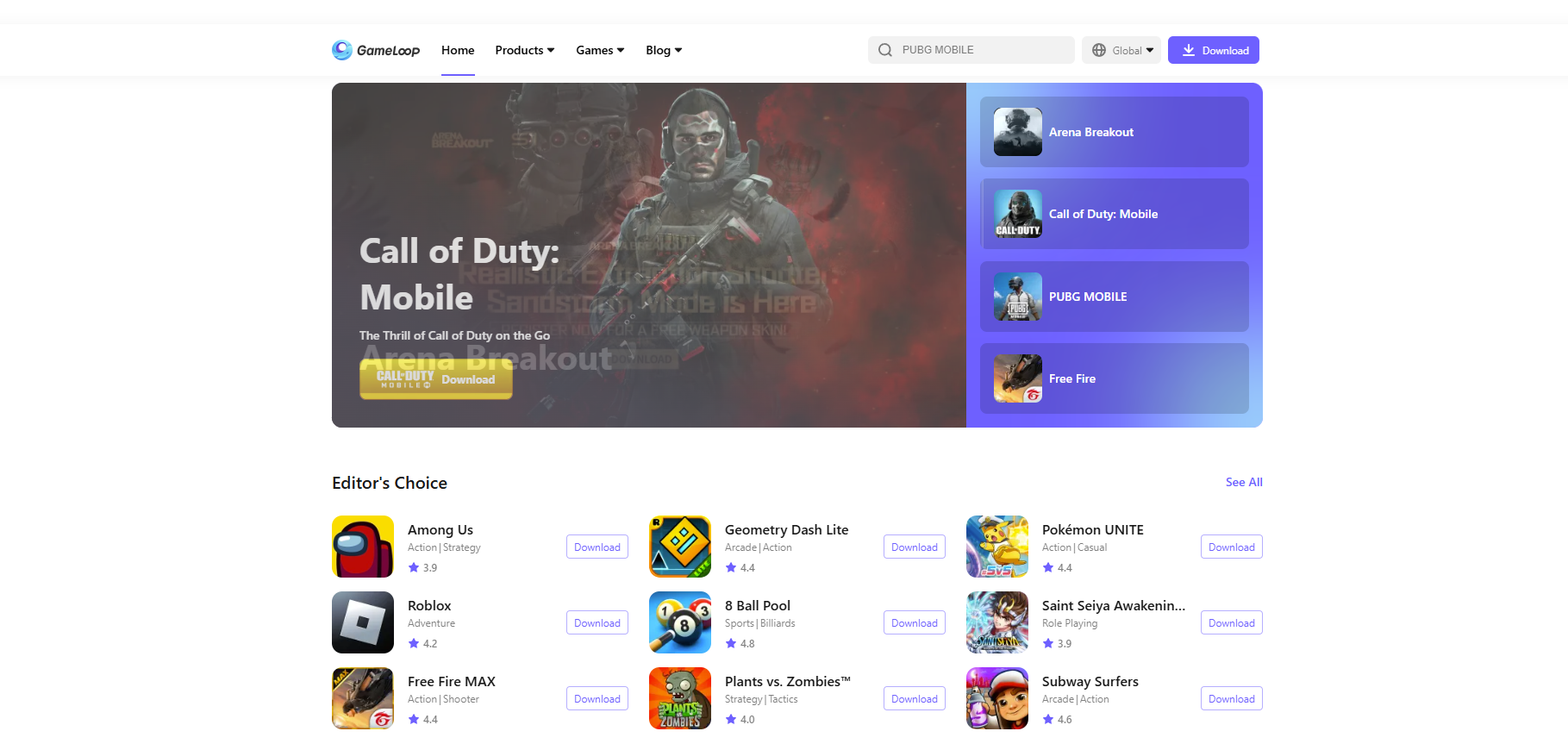
3.5. GameLoop
Unlike multipurpose emulator softwares, GameLoop was developed with the clear goal of optimizing the gaming experience. This is an emulator developed by Tencent, targeting popular mobile gaming titles like PUBG Mobile, Call of Duty Mobile, or Honor of Kings.
Thanks to being custom-optimized for gaming demands, GameLoop typically delivers highly stable performance and excellent compatibility with titles within the Tencent ecosystem.
Supported Android versions: Android 7.1
Supported operating systems: Windows
Minimum configuration: 4GB RAM, VT-supported CPU, 10GB or more storage
Prior to installing GameLoop, everyone can review some advantages and limitations below.
Advantages
- Highly optimized for PUBG Mobile and Call of Duty Mobile.
- Stable performance execution across multiple computer configurations.
- Supports key mapping for keyboard and mouse control.
- Simple and easy-to-use interface layout.
- Completely free of cost.
- Updated regularly to refine performance benchmarks and compatibility.
Limitations
- Primarily serves gaming workloads exclusively.
- Fewer customization features compared to BlueStacks or LDPlayer.
- Unsuitable for running diverse categories of standard Android applications.
- Lacks support for macOS.
GameLoop represents the go-to path for people who want to play Android games on a computer without dealing with overly complex configurations. If your primary intent is gaming rather than running Android apps for work funnels, this is a choice worth trying.
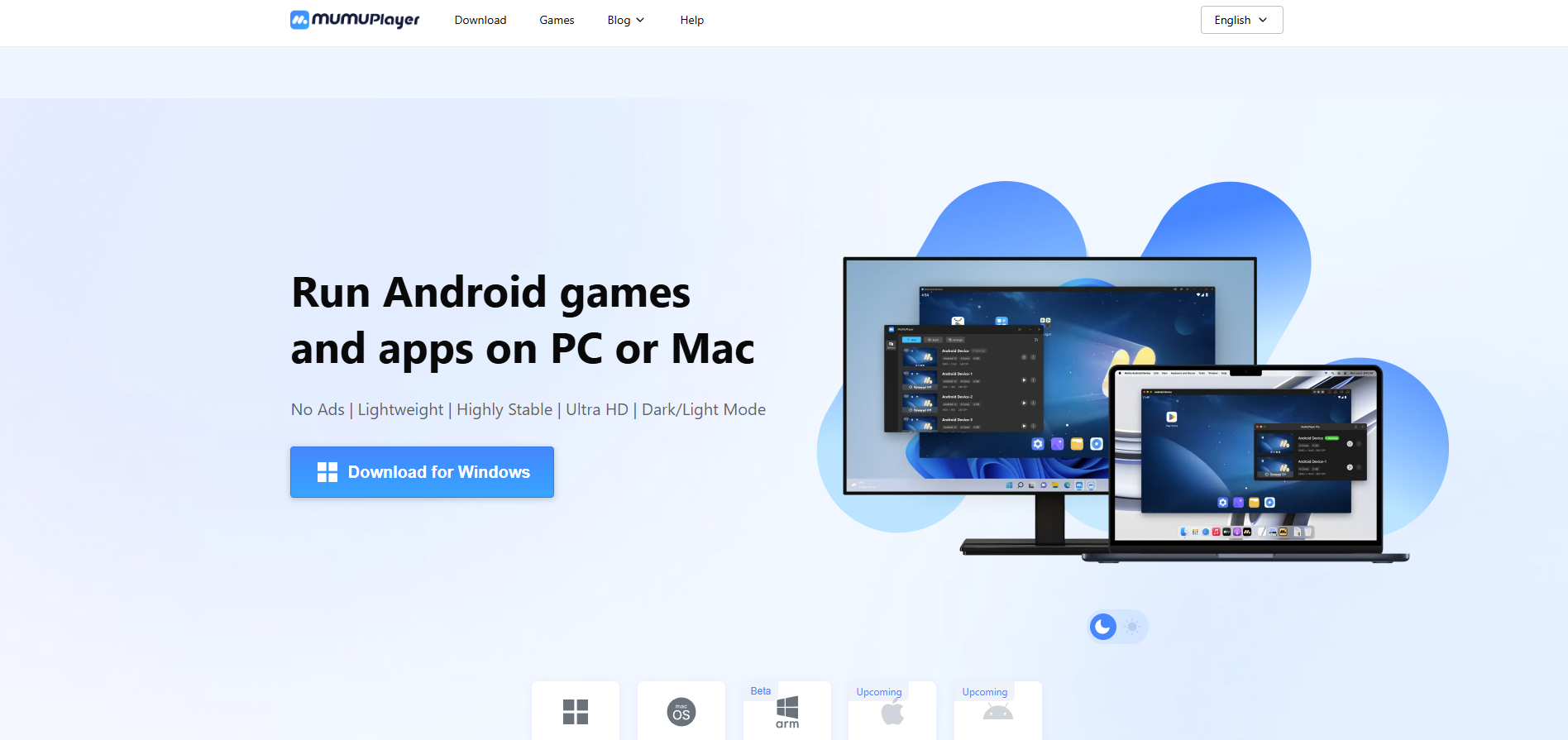
3.6. MuMu Player
MuMu Player focuses heavily on lightweight execution and long-term stability, particularly on computers with modest hardware specs. Developed by NetEase, this software is chosen by many due to its excellent resource optimization when executing Android apps and games.
Alongside stable performance, MuMu Player supports standard features like multi-instance layouts, key mapping, and custom emulator performance tuning.
Supported Android versions: Android 9, Android 12 (depending on the version variant)
Supported operating systems: Windows, macOS
Minimum configuration: 4GB RAM, VT-supported CPU, 5GB or more storage
Prior to choosing MuMu Player, everyone can review some advantages and limitations below.
Advantages
- Executes stably across multiple computer hardware tiers.
- Consumes fewer resources than some mainstream alternative emulators.
- Supports high FPS options for numerous mobile titles.
- Rapid launch times and straightforward installation.
- Features multi-instance capabilities to execute separate profiles simultaneously.
- Provides deployment support for both Windows and macOS.
Limitations
- Smaller software ecosystem and user community compared to BlueStacks or LDPlayer.
- Certain fresh applications or games can require optimization runway time.
- Fewer advanced tuning features than some competitors within the same segment.
MuMu Player fits those who want to deploy lightweight emulator software that is easy to install and demands low configuration overhead. If you need to run Android apps or play mobile games on a computer while saving system resources, this is a choice worth considering.
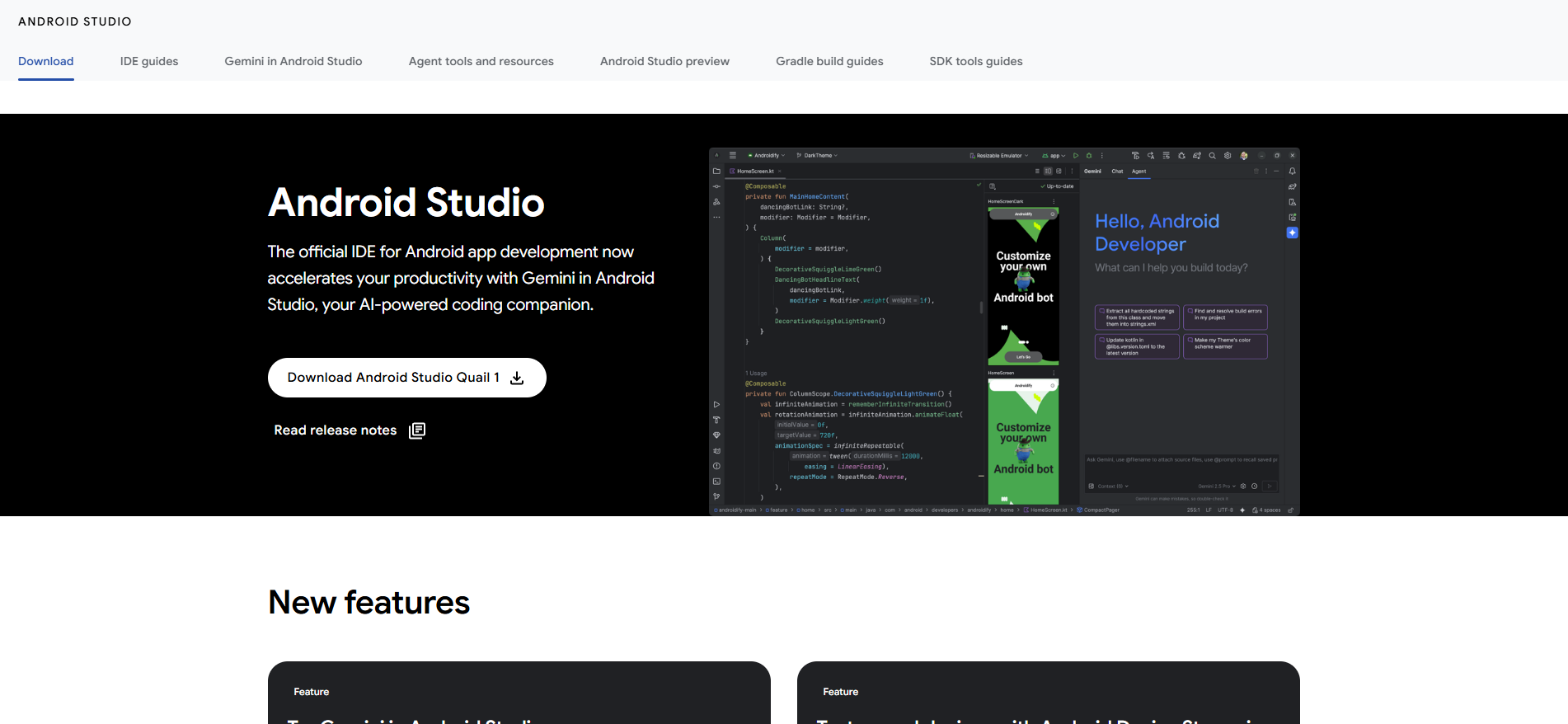
3.7. Android Studio Emulator
For Android application developers, the Android Studio Emulator represents a foundational, everyday utility within the product creation and software testing workflow. This is the official emulator supplied by Google, integrated directly inside the Android Studio IDE, supporting deep emulation of extensive arrays of diverse Android devices.
Unlike consumer-focused gaming emulators, the Android Studio Emulator is built to help developers verify application compatibility, resource consumption, and user experiences across multiple official Android versions.
Supported Android versions: Most official Android versions released by Google
Supported operating systems: Windows, macOS, Linux
Minimum configuration: 8GB or higher RAM, VT-supported CPU, SSD storage highly recommended
Prior to deploying the Android Studio Emulator, everyone can review some advantages and limitations below.
Advantages
- The official emulator utility engineered directly by Google.
- Supports software testing across extensive separate Android OS versions.
- Can emulate diverse smartphone configurations, tablet layouts, and foldable device parameters.
- Deep, direct integration with the Android Studio workspace.
- Packed with advanced debugging and developer toolsets.
- Receives immediate system updates alongside the broader official Android ecosystem.
Limitations
- Demands relatively high computer hardware specifications.
- Chronological boot and launch times are often slower than mainstream emulators.
- Heavy RAM consumption and system resource draw.
- Wholly unsuited for standard gaming needs or general casual Android app use.
The Android Studio Emulator satisfes the precise needs of software engineers, QA testers, or anyone requiring an advanced, deep Android testing environment. If your core objective is developing and grading applications across varying device architectures, this represents a far more reliable solution than general consumer emulators.
4. Master comparison matrix of Android emulator software
If you are unsure which software suits your active constraints, review the aggregated summary table below. This matrix pairs critical metrics to streamline your evaluation process.
| Software Suite | Resource Overhead | Gaming Performance | App Execution | Multi-Instance | Android OS Version | macOS Support | Optimal Fit Target |
|---|---|---|---|---|---|---|---|
| BlueStacks | Medium | Excellent | Excellent | Yes | Android 9, 11 | Yes (BlueStacks Air) | Gamers, general users, mid-range to high-end PCs |
| LDPlayer | Excellent (Light) | Excellent | Good | Yes | Android 5.1, 7.1, 9 | No | Low-end machines, gamers, multi-account managers |
| NoxPlayer | Good | Good | Good | Yes | Android 7, 9 | Yes (Select variants) | Multipurpose users favoring deep tuning options |
| MEmu Play | Good | Good | Good | Yes | Android 7.1, 9 | No | MMO practitioners, digital marketers, bulk managers |
| GameLoop | Good | Excellent | Medium | Restricted | Android 7.1 | No | PUBG Mobile, Call of Duty Mobile, Tencent games |
| MuMu Player | Excellent (Light) | Good | Good | Yes | Android 9, 12 (Variant bound) | Yes | Low-end hardware, FPS mobile gamers, non-stop macro runs |
| Android Studio Emulator | Heavy | Subpar | Good | No | Multi-version Android support | Yes | Android developers and QA verification assets |
No single Android emulator for PC satisfied every business model or user constraint perfectly. If you prioritize low memory footprints and require lightweight execution on low-end hardware, LDPlayer and MuMu Player represent highly popular paths. BlueStacks fits operators who demand maximum software and gaming compatibility, while GameLoop is heavily optimized to run PUBG Mobile and neighboring Tencent ecosystem products.
For tasks requiring massive account clusters to run side-by-side, LDPlayer and MEmu Play hold a distinct structural edge due to their robust multi-instance management toolsets. MacBook users can explore options via BlueStacks Air or native MuMu extensions, while the official Android Studio Emulator remains the gold standard choice for developers requiring advanced application debugging environments.
5. Technical blueprints to optimize your Android emulator performance
Even when deploying the most suitable Android emulator software, real-world execution benchmarks depend heavily on your host computer settings and optimization paths. Below are the key strategies to stabilize and accelerate your emulated environments.
5.1. Enable VT (Virtualization Technology) inside your BIOS
VT is a core hardware-level virtualization technology built directly into mainstream Intel and AMD processors. Once enabled, the Android emulator can offload complex emulated environments directly to your physical CPU cores instead of processing them entirely via slower software calculation layers.
Core returns of enabling VT include:
- Drastic expansion of baseline processing throughput.
- Negligible frame drops and micro-stutter reduction.
- Accelerated chronological boot and launch sequences.
- Superior environment stability when executing multiple concurrent windows.
Mainstream clients like BlueStacks, LDPlayer, MEmu Play, or MuMu Player explicitly mandate enabling VT to secure elite performance benchmarks.
5.2. Allocate optimal RAM and CPU resources to the emulator
The vast majority of modern Android emulators allow users to manually customize the exact allocation thresholds of host RAM and CPU cores granted to individual virtual machines.
Depending on your host PC\'s available hardware limits, align your allocation metrics based on these baseline segments:
- Host workstations packing 4GB RAM: Grant approximately 2GB RAM to the emulated profile.
- Host workstations packing 8GB RAM: Grant approximately 4GB RAM to the emulated profile.
- Host workstations packing 16GB or higher RAM: Comfortably allocate 6GB to 8GB RAM, scaling higher based on your task payload.
Beyond memory limits, increasing allocated CPU cores dramatically boosts data throughput when executing heavy applications. However, steer clear of allocating your host workstation's total core resources to the emulator, as your primary operating system and background system tasks require baseline RAM and CPU capacity to remain stable.
5.3. Prioritize SSD over legacy HDD storage installation
Solid-State Drives (SSDs) deliver immensely faster data read/write speeds compared to legacy mechanical Hard Disk Drives (HDDs). This storage speed drastically accelerates every element of emulated environment execution.
Key performance returns of deploying on an SSD include:
- Slashed emulator chronological launch times.
- Frictionless loading sequences for applications and asset-heavy games.
- Accelerated read/write speeds for massive local database caching logs.
- Enhanced host machine responsiveness when running parallel workflows.
If your host workstation continues to rely on mechanical HDDs, upgrading your storage layer to a verified SSD outputs far greater real-world performance returns than tweaking minor settings inside the emulator client itself.
5.4. Keep graphics drivers updated to the latest version
Your graphics processing unit (GPU) rules image rendering and underpins the performance optimization curves of modern Android emulators. Upstream graphics card driver updates patch critical system bugs, unlock processing efficiency gains, and extend compatibility marks for emulated application environments.
Operators should regularly update driver packages directly from the official manufacturer dashboards:
- NVIDIA
- AMD
- Intel
Maintaining current GPU drivers minimizes graphic artifact glitches and secures long-term stability during sustained tool runs.
5.5. Close unnecessary background applications
Vast arrays of latent background applications drain substantial host system resources silently without the operator noticing. Prior to launching your emulated containers, forcefully terminate non-essential processes, including:
- Mainstream browsers holding excessive open data tabs.
- Heavy asset editing suites (photo, video, design applications).
- Latent productivity applications or communications tools not actively required.
- Automated cloud syncing scripts or massive background file download tools.
Enforcing this operational routine is exceptionally rewarding on host workstations tracking 4GB to 8GB RAM, where raw system capacity is restricted.
5.6. Hyper-V optimization: Should you toggle it on or off?
Hyper-V is a native hardware-level virtualization platform built straight into the Windows operating system layer by Microsoft. Recently, flagship emulators like BlueStacks 5 or LDPlayer 9 have integrated native Hyper-V support to improve structural compatibility.
However, across multiple specific computer hardware configurations, Hyper-V can trigger system conflicts or throttle emulator throughput benchmarks.
If your environment logs distinct operational errors, such as:
- Abrupt emulator launch failures or freeze screens during boot.
- Erratic drops in baseline execution performance.
- System error pop-ups warning of concurrent virtualization platform conflicts.
Operators can disable Hyper-V inside the "Windows Features" control panel, followed by a full workstation reboot, to verify if frame throughput and line processing metrics clear performance bottlenecks.
Aligning these baseline system configurations ensures your Android emulator for PC runs smoothly while maximizing your workstation's existing hardware capacity.
6. Are Android emulators safe to use?
Flagship Android emulator softwares like BlueStacks, LDPlayer, MuMu Player, or the official Android Studio Emulator are entirely safe to deploy, provided they are sourced straight from official developer domains. However, operators must evaluate potential security and data privacy parameters before initiating installation.
6.1. Widespread industry security risks
While clean emulators pose zero threat to your host PC hardware, unoptimized operational habits can expose your machine to distinct security vulnerabilities.
Widespread deployment risks include:
- Downloading counterfeit emulator clients from unverified third-party index sites.
- Installing compromised mobile applications or malicious untrusted APK files inside the container.
- Data leaks involving personal or corporate credentials when utilizing low-tier, untrusted applications.
- Unwanted collection of usage telemetry data by the software vendor.
These hazards stem from your software sourcing pathways and usage habits rather than any inherent flaws in emulated virtualization technology itself.
6.2. Sourcing software assets cleanly and safely
Downloading the exact official release version from verified developer domains is your primary armor against security compromises.
When acquiring an Android emulator for PC, enforce these strict operational rules:
- Only download installation packages directly from the developer's official web domain.
- Completely ban cracked or modded software versions from your machines.
- Audit publisher credentials and verified digital signatures prior to running installers.
This routine slashes the risk of accidentally running malicious or malware-rigged fake client software on your network.
6.3. Security rules when authenticating personal credentials
Many practitioners leverage Android emulators to log into Google accounts, Facebook platforms, or high-value business dashboards. To harden profile security, implement these basic protective rules:
- Enforce strict two-factor authentication (2FA) protocols across all synchronized cloud accounts.
- Deploy complex, unique passwords and eliminate password reuse across separate digital properties.
- Regularly audit account access logs to detect unusual geolocation login vectors early.
These practices insulate your cloud networks from unauthorized exposure if an individual device container faces an issue.
6.4. Telemetry data collection and privacy considerations
Beyond baseline security boundaries, user privacy policies demand close evaluation before deploying any emulator software onto your local infrastructure.
Certain consumer clients collect diagnostic metadata or usage telemetry to map product refinement loops. For instance, MEmu Play explicitly documents data-sharing terms with designated third-party advertising partner networks inside its privacy whitepaper.
Consequently, if your workflow handles sensitive corporate assets, proprietary data structures, or regulated data vaults, audit the vendor's data processing rules meticulously before granting installation permissions.
7. Beyond emulators: Alternate ways to run Android applications on PC
While an Android emulator for PC represents the most widespread solution in the current market, it is far from your sole technological option. Depending on your primary business goals, available computer configurations, and total account limits, you can deploy distinct alternative frameworks.
Below are two highly viable pathways used by modern growth teams alongside traditional emulators.
7.1. Windows Subsystem for Android (WSA)
WSA is a native virtualization architecture integrated straight into the Windows 11 kernel by Microsoft, allowing users to execute select Android apps directly without installing any third-party emulators.
The technical advantage of WSA is its minimal memory footprint and excellent optimization within system resources. On the downside, this solution is rigidly locked to the Windows 11 platform, and its global application compatibility parameters remain narrower than traditional emulators.
7.2. Android cloud phones
An Android cloud phone acts as a fully remote virtual smartphone. Instead of executing on your local hardware assets, the Android OS runs on remote server architecture owned by a provider network, accessed via a standard browser or client over internet paths. The distinct strength is its absolute independence from local machine specs. The limitation is its complete reliance on high-speed internet connections and recurring monthly subscription fees. This model is highly favored by advanced MMO practitioners who must orchestrate hundreds of accounts simultaneously.
| Solution Architecture | Core Advantages | Functional Disadvantages | Optimal Operator Demographic |
|---|---|---|---|
| Android Emulator | Supports almost all apps; free entry costs | Heavy local hardware and resource consumption | Gamers, general consumer app users |
| Windows Subsystem (WSA) | Lightweight footprint; native Windows 11 core integration | Restricted app support; bound strictly to Win 11 | Windows 11 users running lightweight utility tools |
| Android Cloud Phone | Zero dependence on local computer specs | Demands pristine internet; recurring operational overhead | MMO practitioners, bulk account matrix managers |
Every framework possesses unique structural advantages. Aligning your platform choice with your workflow constraints, equipment capacity, and campaign budget parameters ensures stable long-term operations.
To explore further, review: What is an Android cloud phone and strategies to deploy it effectively
8. Simulating mobile environments efficiently within web browsers
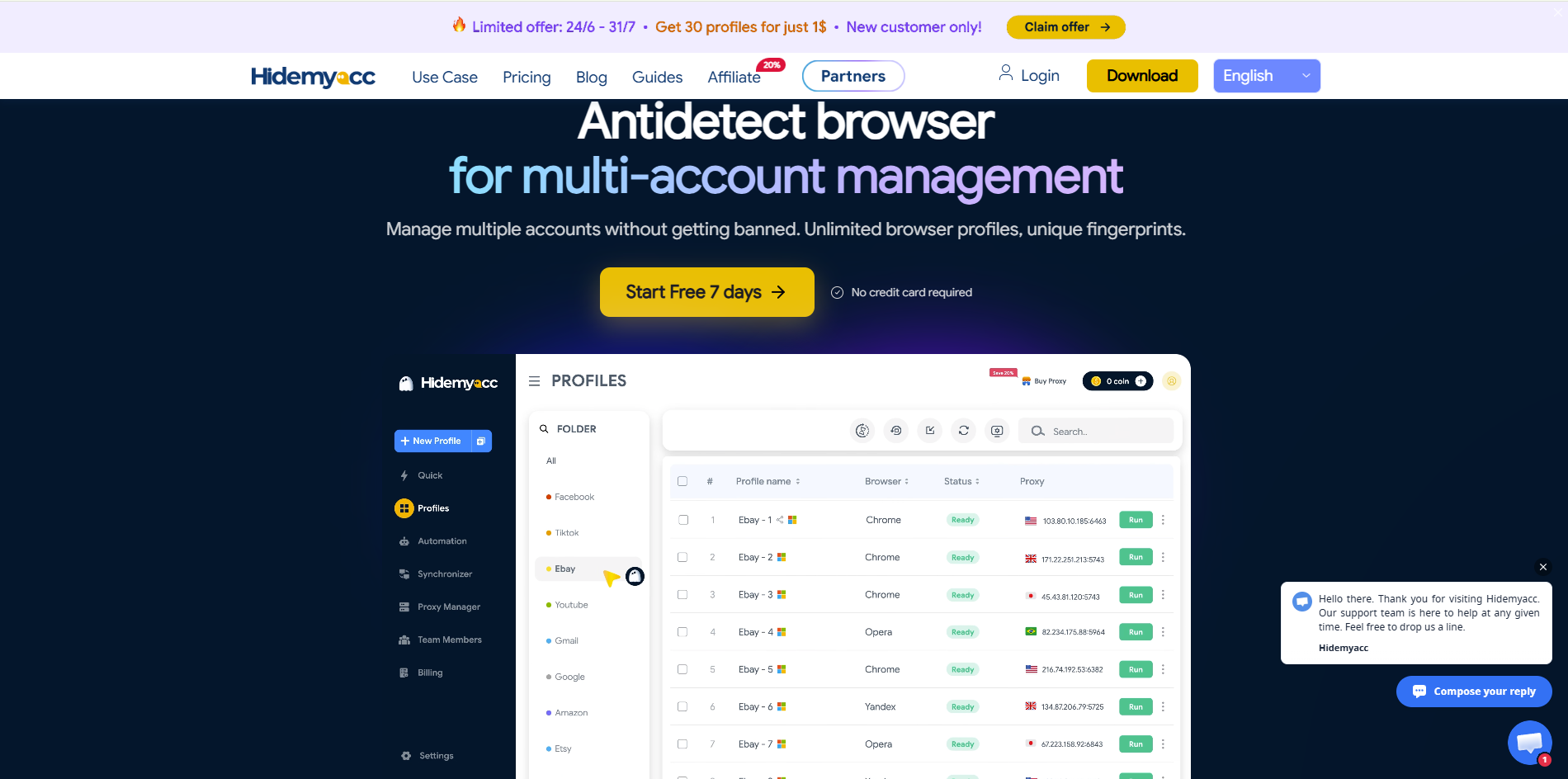
Deploying an Android emulator for PC is a calculated path when your tasks require running actual mobile app files directly on a machine. However, across numerous digital business fields, your active workflow takes place entirely inside web browsers, and your sole target is simply passing platform anti-bot screens by showing that your connection originates from a mobile smartphone. In these scenarios, utilizing specialized antidetect browser profiles like Hidemyacc represents a far more lightweight, optimized alternative.
The antidetect browser Hidemyacc provides a specialized environment that emulates real mobile device identities straight inside your browser profiles by instantiating isolated session containers. Every separate container operates as an independent machine, walled off from neighboring data registries, allowing operators to deep-customize all browser fingerprint parameters, including User-Agent strings, WebRTC leaks, HTML5 Canvas structures, localized time zones, and system font lists.
Furthermore, mobile profile synthesis capabilities are built directly into Hidemyacc starting from the Base tier package, granting you immediate access to emulate nearly 600 popular real Android models from top brands—including Samsung, OPPO, Xiaomi, Huawei, and Realme—right during container initialization.
This framework empowers growth teams to operate extensive arrays of parallel accounts inside a highly secure browser interface while keeping individual sessions fully isolated at fractional resource overhead.
Quick technical comparison: Android Emulators vs. Hidemyacc
While both data tools successfully convince web servers that incoming traffic logs originate from an Android device signature, these solutions are engineered to serve completely different operational payloads. Review the technical divergence matrix below:
| Functional Requirement | Traditional Android Emulator | Hidemyacc Antidetect Profiles |
|---|---|---|
| Executes Native Android App Files (.APK) | Yes (Native Support) | No (Web Environment Focus) |
| Identified by Web Servers as an Android Device | Yes | Yes (Via Fingerprint Emulation) |
| Engineered for Bulk Multi-Account Web Tasks | Yes | Yes (Specialized Centralized Matrix) |
| Local Hardware Memory Consumption | Heavy (Demands 4GB - 8GB RAM per instance) | Ultra-Light (Mirrors standard browser footprint) |
| Configuration and Installation Complexity | Medium | Straightforward / Rapid Deployment |
The ultimate divider between the two paths is your actual task payload type. If your workflow requires running native Android system application files, a traditional emulator remains your matching choice. However, if your campaigns run entirely within web pages and require emulating smartphone signatures, deploying Hidemyacc slashes local machine resource drag and removes complex hardware setup barriers entirely.
9. Conclusion
An Android emulator for PC represents a highly efficient milestone solution to run native mobile software and games directly on a computer workstation. Depending on your active workflow targets, operators can select flagship clients like BlueStacks, LDPlayer, NoxPlayer, or MuMu Player to maximize their processing experiences.
Concurrently, if your business operations execute entirely inside web pages and your sole goal is prompting external websites to register a clean Android smartphone signature, choosing browser environment emulators like Hidemyacc represents a superior, resource-efficient choice. Define your actual task payloads accurately to clear performance bottlenecks while protecting your host computer\'s hardware resources.
10. FAQ
1. Which Android emulator for PC has the lightest system footprint?
LDPlayer and MuMu Player are widely recognized as the most lightweight choices in the industry, executing stably across low-end computer hardware configurations without draining excessive local memory resources.2. What is the premier Android emulator well-suited for a computer with 4GB RAM?If your host workstation is capped at 4GB RAM, you should prioritize lightweight clients like LDPlayer, MuMu Player, or MEmu Play. To secure a smooth experience and prevent freeze screens, forcefully terminate all non-essential background applications before launching your emulated profile.3. Are there fully free Android emulator softwares available?Yes. Flagship clients like BlueStacks, LDPlayer, NoxPlayer, MEmu Play, and GameLoop deliver their core, fully functional feature configurations completely free of cost. Certain vendors offer optional paid premium tiers to eliminate in-app advertisements or unlock specialized advanced tools.4. Can a Apple MacBook workstation execute an Android emulator?Yes. MacBook operators can run emulated environments utilizing client tools like BlueStacks Air or the official Android Studio Emulator suite. To secure stable connection rendering and processing speeds, your MacBook should ideally pack 8GB or higher RAM.5. Is it possible to execute multiple separate emulators concurrently on one machine?Yes. However, launching and running extensive arrays of concurrent emulated windows side-by-side demands robust host computer hardware specifications, places heavy performance strain on your physical CPU cores and RAM limits.6. Does playing mobile games inside an emulator trigger account bans?Under normal gameplay, no. However, deploying unauthorized third-party macros, automation scraping scripts, or tools that alter core game mechanics violates the publisher's terms of service, which carries high risks of account shadowbans or permanent profile terminations.