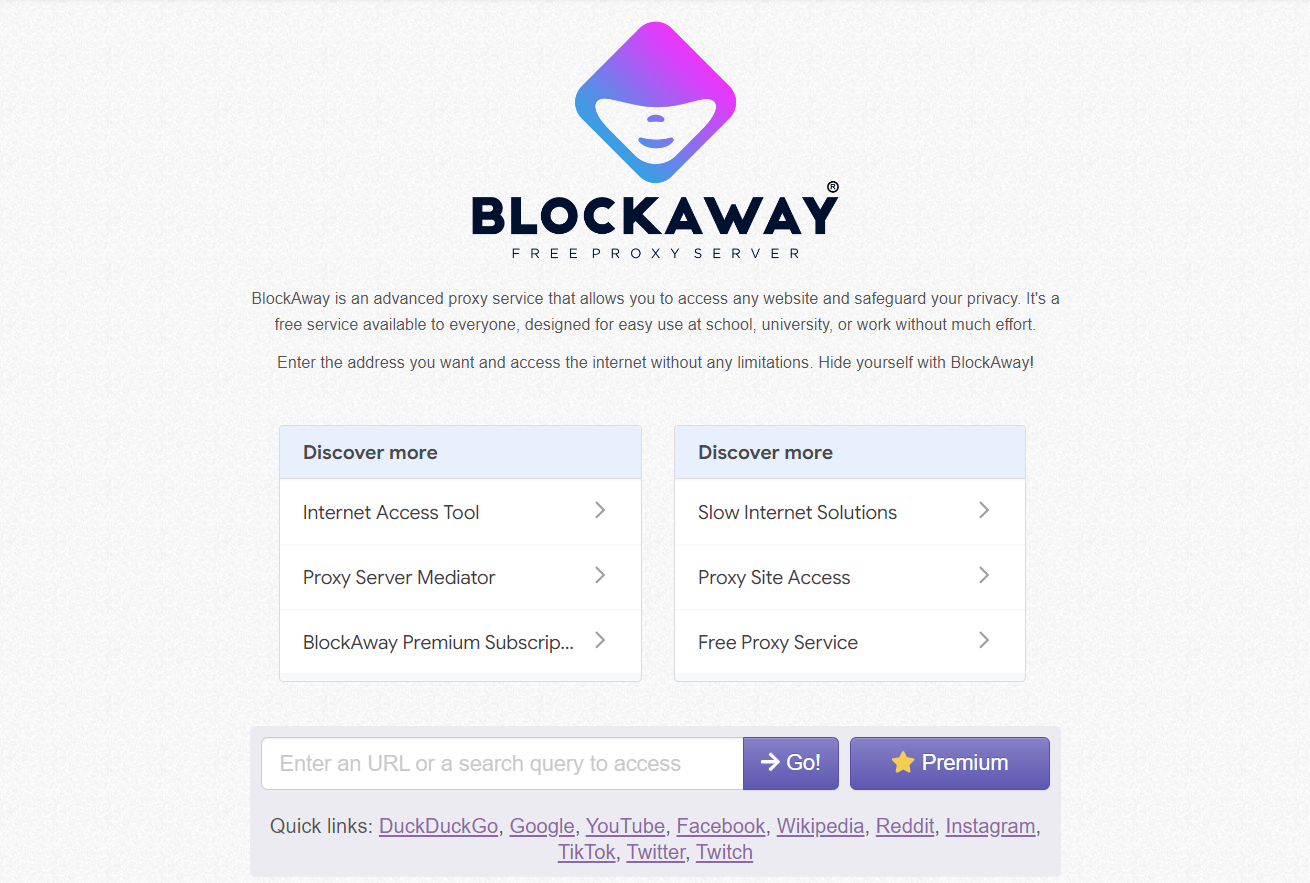
Blockaway.net is a free, browser-based web proxy. It lets you open a blocked or geo-restricted site without installing anything, without creating an account, and without touching your network settings.
That part of the pitch is true, and it is genuinely useful in a narrow set of situations. What matters more is what happens to your data while it does that, and that is the part most reviews skip. This article walks through the mechanics, tests the real limitations, and tells you plainly when Blockaway is fine to use and when it is not.
1. What is Blockaway.net?
Blockaway.net is a reverse proxy that runs entirely inside your browser tab. You type in a URL, its servers fetch the page on your behalf, and the result is sent back to you rewritten so it keeps loading through Blockaway's domain instead of the original one.
It is important to be precise about the category here, because a lot of confusion starts with this mix-up. Blockaway is a proxy, not a VPN, and the difference is not just marketing language.
- A VPN encrypts traffic at the operating-system level, across every app on your device.
- A web proxy like Blockaway only handles what happens inside the one browser tab you're using it in.
- Open a second tab without the proxy, and your real IP address is visible again immediately.
This scope limitation shows up in almost every independent review of the tool, and it is the single most common thing new users misunderstand. If you want the fuller technical breakdown of how proxies and VPNs diverge, our proxy vs VPN comparison covers it in depth.
2. How does Blockaway.net actually work?
Under the hood, Blockaway is what's called a reverse proxy. The mechanism is straightforward once you break it into steps.
- You submit a target URL through the Blockaway interface.
- Blockaway's server connects to that site and downloads the raw HTML, scripts, and assets.
- Its URL-rewriting engine rewrites every internal link on the page so it points back to Blockaway's own domain instead of the original site.
- The rewritten page is sent to your browser and rendered as if it came from Blockaway itself.
- Your local network only ever sees a connection to Blockaway's servers — never the destination site.
The rewriting step is worth understanding, because it explains why Blockaway handles complex sites better than older, simpler proxies. Modern pages like YouTube or Facebook are full of asset links, API calls, and scripts that point back to the original domain. A basic proxy that doesn't rewrite those links will load a broken page, because your browser tries to contact the original (blocked) address directly the moment it hits an unrewritten link. Blockaway's rewriting engine is built specifically to prevent that failure mode, which is why video players and social feeds tend to render correctly rather than as broken layouts.
3. Blockaway.net key features
Beyond the core rewriting mechanism, a few features come up consistently across independent tests of the tool.
- No installation and no signup — the proxy works the moment you open the site.
- A choice of server location, typically the US or Europe on the free tier.
- SSL encryption between your browser and Blockaway's server, which is a genuine (if partial) layer of protection.
- Reasonable support for media-heavy platforms like YouTube and mainstream social networks.
- A paid tier, reported around $3.50 per month, that removes ads and adds more server locations. Pricing on third-party proxy tools changes without much notice, so treat this figure as directional and confirm it on the live site before relying on it.
4. Is Blockaway.net safe? An honest security assessment
This is the question that actually brought most people to this page, so it deserves a direct answer rather than a vague "it depends." Blockaway does some things well and has real, structural limits that no amount of good intentions on the operator's side can fix.
4.1. What Blockaway can genuinely protect you from
Give credit where it's due first. Two protections are real and technically accurate.
- It hides your IP address from the destination website, since the site only ever sees Blockaway's server address.
- It hides the content of your browsing session from your local network administrator or ISP — they see a connection to Blockaway, not what you're actually looking at.
For a single, low-stakes page load on a locked-down network, that's enough.
4.2. What Blockaway cannot protect you from
Here is the part that gets glossed over in most reviews. Every proxy, Blockaway included, decrypts your traffic on its own servers before forwarding it. That is not a flaw unique to this tool — it is how a reverse proxy has to work — but it has consequences worth stating plainly.
- Blockaway's servers see your traffic in readable form at the point they process it. There is no published audit or transparency report confirming what is logged or retained, so any "no-logs" claim from a free, non-audited service cannot be independently verified either way.
- There is no end-to-end encryption to the destination site the way a proper VPN provides across your whole device.
- The free tier runs third-party ads, and ad networks on free tools are a documented attack surface for malicious scripts, independent of anything Blockaway itself does.
- IP hiding does nothing about browser fingerprinting. A site can still read your screen resolution, installed fonts, WebGL signature, timezone, and dozens of other signals — even with your real IP masked. Our WebRTC and browser identity explainer breaks down how much a site can learn about you through channels a simple proxy never touches.
That last point is the one to sit with. A proxy solves an address problem — it changes where your request appears to come from. It does not solve an identity problem, because it does nothing about what your browser reveals about itself once the connection is open. For one unblock, that gap is irrelevant. For anything you do repeatedly, or anything tied to a real account, the gap is the entire risk.
5. Real limitations reported by users
Independent tests and user reports converge on a consistent set of practical complaints, separate from the privacy question above.
- Shared free servers slow down noticeably during peak hours, and the effect compounds if you're geographically far from your chosen server location.
- Streaming platforms with strong anti-proxy detection, Netflix in particular, block most free proxy traffic outright.
- Some sites still break despite the rewriting engine, especially ones using deep packet inspection to detect and block proxy connections.
- There is no mobile app — the proxy only works inside a browser tab, on any device that has one.
6. Blockaway.net pricing
The free tier includes the full core proxy functionality, with ads and shared server capacity. The reported paid tier, around $3.50 per month, removes ads and adds faster, less congested servers along with more location options. As noted above, confirm current pricing directly on Blockaway's site rather than treating third-party figures as fixed.
7. Who should use Blockaway.net and who shouldn't
The honest verdict depends entirely on what you're actually trying to do, and it splits cleanly into two groups.
7.1. Good fit
Blockaway is a reasonable tool in a narrow, specific set of cases.
- A one-off visit to a single blocked page, with nothing sensitive involved.
- Quick access on a locked-down school or office machine where installing software isn't possible.
- Situations where zero setup matters more than strong privacy guarantees.
7.2. Poor fit and why
Outside of casual, one-off use, Blockaway's architecture works against you rather than for you.
- Logging into any real account — email, banking, social, or work tools — through a proxy whose logging practices can't be verified is an unnecessary risk.
- Repeated or scheduled access to the same site will eventually get flagged, since Blockaway's server IPs are shared and well known to detection systems.
- Managing multiple accounts on the same platform is actively worse through a shared, non-persistent proxy. Platforms link accounts by fingerprint as much as by IP, and a free proxy with no fingerprint isolation does nothing to prevent that. If IP-based blocking specifically is your concern, our guide on avoiding IP blocking covers why address changes alone rarely solve it.
8. The better approach for real privacy or multi-account work
Once the need moves past "unblock one page, once," the tool needs to change too. The gap identified above, IP hiding without fingerprint isolation is exactly what an antidetect browser is built to close.
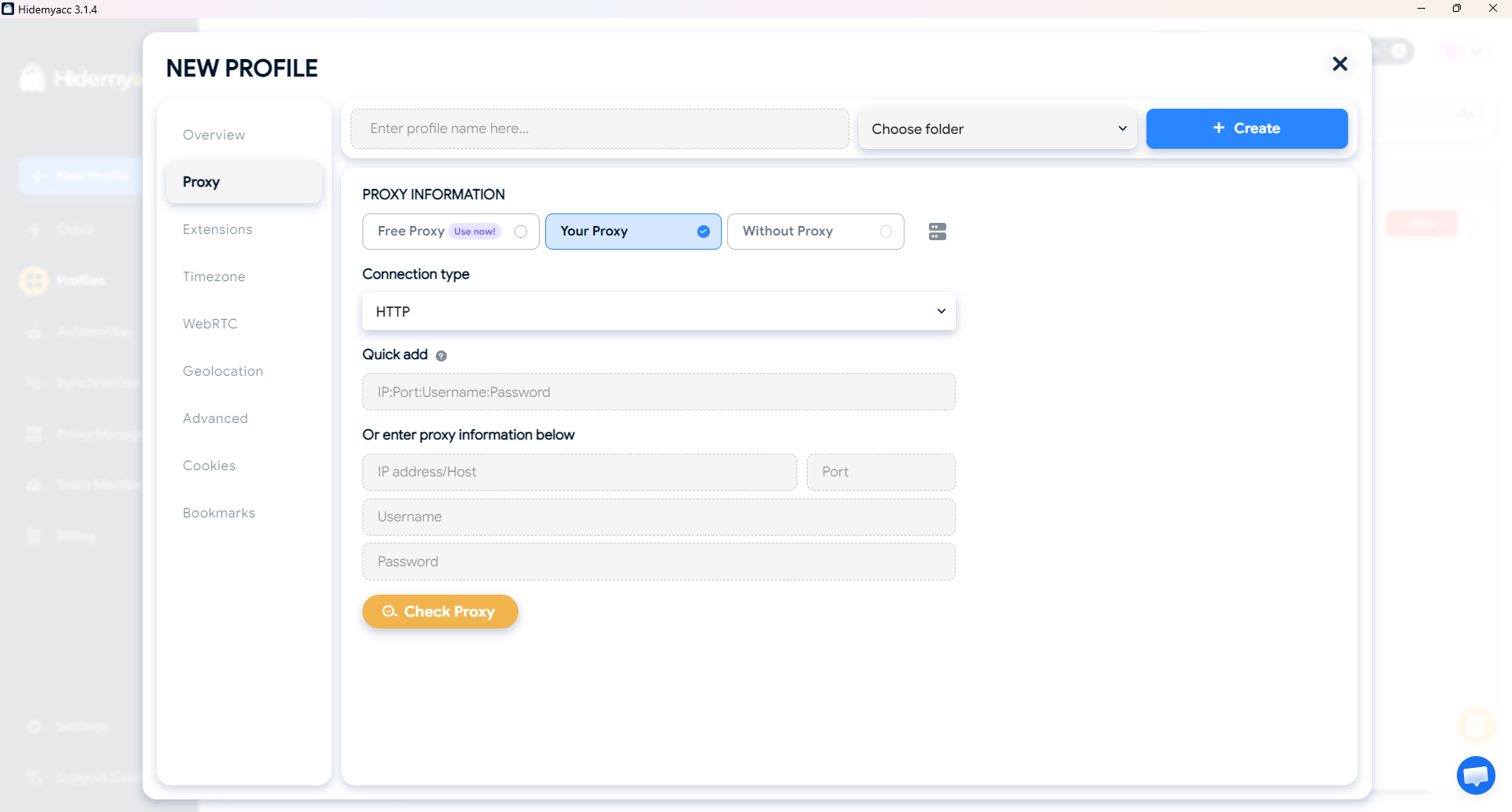
An antidetect browser like Hidemyacc creates separate, isolated browser profiles, and each one presents its own consistent fingerprint: operating system, screen size, fonts, WebGL signature, and the other signals a site uses to identify a device. Each profile can also be assigned its own dedicated proxy, so the address and the identity are both handled, and both stay consistent across sessions rather than resetting every time you close a tab.
This is not a like-for-like replacement for Blockaway, and it shouldn't be framed as one. It solves a different, more durable problem: managing multiple accounts or identities without them getting cross-linked or banned, which a shared free proxy was never designed to do. For that specific job like running several social, ad, marketplace, or research accounts without triggering detection, fingerprint isolation matters more than IP masking alone, and pairing it with quality proxies (residential over datacenter, in most cases) closes the gap that a tool like Blockaway leaves open. See our comparison of residential vs. datacenter proxies for why that choice matters once detection resistance is the actual goal.
9. Blockaway.net vs. VPN vs. antidetect browser
| Blockaway.net (free proxy) | Standard VPN | Antidetect browser (e.g. Hidemyacc) | |
|---|---|---|---|
| Scope | Single browser tab | Entire device | Per-profile, isolated |
| Hides IP address | Yes, for that session | Yes, system-wide | Yes, via assigned proxy |
| Hides browser fingerprint | No | No | Yes |
| Best suited for | One-off unblocking | General private browsing | Multi-account management, repeated identity separation |
| Typical cost | Free, or ~$3.50/month | Varies by provider | Free trial, then paid plans |
| Setup required | None | App install | App install, per-profile setup |
10. Conclusion
Blockaway.net does what it says on the surface: it unblocks a page and hides your IP for as long as that tab stays open. Confidence on that point is high — it's confirmed consistently across independent tests.
Whether it's "safe" depends on what you're using it for. For a single, low-stakes page load, it's a reasonable free tool. For anything involving login credentials, repeated use, or multiple accounts on the same platform, it isn't, because its architecture was never built to address fingerprint-level identity exposure — only IP-level address hiding. If your real need is the second category, an antidetect browser with proper proxy assignment is the tool built for that job, not a free web proxy.
11. FAQ
1. Is Blockaway.net legal?
Using a web proxy is legal in most countries. What you access through it, and whether that violates a specific platform's or network's terms of service, is a separate question you're still responsible for.
2. Is Blockaway.net a VPN?
No. It only proxies traffic inside the browser tab you're using it in, while a VPN encrypts all traffic leaving your device, across every application.
3. Does Blockaway.net keep logs?
There is no published, independently audited transparency report confirming its logging practices either way. Treat any "no-logs" claim from a free, non-audited service as unverified rather than guaranteed.
4. Can Blockaway.net unblock Netflix?
Rarely, and inconsistently. Netflix runs strong proxy-detection systems that block most free proxy IPs, including Blockaway's shared server addresses.
5. Is it safe to log into accounts through Blockaway.net?
No, not for anything you'd consider sensitive. Traffic is decrypted on Blockaway's servers before being forwarded, and there's no way to verify what happens to it there.
6. What's a safer alternative to Blockaway.net for managing multiple accounts?
An antidetect browser with per-profile fingerprint isolation and dedicated proxy assignment, such as Hidemyacc, addresses the identity-linking risk that a shared free proxy doesn't solve.