Getting a virtual phone number is one of the fastest ways to verify accounts, protect your privacy, and manage multiple online identities. Unlike a traditional SIM card, a virtual phone number works over the internet, allowing you to receive SMS and calls from anywhere without being tied to a physical device.
But here’s the problem: while it’s easy to get a virtual number, not all numbers actually work - especially for platforms like Facebook, Telegram, or Google. Many free numbers are already used, blocked, or simply fail to receive verification codes.
In this guide, you’ll learn exactly how to get a virtual phone number step by step, which type to choose based on your use case, and how to avoid common mistakes that can get your accounts flagged or banned.
1. What is a virtual phone number?
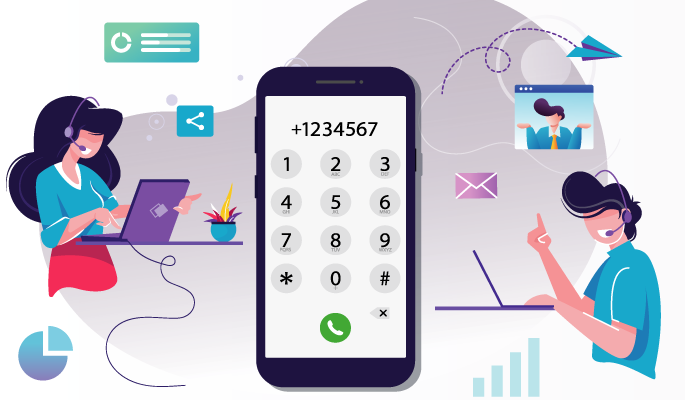
A virtual phone number is a phone number that works over the internet instead of a physical SIM card. Unlike traditional numbers tied to a specific cell tower or landline, virtual numbers use the cloud to process communication, allowing you to use them on any device with an internet connection.
1.1. How does a virtual phone number work?
The technology behind virtual numbers is simple yet powerful:
- VoIP technology: It uses Voice over Internet Protocol to convert sound and text into digital data for transmission over the web.
- App or web-based: You receive SMS and calls directly through a service provider’s mobile app or web dashboard.
- No physical hardware: It functions entirely without a physical SIM card or a dedicated phone line.
1.2. Key characteristics of virtual numbers
To understand why they are widely used in SEO and MMO, consider these three core traits:
- Device independence: You can access the same number on your smartphone, tablet, or PC simultaneously.
- Global accessibility: You can acquire a number from almost any country (e.g., a US number while in Vietnam) to establish a local presence.
- Flexible longevity: Numbers can be temporary (one-time use for SMS verification) or permanent (long-term business use).
1.3. Virtual phone number vs. Real SIM vs. eSIM
Choosing the right type of connection depends on your balance between cost, convenience, and account trust. Here is a quick breakdown to help you decide:
|
Feature |
Virtual Phone Number |
eSIM |
Real SIM Card |
|
Best For |
Bulk OTP, Privacy, MMO |
International Travel, Semi-stable accounts |
High-value accounts, Banking |
|
Setup Speed |
Instant (Online) |
Fast (QR Code) |
Slow (Physical Shipping) |
|
Cost |
Very Low ($) |
Medium ($$) |
High ($$$) |
|
Trust Score |
Low to Medium |
High |
Highest |
|
Hardware |
None (Cloud-based) |
Device with eSIM support |
Any mobile phone |
|
Main Risk |
High risk of being blocked or recycled by platforms. |
Limited availability for some regions. |
Expensive to scale for multi-accounting. |
Discover:
- What is Captcha typing job? 10 reputable money-making websites
- How to make money with a blog if you're not an expert
2. How to get a virtual phone number (Step-by-Step)
Getting a virtual number is a straightforward process, but success depends on selecting the right type for your specific goal. Follow these five steps:
Step 1: Choose the type of virtual number
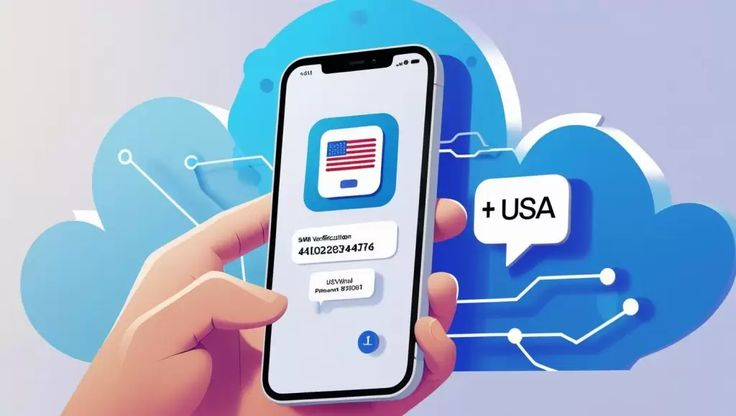
There are 3 main types of virtual phone numbers available today:
- Temporary numbers: Designed for one-time use, primarily for bypassing SMS OTP verification.
- App-based numbers: Mobile applications that provide a long-term number for personal or social media use.
- Business numbers: Professional, paid services that offer high stability and advanced call management features.
Step 2: Pick a provider
Depending on your budget and needs, choose from these categories:
- Free apps: Services like TextNow or 2ndLine (best for casual use).
- OTP services: Platforms like SMS-Activate or 5SIM (best for creating bulk accounts or MMO).
- Paid providers: Professional services like Google Voice, Skype, or Twilio (best for stability).
Step 3: Register and get your number
Once you have chosen a provider, the setup is simple:
- Create an account: Sign up using your email and set a secure password.
- Select a country: Choose the country and area code where you want your number to be located.
- Confirm your number: Finalize the selection to add the number to your dashboard.
Step 4: Use the number for verification
To verify an account (e.g., WhatsApp or Facebook):
- Enter the virtual number into the platform's registration field.
- Wait for the SMS OTP or Voice Call to appear in your provider's app or web dashboard.
- Enter the code to confirm and activate your account.
Step 5: Check compatibility for your platform
Before committing, always verify if the number works for your specific platform. Some high-security sites (like Google or Amazon) may block "VOIP" numbers. If you are managing multiple accounts at scale, you should combine these numbers with an antidetect browser to ensure the highest success rate.
Please refer to some other articles for more information:
- How to promote Affiliate links using 10 powerful strategies
- 12 safe websites to earn money by watching ads online
3. Best virtual phone number providers (free & paid)
The best virtual phone number providers depend on your specific use case, ranging from one-time SMS verification and long-term personal use to professional business privacy.
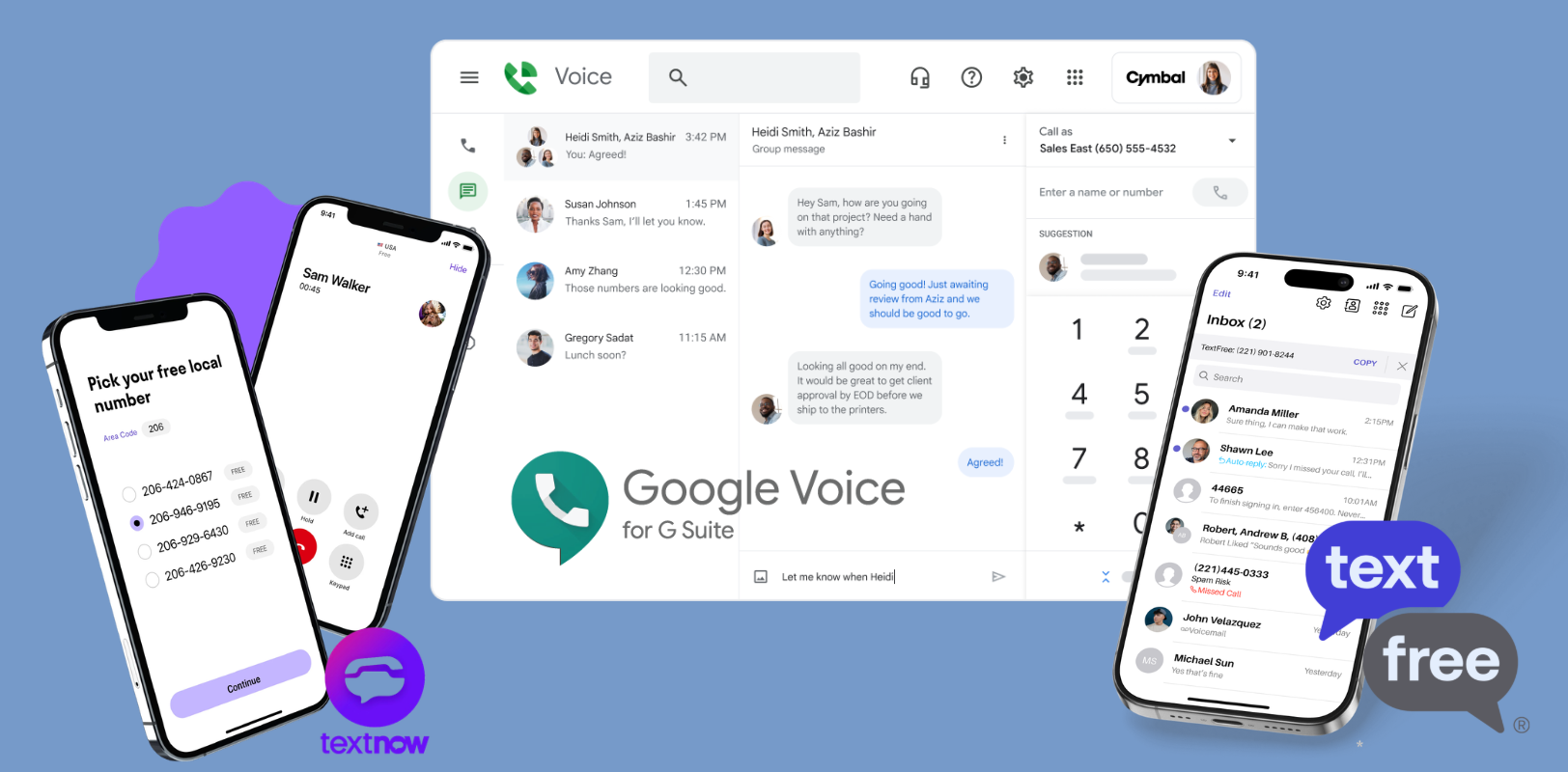
3.1. Free virtual phone number providers
Free providers are suitable for basic personal use but often have low reliability for high-security OTP verification.
- Top picks: Google Voice, TextNow, TextFree.
- The pros: Easy to set up and zero cost.
- The cons: Numbers are frequently reused, and many platforms block them as "VOIP" during registration.
3.2. SMS verification (OTP) services
OTP services provide temporary, "disposable" numbers specifically designed for receiving verification codes.
- Top picks: 5SIM, SMS-Activate, Receive-SMS.
- The pros: Pay-per-use (very cheap) and a huge selection of countries.
- Best for: Creating bulk accounts on Telegram, TikTok, and Facebook.
3.3. Paid virtual number providers (Long-term use)
Paid providers offer stable, private virtual numbers intended for long-term usage and professional communication.
- Top picks: Skype Number, OpenPhone, Hushed.
- The pros: You own the number as long as you pay; much higher reliability and lower ban rates.
- Best for: Business lines and primary account security.
3.4. Which provider should you choose?
To help you decide, here is a quick comparison based on common goals:
|
Goal |
Recommended provider type |
Key tool example |
|
Simple SMS/Calls |
Free Apps |
Google Voice, TextNow |
|
Bulk Account Creation |
OTP Services |
5SIM, SMS-Activate |
|
Business/Privacy |
Paid Providers |
Skype Number, OpenPhone |
|
Account Scaling (MMO) |
OTP + Antidetect Browser |
SMS-Activate + Hidemyacc |
4. Best ways to get a virtual phone number (By use case)
To avoid wasting time and money, you must match the acquisition method to your specific goal. Here is the breakdown:
4.1. For social media verification (TikTok, Facebook, Telegram)
The best method is using temporary SMS services or dedicated OTP providers.
- How it works: You "rent" a number for 10–20 minutes to receive a single verification code.
- Pros: Extremely cheap ($0.10 - $2.00 per code) and fast.
- Cons: These numbers are often reused. If the registration fails, you may need to try multiple numbers from different "servers" or "carriers" within the provider's platform.
Virtual phone numbers are a method many people are using to make money online (MMO). You can learn more about: 3 Top methods to make money online (Beginner-friendly guide)
4.2. For long-term use (Business or personal)
The best method is using app-based VoIP services or subscription-based virtual lines.
- How it works: You pay a monthly fee to maintain ownership of a specific number.
- Pros: High stability, supports two-way calling and texting, and allows you to build a long-term reputation on the account.
- Cons: Higher cost and often requires identity verification (KYC).
4.3. For privacy protection
The best method is using "Burner" apps or rotating virtual numbers.
- How it works: You use a number for a short period (e.g., while selling an item online or signing up for a newsletter) and then "burn" (delete) it.
- Pros: Keeps your real identity completely hidden from data brokers and telemarketers.
4.4. For multi-accounting (Advanced)
For professional growth, a virtual phone number alone is not enough. Platforms like Facebook and Amazon track more than just your phone number; they monitor your entire digital environment.
To succeed at scale, you need a Unified identity setup:
- Unique IP: Use a dedicated residential proxy to match the number's location.
- Unique fingerprint: Use Hidemyacc to mask hardware signals (RAM, CPU, GPU, Resolution).
- Isolated environment: Each account must run in a separate browser profile so that if one account is flagged, the others remain safe.
Related article:
- Make money with paid surveys: How much can you really earn?
- Best Link Shortener to Get Paid: Earn Money for Every Click
5. Why your virtual phone number might not work
Even with a high-quality provider, you may still encounter errors like "Invalid Number" or immediate account suspensions. Here are the four most common reasons why:
5.1. The number has been recycled
Most affordable virtual number providers "recycle" their numbers. If a previous user used that specific number to register an account on the same platform and got banned, the number is already blacklisted. When you try to use it again, the platform will automatically reject the registration.
5.2. The platform blocks VOIP numbers
Major platforms like Google, Facebook, and Amazon have sophisticated databases that can distinguish between a "Mobile/SIM" number and a "VOIP/Virtual" number. To prevent spam, these platforms often block any number identified as VOIP, requiring a real physical SIM instead.
5.3. Free numbers have a low trust score
Free virtual numbers are public and used by thousands of people. Because they are frequently associated with bot activity and spam, security algorithms assign them a "Low Trust Score." Using these numbers often triggers extra security checkpoints or instant shadowbans.
5.4. Your device fingerprint is the same
This is the most critical insight: Even if you use a unique, high-quality phone number for every account, platforms can still link them together.
- The Reality: Websites track your Browser fingerprint - a collection of data including your IP address, Screen Resolution, Canvas, WebGL, and Media Devices.
- The Result: If you register five accounts using five different virtual numbers but from the same browser, the platform sees they all originate from the same device and will ban the entire "farm" simultaneously.
6. How to use a virtual phone number safely (Avoid getting blocked)
To use a virtual phone number safely and avoid instant bans, you must isolate your digital environment so that platforms cannot link your accounts together.
6.1. Best practices for virtual numbers
Before you start registering accounts, follow these fundamental safety rules:
- Avoid shared IPs: Never use the same IP address for multiple accounts. If one account is flagged, all others sharing that IP will be banned.
- One browser, one account: Do not log into multiple accounts using the same browser session. Even if you clear cookies, browser fingerprints remain the same.
- Don’t use free numbers for master accounts: Free numbers are public and high-risk. Only use them for non-essential testing.
6.2. Advanced setup: The ultimate protection with Hidemyacc
For professionals managing account farms or scaling MMO operations, a virtual phone number is only a small piece of the puzzle. To stay truly undetected, you need to combine three elements: Virtual number + Residential proxy + Antidetect browser.
How Hidemyacc secures your accounts:
Antidetect browser Hidemyacc is designed to create a completely isolated environment for every account you manage:
- Unique browser profiles: Each profile in Hidemyacc acts as a separate physical device. You can customize the Operating System, RAM, CPU, and Canvas fingerprints to be 100% unique.
- Fingerprint masking: It prevents platforms from seeing your real hardware signals, ensuring that even if you use a "VOIP" number, your device itself looks like a legitimate, unique user.
- Seamless proxy integration: You can easily assign a specific Proxy to each profile to match the location of your virtual phone number, eliminating the "mismatch" red flag.
The professional workflow:
- Create a new profile on Hidemyacc.
- Assign a Residential Proxy matching your virtual number's country.
- Open the profile and use your Virtual number to receive the OTP.
- Manage your account safely within that isolated environment forever
Ready to Secure Your Multi-Account Setup?
A virtual phone number is only half the solution. Pair it with Hidemyacc to isolate your browser fingerprints and prevent instant bans.
Start Your 7-Day Free Trial7. Final thoughts
Acquiring a virtual phone number is easy, but using it effectively without getting flagged is the real challenge. Whether you are protecting your personal privacy or scaling a business, remember that a virtual number is just one part of a larger security system.
To succeed in today’s strict digital landscape, you must look beyond just the phone number. Your IP address, browser fingerprint, and device environment must all work together to create a believable, high-trust identity.
If you are serious about multi-accounting or managing bulk profiles, don't rely on a virtual number alone. Use a professional tool like Hidemyacc to ensure every account stays isolated, secure, and profitable.
You can read more of these articles:
- The dark side of Ticket Scalping: What you need to know
- What is CPA offers and why it pays without selling anything
8. FAQ
Can I get a virtual phone number for free?
Yes, but free virtual numbers are often unreliable and frequently fail for OTP verification. Most free services use public numbers that are already blacklisted by major platforms like Google or Facebook.
Are virtual phone numbers legal?
Yes, virtual phone numbers are completely legal in most countries for privacy and business use. However, using them to conduct fraudulent activities, harassment, or to violate a platform's Terms of Service remains illegal.
Can I use a virtual number for WhatsApp or Telegram?
Yes, you can use a virtual number for WhatsApp or Telegram, but success depends on the provider's quality. To ensure registration works, you should use "Mobile" or "Residential" virtual numbers rather than generic VoIP ones.
Why is my virtual number not receiving SMS?
Your virtual number may not receive SMS if it is already blocked, previously reused, or unsupported by the specific platform. Additionally, some free providers do not support automated short-code messages used for OTPs.
Do I need anything else besides a virtual number?
Yes, if you are managing multiple accounts, you also need unique residential IPs and distinct browser fingerprints. Using a virtual number without an antidetect browser like Hidemyacc still leaves your device vulnerable to being linked and banned.
How long can I keep a virtual phone number?
It depends on the service: temporary numbers last for minutes (one-time OTP), while paid subscriptions allow you to keep the number indefinitely. For business or primary accounts, always choose a permanent, paid subscription.
Can I use a virtual number for two-factor authentication (2FA)?
Yes, but it is only recommended for secondary accounts. For your most sensitive accounts (like banking), using a virtual number can be risky if you lose access to the provider or if the number is recycled by the service.