
Managing and growing your multiple Instagram accounts manually can be both time-consuming and exhausting. This is where Instagram automation comes into play. By automating repetitive tasks, you can save time, increase engagement, and focus on creating meaningful content. In this guide, Hidemyacc will explore the world of Instagram automation, the top tools available, and how you can automate tasks for efficient Instagram growth.
1. What is Instagram Automation?
Instagram automation refers to the use of specialized software tools to perform routine actions on Instagram without manual involvement. These tools help users automate a range of activities such as liking posts, following or unfollowing accounts, commenting, and even sending direct messages (DMs). Automation is especially useful for businesses or influencers managing multiple accounts or seeking to grow their following at scale.
Why do you need to use the Instagram automation tool?
- Time-saving: Automation tools allow you to focus on higher-value tasks like content creation and engagement strategies, while the tools handle the repetitive tasks.
- Consistent engagement: Automated actions ensure that your account remains active and engaged consistently, which is key to Instagram’s algorithm.
- Scalability: As your Instagram strategy grows, automation becomes essential to manage large volumes of interactions and activities across multiple accounts.
2. Considerations when choosing an Instagram automation tool
Before diving into the top automation tools, it’s important to know the factors to consider when selecting the right tool for your needs. Choosing the right Instagram automation tool can make a significant difference in the efficiency and safety of your automation efforts.
- Tool compatibility: Depending on your needs, you should choose a tool that specifically meets those requirements. Some tools may be focused on automating posts and scheduling content, while others may specialize in interacting with followers, sending DMs, or scraping data. Choose a tool that fits your strategy.
- Security: Instagram has strict guidelines on automated activities, and using the wrong tool can lead to account suspension or banning. Look for automation tools known for their security features and compliance with Instagram’s terms of service.
- Customization and flexibility: The best automation tools offer flexibility in terms of targeting, scheduling, and setting parameters for different activities. Customization allows you to automate actions that match your specific Instagram growth goals.
- Pricing: Consider your budget and the range of features offered by each tool. Some tools offer free trials or basic plans with limited features, while others have tiered pricing based on the number of accounts you want to manage or the features you require.
- Customer support: Good customer support is critical when using automation tools, as issues may arise with the setup, integration, or performance.
Additionally, you can check reviews from other users on trusted review platforms like Trustpilot, G2, and others to ensure the tool's reliability and effectiveness.
3. Top 5 Instagram Automation Tools
There are several Instagram automation tools available, each offering unique features designed to help you grow your account and improve engagement. Here are five of the most popular Instagram automation tools.
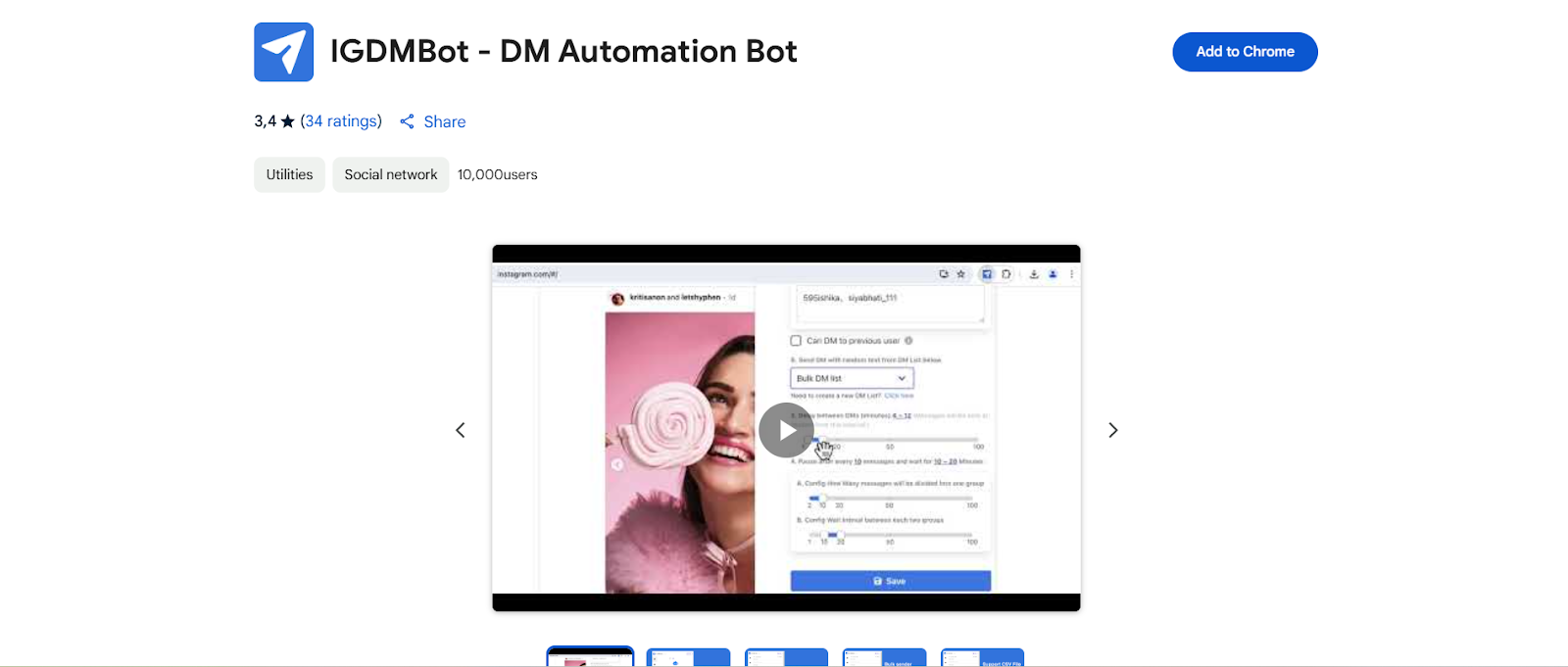
3.1. IG DM Bot
IG DM Bot is designed specifically to automate direct messaging on Instagram. It helps you stay in touch with followers or leads by sending personalized messages based on triggers like new follows or likes on your posts.
Key features:
- Automated direct messaging: Send personalized DMs to users who engage with your content or follow your account.
- Bulk messaging: You can set up bulk messaging campaigns to target groups of followers or potential customers.
- Advanced filters: Filter who to send messages to based on specific user criteria like location, number of followers, or engagement level.
- Instagram API integration: The tool integrates with Instagram’s API, ensuring smooth functionality and reliable operation.
3.2. Phantombuster
Phantombuster is a powerful automation tool that can automate a wide variety of tasks across multiple platforms, including Instagram. It’s best known for scraping data and automating repetitive tasks.
Key features:
- Data scraping: Phantombuster can scrape Instagram data such as follower lists, posts, comments, and hashtags, helping you gather valuable insights.
- Automated actions: You can automate actions like following/unfollowing, liking posts, and sending DMs to targeted users.
- Custom workflows: Create your own automation workflows using Phantombuster’s API, allowing for a highly personalized automation experience.
- Multi-platform automation: In addition to Instagram, Phantombuster works with other platforms like LinkedIn, Twitter, and Facebook.
3.3. AutoIGDM
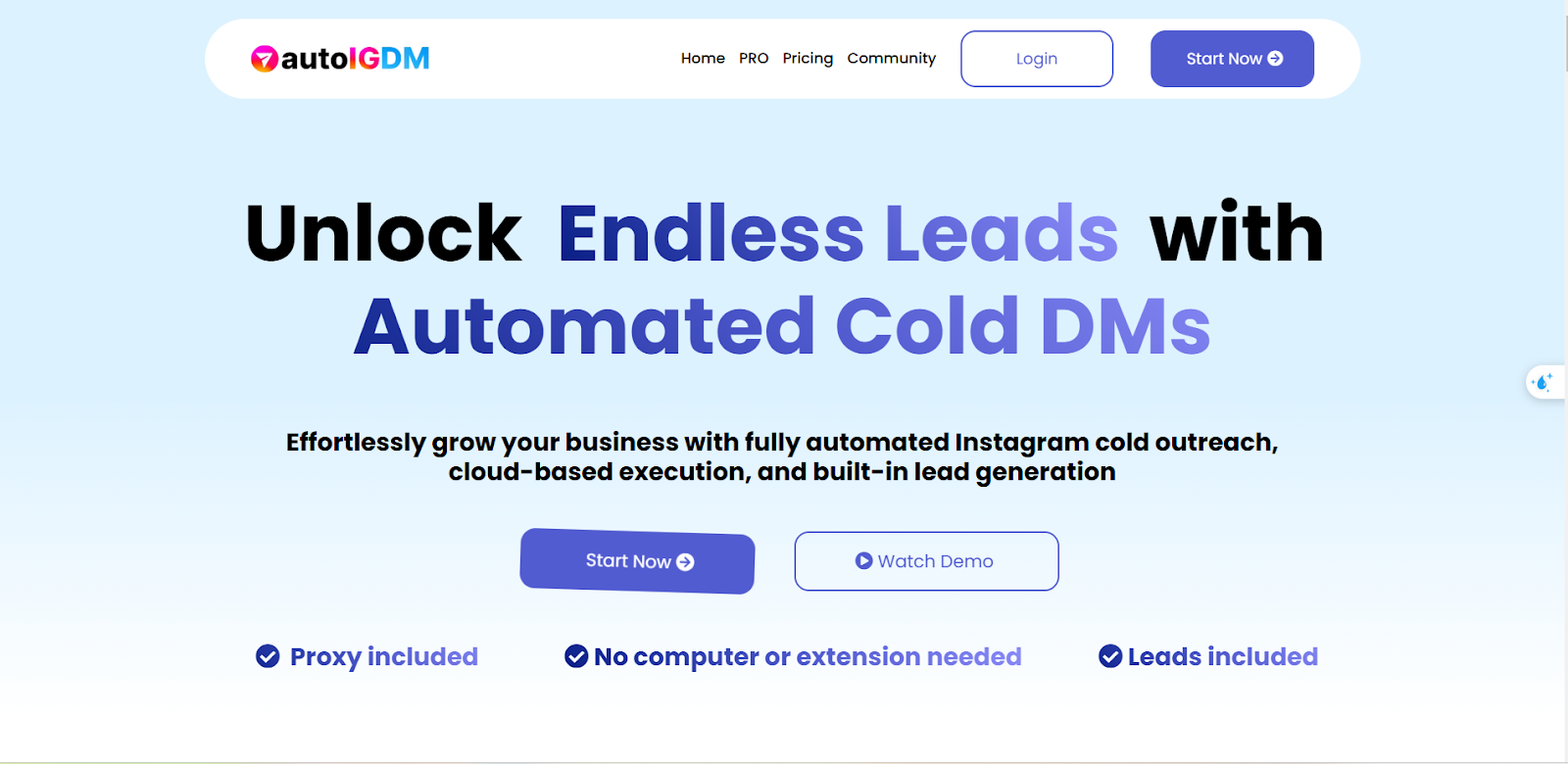
AutoIGDM is an excellent tool for automating direct messages (DMs) on Instagram. It allows you to send automated DMs to new followers, people who engage with your posts, or users you target based on specific actions.
Key features:
- Scheduled and automated DMs: Automatically send welcome DMs, promotional messages, or thank-you notes to users who follow you.
- Supports multiple accounts: Manage several Instagram accounts under one platform.
- Auto-reply with templates: Set up automated replies using pre-designed templates for faster responses.
- Advanced filters: Filter users based on their interactions with your account, ensuring your messages are sent to the right audience.
3.4. Growman: IG Email Extractor
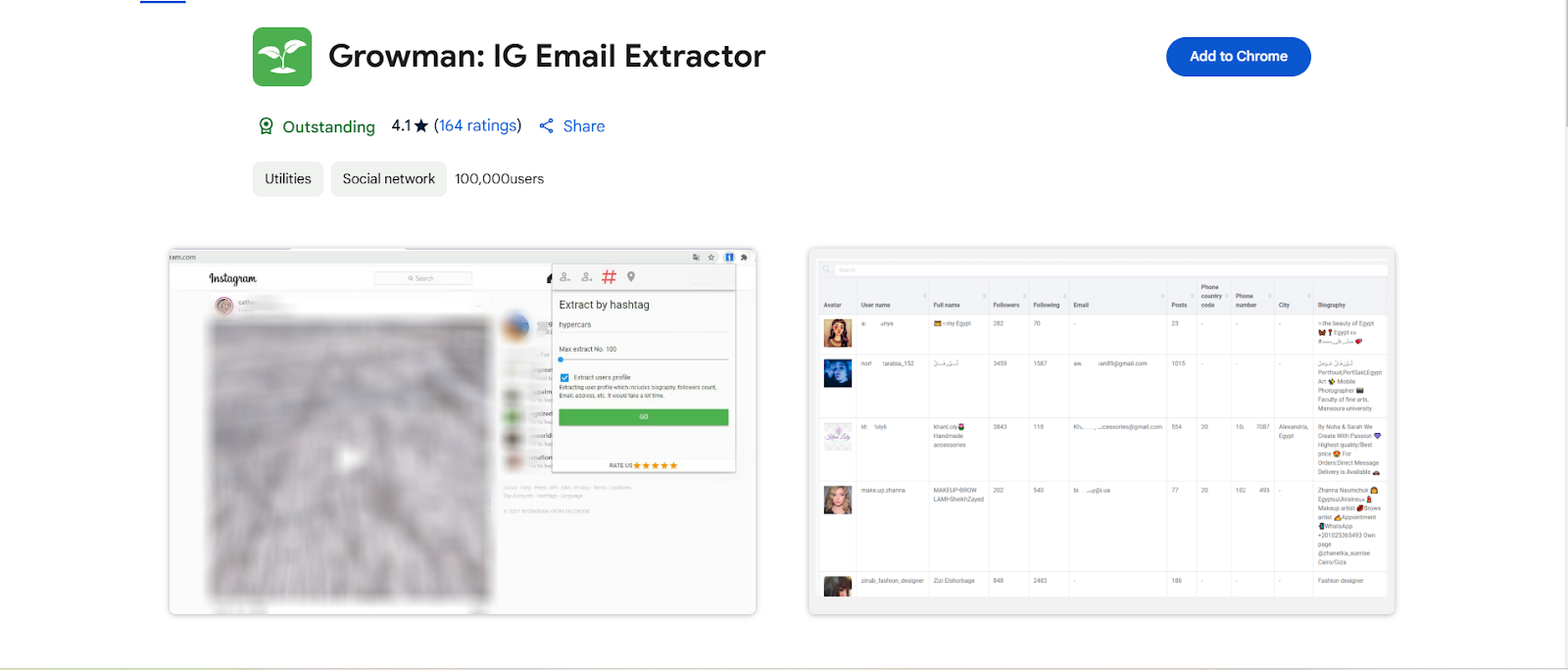
Growman focuses on extracting email addresses from Instagram profiles to help you build your email list for marketing campaigns. This is a unique automation tool for those looking to transition followers into email subscribers.
Key features:
- Email extraction: Extract email addresses from Instagram bios, allowing you to grow your email list for targeted marketing campaigns.
- Targeted scraping: Use filters to scrape emails from users who match your target audience criteria (e.g., specific locations, and industries).
- Integration with email marketing tools: Growman integrates with email marketing platforms, making it easy to transition contacts into email campaigns.
- Multiple account support: The tool allows you to scrape emails from multiple Instagram accounts simultaneously.
3.5. IG Exporter
IG Exporter is a great tool for extracting and exporting Instagram data, such as follower lists, comments, posts, and hashtags. This data can be invaluable for analysis and automating other tasks.
Key Features:
- Export followers and comments: Export follower lists, comment data, and engagement metrics for analysis or follow-up actions.
- Segmentation: Segment your audience based on specific criteria, helping you target the right followers for your campaigns.
- Integration with other marketing tools: Export data for use in other tools like email marketing platforms or CRM Software.
- Real-time data: Export data in real-time to keep track of your growth and engagement metrics effectively.
4. How to manage multiple Instagram accounts with Hidemyacc
When using Instagram automation, there's a risk of account suspension due to detection by the platform. For example, if you're using an automation tool to send messages, it's important to split the number of messages sent across multiple accounts rather than sending them all from a single account.
In this case, you may need to manage multiple Instagram accounts at the same time, and Antidetect browser Hidemyacc can help you create and manage multiple accounts on the same device while reducing the risk of detection. Each Hidemyacc profile operates as an independent browser environment, and you can customize fingerprint parameters such as the OS, browser, screen size, and fonts to suit your needs.

Hidemyacc also provides an API that allows you to connect third-party tools to your Hidemyacc profiles or add extensions to use within your profiles. Additionally, Hidemyacc offers automation with three options for creating custom scripts:
- Drag-and-drop pre-built commands
- Import custom-coded scripts
- Record real actions
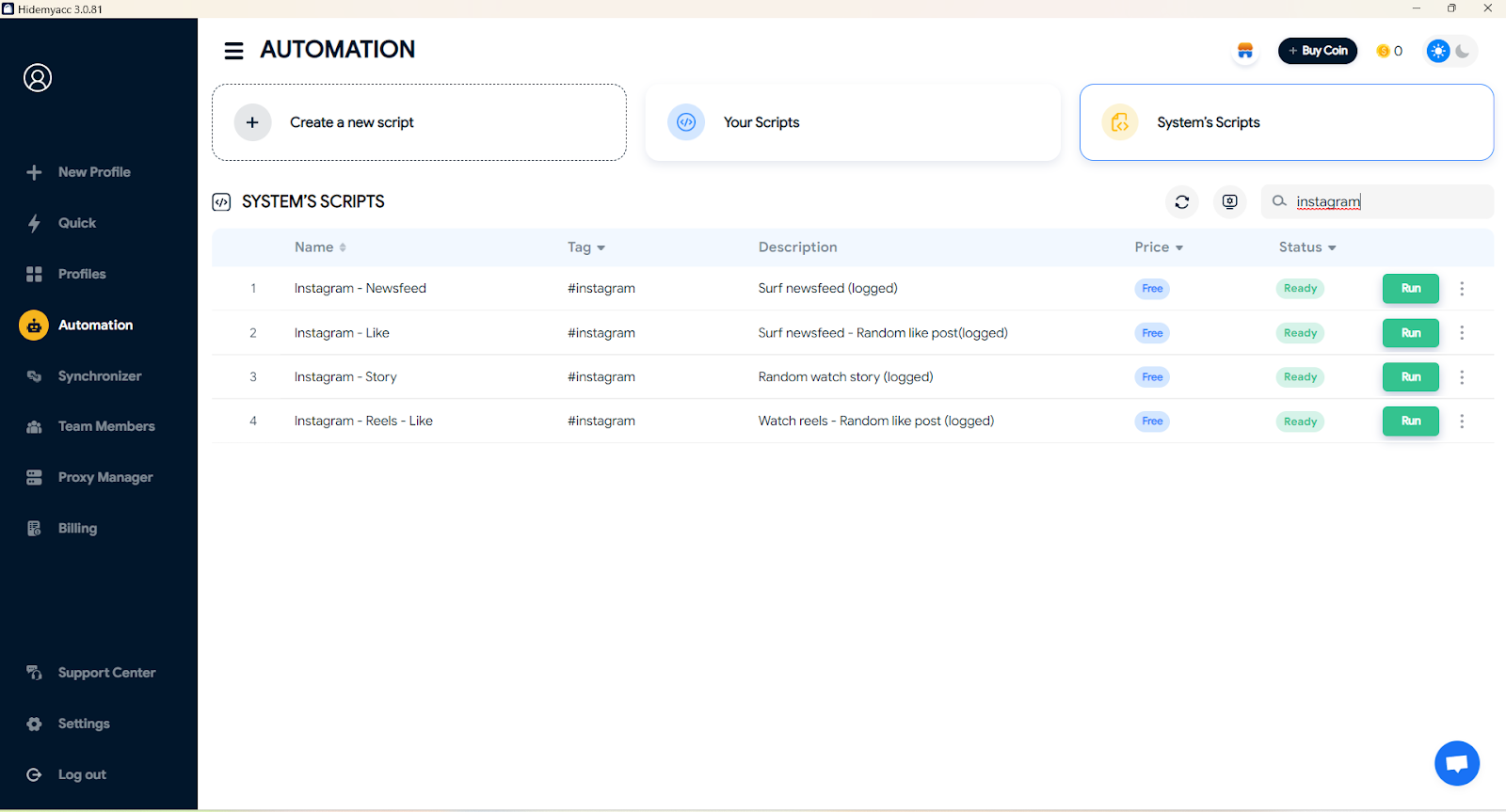
You can either create your own automation script or use Hidemyacc’s pre-built scripts to effectively manage and grow your accounts.
5. FAQ
Question 1: What is Instagram Automation?
Instagram automation involves using software tools to automate repetitive tasks like following, liking, and messaging, allowing users to focus on more important aspects of their Instagram strategy.
Question 2: Can I get my account banned for using Instagram automation?
Yes, if you use tools that violate Instagram’s terms of service or perform excessive automated actions, your account could be suspended or banned.
Question 3: Which Instagram automation tool is best for me?
It depends on your goals. If you’re looking to automate DMs, IG DM Bot is a great option. If you want to scrape data or automate engagement, tools like Phantombuster or Growman are ideal.
6. Conclusion
Instagram automation tools save you time by handling tasks like DMs and engagement. When used responsibly, they can supercharge your growth without risking your account. Choose secure, reliable tools, stay in control of your activities—and let automation take your Instagram strategy to the next level.
Related content:






