
LinkedIn automation tools are no longer just about sending connection requests at scale. As outreach becomes more competitive and platform detection more sophisticated, choosing the right tools now means balancing automation power with account safety and long-term scalability. In this guide, Hidemyacc compares the 10 most popular LinkedIn automation tools, breaking down their features, pricing, and ideal use cases to help you find the best fit for your outreach strategy.
1. Quick comparison of the top LinkedIn automation tools
Before diving into the details, here is a simplified breakdown of the best LinkedIn automation tools in 2026. This table compares their core functionalities, deployment types, and entry-level pricing to help you find the right fit for your outreach strategy.
|
Tool Name |
Type |
Best For |
Messaging |
Scraping |
Multichannel Outreach |
Key Feature |
Starting Price* |
|
HeyReach |
Cloud |
Agencies & Teams |
✅ |
✅ |
✅ |
Sender rotation |
$79/mo |
|
Expandi |
Cloud |
High-safety Outreach |
✅ |
✅ |
✅ |
Image & GIF Personalization |
$99/mo |
|
Dripify |
Cloud |
Sales Funnels |
✅ |
✅ |
✅ |
Advanced Visual Campaign Builder |
$59/mo |
|
Waalaxy |
Chrome |
Startups / SMBs |
✅ |
✅ |
✅ |
Free plan & Email finder integration |
$43/mo |
|
Taplio |
Cloud |
Content Creators |
❌ |
✅ |
❌ |
AI Content & Engagement |
$39/mo |
|
Linked Helper 2 |
Desktop |
Power Users |
✅ |
✅ |
❌ |
Hyper-Deep Customization |
$15/mo |
|
PhantomBuster |
Cloud |
Growth Hackers |
❌ |
✅ |
✅ |
Multi-platform scraping |
$69/mo |
|
SalesRobot |
Cloud |
High-response Sales |
✅ |
✅ |
✅ |
AI-powered Icebreakers |
$59/mo |
|
Dux-Soup |
Chrome |
Solopreneurs |
✅ |
✅ |
❌ |
Simple Drip Campaigns |
$14.99/mo |
|
Meet Alfred |
Cloud |
Multi-platform Sales |
✅ |
✅ |
✅ |
LinkedIn + Email + Twitter/X sync |
$59/mo |
*Prices are based on monthly billing cycles.
2. Top 10 linkedin automation tools in 2026
In this section, we analyze each tool's unique value proposition, standout features, and ideal use cases to help you find your perfect match.
2.1. HeyReach
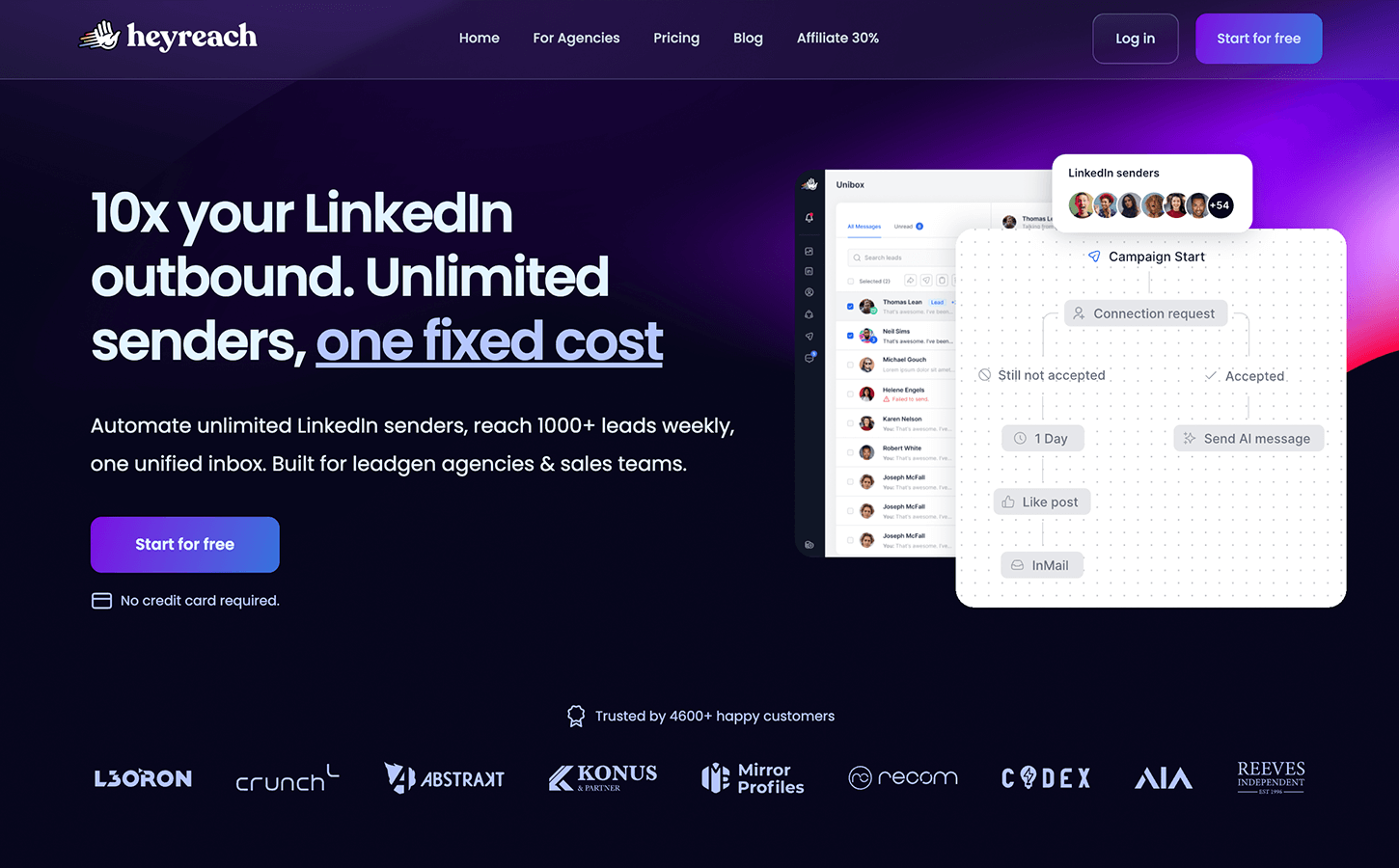
If your goal is to scale beyond the limitations of a single LinkedIn profile, HeyReach is the game-changer of 2026. Unlike most tools that charge per user, HeyReach is built for volume and agency-level management.
Standout features:
- Smart sender rotation: This is their "secret sauce". You can run one massive campaign across 10, 20 or even 50 LinkedIn accounts. If one account hits its weekly limit, HeyReach automatically shifts the workload to the next available profile.
- Unified inbox (Unibox): Logging in and out of multiple accounts is a nightmare. HeyReach centralizes every conversation from all your "senders" into one master inbox, ensuring no lead falls through the cracks.
- Agency-first dashboard: Built-in features for white-labeling and sub-account management make it easy to show ROI to your clients without them seeing the "backend".
Who is it for: Lead generation agencies and sales teams managing 5+ LinkedIn profiles who need to bypass the "100 invites per week" rule safely.
Starting price: $79/month (Growth plan).
If you need to manage an entire fleet of LinkedIn accounts from a single dashboard without getting banned, HeyReach is your only real choice.
2.2. Expandi
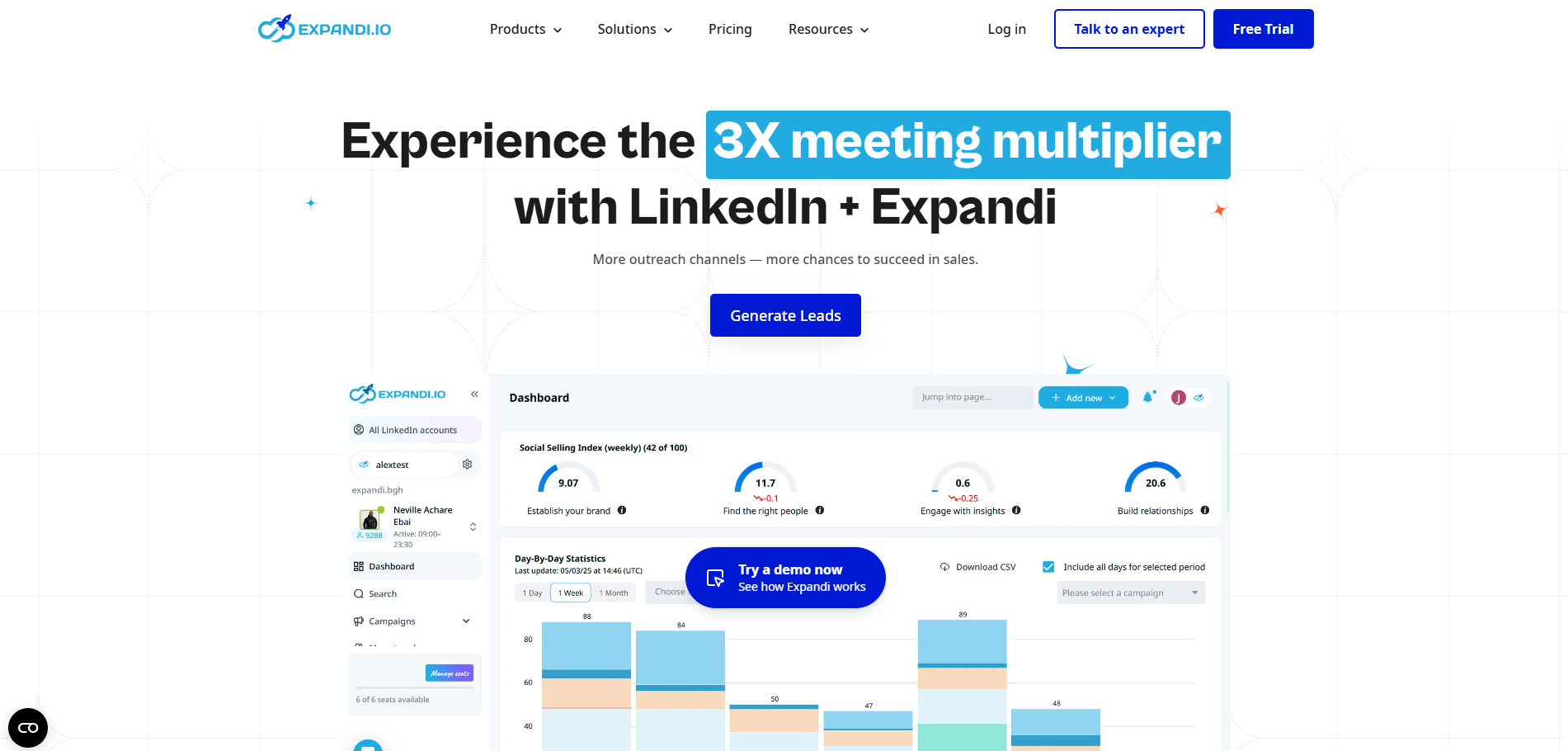
Expandi remains the most reputable cloud-based tool on the market. They don't just automate; they mimic human behavior so perfectly that LinkedIn’s algorithms struggle to tell the difference.
Standout features:
- Dedicated local IP: You get a unique IP address based in your country. This prevents the "red flag" of logging in from different global locations, a common reason for account bans.
- Hyper-personalization (images & GIFs): Expandi allows you to embed a lead’s profile picture or company logo into a custom GIF within your message. This "pattern interrupt" has been shown to boost reply rates by up to 80%.
- Smart sequences: Create complex workflows based on lead behavior. If they visit your profile but don't accept the invite, you can trigger a specific follow-up.
Who is it for: High-ticket B2B sales and founders who cannot afford to have their primary LinkedIn account restricted.
Starting price: $99/month (Includes a 7-day free trial).
Choose Expandi if you want the highest possible reply rates through "human-like" automation and hyper-personalized visual messaging.
2.3. Dripify
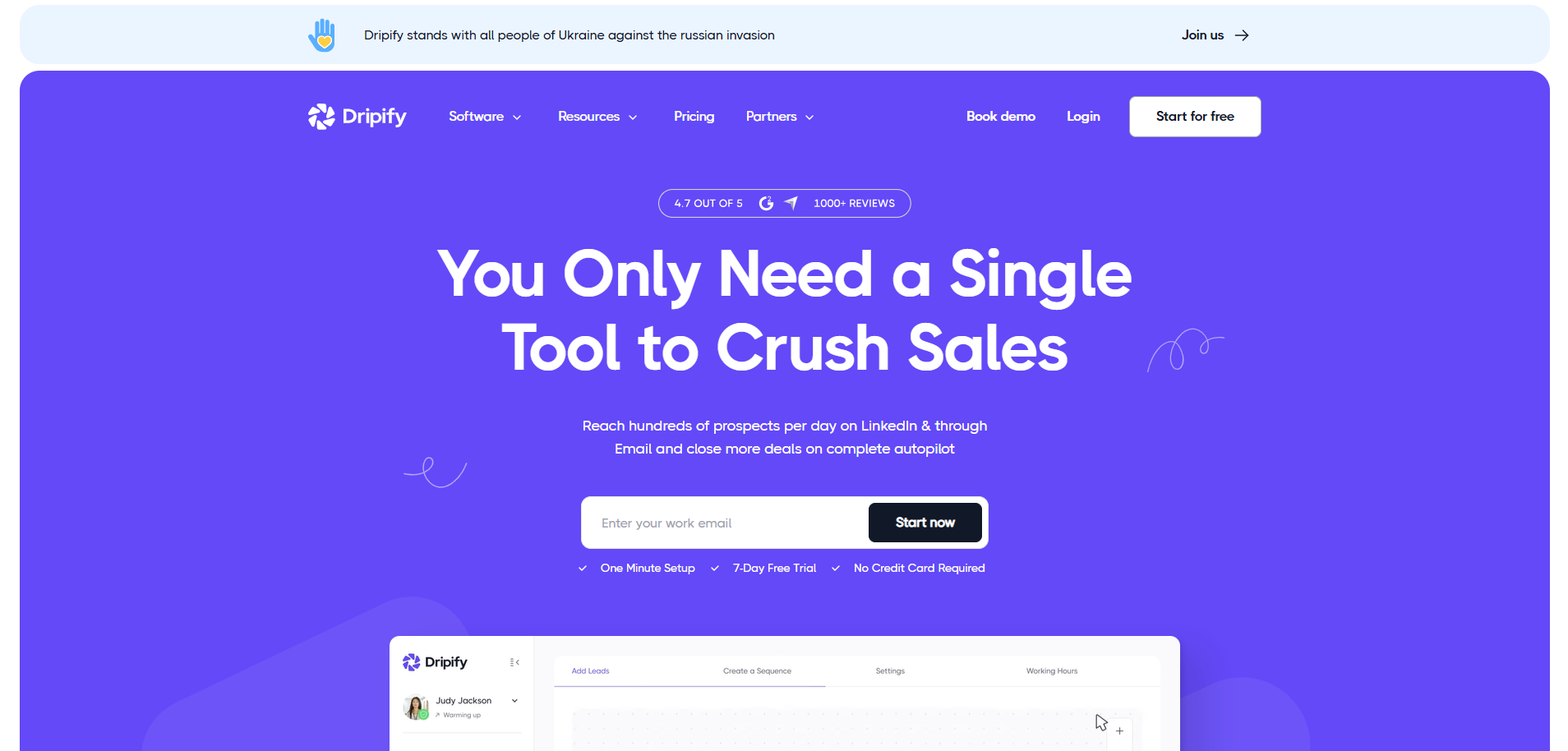
Dripify turns LinkedIn into a fully automated sales machine. It’s famous for its sleek interface that makes complex outreach feel like a simple drag-and-drop game.
Standout features:
- Advanced visual campaign builder: Map out your entire lead journey, from profile visits and skill endorsements to multi-step message sequences, on a clean, visual canvas.
- Built-in data scraper: Beyond messaging, Dripify can extract verified emails and phone numbers from LinkedIn profiles, allowing you to build a clean CSV for your CRM.
- Team performance analytics: If you manage a team, you can see exactly who is performing best and which campaign hooks are converting.
Who is it for: Sales managers and recruiters who love data-driven optimization and visual workflows.
Starting Price: $59/month (Basic plan).
Dripify is the ultimate solution for sales teams who want to build, visualize, and track complex lead generation funnels with zero technical friction.
2.4. Waalaxy
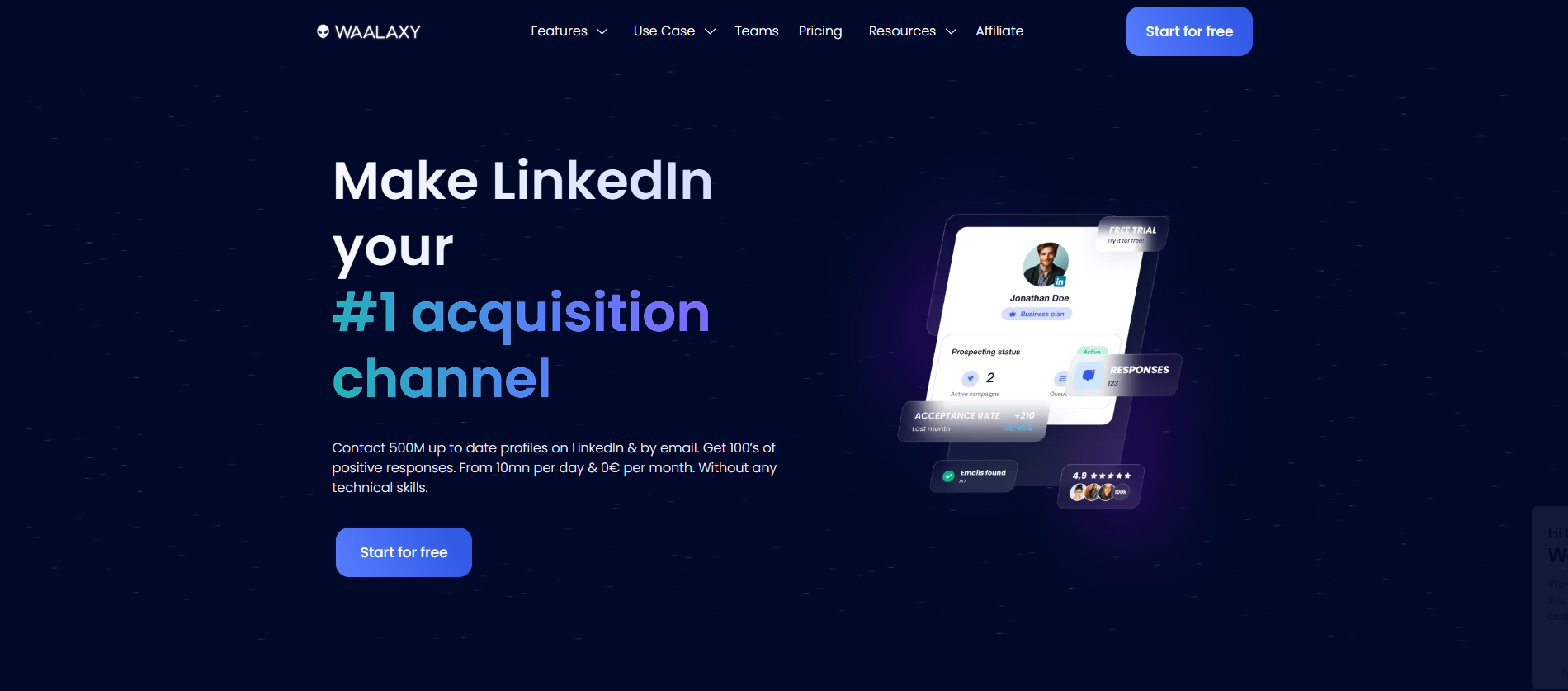
Waalaxy (formerly ProspectIn) prides itself on being the easiest tool to set up. In just 10 minutes, you can have a "LinkedIn + Email" campaign running on autopilot.
Standout features:
- LinkedIn + email "pre-made" sequences: It offers over 100 templates that automatically find a prospect's professional email if they don't accept your LinkedIn request.
- No-tech required: The interface is designed for non-technical users. It’s literally "Import -> Choose Sequence -> Launch".
- Freemium model: They still offer a powerful free version that allows you to send up to 80 invitations per month, perfect for testing the waters.
Who is it for: Freelancers, small business owners, and beginners who want results without a steep learning curve.
Starting price: $43/month (Advanced plan).
Waalaxy is the perfect "entry-level" powerhouse for those who want to launch their first LinkedIn + Email multi-channel campaign in minutes.
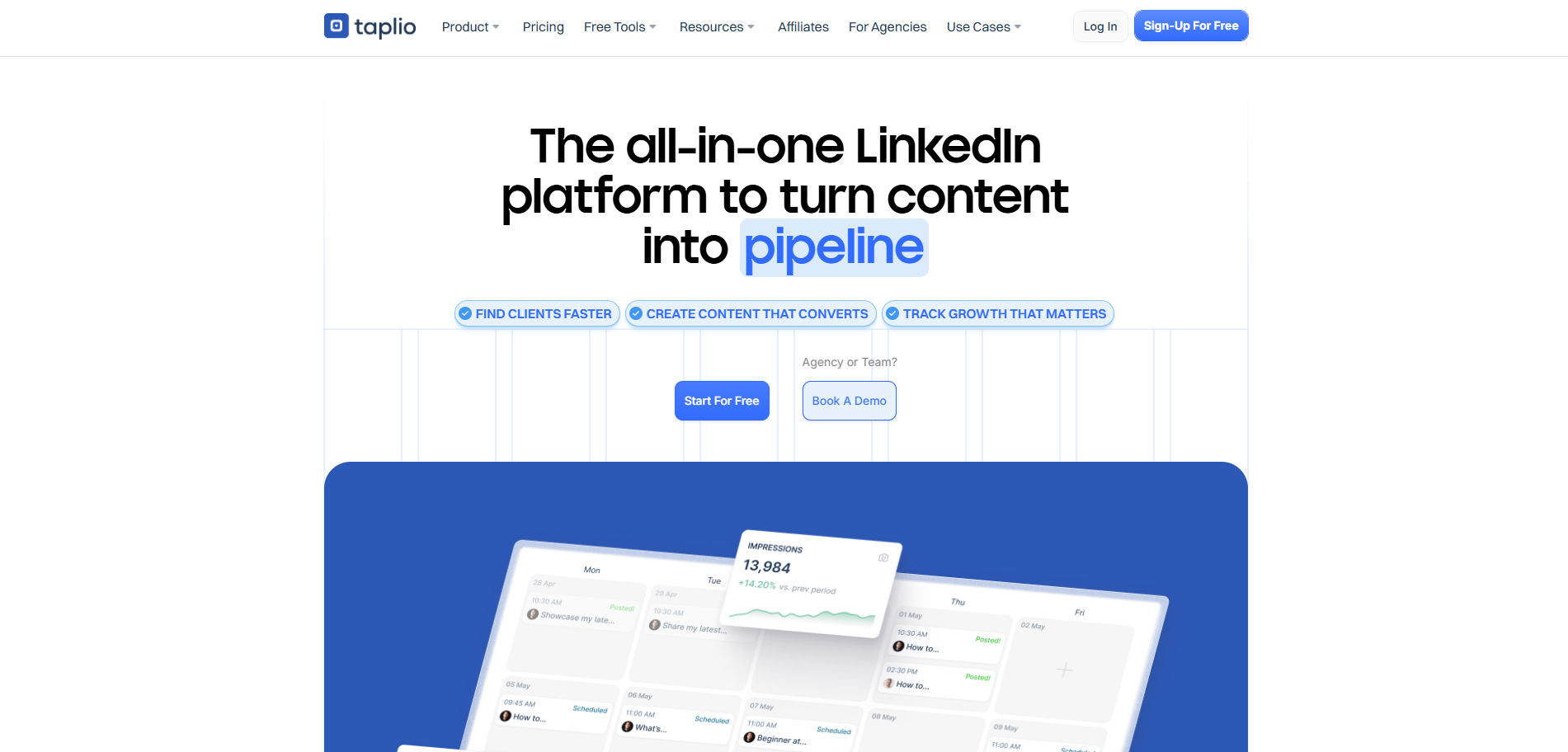
2.5. Taplio
Taplio is fundamentally different. It doesn't focus on "Cold DMing"; it focuses on building your authority so that leads come to you (Inbound).
Standout features:
- AI-powered content studio: It uses GPT-4o (and specialized models) trained on millions of viral posts to help you write high-performing LinkedIn content in seconds.
- Smart engagement: It identifies the "hottest" posts in your niche and helps you leave AI-generated, meaningful comments to get noticed by industry leaders.
- Lead CRM: It tracks everyone who engages with your posts, allowing you to reach out to people who are already "warm".
Who is it for: Founders, CEOs, and Consultants looking to grow their personal brand and attract inbound opportunities.
Starting price: $39/month (Starter plan).
Instead of chasing leads with cold messages, use Taplio to build a magnetic personal brand that makes high-quality prospects come to you.
2.6. Linked Helper 2
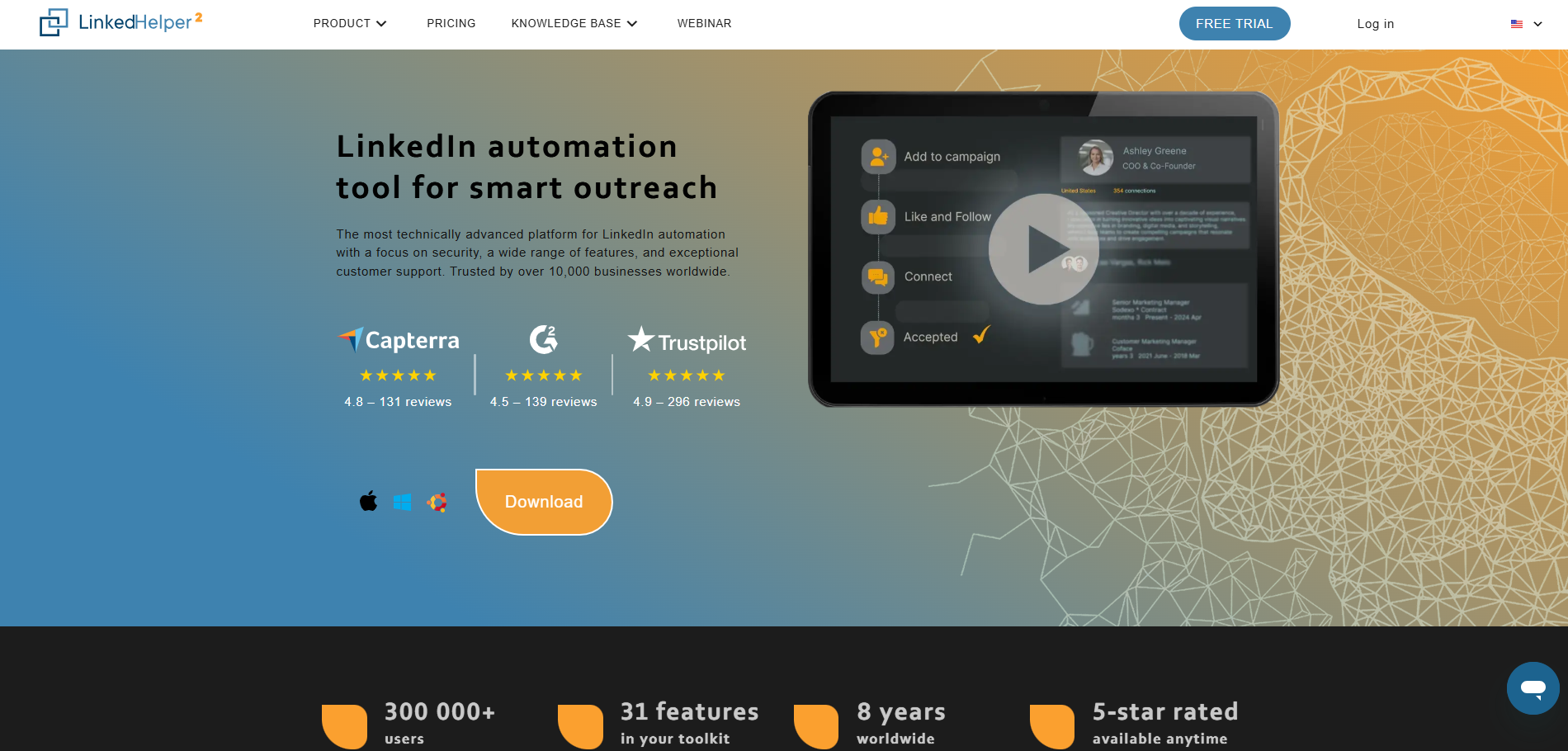
Linked Helper 2 is a standalone desktop application. It’s the most "manual" feeling tool, but it offers features that no cloud-based tool can match.
Standout features:
- Hyper-granular customization: You can automate almost any action imaginable: inviting people to follow your Company Page, inviting connections to events, or endorsing specific skills in bulk.
- Massive volume management: It is built to handle tens of thousands of contacts. It includes advanced filtering and list-cleaning tools to keep your database organized.
- Local security: Since it runs on your machine (or a VPS), you have total control over your data and proxies.
Who is it for: Technical lead gen specialists and virtual assistants who need absolute control over every click.
Starting price: $15/month (Standard plan).
If you are a technical lead gen specialist who needs every possible automation feature at the lowest market price, Linked Helper 2 is unbeatable.
2.7. PhantomBuster
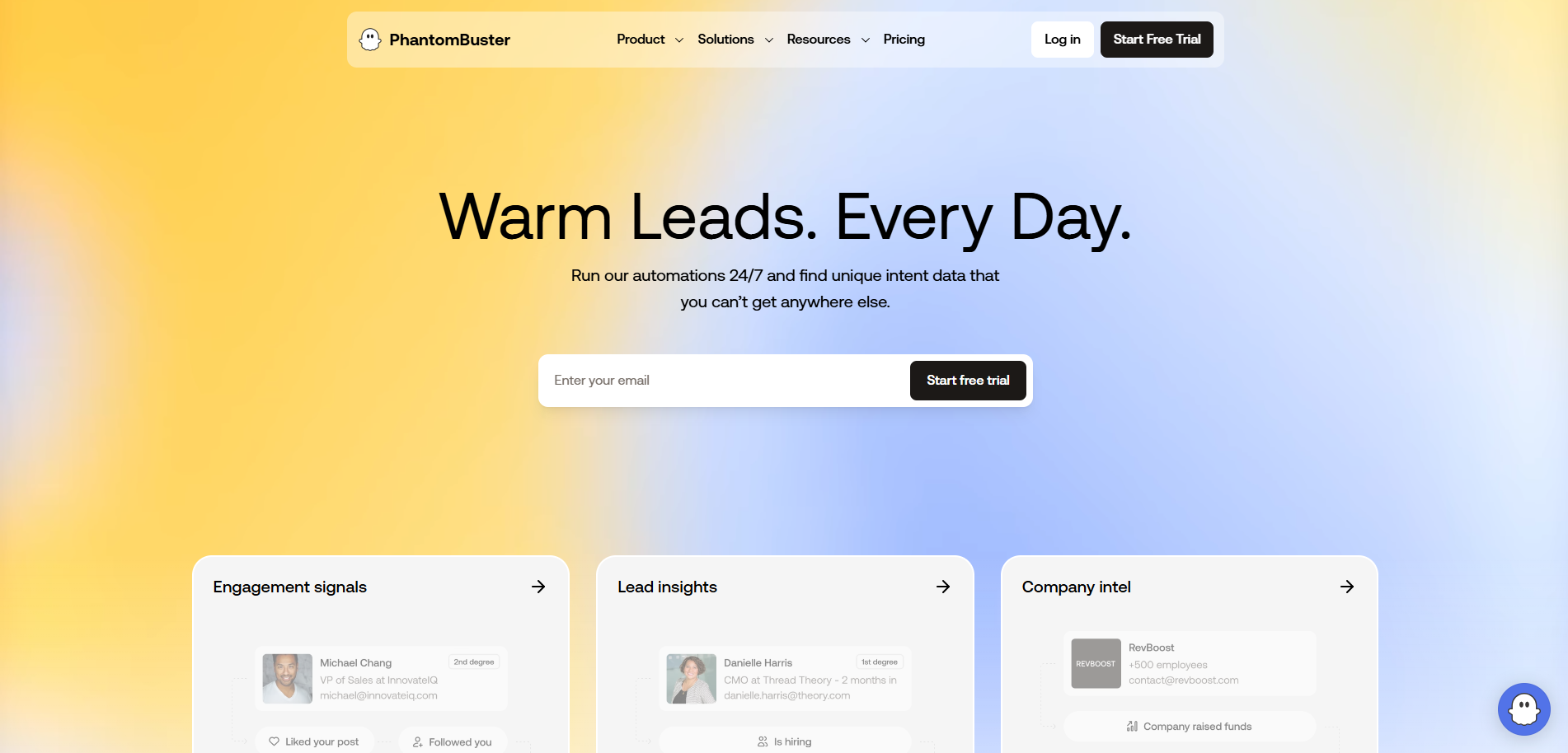
PhantomBuster isn't just a LinkedIn tool; it's an automation library. It uses "Phantoms" (single actions) and "Workflows" (sequences) to extract data from across the web.
Standout features:
- LinkedIn search export: Scrape every detail from a LinkedIn search result or a Sales Navigator list into a structured spreadsheet.
- Post engagers export: This is a goldmine. You can scrape everyone who liked or commented on a competitor’s post and then trigger an automation to connect with them.
- Multi-platform integration: Link your LinkedIn data with Twitter (X), Instagram, or even Google Maps to create a truly omni-channel growth strategy.
Who is it for: Growth hackers and data-driven marketers who need to enrich lead lists before starting outreach.
Starting price: $69/month (Starter plan).
Use PhantomBuster if your strategy relies on heavy data scraping and connecting LinkedIn with other social platforms to build a massive lead database.
2.8. SalesRobot
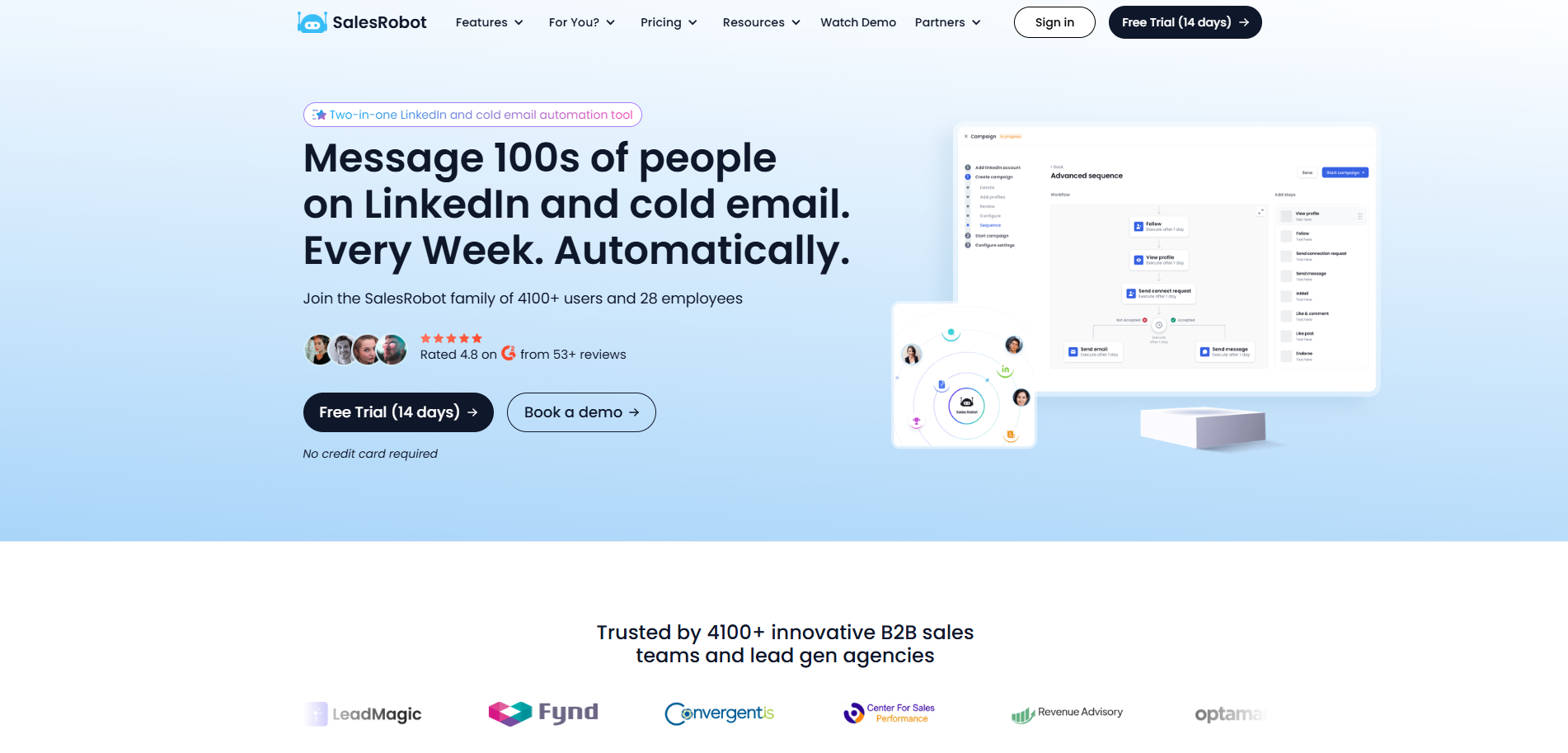
SalesRobot was built to solve the "spammy" feel of automation. It uses heavy-duty AI to ensure your first touch feels like it was hand-typed.
Standout features:
- AI icebreakers: The tool scans a prospect's profile (including their "About" section and recent posts) to write a unique opening line for every single connection request.
- Smart reply detection: It’s smart enough to distinguish between a "Not interested" and a "Tell me more" reply, categorizing them automatically in your dashboard.
- Safe-by-design: It includes a built-in "Warm-up" feature that slowly increases your daily activity to stay under LinkedIn's radar.
Who is it for: Sales reps who want high response rates and hate sending generic, "I'd like to join your network" messages.
Starting price: $59/month (Pro plan).
SalesRobot is for those who hate "automated-sounding" messages; it’s the best tool to scale personalization using AI icebreakers that actually work.
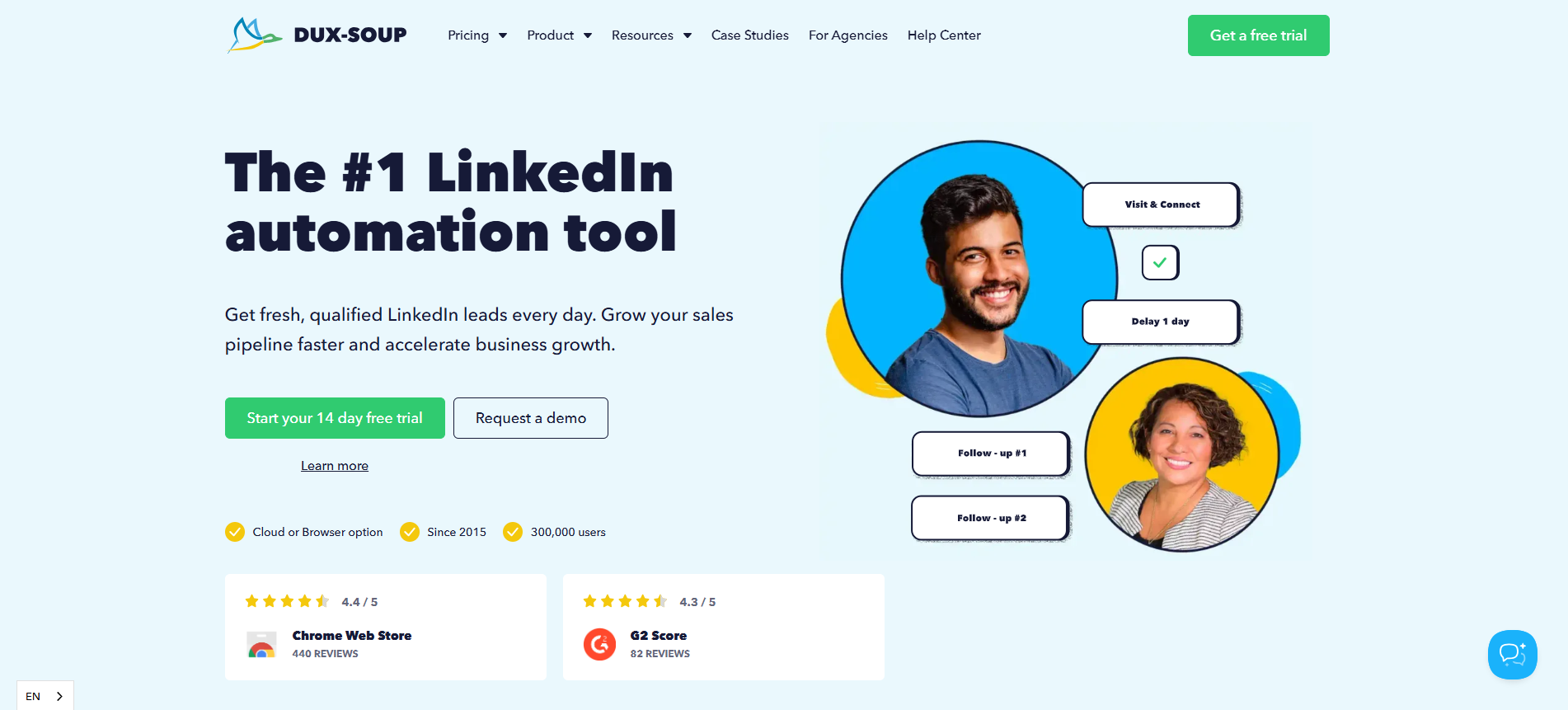
2.9. Dux-Soup
Dux-Soup is one of the longest-standing tools in the industry. It’s a Chrome Extension that works directly "on top" of your LinkedIn interface.
Standout features:
- Simplicity: There is no external dashboard to learn. You simply open LinkedIn, set your parameters in the extension, and watch it work in real-time.
- Automatic profile visiting: A great "soft" touch. By visiting profiles, you appear in their "Who viewed my profile" list, often triggering a back-visit or a connection request from them.
- Seamless sales navigator support: It is optimized to work perfectly with Sales Navigator filters, making it a favorite for traditional recruiters.
Who is it for: Recruiters and solopreneurs who want a simple, effective, and low-cost way to stay visible on LinkedIn.
Starting price: $14.99/month (Pro plan).
Dux-Soup remains the gold standard for individuals who want a simple, "set-it-and-forget-it" tool that works directly on top of their LinkedIn browser.
2.10. Meet Alfred
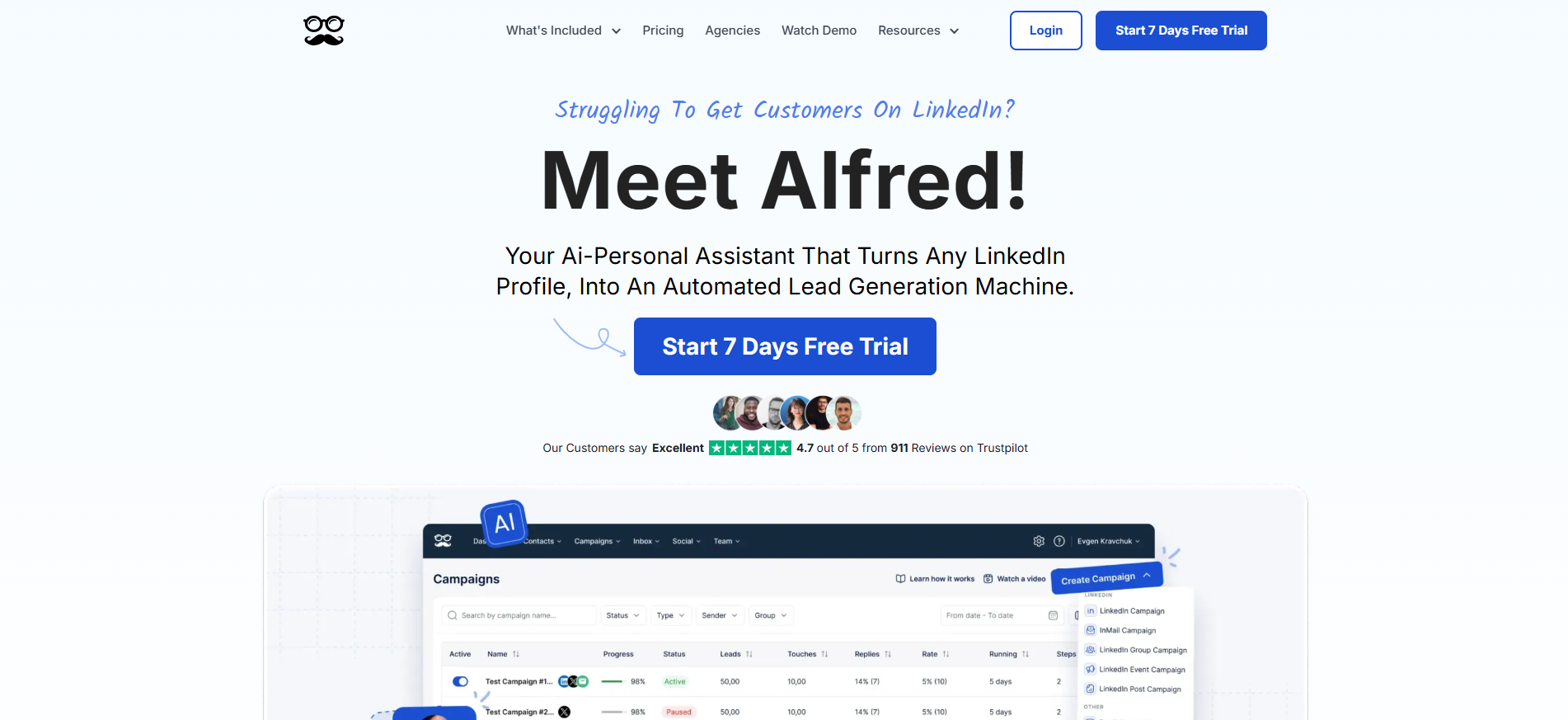
Meet Alfred is designed for the modern salesperson who knows that one channel is never enough. It bridges the gap between LinkedIn, Email, and Social Media Management.
Standout features:
- True Omni-channel campaigns: Build a sequence that starts with a LinkedIn Profile Visit, followed by a Twitter (X) follow, then a LinkedIn Message, and finally an Email if they don't respond.
- Social media scheduler: It includes a built-in scheduler to manage your LinkedIn, Twitter, and Facebook posts, making it a 2-in-1 tool for outreach and content.
- Team collaboration tools: Large teams can share lead lists, avoid duplicate outreach, and use a shared inbox to manage customer success.
Who is it for: Full-cycle sales teams and businesses that need a centralized "Command Center" for all their social selling efforts.
Starting price: $59/month (Personal plan).
For enterprise teams needing a unified command center for LinkedIn, Email, and Social Media scheduling, Meet Alfred is the most comprehensive suite.
>>> Learn more
- LinkedIn Scraping Secrets: What works and what doesn’t
- How much is LinkedIn premium? Unlock the full price & perks now
- How to get followers on LinkedIn: the complete guide for newbies
- What to do when your LinkedIn Account is Restricted?
3. Which tool is the perfect match for you?
Selecting the right software depends on your operational scale and primary objectives. Here is a professional guide to help you align your needs with the right platform:
- For lead generation agencies: If you are managing outreach across multiple client portfolios, HeyReach is the superior choice due to its advanced account rotation and centralized inbox management.
- For high-value B2B prospecting: If your priority is protecting a high-authority personal profile while achieving high response rates, Expandi offers the most robust safety features and personalization.
- For authority building & inbound sales: If your strategy focuses on thought leadership and attracting prospects through engagement rather than direct outreach, Taplio is the essential tool for content-led growth.
- For technical specialists & power users: If you require granular control over every automation parameter and want to minimize monthly overhead, Linked Helper 2 provides the most extensive feature set.
- For data enrichment & market research: If your workflow begins with large-scale data extraction from niche groups or events, PhantomBuster provides the specialized "Phantoms" needed to build high-quality lead lists.
There is no "one-size-fits-all" solution in LinkedIn automation; the most effective strategy often involves choosing a tool that specifically solves your biggest bottleneck, whether that is lead volume, content consistency, or data accuracy.
4. How to use LinkedIn automation without getting banned
In 2026, LinkedIn’s detection systems rely less on simple activity limits and more on behavioral pattern analysis. To protect both your professional reputation and account longevity, any automation strategy must prioritize human-like usage patterns rather than raw volume.
4.1. Adhering to LinkedIn daily limits
Even with advanced automation tools, staying within LinkedIn’s practical activity thresholds is essential. Sudden spikes in behavior are one of the fastest ways to trigger automated reviews or manual checks.
- Optimal daily volume: Aim for a total of 100–150 actions per day, including profile views, connection requests, and messages.
- Weekly connection limits: Respect LinkedIn’s 100 connection requests per week guideline. Some cloud-based tools distribute activity across accounts more efficiently, but conservative limits remain the safest long-term approach.
- Incremental scaling: For new or inactive accounts, start with 20 actions per day and increase activity by around 10% per week to gradually build account trust.
Consistency matters more than speed. Stable, moderate activity delivers far better long-term results than short bursts of aggressive outreach.
>>> Learn more:
- What to do when your LinkedIn Account is Restricted?
- Trouble verifying LinkedIn account: How to solve it?
4.2. Cloud-based tools vs. browser extensions
The underlying architecture of your LinkedIn automation tool plays a major role in risk management.
- Cloud-based tools: These operate continuously on remote servers and typically maintain a consistent IP and login environment. This stability helps reduce irregular login patterns and supports safer, long-term automation workflows.
- Browser extensions: These run directly inside your local browser and only function when the browser is open. They are more susceptible to conflicts with other extensions, browser updates, or IP changes caused by VPN usage or travel.
For professional outreach and account durability, cloud-based automation tools generally offer a more stable and predictable operating environment than browser extensions.
4.3. Implementing a mandatory warm-up period
Modern LinkedIn safety relies heavily on gradual behavior development. A proper warm-up process mirrors how a real user naturally becomes active over time.
- Account warm-up: High-quality tools begin with low-impact actions such as profile visits or content engagement before progressing to connection requests and messages.
- Behavioral randomization: Ensure your automation includes randomized delays between actions. Perfectly timed, repetitive intervals are a common signal of automated behavior.
- Consistent scheduling: Run automation during standard business hours within your target audience’s time zone to maintain realistic usage patterns.
A structured warm-up period acts as a long-term safeguard, allowing your account to handle higher activity levels more reliably in the future.
4.4. Managing multiple LinkedIn accounts safely with Hidemyacc
For agencies and sales teams managing multiple LinkedIn profiles, automation tools alone are often not enough. LinkedIn can associate accounts accessed from the same device through browser fingerprint signals, even when different logins are used.
This is where antidetect browsers such as Hidemyacc become essential for multi-account operations.
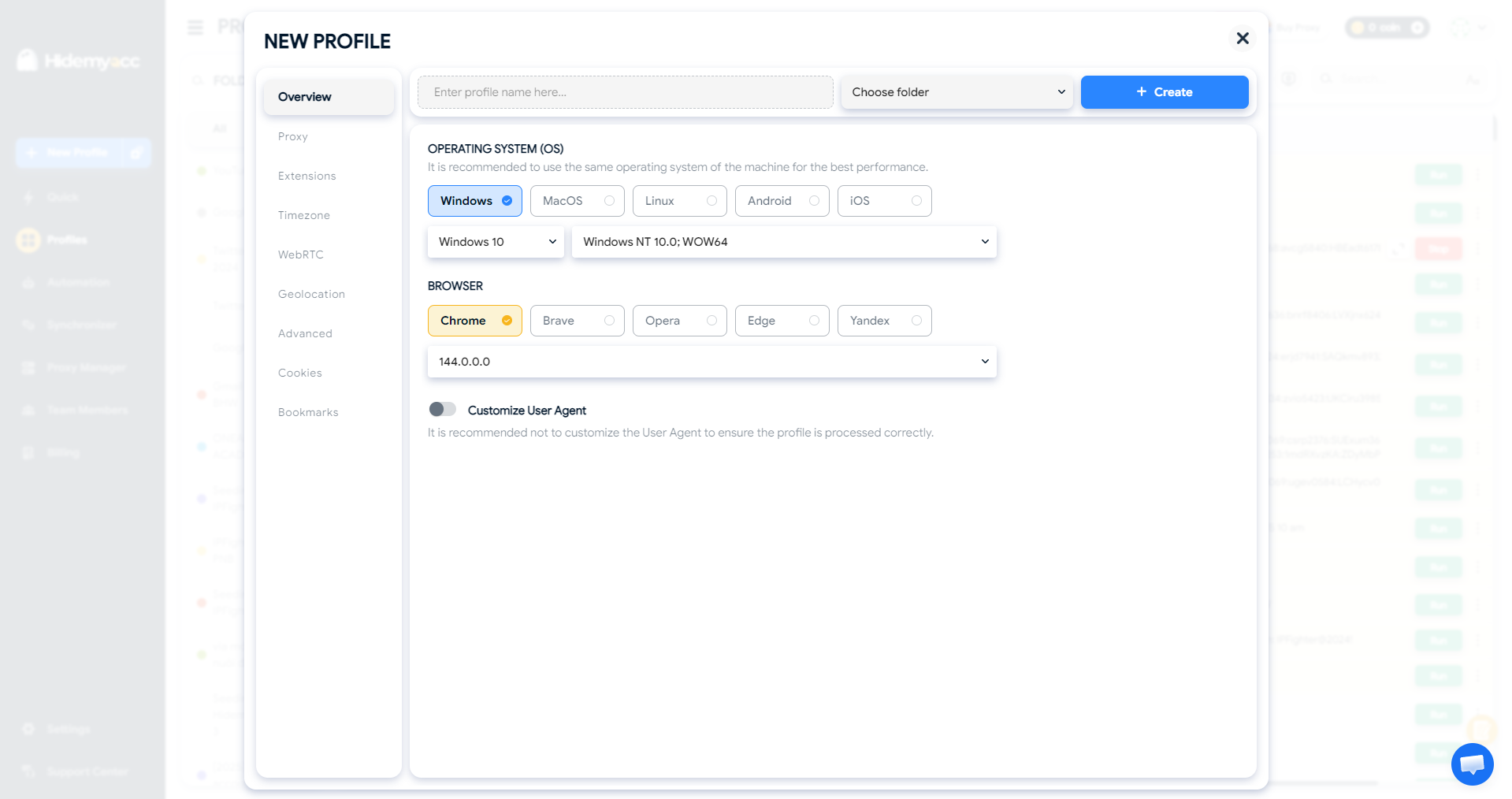
- Browser fingerprint isolation: Hidemyacc creates fully isolated browser profiles for each LinkedIn account, masking fingerprint parameters such as Canvas, WebGL, and AudioContext. Each profile appears as a separate physical device rather than multiple accounts on one machine.
- Efficient multi-account access: Instead of repeatedly logging in and out or maintaining multiple Chrome profiles, teams can operate numerous LinkedIn accounts simultaneously in separate, secure browser environments without cross-profile data leakage.
- Proxy compatibility: Each Hidemyacc profile can be paired with a dedicated proxy. When combined with cloud-based automation tools, this setup significantly reduces detection risks under normal operating conditions by maintaining consistent network and device signals.
- Team collaboration: Secure browser profiles can be shared with team members or clients while preserving the same fingerprint configuration, helping avoid suspicious login challenges caused by sudden environment changes.
Using an antidetect browser like Hidemyacc alongside LinkedIn automation tools creates a robust operational safety stack, enabling scalable multi-account management while minimizing unnecessary risk.
>>> Keep reading:
- How to manage multiple social media accounts without getting banned
- How to manage multiple LinkedIn accounts without getting banned
5. Conclusion
Choosing the right LinkedIn automation tools in 2026 is no longer just about increasing lead volume, it is about leveraging smart technology to build authentic, human-centric professional relationships. By combining the right LinkedIn automation tools with a security-first mindset, using dedicated IPs and isolated browser environments like Hidemyacc, you can scale your business without risking your professional reputation.
When done right, LinkedIn automation simply becomes a quiet support system in the background, helping you grow consistently without putting your accounts or reputation at risk.
6. FAQ
1. Is LinkedIn automation legal?
Yes. It is legal but violates LinkedIn’s Terms of Service. Use high-quality tools to minimize risk.
2. Can LinkedIn detect automation?
Yes. LinkedIn flags repetitive patterns and low-quality browser extensions. Cloud-based tools with dedicated IPs are much harder to detect.
3. How many connection requests can I send daily?
The safe limit is 20–25 requests per day (approx. 100/week). Exceeding this often triggers account warnings.
4. Will my account get banned?
Only if you spam or use poor tools. Following safety limits and using "warm-up" modes makes the risk negligible.
5. Do I need Sales Navigator for automation?
No, but it’s highly recommended. It provides better filters and higher account trust, reducing the chance of being flagged.
6. Is there a free LinkedIn automation tool?
Yes, Waalaxy offers a free version. Most other premium tools provide a 7 to 14-day free trial.
7. Which is safer: Cloud-based or Chrome extensions?
Cloud-based tools are safer. They run on independent servers and maintain a consistent IP address 24/7.






