Fees ranging from $60 to $120/month for Midjourney Pro plans present a significant financial barrier for individual creators and marketing agencies. To optimize budgets, many opt for a shared setup. However, this often leads to permanent bans due to Midjourney's strict policies. So, is a Midjourney share account actually safe, and how can you save money without compromising security? This article analyzes the technical risks and guides you through 4 of the most stable and secure account-sharing solutions available today.
1. Is a Midjourney Share Account Safe?
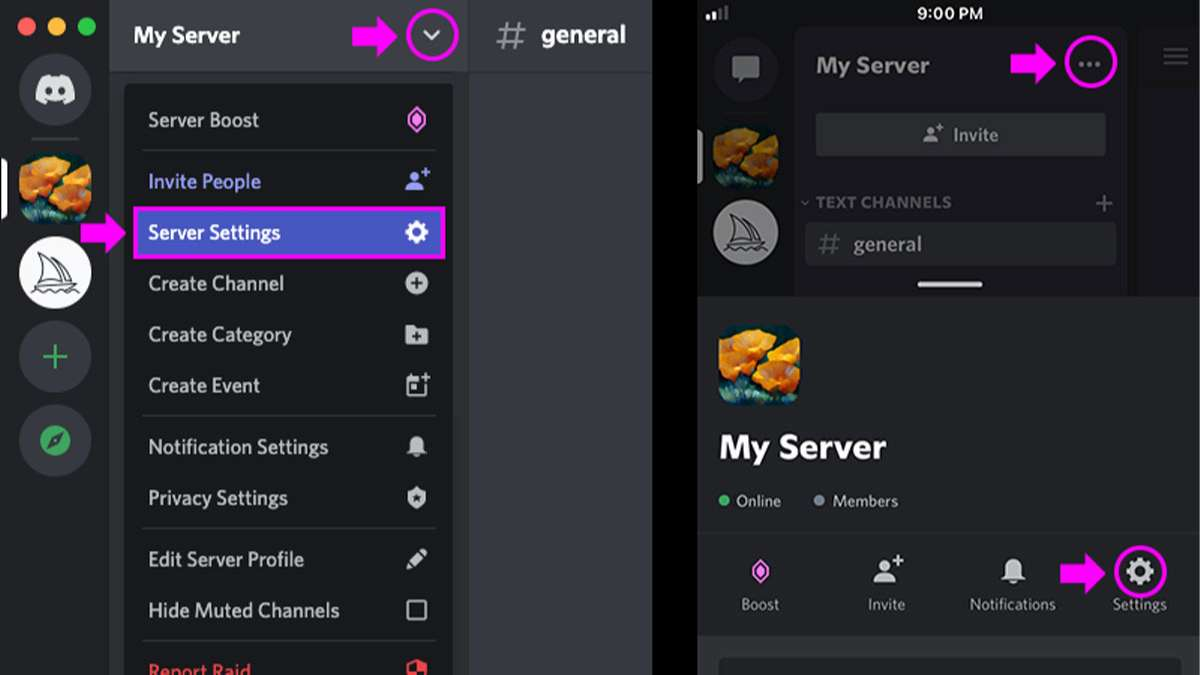
The answer is Yes, but only if done correctly. If you share manually, Midjourney - which operates on Discord - utilizes a highly sophisticated security system. Here are the 3 primary risks:
1.1. Mass account bans
The system doesn't just check IP addresses; it analyzes browser fingerprints and user behavior. Discord performs deep scans of hardware parameters such as screen resolution, graphics card (Canvas/WebGL), fonts, and time zones - markers that are unique to every computer.
Furthermore, if an account is active in London and then suddenly issues a command from New York minutes later, the AI algorithm flags it as "unusual access." Combined with tracking login frequency and command speed, Discord easily identifies unauthorized sharing and issues permanent bans without prior warning.
1.2. Risk of "digital asset" loss
Sharing access without strict control endangers your business's intellectual property. When using the "email and password" method, you face:
-
Leaked design secrets: Everything you create is stored in a private Gallery. Strangers or untrustworthy partners can easily copy your entire collection along with your detailed prompts.

-
Loss of control: Giving away the root password means giving away administrative rights. A co-user could change the password or access your "Billing" section, exposing international credit card details.
1.3. The "Domino" Effect
Midjourney is ruthless in maintaining its community standards. If just one member of a shared group violates content policies (sensitive, violent, or copyrighted content), the entire account is banned instantly. You may be a rule-following owner, but you will still lose all your project data and suffer financial hits due to someone else's mistake.
>>>Discover now: What is CPA offers and why it pays without selling anything
2. Comparison of 5 Popular Sharing Methods
|
Criteria |
Direct Pass Sharing |
Shared VPN/Proxy |
Group Buy Services |
Private Discord Server |
Using Hidemyacc |
|
Safety |
Very Low |
Medium |
Low |
Medium |
High |
|
Pass Security |
Exposed |
Exposed |
Exposed |
Exposed |
Encrypted/Hidden |
|
Render Speed |
Stable |
Slow |
Very Slow |
Stable |
Max GPU Speed |
|
Team Mgmt |
Impossible |
Difficult |
No Control |
Good |
Highly Effective |
2.1. Method 1: Direct Password Sharing
The easiest but riskiest way. Constant logouts, login conflicts, and exposed billing info make this a "blacklist" magnet for the platform.
2.2. Method 2: Shared VPN/Proxy
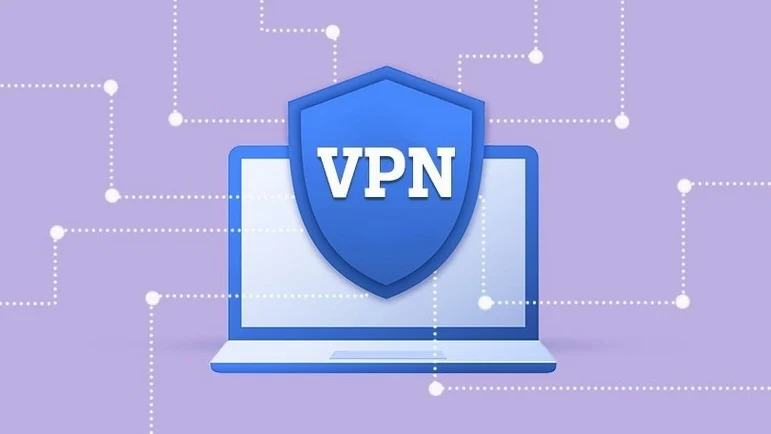
Fake your location by having the whole team connect to one static IP. However, VPNs often cause high latency (slower renders), and if one member forgets to turn it on, the account is flagged for a "sudden location jump."
2.3. Method 3: Group buy services
Buying a "slot" from third parties is cheap but frustrating. GPU Fast Hours are usually exhausted within days, forcing you into "Relax Mode" (extremely slow). Plus, your prompts and images are visible to hundreds of strangers - a deal-breaker for professional agencies.

2.4. Method 4: Hidemyacc Anti-detect Browser
The top choice for professional agencies.
-
Security: Each profile has a unique browser fingerprint. Members can take turns accessing the account, and the platform only sees "one person on one device."
-
Password-Free Sharing: The admin logs in once; staff can use the account through the shared profile without ever seeing the actual password.
-
Management: Instantly revoke access when a project ends or an employee leaves.
(Note: Use with Residential or ISP proxies for the best results).
2.5. Method 5: Private Discord Server
Small teams often invite the Midjourney Bot to a private server. While this organizes work, it doesn't hide your fingerprint. To manage the Gallery or billing, members still have to log into the main account, which eventually triggers Discord's "unauthorized sharing" detectors.
>>>Read more:
3. 3 Steps to Secure Your Midjourney Share Account via Hidemyacc
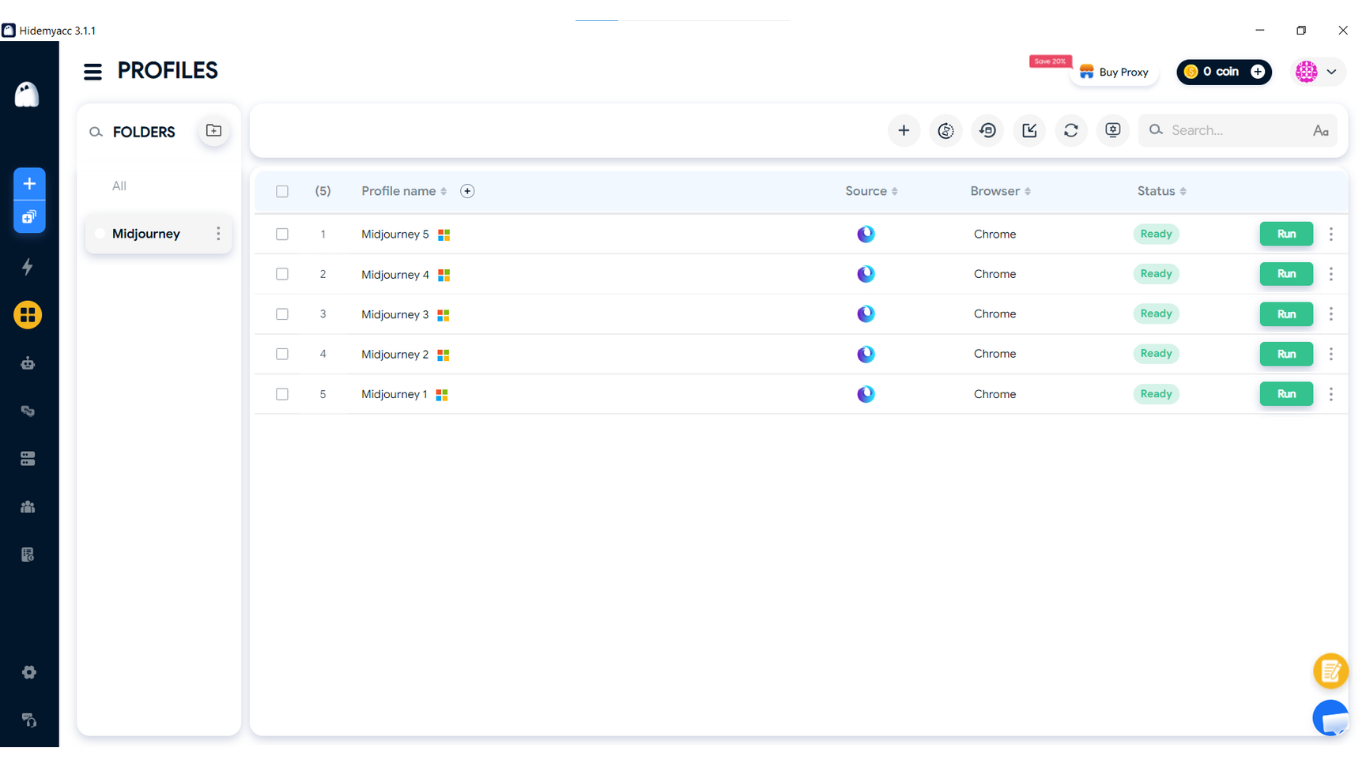
3.1. Create a new profile
Click Create in Hidemyacc to generate a random browser fingerprint. Add a Proxy (HTTP, Socks 5, or SSH). This ensures that no matter where your team is, Discord only records one fixed IP address.
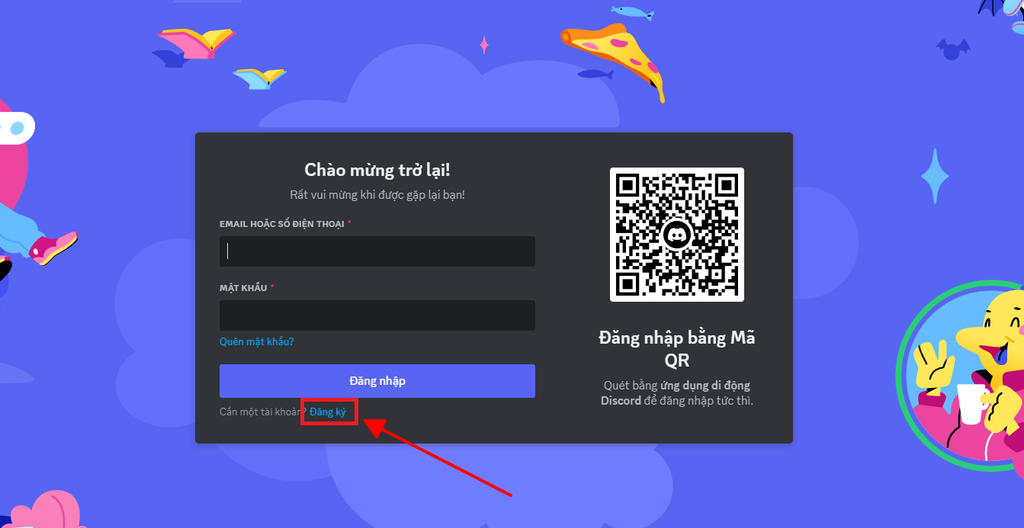
3.2. Account login & "warm-up"
Log into Discord/Midjourney within the profile. For the first 3 - 5 days, act like a real user: browse community channels and run 2–3 simple /imagine commands. This "seasons" the account, making it a "trusted device" in Discord’s eyes.
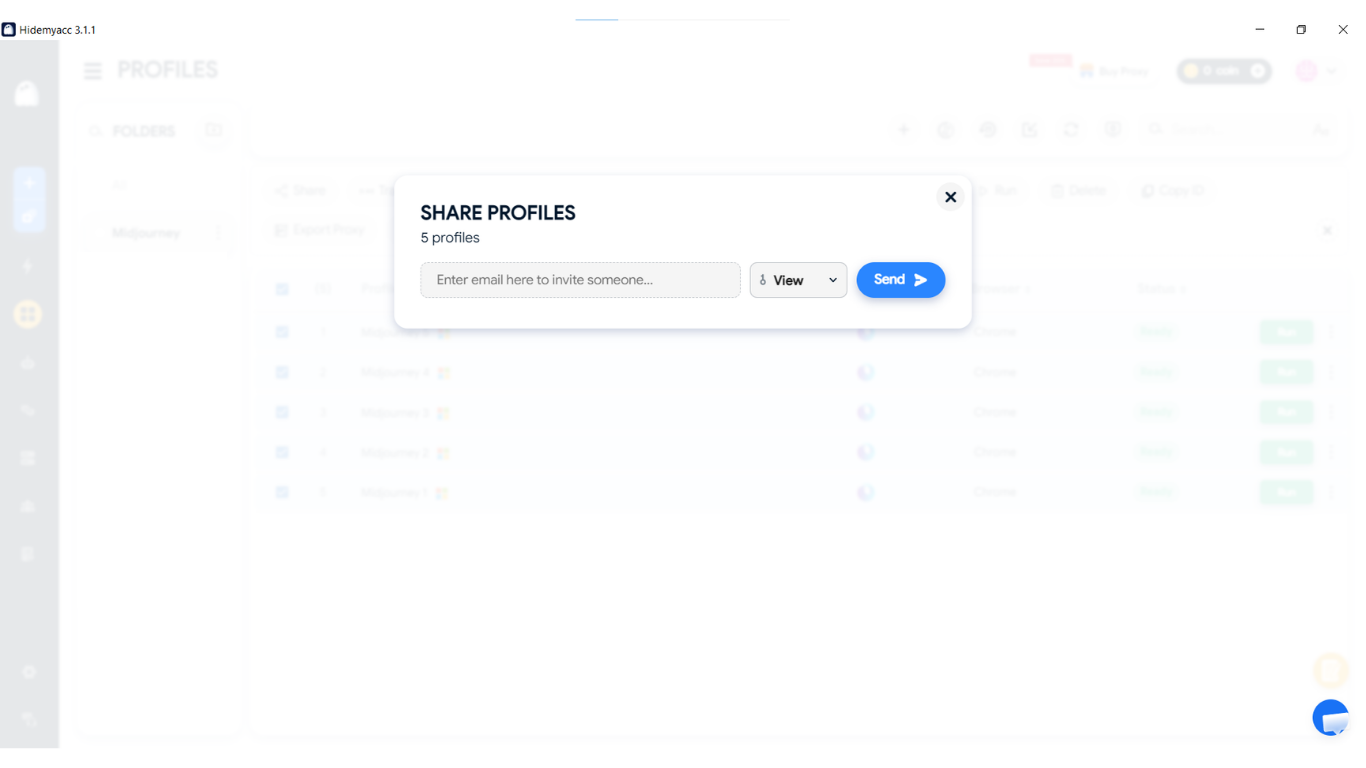
3.3. Share the profile
Use the Share feature to send the profile to team members. They open it and start working immediately.
-
Tip: Only one person can open a specific profile at a time. Coordinate shifts or create multiple profiles if you own several Midjourney accounts to avoid queue conflicts.
>>>Related articles:
4. Conclusion
The safety of a Midjourney share account depends entirely on your method. Relying on simple password sharing carries a high risk of permanent bans. However, by using an anti-detect browser to share profiles, you can protect your creative assets and maintain account stability. Choose smart management to safeguard your agency's intellectual property.
5. FAQ
Why do group-buy accounts often get banned right after renewal?
In addition to IP issues, Midjourney is very strict with irregular payment histories. When using a Midjourney share account through cheap services, if one person in the group uses a faulty Visa card or engages in fraudulent behavior, the entire account will be banned due to the "domino effect."
How can I completely hide my images from the Gallery when sharing?
You need to use a Pro or Mega plan and use the /stealth command to enter Incognito mode. This ensures the images you create do not appear in Midjourney’s public Gallery.
Does Hidemyacc provide a warranty if my account gets banned?
No. Hidemyacc is a tool that provides a clean and secure browser environment to protect your accounts; it is not a Midjourney account vendor. Therefore, Hidemyacc does not offer a warranty policy for Midjourney accounts.
Does sharing an account slow down image generation speed?
It can, if multiple people issue commands at the same time. Discord uses a Queue mechanism, so you should use Hidemyacc in combination with scheduled usage shifts to maintain maximum speed.
Does using a Midjourney share account affect image copyright?
According to Midjourney’s terms, ownership belongs to the paid account holder. When sharing with strangers, you may face legal trouble if the other party disputes authorship or uses your images commercially before you can register them.