



As a content creator, platforms like Google AdSense are key to your income. Exploring alternatives like Substack, you might wonder: Can Substack detect an ad blocker, and how does this affect revenue? This article explains Substack’s approach to ad blockers, its impact on monetization, and how tools like Hidemyacc help manage accounts and maintain earnings.
1. How publishers can benefit from Substack?
Substack is a popular platform for independent writers and content creators. While the platform focuses on providing high-quality, subscription-based content, ads still significantly generate revenue.
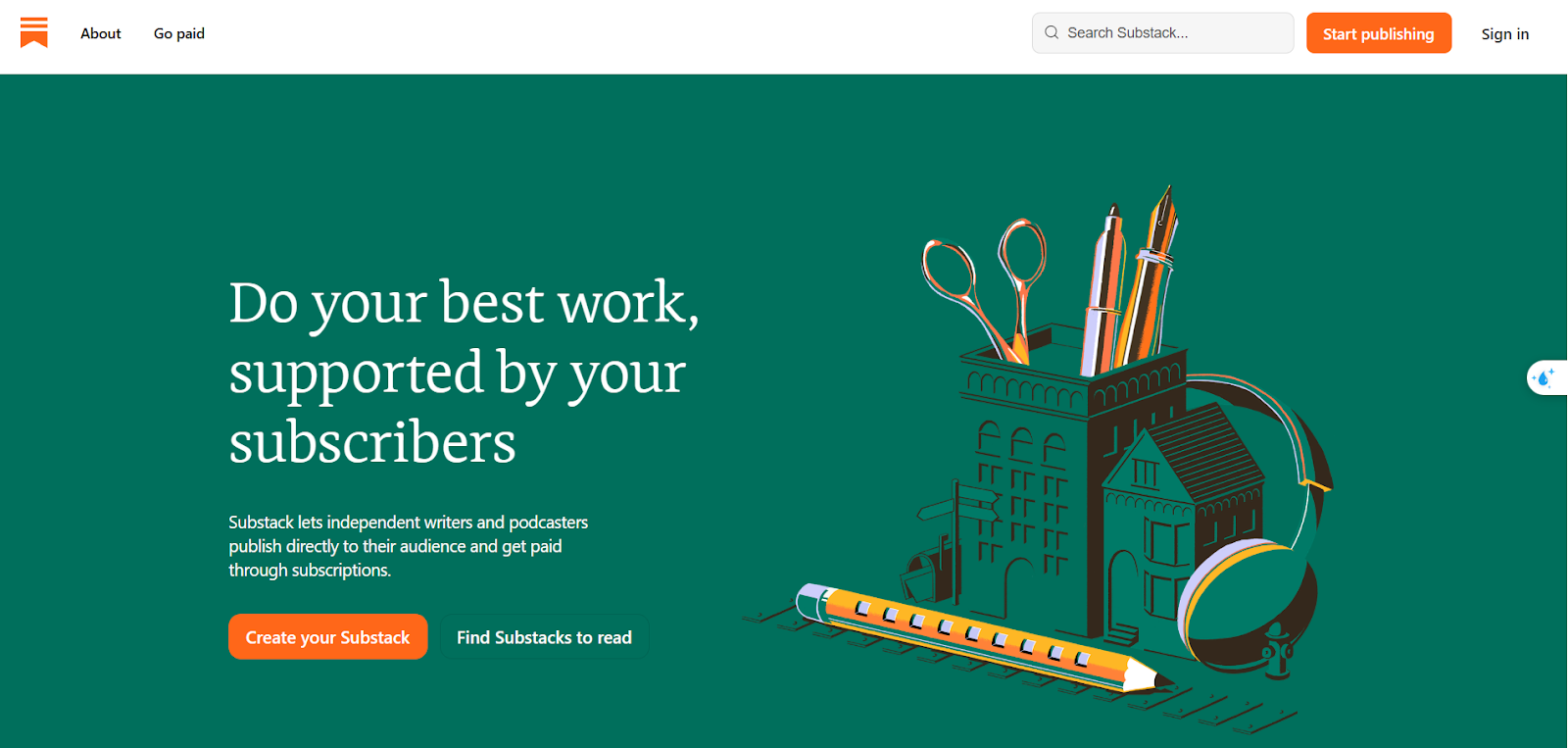
Substack uses ads from third-party services to monetize free content. This allows creators to reach a broader audience while keeping their content accessible to non-subscribers. Here’s how you can make the most out of Substack:
-
Subscription-based revenue: Substack offers content creators a way to generate income directly from their readers through subscriptions. This reduces your reliance on ad revenue, allowing you to generate income even if some users block ads.
-
Engagement with niche audiences: By creating valuable, targeted content, you can build a loyal subscriber base that’s more likely to support you through paid subscriptions.
-
Using Substack to diversify revenue: Substack offers various tools that let you monetize your content in addition to ads, such as paid newsletters and premium content. Leveraging these opportunities can help you diversify your income streams.
However, Substack’s ability to generate revenue is limited if users block these ads. Ad blockers, such as uBlock Origin or Adblock Plus, prevent these third-party scripts from running on websites, making it harder for platforms like Substack to earn money. As a result, Substack, like many other websites, has implemented various methods to detect users blocking ads.
2. Understanding Ad Blocker detection on Substack
Like many websites that depend on advertising revenue, Substack has mechanisms to detect when users are using ad blockers. These detection methods are designed to identify and address the impact of ad blockers, which can prevent advertisements from being displayed and directly reduce potential earnings for content creators.
By identifying ad blocker usage, Substack can adjust how content is delivered or offer alternative ways to monetize, such as encouraging users to subscribe or upgrade to premium content.
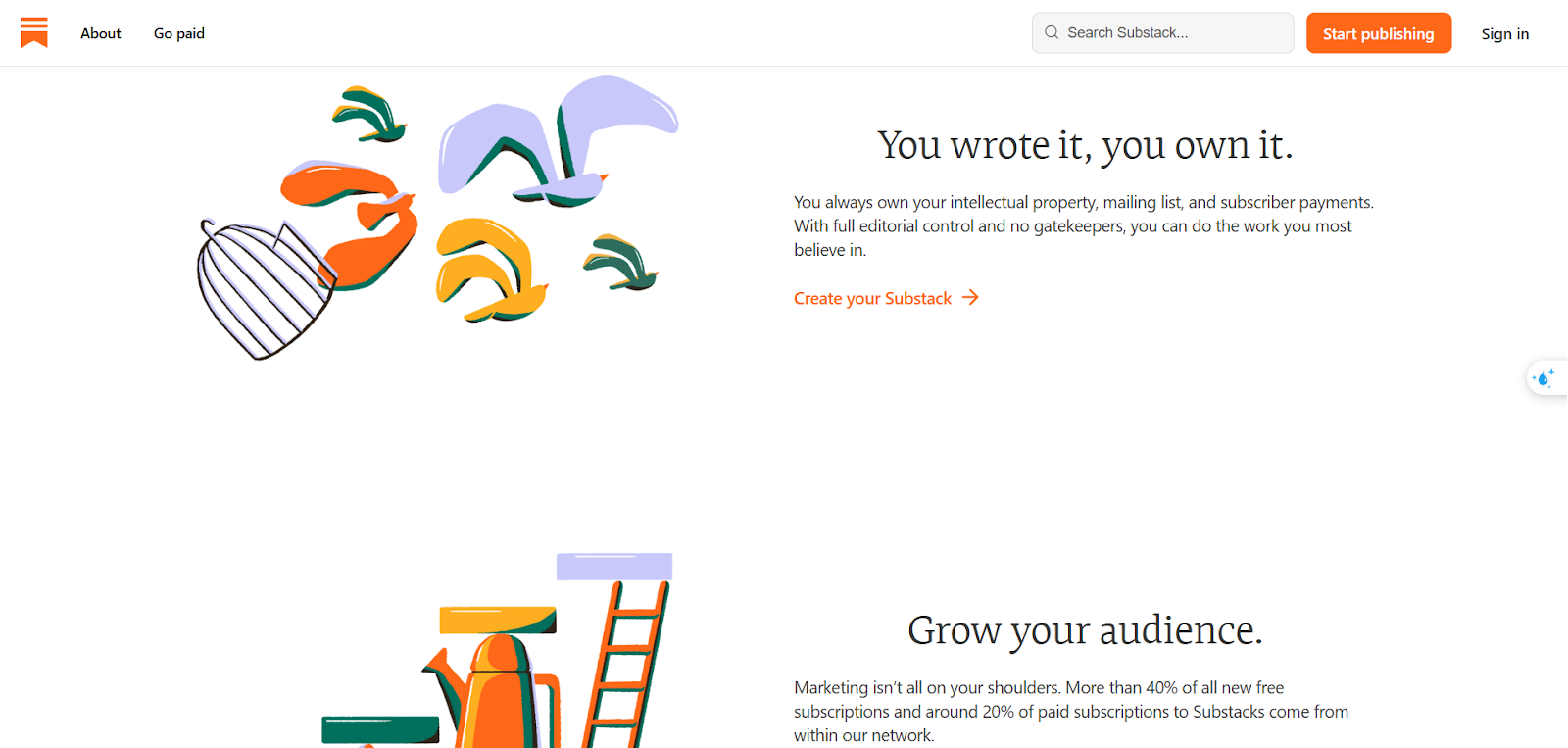
2.1. Ad Blocker detection techniques on Substack
Substack employs many methods to identify whether a user is blocking ads. These typically include:
-
Bait elements: Substack may insert invisible elements that are typically used in ads. If these elements are blocked, it signals to the platform that an ad blocker is active.
-
Script monitoring: Substack can track the loading of ad-related scripts. If these scripts don’t load due to an ad blocker, it can flag the user.
-
Behavioral analysis: If a user’s interaction with the site deviates from expected patterns (such as blocking ads), Substack may detect it.
While ad blockers improve the user experience, they also prevent publishers from generating ad revenue from ads served on Substack or other platforms. This is especially problematic if you rely on monetization methods like Google AdSense or Substack’s native ad program.
2.2 How does Substack handle Ad blockers?
When Substack detects that a user has an ad blocker active, it may take certain actions to encourage the user to disable it. These actions can include:
-
Blocking content: The platform may limit access to content or restrict certain features for users with active ad blockers.
-
Requesting Ad Blocker disabling: Substack may prompt users to disable their ad blocker in order to continue viewing content.
For publishers, this can result in reduced visibility and potential earnings, as some of your audience may be using ad blockers, and you may lose the opportunity to generate revenue from those users.
3. How antidetect the browser Hidemyacc helps publishers on Substack?
Ad blockers can impact your ability to earn money online on Substack. While Substack has mechanisms to detect ad blockers, users can still find ways to bypass them, such as using multiple ad blockers. To prevent this from affecting your earnings, you can optimize the anti-detect browser Hidemyacc to manage multiple accounts on Substack.
Hidemyacc allows you to create multiple browser profiles, each with a unique fingerprint, making it harder for systems to detect or link your accounts. For publishers, this means you can safely test different content strategies, manage multiple business models, or diversify your revenue streams without risking cross-account detection.
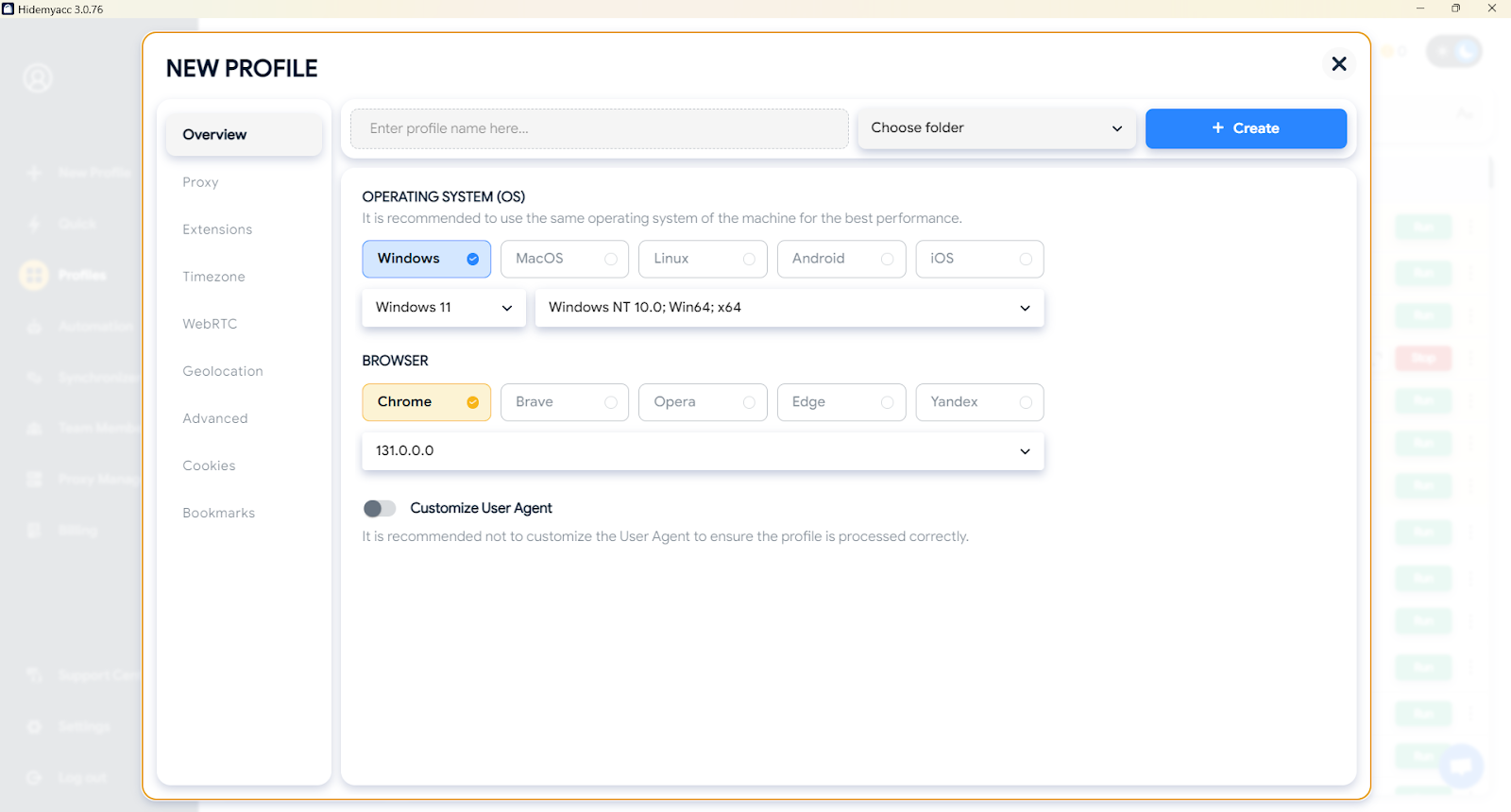
This capability is particularly valuable for publishers on Substack for several reasons:
-
Testing content strategies: You can create separate browser profiles to test various content strategies without risking cross-account detection. This allows you to refine your approach and identify what resonates most with your audience.
-
Managing multiple business models: For creators handling diverse projects or revenue models, Hidemyacc helps you separate these efforts into distinct profiles, ensuring a streamlined workflow and protecting your accounts from being flagged.
-
Diversifying revenue streams: With multiple accounts, you can explore different monetization methods - such as ad revenue, subscription plans, or premium content- without the fear of interference or detection issues.
By integrating Hidemyacc into your workflow, you not only safeguard your earnings but also gain the flexibility to adapt and grow in an increasingly competitive digital landscape. It’s a powerful tool that ensures your Substack operations remain secure, efficient, and profitable.
Read more:
- Create Multiple X Accounts Without Getting Banned
- How to create infinite Google accounts in 2026?
- How to Safely Run Multiple Discord Accounts Without Bans?
- How to safely manage multiple TikTok accounts and avoid shadowbans
- How to manage multiple social media accounts without getting banned
4. Conclusion
Substack is a great platform for publishers and content creators looking to monetize their work. However, the challenge of ad blocker detection can hinder your ability to generate revenue through ads. Fortunately, tools like Hidemyacc can help you manage multiple accounts and continue generating income without interruptions. By leveraging diverse monetization methods and using the right tools, you can successfully navigate the landscape of digital publishing on Substack.






