Buying Gmail accounts is not uncommon, especially for marketers, multi-project managers, or users who need separate emails for different workflows. Today, there are many websites, marketplaces, forums, and private groups selling aged Gmail accounts, PVA Gmail accounts, or bulk Gmail accounts, but the actual quality is difficult to verify.
If you rely only on low prices or claims like “stable,” “low ban rate,” or “long-term use,” you may end up with faulty accounts, reclaimed accounts, or accounts with poor history. In this article, Hidemyacc helps you understand where people usually buy Gmail accounts, what risks to watch out for, and safer alternatives if you need multiple accounts.
1. Why do people buy Gmail accounts?
Not everyone wants to create new Gmail accounts from scratch for every small use case. For marketers or people managing multiple platforms and projects, buying ready-made accounts can seem much faster than building and managing them manually.
Common reasons include wanting older accounts, phone-verified accounts, separating emails by workflow, or preparing multiple accounts for operational needs. This is a real demand in the market.
However, faster does not mean safer. An account may save time upfront, but it can still create long-term risks if its origin and control are unclear.\
2. What are aged Gmail and PVA Gmail?
Before buying, users often encounter common selling labels. Understanding them helps you evaluate listings more carefully.
2.1. What are aged Gmail and PVA Gmail?
Aged Gmail accounts are accounts created months or years ago and are often described as more “trustworthy” than new ones.
PVA Gmail (phone-verified accounts) refers to accounts that have been verified using a phone number.
2.2. How are aged Gmail accounts different from new ones?
The difference usually lies in account age, past activity signals, and verification status. However, these factors do not automatically mean better quality or stability.
2.3. Why these labels are not a guarantee of safety
An account labeled as “aged” or “PVA” can still have a bad history, unclear origin, or hidden recovery access. In short, these are marketing descriptions, not quality guarantees.
3. Where do people usually buy Gmail accounts?
When looking to buy Gmail accounts, users often come across different types of sources. Some sell directly, others act as intermediaries, and some are community-driven. Each type comes with different risk levels.
3.1. Direct account-selling websites
These are the most common sources found via Google search. They typically sell aged Gmail, PVA Gmail, country-specific Gmail, or bulk accounts. Listings often highlight account age, verification status, pricing tiers, and promises like fast delivery or support.
Examples include:
3.1.1. UseViral
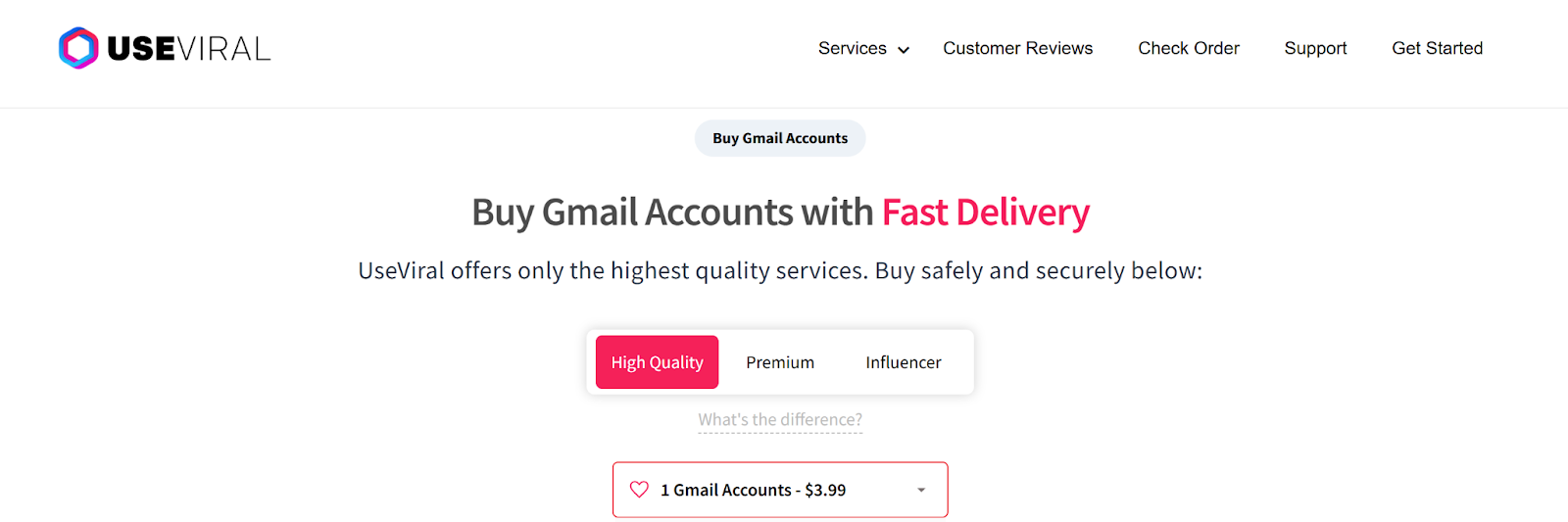
UseViral offers aged and PVA Gmail accounts, positioned for marketing and outreach use. It emphasizes fast delivery and support services, making it appealing for users who need ready-to-use accounts quickly.
3.1.2. USASMMDeal
USASMMDeal provides Gmail accounts categorized by country, quantity, and verification status. It offers 24/7 support and is commonly used for bulk account needs.
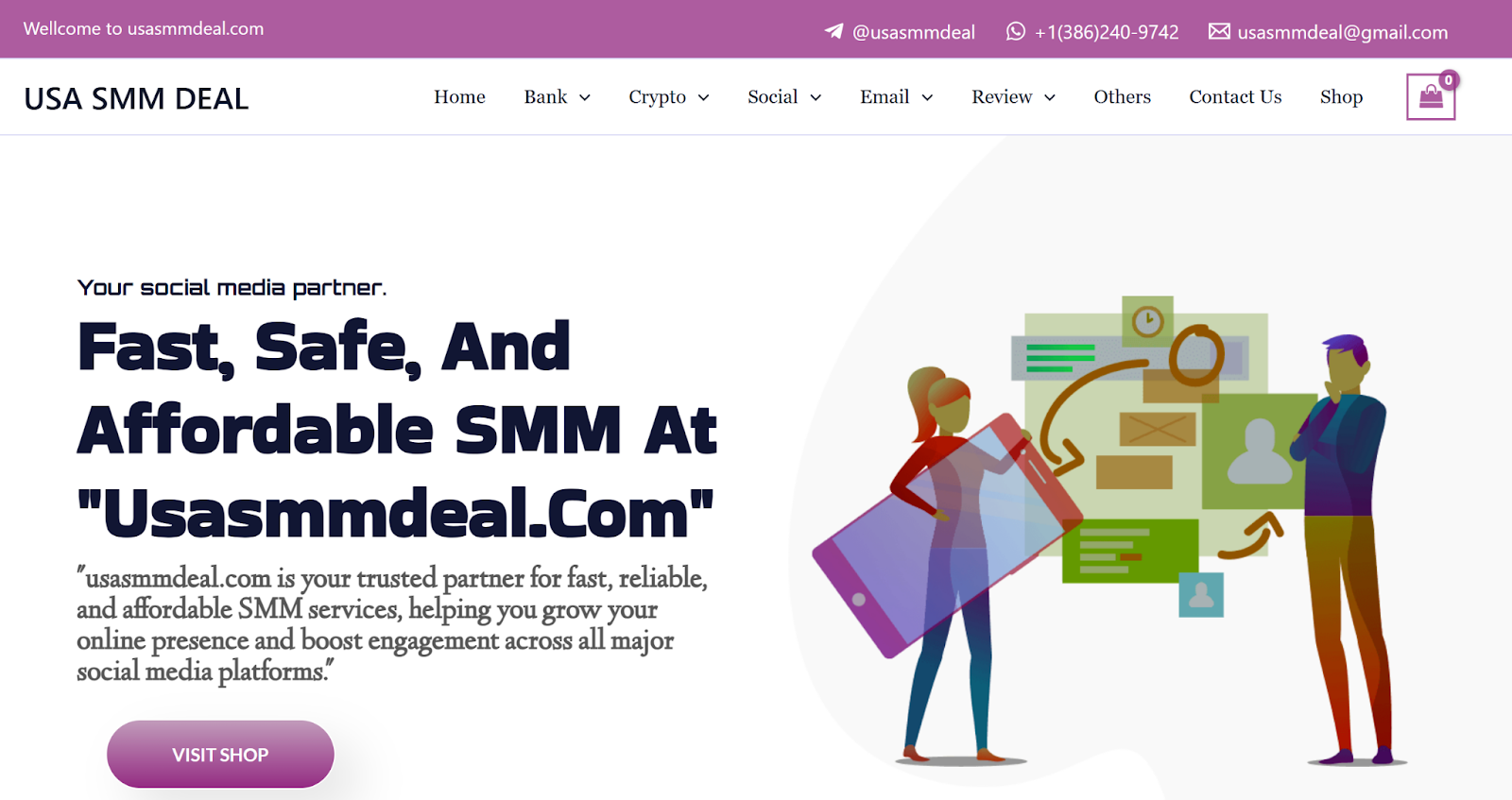
Note: These websites often look professional, with clean interfaces, pricing tables, and customer reviews. However, a polished appearance does not guarantee clean accounts or safe origins.
The biggest issue is that buyers must rely heavily on the seller. If listings are vague or avoid questions about recovery email, recovery phone, or full ownership transfer, the risk remains high.
In short, direct websites are the easiest to access, but also where buyers are most easily influenced by presentation.
3.2. Digital account marketplaces
Unlike direct websites, marketplaces are platforms where multiple sellers list accounts. The platform acts as a marketplace, not necessarily the seller.
Examples include: AccsMarket, Z2U, PlayerUp, SWAPD, EpicNPC
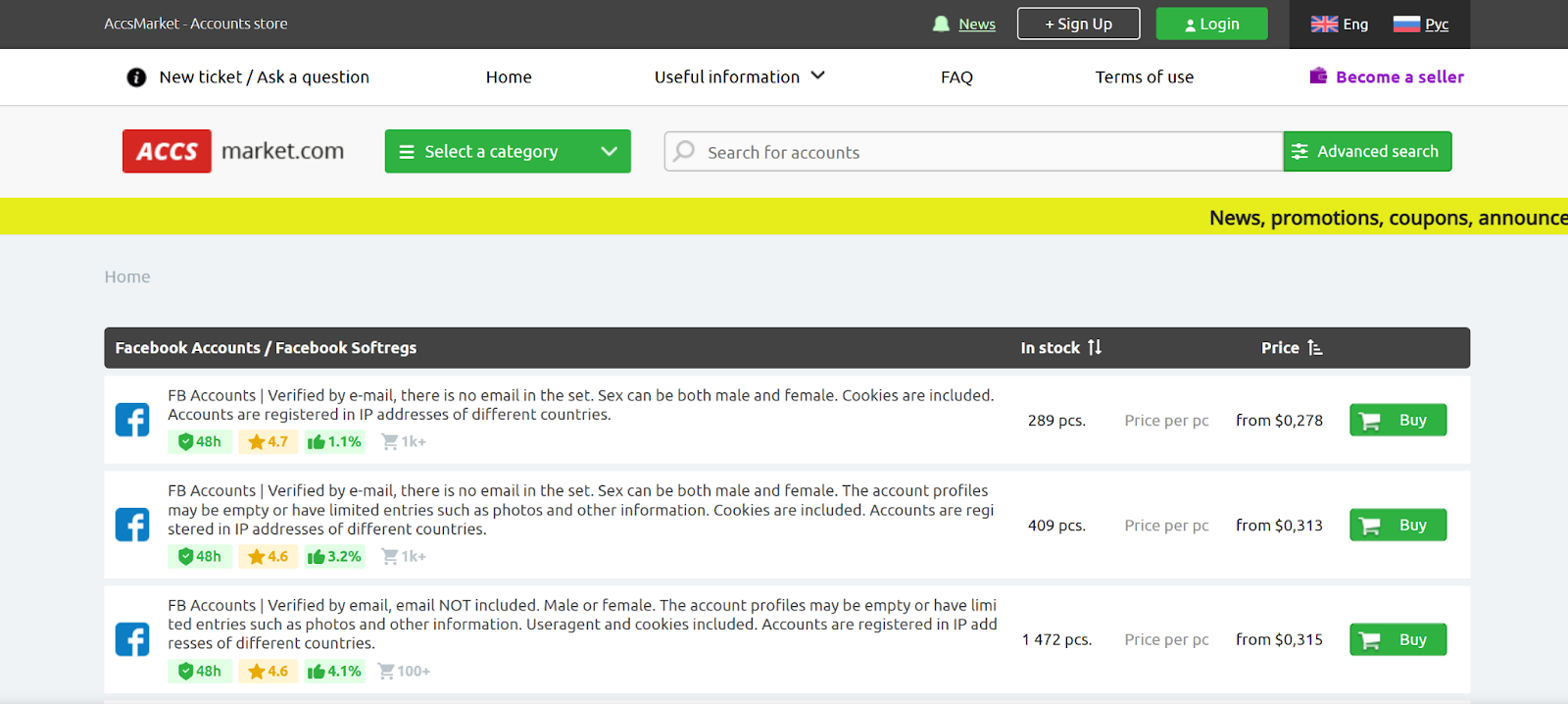
3.2.1. AccsMarket
AccsMarket is a large platform that offers many types of digital accounts, including Gmail. With a wide range of aged and PVA Gmail accounts, users can choose based on price, country, quantity, and verification type. However, account quality may vary between sellers, so buyers need to carefully review feedback before purchasing.
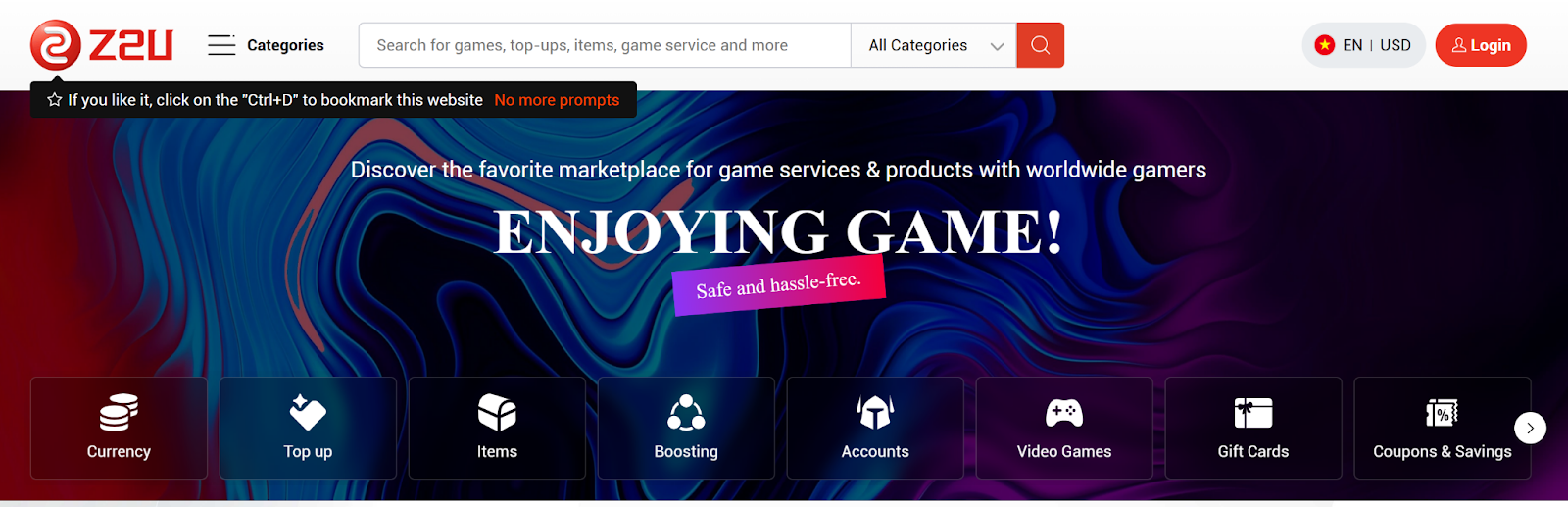
3.2.2. Z2U
Z2U is another marketplace with a wide variety of digital accounts, including Gmail. Buyers can compare prices, account types, and conditions across listings. However, similar to AccsMarket, buyers must evaluate sellers themselves, as the platform does not fully control transaction safety.
3.2.3. AccsZone
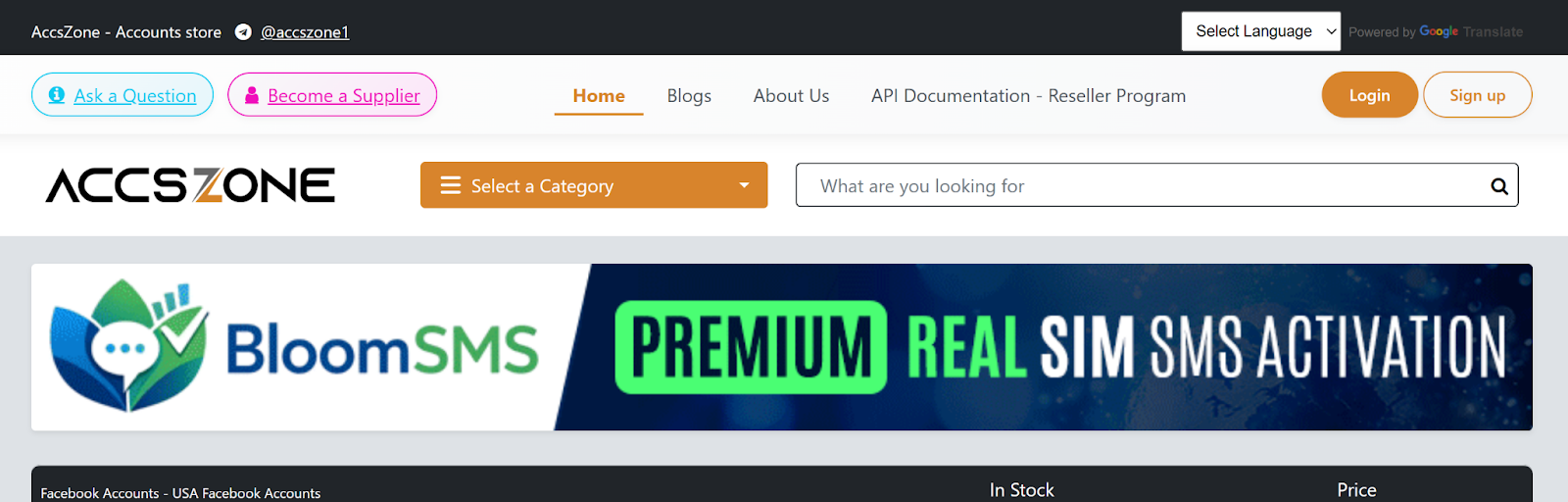
AccsZone provides various types of accounts such as Gmail, Facebook, and Twitter. Accounts are usually categorized by aged, PVA, or by country. This platform is more oriented toward bulk buyers.
3.2.4. BulkAccounts
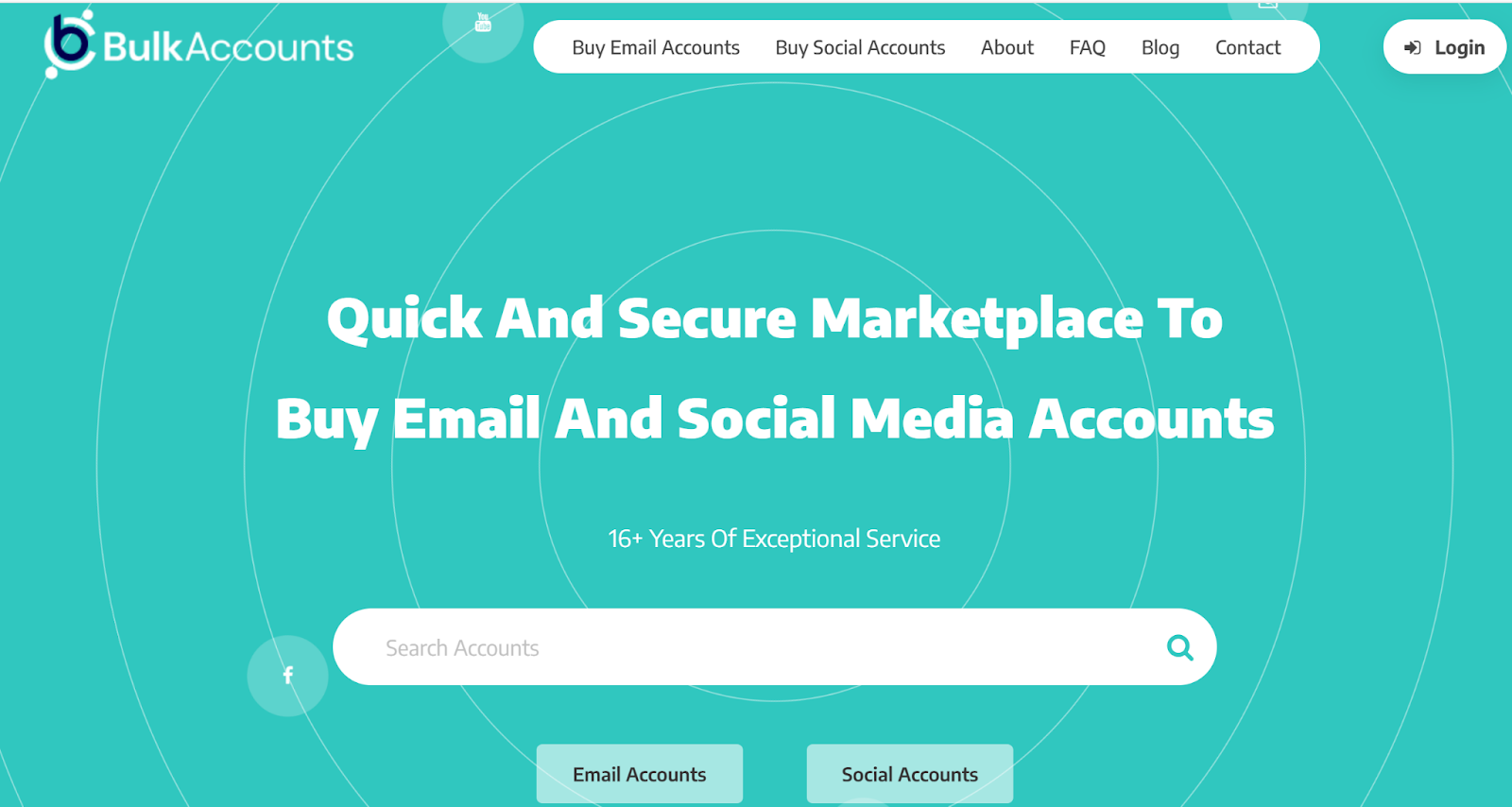
BulkAccounts focuses on selling accounts in large quantities, including PVA Gmail and aged Gmail accounts. Its main characteristic is batch-based pricing, but buyers need to carefully evaluate the quality of each batch.
3.2.5. PVAeshop
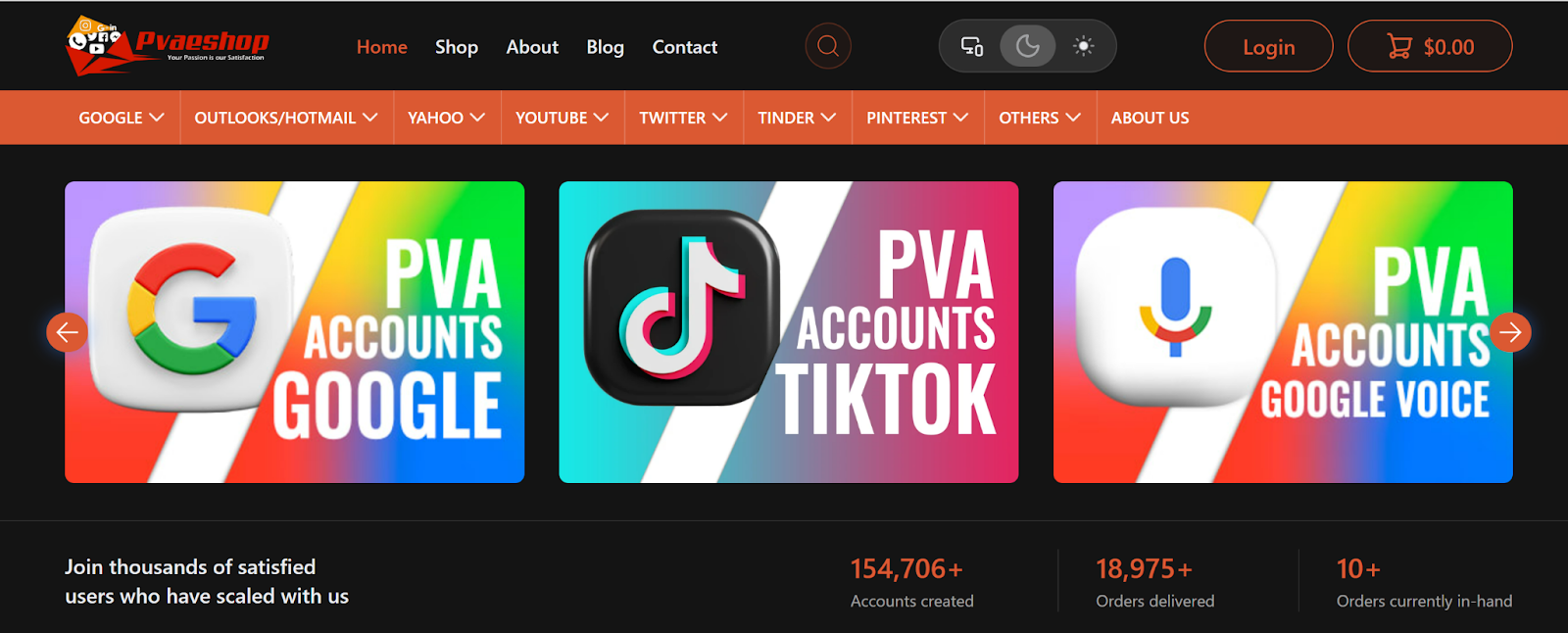
PVAeshop specializes in phone-verified accounts, including Gmail PVA. Listings usually include basic verification information, but not always detailed account history.
Note: A common characteristic of this group is that it offers many types of accounts, not only Gmail but also social accounts, game accounts, and other digital accounts. Buyers can quickly compare prices, verification types, and quantities in one place.
The advantage of marketplaces is the availability of multiple options, sometimes combined with rating systems, feedback, or dispute support. This makes many buyers feel more secure compared to buying from a single website.
However, the biggest weakness is that seller quality varies significantly. Two listings labeled as aged Gmail or PVA Gmail may have completely different quality levels. Therefore, marketplaces provide more choices, but they do not automatically make transactions safer.
3.3. Forums and digital marketing communities
Some buyers prefer not to buy from websites or marketplaces but instead turn to forums or digital marketing communities. The reason is that in these places, sellers usually have a history of activity, feedback from previous buyers, or a clearer level of credibility.
Common forums include:
3.3.1. BlackHatWorld
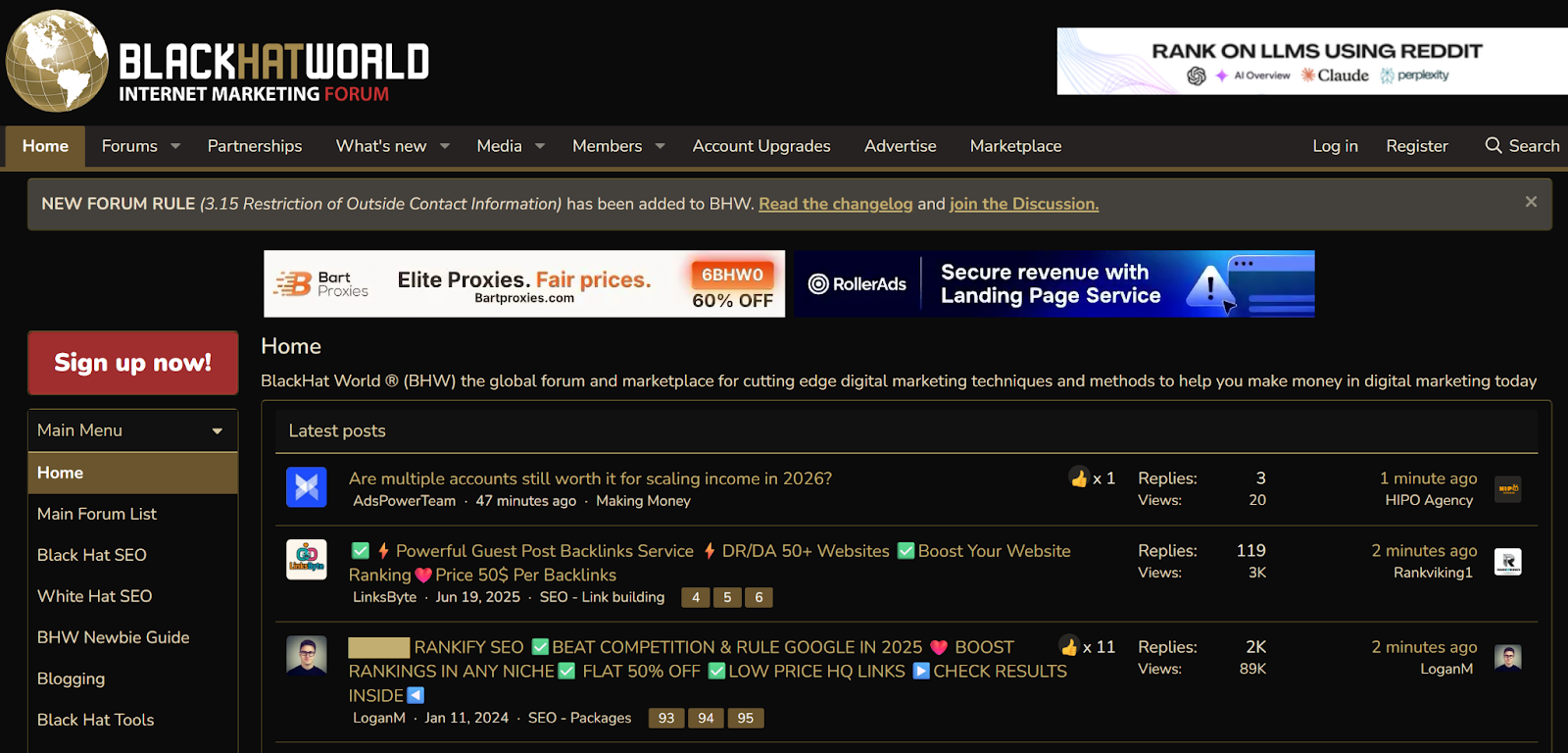
BlackHatWorld is a famous forum in the digital marketing community, where users can exchange and buy services, including Gmail accounts. The advantage of buying accounts on BlackHatWorld is that buyers can refer to feedback from people who have dealt with the seller before, which helps increase trust. However, it is necessary to carefully check the origin of the account and the seller's credibility.
3.3.2. Reddit
Reddit has many subreddits dedicated to topics like marketing and account buying. Buyers can find posts about Gmail accounts, where sellers provide detailed information and contact details. However, like BlackHatWorld, Reddit requires buyers to actively verify the seller's information, especially in terms of account reliability and security.
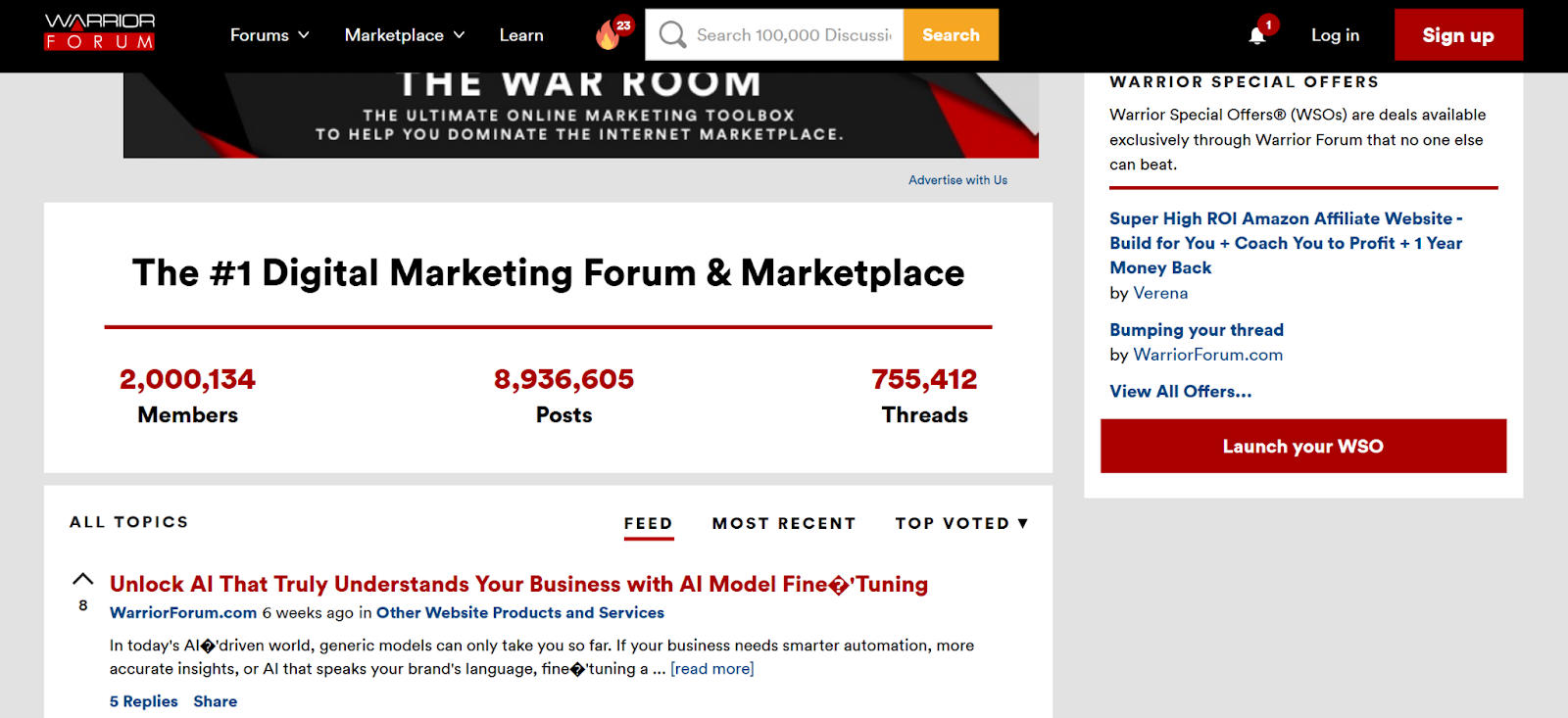
3.3.3. Warrior Forum
Warrior Forum is a long-standing forum in the internet marketing community. Here, users can encounter posts related to buying and selling accounts, tools, or digital services. The advantage is that you can see the seller's activity history and communicate directly before the transaction, but buyers still have to do their own vetting as the forum doesn't directly verify account quality.
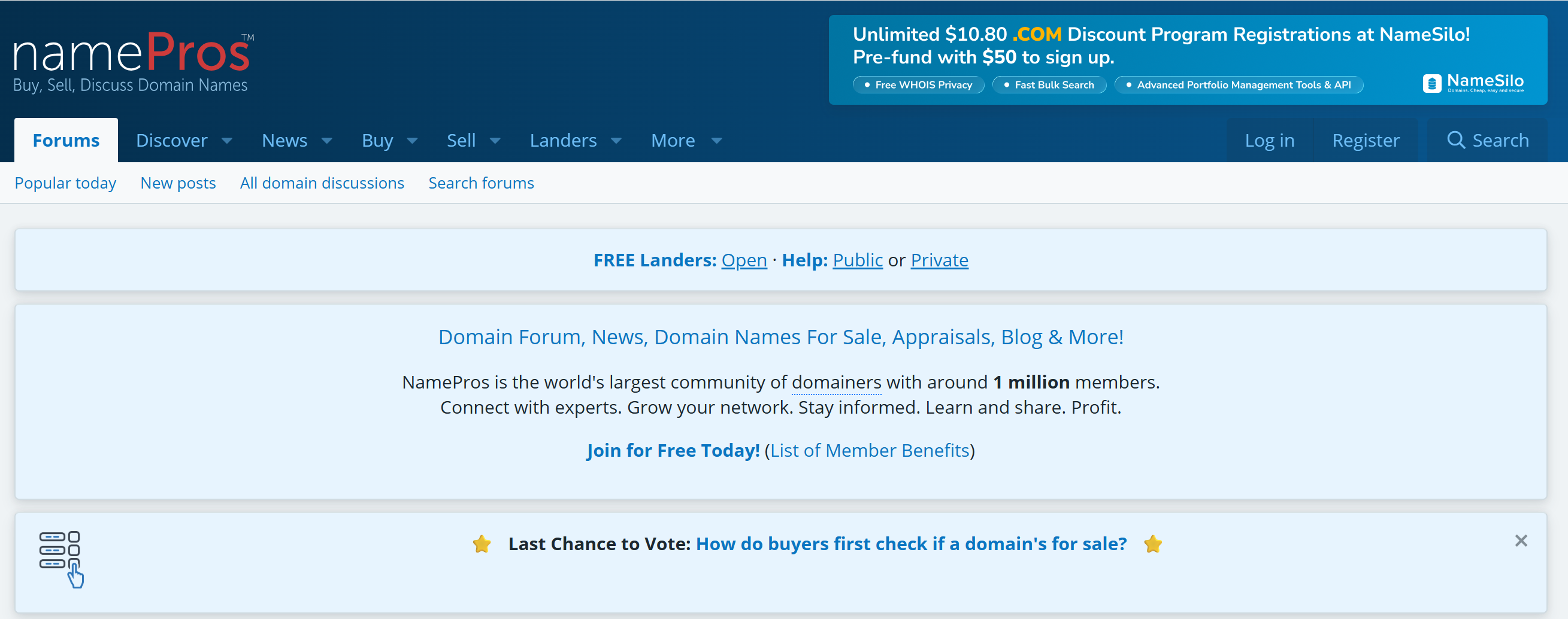
3.3.4. NamePros
NamePros is mainly famous in the domain and digital assets community, but occasionally, account transactions also appear. The advantage is that members usually have a clear history of activity, making it easier to observe their credibility compared to private groups. However, this is not a platform specifically for selling Gmail, so buyers need to carefully check the account details and transfer conditions before proceeding with the transaction.
Note: The strength of this group is that buyers can observe how the seller operates, whether there have been complaints, and how they respond to customers. Compared to a standalone sales landing page, this source provides a better sense of context.
However, forums and communities require much more proactivity from buyers. You will need to read feedback, ask more detailed questions, evaluate the seller's responses, and determine if they are trustworthy. If you only look at the price and buy without considering these factors, the risk remains just as high.
3.4. Telegram, Discord và social groups
This is the fastest source for transactions, but also the riskiest. On Telegram, Discord, or social media groups, Gmail accounts are often sold directly, with fewer intermediaries and less protection.
The reason this group attracts buyers is because the prices can be lower, responses are faster, and there’s more room for negotiation. Many people are also drawn to the feeling of accessing a “private source” or a better deal compared to public websites.
However, the speed and lack of binding terms are the biggest weaknesses. In these groups, sellers are often harder to verify, listings are usually very minimal, and there’s almost no clear buyer protection. If a dispute arises, the buyer often has to handle it themselves.
If you encounter a sales pitch that presses you with statements like “final chance,” “last slot,” or “only today’s price,” but avoids answering questions about the account's origin, that’s a sign to be cautious early on.
3.5. Buying Gmail accounts through referrals
Some people buy through partners, friends, or industry acquaintances. This method may feel safer because the seller is not entirely unknown.
The advantage is that it’s easier to ask questions, communicate directly, and sometimes get better post-purchase support. But the risk doesn’t magically disappear just because the seller is a familiar person. If the account has a bad history, unclear recovery details, or has been used improperly before, it remains a risky account.
Therefore, even when buying through referrals, the principle remains unchanged: ask questions, check carefully, and don’t skip the verification step just because the seller is someone you know.
If you are surveying multiple sources or need to log into multiple profiles while comparing sellers, separating each login environment will make things more organized.
In such situations, an antidetect browser like Hidemyacc can help create a separate profile for each account to avoid overlapping logins on the same device.4. Major risks when buying Gmail accounts
Buying Gmail accounts isn’t just about logging in or not. The bigger risks lie in the origin, ownership, and long-term usability of the account.
The most common risks are:
- Violated Google’s policy: Buying and transferring accounts informally can get the account flagged, locked, or asked for re-verification.
- Buying stolen or suspicious accounts: Some accounts for sale may come from data leaks, phishing, or other untrustworthy sources. Buyers find it difficult to verify these accounts if the seller is not transparent.
- Lack of real ownership: Even if the password is changed and 2FA is enabled, the buyer is still not sure if they have full ownership if the seller retains a recovery path.
- Bad account history: Accounts may have been used for spam, mass registrations, or previously flagged by the system. These aren’t always visible right away.
- Low long-term value: An account that “works at first” doesn’t guarantee long-term stability. The risk of reclaiming, checkpoint issues, or suspension may appear later.
5. Red flags indicating an unsafe Gmail account source
How the seller presents themselves usually says a lot. If the seller is more vague, buyers should be more cautious.
Here are signs to watch out for:
- Vague listings, generic images
- Seller avoids using escrow or any intermediary payment protection
- Only accepts hard-to-refund payment methods
- Over-the-top advertising such as “100% safe,” “never die,” or “use forever”
- Creates urgency like “limited stock,” “act fast”
- Refuses to answer questions about the account’s origin
- Reviews that seem superficial, repetitive, or self-made
In this market, the more pressure and less transparency from the seller, the more cautious you should be.
6. What to check before buying a Gmail account?
If you still want to go ahead, buyers should check a few basic things before proceeding with payment. These steps don’t eliminate all risks, but they at least help avoid situations where clear red flags are visible.
Before buying, you should check:
- Account age: Does the age match the description? Is there any sign of mass creation?
- Verification status: Is the account truly PVA? Does it have a recovery email or phone number clearly linked?
- Transfer conditions: Does the seller fully transfer the email, password, recovery info, 2FA, and the ability to change all details?
- Seller reliability: Check the transaction history, responses, return policies, and cooperation level when asking questions.
- Usage purpose: Is the purpose of using this account worth accepting the risks involved?
If you intend to use the account for important work, customer support, or sensitive data, buying a ready-made Gmail account is often not the most durable option.
7. Safer alternatives if you need many Gmail accounts
If the goal is to have multiple emails for long-term work, there are safer and more sustainable alternatives than buying random Gmail accounts.
You can consider:
- Using Google Workspace
- Using email with a custom domain
- Building a sender reputation with proper warm-up
- Using shared inboxes or delegated access
- Creating many valid accounts and using them correctly
- Logging into accounts on separate browser profiles, and using tools like Hidemyacc
The key is choosing the solution that fits your actual usage needs, rather than just opting for the quickest approach.
>>>> ĐỌC THÊM:
- How to manage multiple social media accounts without getting banned
- How to create infinite Google accounts in 2026? Step-by-step guide
- Create Gmail NO phone number: How to do it effectively?
- How many Gmail accounts can I have? Tips for creating more
- Automated Gmail creating tool
8. Conclusion
The market for buying Gmail accounts online is real, and users often look for accounts on websites, marketplaces, forums, or private groups. But what’s more important than knowing where people sell is understanding the risks associated with these types of accounts and evaluating whether they truly fit your goals.
If you need many accounts for work, the more sustainable approach is usually to build a valid email system, with a clear management process and by separating login environments when necessary.
9. FAQ
1. What is buying a Gmail account?
Buying a Gmail account usually means purchasing an already created account, which could be aged Gmail, PVA Gmail, or accounts with a usage history.
2. Where do users typically buy Gmail accounts?
Usually from direct-selling websites, digital account marketplaces, digital forums, or private groups on Telegram, Discord, and Facebook.
3. Is buying Gmail accounts safe?
There’s no guarantee of absolute safety. Risks may stem from account origin, old histories, potential reclaiming issues, or violating Google’s policies.
4. Are aged Gmail accounts better than new Gmail accounts?
In terms of marketing, they’re often described as “more trusted,” but this doesn’t automatically mean they are cleaner, safer, or more durable.
5. Is changing the password and enabling 2FA enough to fully own the account?
Not necessarily. If the account’s origin is unclear or the seller retains another recovery path, buyers may still face risks later.
6. What should I do if I need many Gmail accounts for work?
In most cases, you should prioritize Google Workspace, email with custom domains, or a proper account-building process with clear management.
7. Should I use tools to manage multiple Gmail accounts?
If you are managing multiple valid accounts simultaneously, tools that support separate browser profiles, like Hidemyacc, can help keep your logins organized and secure.