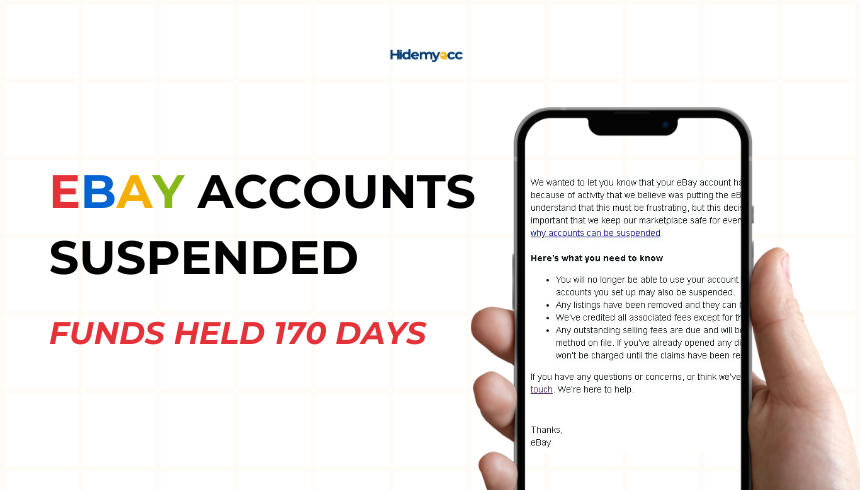
If you’ve ever faced an eBay account suspension with funds held for 170 days, you know how frustrating and stressful it can be. In this article, Hidemyacc will explain why eBay suspends accounts, the implications of a 170-day fund hold, and the steps you can take to resolve the issue and prevent future suspensions.
1. What is eBay account suspension?
When eBay account suspended, it’s usually due to a violation of its policies or suspicion of unusual activity. To address the issue effectively, you must understand the common reasons behind such actions and their consequences.
- Policy violations: Selling prohibited items, providing misleading descriptions, or failing to meet eBay’s seller standards can trigger a suspension.
- Suspicious activity: eBay’s automated systems may flag unusual patterns such as multiple accounts linked to the same IP address or sudden spikes in activity.
- Payment issues: Problems like chargebacks, delayed payments, or mismatched payment details can result in a suspension.
- High dispute rates: Frequent negative feedback, unresolved buyer disputes, or an unusually high return rate can harm your seller's performance and lead to account review or suspension.
Recognizing these triggers is the first step to addressing the root cause and avoiding similar issues in the future.
2. eBay account suspended funds held for 170 days: What does it mean?
When eBay suspends your account, they may also place a hold on your funds for up to 170 days. This holding period allows eBay to ensure that:
- All disputes and claims are resolved.
- Buyers receive refunds or chargebacks if necessary.
The 170-day fund hold can have significant consequences for sellers:
- Financial strain: The inability to access your earnings can disrupt your cash flow and prevent reinvestment in inventory, advertising, or other business needs.
- Operational challenges: It may be difficult to fulfill pending orders or maintain day-to-day operations without funds.
- Reputation damage: Prolonged disputes and unresolved issues can harm your standing with buyers and suppliers.
Understanding the purpose of the hold is essential to planning your next steps.
3. Steps to take after your eBay account is suspended
Dealing with an account suspension requires a systematic approach. Follow these steps to resolve the issue and potentially regain access to your funds.
Step 1: Review the suspension notice
The first thing you should do is carefully read the suspension notice sent by eBay. This message will typically include details about the reason for the suspension and any actions required to address the issue.
Step 2: Contact eBay support
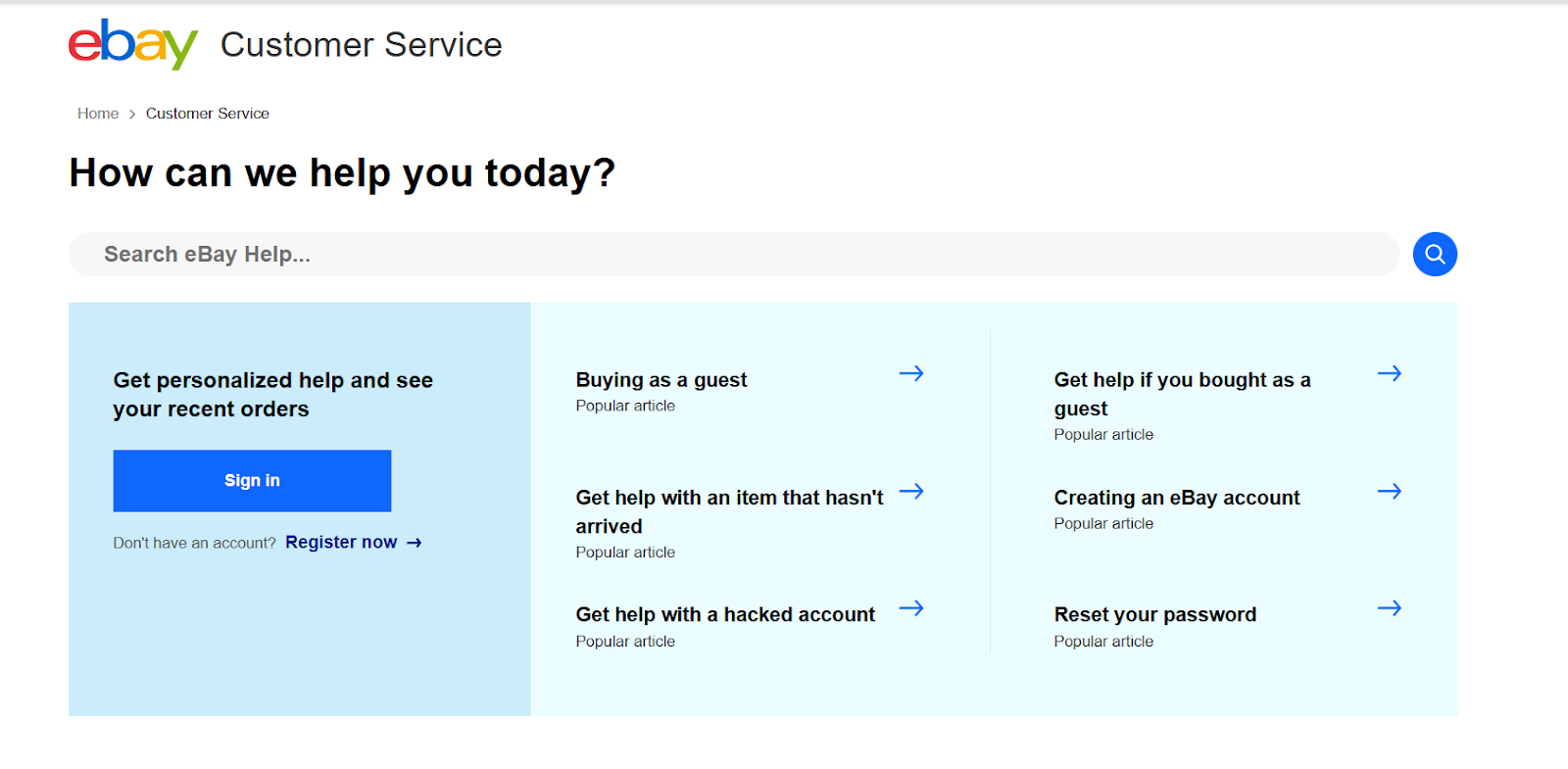
Reach out to eBay’s customer support through the Resolution Center or other support channels. Be prepared to:
- Ask for specific details about the suspension.
- Provide any required documentation.
- Request guidance on the steps needed for reinstatement.
Step 3: Provide supporting documentation
Depending on the reason for your suspension, eBay may request documents to verify your account’s legitimacy. Common requirements include:
- Proof of identity, such as a government-issued ID.
- Business registration documents, if applicable.
- Receipts or invoices for inventory to confirm the authenticity of your items.
Step 4: Address the root cause
Identify the underlying cause of your suspension and take corrective action. This may involve:
- Revise your listings to ensure compliance with eBay’s policies.
- Improve your seller performance metrics by resolving disputes and addressing negative feedback.
- Strengthen your account security to avoid detection issues, such as using Hidemyacc to manage multiple accounts securely.
4. Can I access funds before 170 Days?
In some cases, it may be possible to release funds earlier than 170 days. To improve your chances:
- Resolve disputes quickly: Work directly with buyers to settle any open disputes or claims.
- Negotiate with eBay: Contact eBay support and explain your situation. While this approach doesn’t guarantee success, demonstrating compliance and a proactive attitude can sometimes lead to exceptions.
- Maintain open communication: Regularly check for updates from eBay and respond promptly to any requests or inquiries.
5. How to prevent future suspensions?
Prevention is the best strategy to avoid account suspensions and fund holds. Implement these practices to maintain a healthy eBay account:
5.1. Follow eBay Policies
Familiarize yourself with eBay’s rules and guidelines, and ensure that your listings comply. Avoid prohibited items, misleading descriptions, or practices that could raise red flags.
5.2. Maintain excellent seller performance
Focus on delivering a great experience for your buyers:
- Use clear and accurate descriptions with high-quality photos.
- Ship items promptly and provide tracking information.
- Respond to buyer inquiries and complaints quickly and professionally.
5.3. Ensure a clean working environment for each account
Managing multiple eBay accounts can provide numerous opportunities to increase sales and income, but it obviously violates eBay's policy. To prevent any potential suspensions, it is essential to create and maintain a clean, distinct working environment for each account. This includes:
- A new IP address that has not been used to register an eBay account before
- A new browser fingerprint parameter for each profile
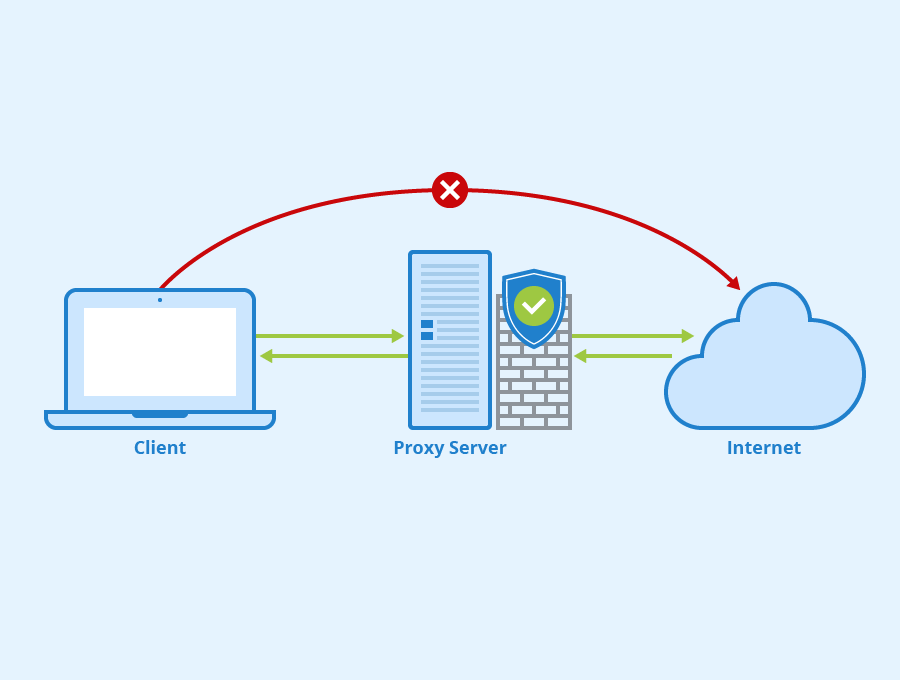
For the IP address, you can easily switch it using proxies or VPNs, but proxies should be the preferred choice due to their flexibility. You can assign a proxy to each profile and change the location at any time, as opposed to using a single IP address with a VPN.
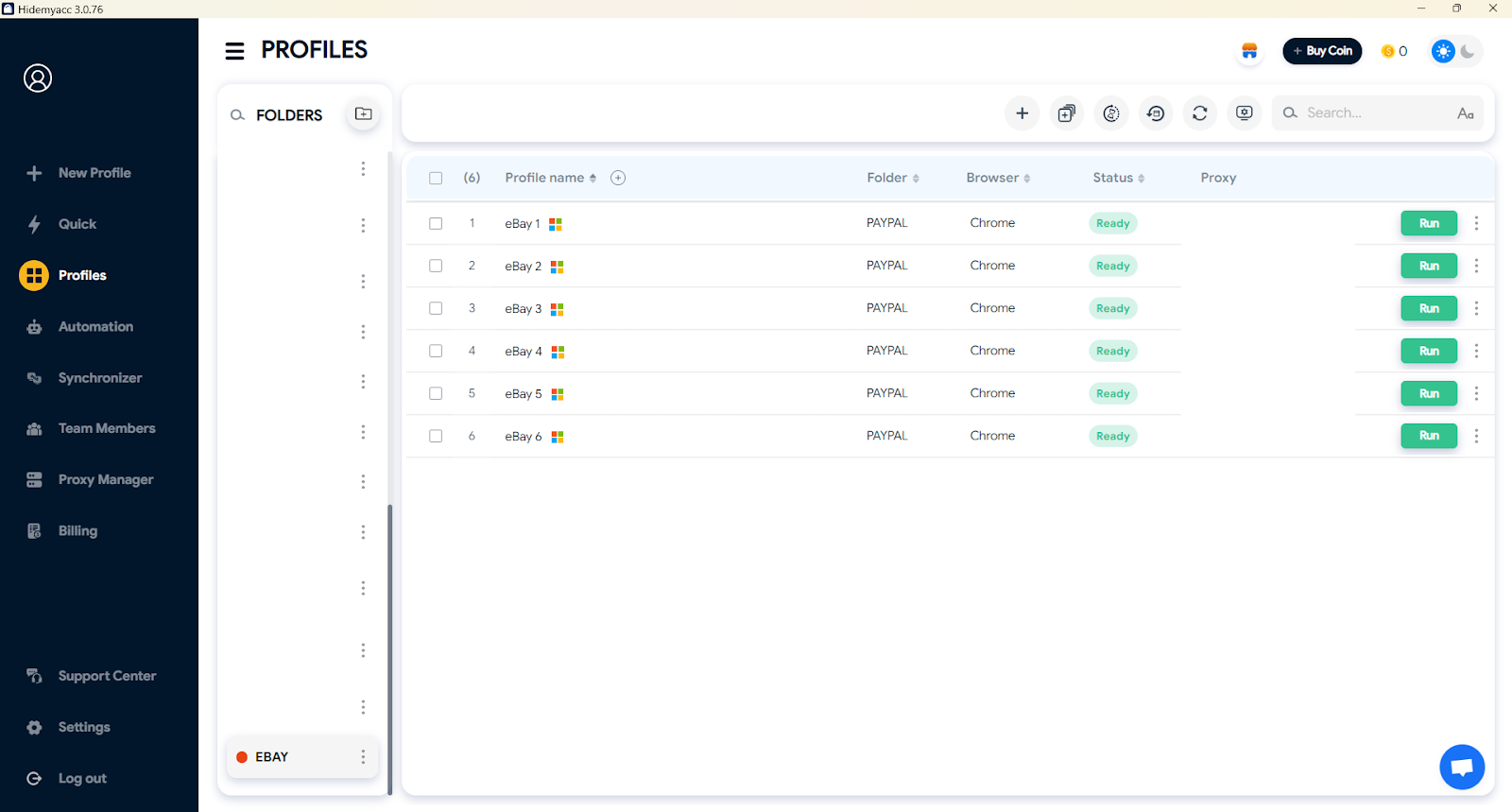
Changing the browser fingerprint parameters is more challenging because each device has its own unique set of parameters, including OS, browser type, browser version, fonts, language, device memory, screen resolution, etc. These parameters cannot easily be altered using free extensions available online. Instead, you should use tools specifically designed for this purpose, such as the anti-detect browser Hidemyacc.

Each Hidemyacc profile will have a unique set of parameters, and you can add proxies to change the IP for each profile, allowing you to manage your eBay accounts effectively and reduce the risk of future account suspension.
Additionally, this method can be used to create stealth eBay accounts, which can be used while your primary account is suspended for 170 days.
5.4. Resolve issues proactively
Address buyer complaints, disputes, and returns promptly to maintain a high seller rating and avoid escalations.
6. Conclusion
Facing an eBay account suspension and funds held for 170 days is a challenging experience, but it’s one that can be resolved with the right approach. By understanding eBay’s policies, taking the necessary steps to address the suspension, and implementing preventative measures, you can overcome these obstacles and continue to grow your business.
eBay-related articles: