
Shortened links are becoming increasingly popular but often come with ads, timers, or mandatory tasks. Users lose time waiting, watching ads, or completing intermediate steps before they can access the actual content. In this article, Hidemyacc will provide a fast and safe solution using a link bypasser to help you completely skip those cumbersome steps.
1. What are shortened links and why do they have ads?
A shortened link is a service that helps shorten a long URL into a more concise, easy-to-share format. Users only need to copy this short link to send it to others.
However, most link shortening services include ads, tracking codes, or mandatory tasks. The main purpose is to monetize the visitors.
Users often have to wait for a 5 to 10-second countdown, and sometimes watch videos or perform tasks before being redirected. This interrupts the experience and causes frustration.
After understanding the nature of shortened links, we need to find a solution to remove these annoying intermediate steps.
If you also want to earn passive income, you can refer to these articles:
- Earn passive income with Hidemyacc's affiliate program
- 10 ways to promote affiliate links for beginners
2. What is bypassing shortened link ads?
Bypassing shortened link ads is a way to help you completely remove intermediate pages containing ads, tracking codes, or mandatory tasks. Instead of having to wait and click multiple times, you will be redirected straight to the original link.
This process utilizes specialized tools to automatically process the URL. Users just need a link bypasser to paste the shortened link and access the content immediately.
This method is being adopted by many people because it saves time and significantly improves the web browsing experience.
3. How a shortened link ad bypass tool works

A shortened link ad bypass tool will automatically analyze and decode the URL. They simulate user behavior to skip intermediate redirection steps.
The process takes place in a few seconds, extracting the original link without requiring you to interact with ads. Some tools use community databases to continuously update new links.
3.1 Basic processing steps when bypassing shortened links
A link bypasser will receive the shortened link from the user. Then, it automatically analyzes the URL structure and identifies the intermediate redirect steps.
Next, the tool simulates the necessary behavior to skip timers, ads, or mandatory tasks. Finally, it extracts and returns the original link for you to access directly.
The entire process usually only takes 2 to 5 seconds. As a result, you do not need to manually interact with any advertising pages.
3.2 The difference between manual and automatic bypassing
Manual bypassing requires you to perform each step yourself. You need to wait for the countdown, click through ads, and sometimes complete tasks on the intermediate page.
In contrast, automatic bypassing uses a tool or browser extension to handle the entire process. You only paste the link once and receive the original link immediately without intervention.
The automatic method is faster, requires less effort, and reduces the risk of accidentally clicking on ads. Meanwhile, manual bypassing often takes more time and can be frustrating.
If you want to make money online effectively, you should refer to the following articles:
- What is MMO? Effective ways to make money online that cannot be ignored
- What is typing Captcha to earn money? 10 reputable money-making websites
- 12 websites to earn money online by watching ads safely
- Earn money from online surveys - A simple way to earn money at home
- How to write a blog to earn money even if you are not an expert
4. Popular ways to bypass shortened link ads
Currently, there are many methods to help you bypass shortened link ads effectively. Depending on your usage habits, you can choose a simple online tool or an automatic browser extension. Each method brings its own benefits and is suitable for how frequently you encounter shortened links.
4.1 Using online web tools
Online web tools are the simplest and fastest way to bypass shortened link ads. You don't need to install any software, just open your browser and access a supported website.
The usage is very easy. You paste the shortened link into the input box, then click the bypass or process button. The tool will automatically analyze and return the original link in just a few seconds.
This method is suitable for all devices, from computers to mobile phones. It is especially useful when you only need a link bypasser occasionally or do not want to change browser settings.
4.2 Installing browser extensions
A browser extension is a convenient solution to bypass shortened link ads automatically. Once installed, the extension works in the background and processes every shortened link as soon as you click on it.
You don't need to manually paste the link every time. The extension will automatically skip ads, countdown timers, and mandatory tasks, taking you straight to the original link.
Installation is very simple. Access the Chrome Web Store or Firefox Add-ons, search for a shortened link bypass extension, and then click the add to browser button.
This method is particularly suitable for users who browse the web frequently on a computer. It saves time and minimizes the risk of accidentally clicking on ads.
4.3 Applying scripts and advanced methods
A bypass script is a powerful solution for users who frequently encounter complex shortened links. This method uses script code to automatically process many types of links that conventional tools might not yet support.
You need to install the Tampermonkey or Violentmonkey extension on your browser. Then find and install a bypass all shortlinks script from a reputable source. The script will run in the background and act as a link bypasser every time you access one.
This method is flexible, easy to update, and supports many new shortening platforms. However, it requires you to have basic knowledge of scripts and to update them regularly to maintain effectiveness.
5. Top popular link bypass tools
Link bypass tools constantly change due to increasingly complex anti-bypass mechanisms. Therefore, no single tool always works stably in the long run. Below is a list of popular tools, rearranged according to flexibility and practical support capabilities.
5.1 Bypass.city
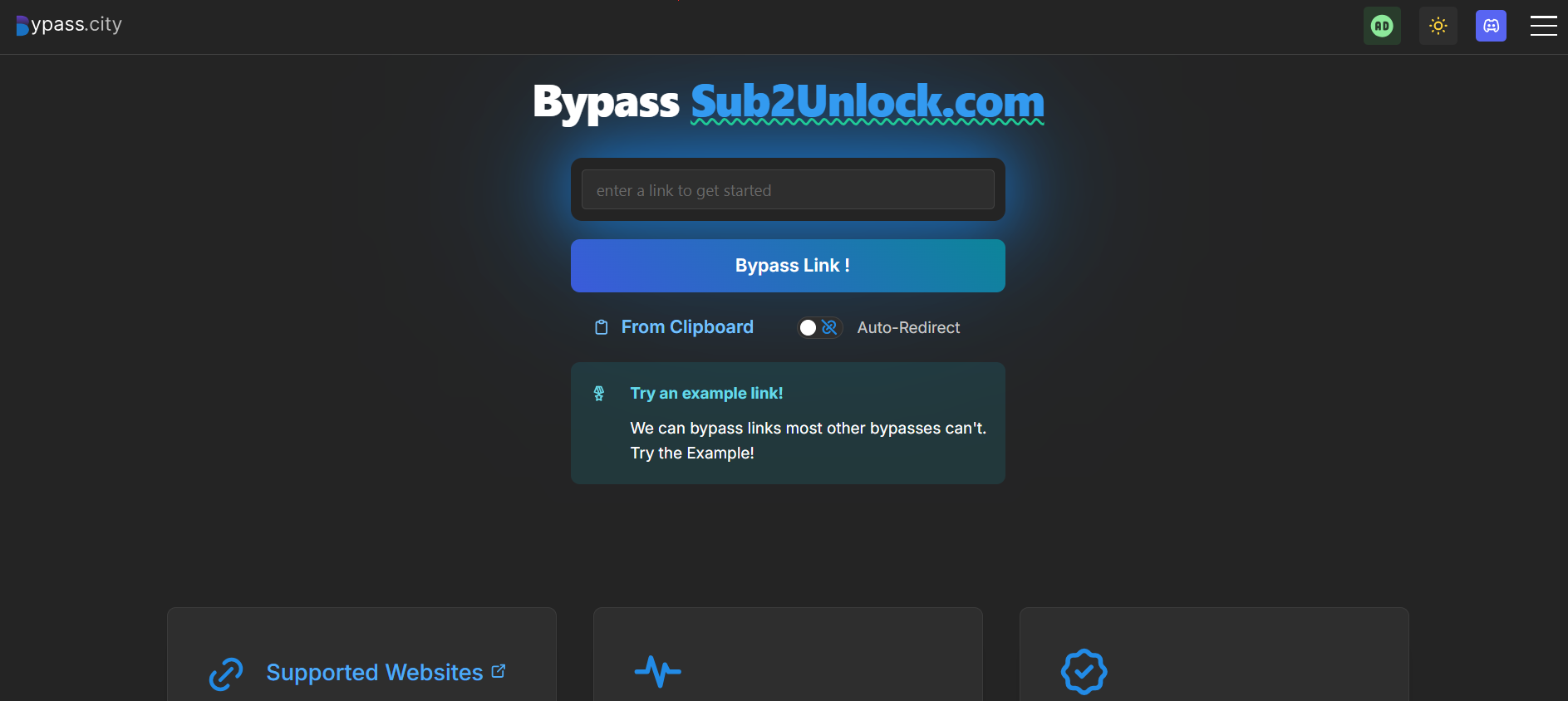
Bypass.city is one of the commonly used link bypass tools thanks to its ability to support many different platforms. This tool is designed to handle links with complex advertising and redirection mechanisms.
Main uses of the tool:
- Bypass shortened links with multiple redirection layers
- Support popular platforms like Linkvertise, Work.ink
- Speed up access by skipping countdowns and ad scripts
Additionally, Bypass.city can be combined with userscripts to automate the bypass process. This helps reduce manual operations when having to process many links continuously.
However, the tool's performance may be unstable at times as it depends on the anti-bypass mechanisms from the platform side.
5.2 bypass.tools
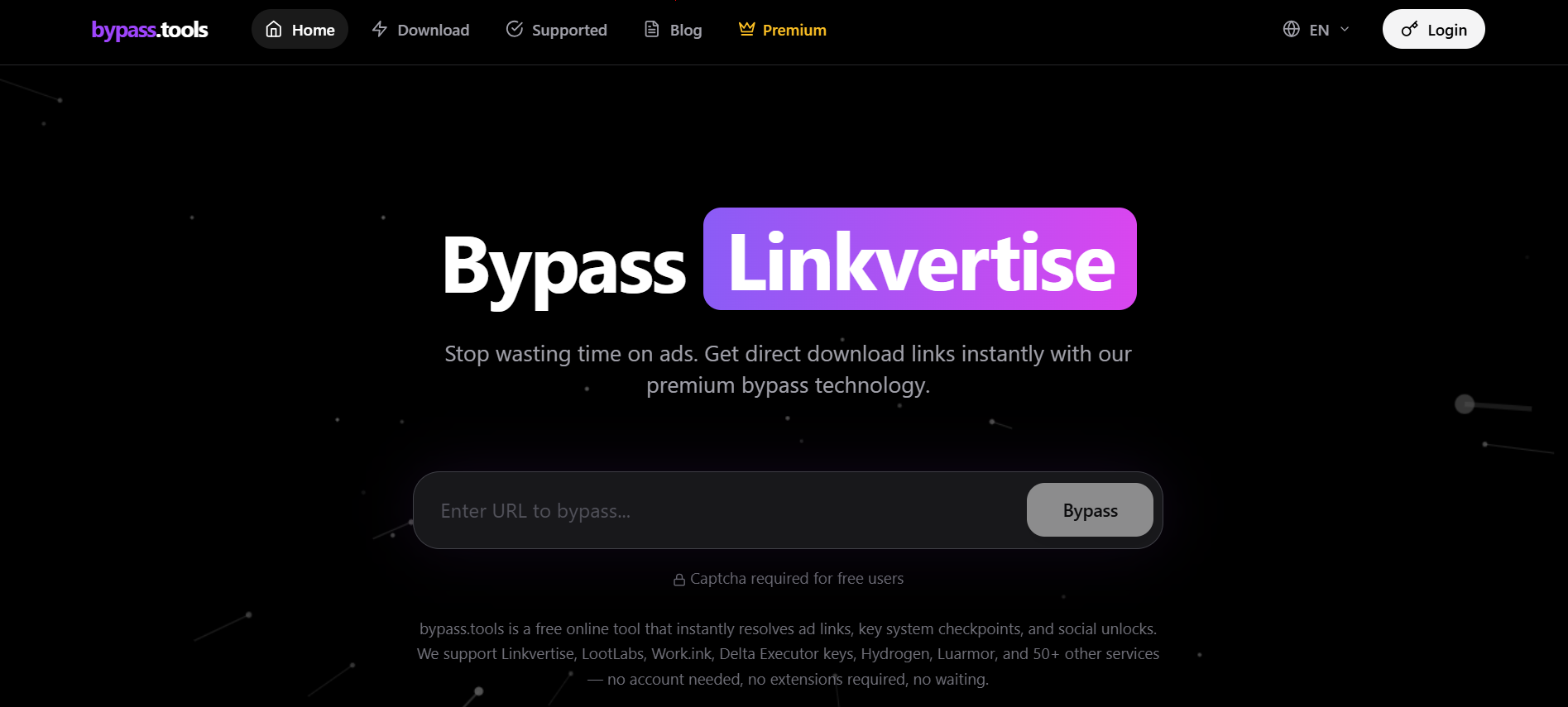
bypass.tools is a modern shortened link bypass tool developed to improve stability compared to traditional bypassers. This tool focuses on the ability to process multiple platforms simultaneously at high speed.
Main uses:
- Support bypassing many services like Linkvertise, LootLabs, Work.ink
- Extract destination links from systems with multiple layers of protection
- No registration required and can be used directly on the browser
Furthermore, bypass.tools uses a server-side processing mechanism to reduce dependence on the user's browser. This increases the success rate for bypassing complex links. However, like other tools, effectiveness can change when link shortening platforms update their anti-bypass mechanisms.
5.3 Bypass.vip
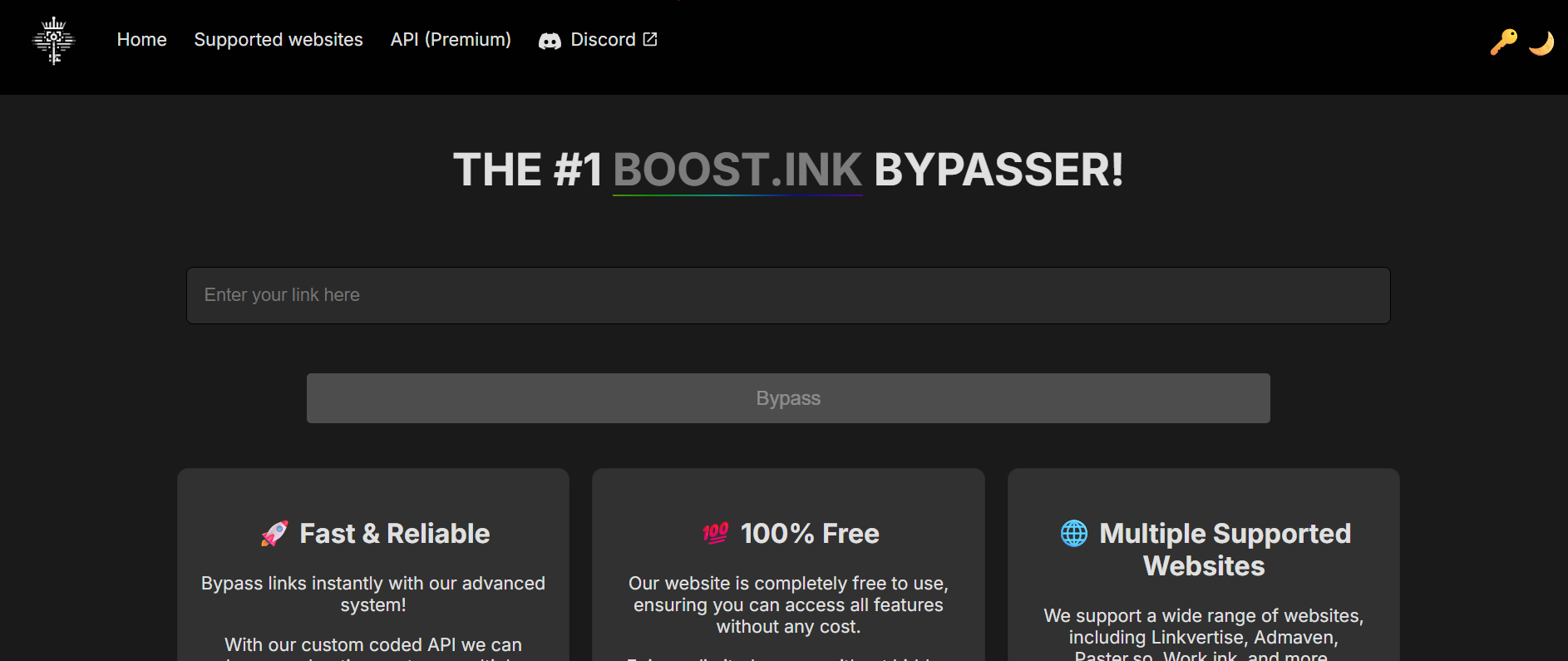
Bypass.vip is a popular link bypasser due to its fast processing and simple interface. Users just need to paste the link to receive the destination URL without further setup.
Main uses:
- Bypass popular shortened links with simple operations
- Remove countdowns and basic redirects
- Support fast processing of multiple links in a short time
Additionally, the tool provides an API to help integrate into automated systems. However, effectiveness will decrease when encountering platforms with complex protection mechanisms.
5.4 Bypass.link
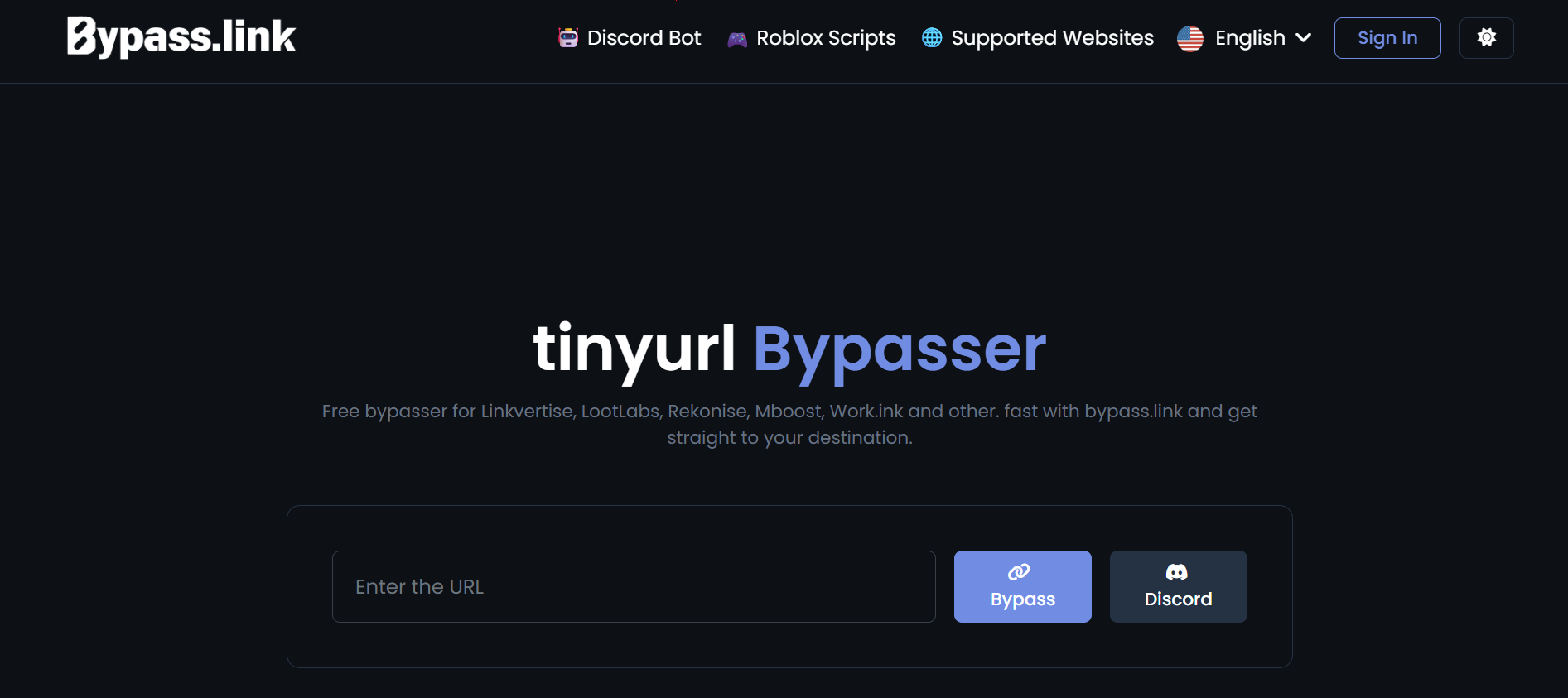
Bypass.link is a traditional bypass tool that was once widely used to handle basic shortened links. Currently, the tool is still useful in some simple cases.
Main uses:
- Bypass shortened links with few layers of protection
- Extract destination URLs from simple redirects
- Works fast with older platforms
However, this tool faces limitations with modern systems. Some new links may not be supported or may have a lower success rate.
5.5 KeyBypass
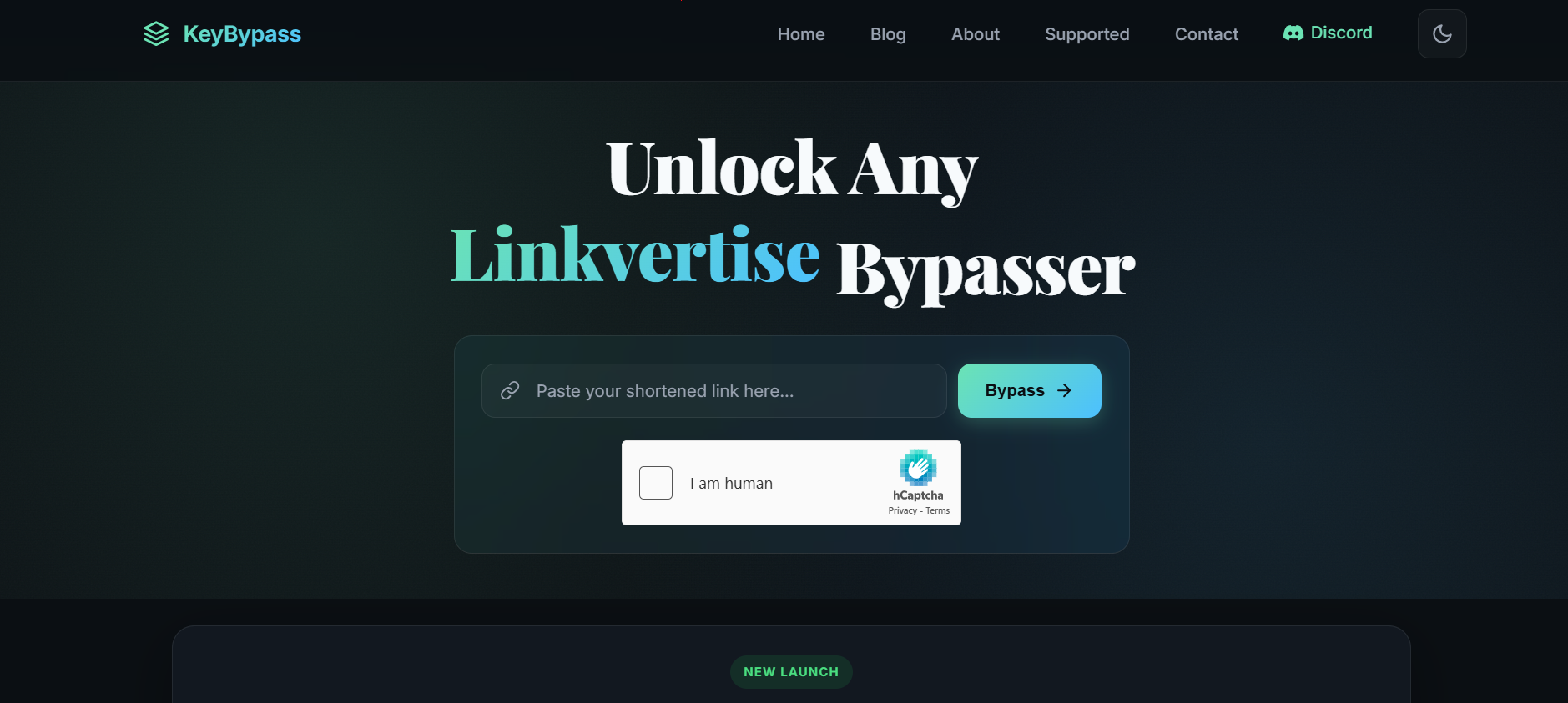
KeyBypass is a modern link bypass tool focusing on speed and the ability to support multiple platforms simultaneously. This tool acts as an auto link bypasser with near-instant processing capabilities.
Main uses:
-
Bypass popular platforms like Linkvertise, LootLabs, Work.ink
-
Extract destination links quickly thanks to a smart cache mechanism
-
Support for web, Chrome extension, and Android
Furthermore, KeyBypass uses a server-side processing system to reduce browser load and increase access speed. Many links can return results almost immediately if they have been processed before.
However, the tool still requires verifications like captchas and may face limitations with advanced protection systems.
5.6 Auto LinkBypasser (Extension)
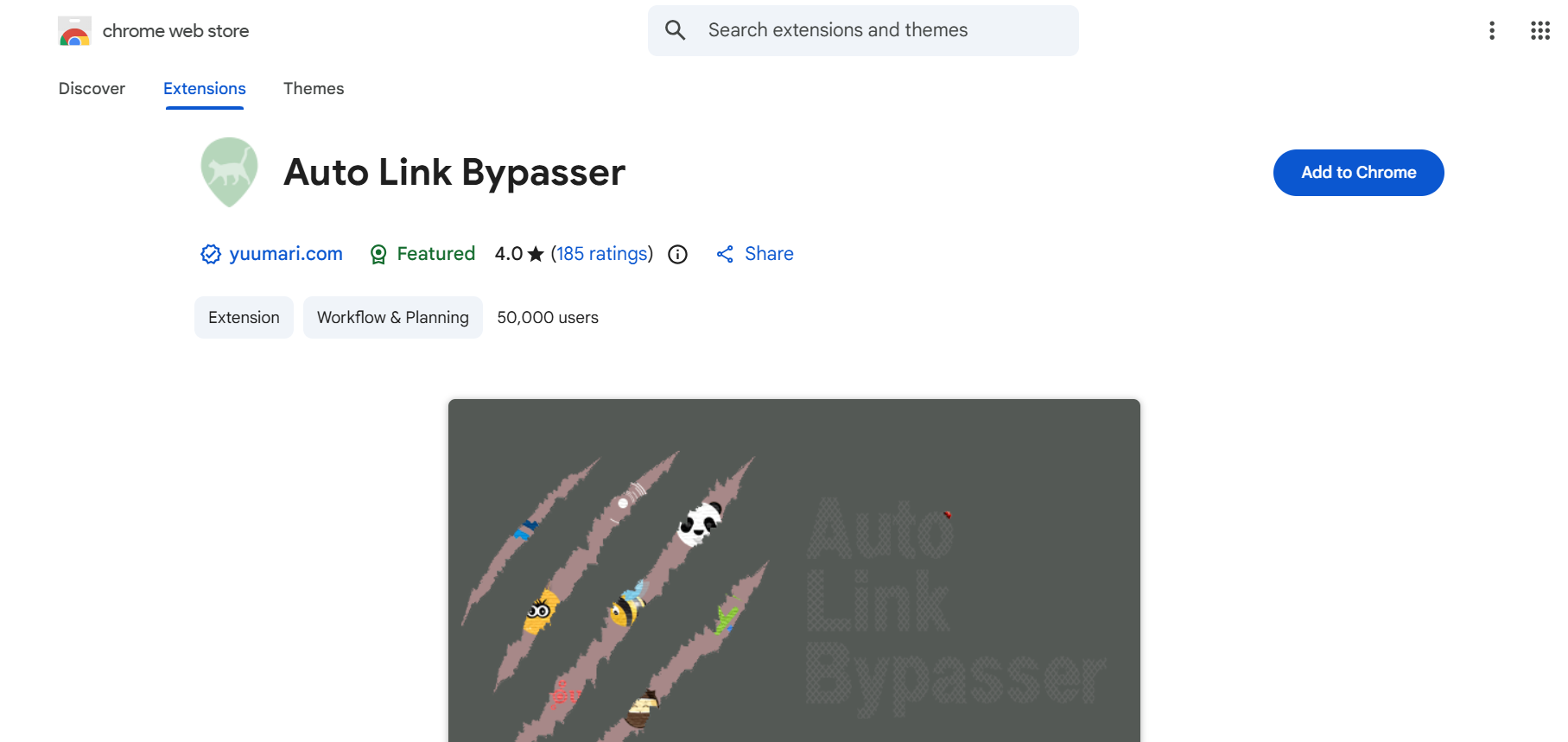
Auto LinkBypasser is a Chrome extension that helps automatically skip intermediate steps when accessing shortened links. This tool works directly on the browser, so there is no need for manual link pasting.
Main uses:
- Automatically redirect to the destination link upon access
- Skip countdowns and common ad scripts
- Reduce manual operations when processing many links
This extension is suitable for users who frequently encounter shortened links and want to optimize access speed. However, effectiveness depends on how often the extension is updated compared to new anti-bypass mechanisms.
6. Benefits and limitations when bypassing shortened link ads
Bypassing shortened link ads provides many conveniences but also has certain limitations. Understanding both sides will help you use this method more effectively and safely in the long run.
Before deciding to apply it regularly, carefully consider the prominent benefits along with the potential risks.
6.1 Prominent benefits
Bypassing shortened link ads brings many practical benefits to daily users. This method helps completely eliminate annoying intermediate steps when accessing links. Here are the most prominent benefits:
- Significant time savings: No need to wait for a countdown timer or perform mandatory tasks. A link that originally took 10-30 seconds now only takes a few seconds.
- Smoother web browsing experience: You focus on the truly necessary content instead of being interrupted by continuous advertisements.
- Reduced risk of encountering malicious content: Using a link bypasser to skip intermediate pages helps limit exposure to risky ads or hidden malware.
- Increased content access speed: Especially useful when you work, study, or browse the web frequently on phones and computers.
- Completely free: Most tools and utilities do not require a fee and are easy to apply for everyone.
These benefits make bypassing shortened link ads a preferred solution for many to improve their internet experience. Before using it frequently, consider both the benefits and the potential drawbacks.
6.2 Risks to note and how to mitigate them
Bypassing shortened link ads also carries some risks if you do not apply it correctly. Understanding these limitations will help you use it safely and effectively over time. Here are the common risks and specific ways to mitigate them:
- Shortening platforms continuously update blocking mechanisms: Some new links may not be bypassable immediately. Mitigate this by updating utilities and scripts regularly, and trying different tools.
- Security risks from unknown sources: Some low-quality utilities may collect personal data. Mitigate this by only choosing a link bypasser with high ratings on the Chrome Web Store or Firefox Add-ons and checking access permissions before installing.
- Effectiveness decreases over time: Old scripts may not support new links. Mitigate this by following the community and updating the latest bypass scripts every 1-2 weeks.
- Risk of encountering malicious ads if bypassing fails: You might accidentally click on intermediate pages. Mitigate this by using incognito mode and combining it with a reputable ad blocker like uBlock Origin.
These risks are entirely controllable if you choose reliable tools, maintain a regular update habit, and always combine additional layers of protection like ad blockers. Applying it correctly will help you enjoy the maximum benefits while maintaining safety when browsing the web.
7. When to and when not to bypass shortened links
In practice, many people tend to use a bypass tool as soon as they encounter an ad or an intermediate step. However, this behavior can lead to risks if the nature of the link is not properly assessed. Some links are designed to protect content or control access, not merely for advertising. Therefore, before applying a method to bypass shortened link ads, users need to clearly identify the type of link being processed and the reliability of the sharing source.
7.1 Cases where you should bypass
In certain situations, bypassing not only saves time but also minimizes exposure to potential risks from intermediate links. Especially when links are designed to hide the destination or insert multiple layers of advertising, using a link bypasser to gain direct access helps provide better control over the browsing experience.
Cases where it should be applied include:
- Links with many unusual redirection steps, as multi-layer redirects can be a suspicious sign
- Pages requiring long waits or displaying dense advertising that interrupts the experience
- Links containing complex tracking parameters, which could be used to collect user data
- Links shared without clear context or from untrustworthy sources
- Links showing signs of hiding the destination, making it impossible for users to verify before access
In these cases, bypassing shortened link ads helps reduce the risk of being tracked, avoids exposure to malicious content, and provides faster access to necessary resources.
7.2 Cases where you should not bypass

Not all shortened links should be bypassed. In some cases, intermediate steps play a role in access control or ensuring the validity of the content. Bypassing without full assessment can cause access errors or increase security risks.
Cases where it should not be applied include:
- Links requiring user authentication such as login or identity verification
- Content belonging to official platforms with their own distribution mechanisms
- Links containing resources with restricted access rights, such as internal files or paid content
- Pages requiring a confirmation step to ensure the visitor is not a bot
- Links related to transactions, payments, or important data
In these situations, attempting to bypass shortened link ads may disrupt a valid process or lead the user to the wrong content. Following the correct access flow helps ensure the safety and integrity of the data.
8. Advanced solution: Managing the access environment with Hidemyacc
Bypass tools only solve part of the problem. When shortened link platforms apply behavioral detection or anti-automation mechanisms, simple bypassing may no longer be effective.
8.1 Why bypassing is easily detected
Many tools used to bypass shortened link ads are easily detected by platforms because they use the same browser fingerprint. When you open too many links in the same environment, the system easily recognizes abnormal behavior through matching canvas, WebGL, fonts, or time zones.
Additionally, cookies and localStorage overlap between sessions. Some shortening platforms also check the referrer, JS interaction time, and tokens to block any link bypasser from working.
If using a common IP and a regular browser, the risk of being restricted or having an account blocked increases, especially when processing dozens of links per day.
8.2 How Hidemyacc supports more effective bypassing
Hidemyacc is an antidetect browser based on Chromium. It allows for the creation of unlimited browser profiles, each with an independent and authentic set of fingerprints.
You can customize parameters such as operating system, screen resolution, device memory, language, timezone, WebGL, and many other factors. When combined with a proxy, each profile appears as a completely new device and network connection.
As a result, when you bypass shortened link ads, you run the bypass in a separate profile. Fingerprints do not overlap, behavior is isolated, and the risk of detection is sharply reduced. Hidemyacc also supports easy proxy management, helping to change the IP for each profile quickly.
8.3 Combining Hidemyacc with link bypass tools
You can combine Hidemyacc with tools to bypass shortened link ads to increase anonymity and reduce the risk of detection. The implementation process is simple and only takes a few minutes to set up.
Here is a detailed step-by-step guide:
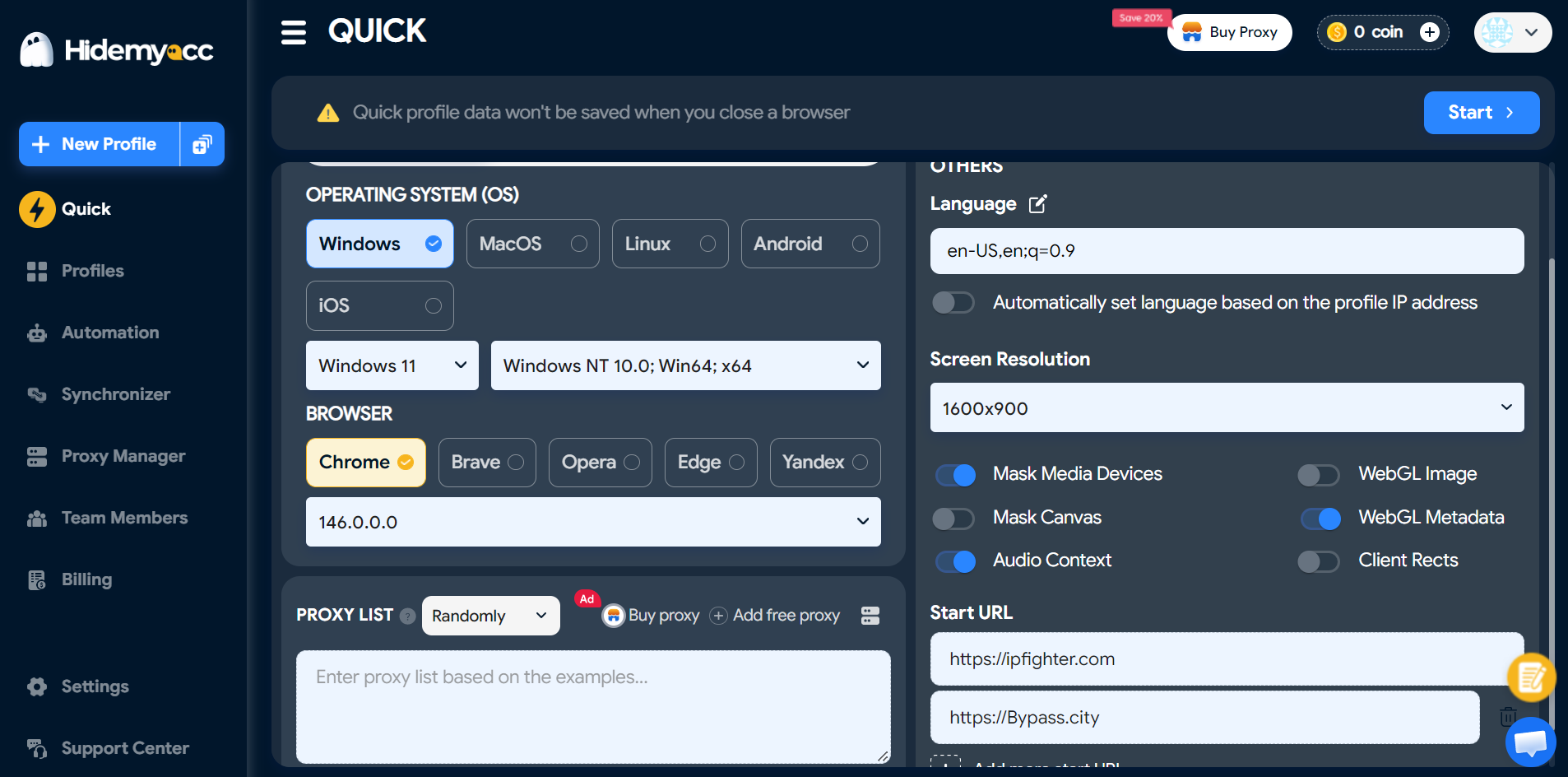
- Create a quick profile and set parameters: Open Hidemyacc, select the Quick Profile feature to create a temporary profile quickly. Set the operating system, screen resolution, language, timezone, and appropriate fingerprint so the profile looks like a real device.
- Assign a private proxy: Enter proxy information in the format ip:port:username:password and assign it to the profile. Each profile should use a separate proxy.
- Assign the bypass tool link: In the Start URL section, paste the link of your link bypasser into that profile for easy use.
- Open the profile, then paste the link to be bypassed: Launch the Hidemyacc profile and access the pre-assigned bypass tool. Paste the shortened link into the input box and perform the bypass.
- Check / download content: After receiving the original link, check the content before downloading or accessing. The entire activity takes place within a separate profile, helping to isolate the fingerprint and IP.
This combination helps you bypass shortened link ads more stably, especially when processing many links from different sources.
9. Conclusion
Bypassing shortened link ads helps users access content faster and avoid unnecessary intermediate steps. However, the effectiveness of this method depends on how it is applied and the level of understanding regarding the operating mechanism of shortened links.
Users need to combine appropriate tools with security measures such as checking link sources, limiting tracking, and using a safe browsing environment. This helps minimize risks when using a link bypasser and ensures a stable experience.
In summary, bypassing shortened link ads is a useful solution if used correctly, in the right context, and with control.
10. FAQ
1. Is bypassing shortened link ads legal?
Bypassing usually does not violate the law, but it may go against the terms of service of some platforms. Users should check policies before applying.
2. Is a link bypasser safe?
Not all are safe. Some tools may contain tracking code or malicious redirects. You should choose reputable sources and avoid entering sensitive data.
3. Can all types of shortened links be bypassed?
No. Some links have advanced protection mechanisms or require authentication, so they cannot be completely bypassed using conventional tools.
4. Does bypassing a link expose personal information?
It can. If using an untrustworthy tool, data such as IP or browsing behavior may be collected.
5. Do I need to install software to bypass?
It is not mandatory. Users can use websites, extensions, or manual operations depending on the complexity of the link.
6. Why do some link bypasses fail?
The reason may be that the link uses multiple layers of protection, dynamic encryption, or requires real interaction from the user.
7. How can I bypass links more safely?
You should combine multiple measures such as using a separate browsing environment, checking links before access, and avoiding any link bypasser from unknown sources.






