eBay sellers always seek ways to expand their business, maintain anonymity, and avoid account suspensions. Stealth eBay accounts have emerged as an effective solution for achieving these goals. Whether you're scaling your business or recovering from restrictions, understanding how to create and manage stealth eBay accounts can give you a significant advantage. In this blog post, Hidemyacc will explain what is stealth eBay account and detail a step-by-step guide on creating and managing them.
1. All you need to know about stealth eBay account
1.1 What are stealth eBay accounts?
A stealth eBay account is an account that is not directly linked to your personal information or any existing eBay accounts. These accounts are created using unique credentials, such as different names, email addresses, phone numbers, and IP addresses, to ensure they remain independent and undetectable by eBay’s systems.
For instance, if one of your accounts is suspended due to policy violations, the stealth account ensures that your other accounts remain unaffected. This separation is particularly important for sellers managing multiple accounts or those who have faced eBay suspensions in the past.
1.2 Why do you need to create stealth eBay accounts?
Creating stealth eBay accounts offers several advantages, including:
- Avoiding account suspension: eBay often imposes account restrictions or suspensions due to policy violations or suspicious activities. A stealth account helps mitigate risks by separating your business activities across multiple accounts.
- Scaling your business: Managing multiple accounts allows sellers to list more items, target diverse markets, and maximize profits. For example, you can use one account to sell niche products and another for trending items, thus expanding your reach and revenue potential.
- Privacy and anonymity: Stealth accounts protect your personal information, making it harder for competitors or malicious actors to track your activities. Maintaining anonymity can be a crucial advantage in industries where competition is fierce.
- Expanding market reach: With stealth accounts, you can tailor listings to specific regions or customer bases, maximizing your global reach without worrying about regional restrictions.
1.3 Is it hard to create stealth eBay accounts?
While creating a stealth eBay account may seem complex initially, it becomes straightforward with the right tools and knowledge. The process involves gathering the necessary resources, maintaining consistency across account details, and utilizing tools like proxies and antidetect browsers to ensure anonymity.
2. Step-by-step guide on how to create stealth eBay accounts
2.1. What do you need to create stealth eBay accounts?
Before creating a stealth eBay account, ensure you have the following:
- Name: Use a unique name that is not linked to your existing accounts. It can be a completely fabricated name but must appear realistic.
- Email address: Create a new email address specifically for this account. Gmail, Yahoo, or other mainstream providers work well. Ensure the email address is easy to manage and not linked to any of your other eBay accounts.
- Phone number: Obtain a phone number for verification purposes. Virtual phone numbers, burner phones, or prepaid SIM cards can work well. Ensure the number can receive texts and calls for verification.
- Address: Provide an address that aligns with your chosen region. Avoid reusing addresses linked to other accounts. Services like virtual mailboxes can provide legitimate addresses for this purpose.
- PayPal account: Set up a new PayPal account for payment processing. This account should match the details provided in your stealth eBay account.You can learn more about multiple Paypal accounts in this article.
- Proxy: Use a high-quality proxy to mask your IP address and simulate a location that matches your account details. Dedicated residential proxies are recommended for eBay accounts to ensure reliability and avoid detection. Top eBay proxies provider suggested for you.
- Antidetect browser: Utilize an antidetect browser like Hidemyacc to create a unique browser environment for each account, preventing fingerprinting and detection. This tool ensures that eBay cannot link your activities across accounts.
2.2. How to create multiple stealth eBay accounts with antidetect browser Hidemyacc
Hidemyacc is an antidetect browser that allows users to create and manage multiple stealth eBay accounts on the same device without detection. Hidemyacc operates by creating browser profiles with unique sets of browser fingerprint parameters (OS, browser, screen size, fonts, language, etc.). Each Hidemyacc profile functions as an independent device. Here’s how Hidemyacc helps you create and manage stealth eBay accounts effectively:
- Customize browser fingerprints: Hidemyacc enables the creation of isolated browser profiles, ensuring that cookies, cache, and browser fingerprints remain unique for each account, preventing cross-account linkage.
- Integrate proxies for each profile: Easily set up proxies to simulate different locations and maintain anonymity.
- Share/transfer profiles: Instead of logging in and out repeatedly, you can share profiles and folders with other Hidemyacc users, allowing them to continue using them seamlessly. This feature simplifies teamwork.
- Manage proxies in one place: The Proxy Manager feature lets you organize and manage proxies efficiently.
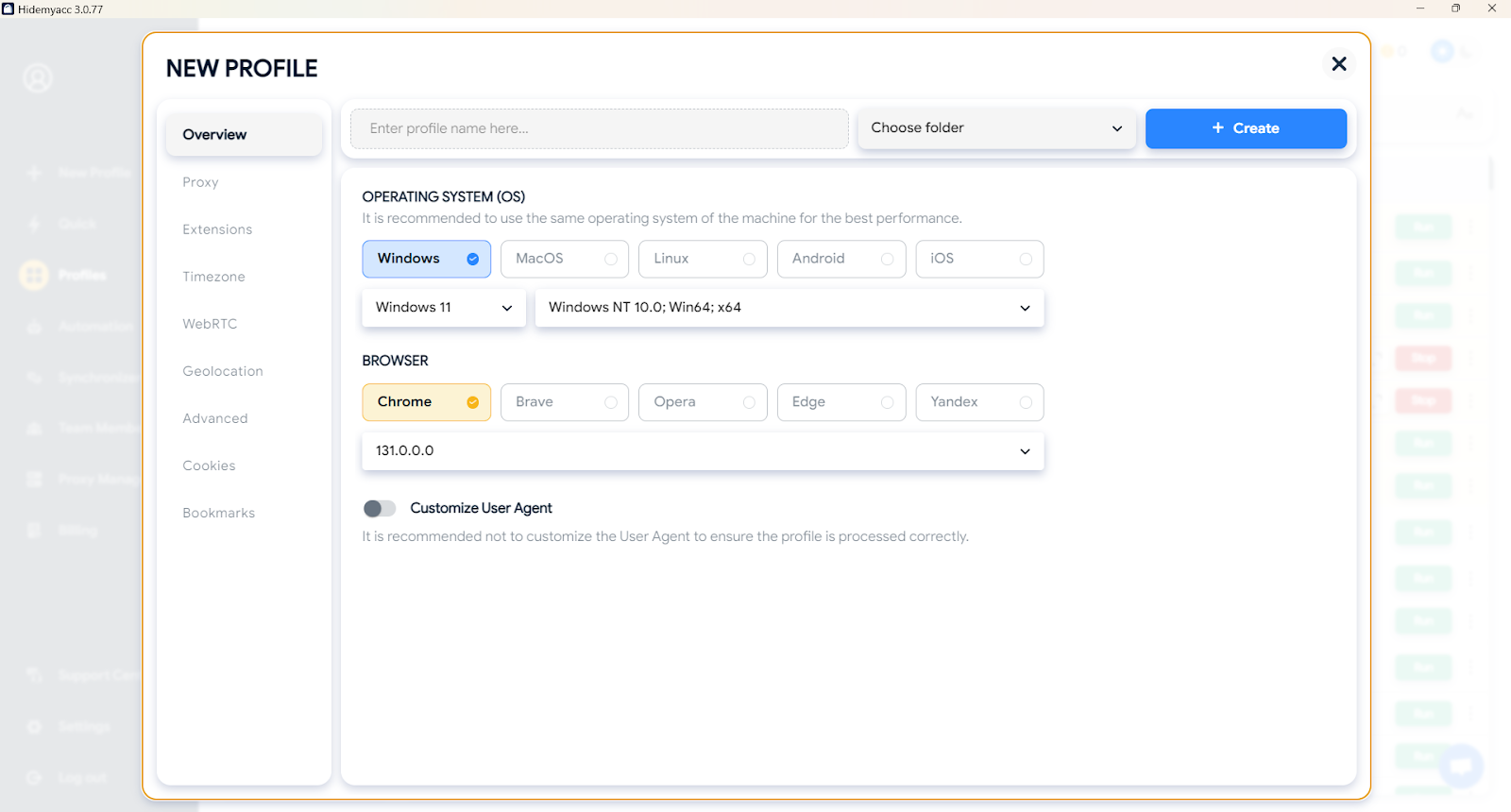
Follow these steps to create multiple stealth eBay accounts using the Hidemyacc antidetect browser.
Step 1: Set up Hidemyacc: Download and install Hidemyacc on your device. Complete the setup process and familiarize yourself with its features.
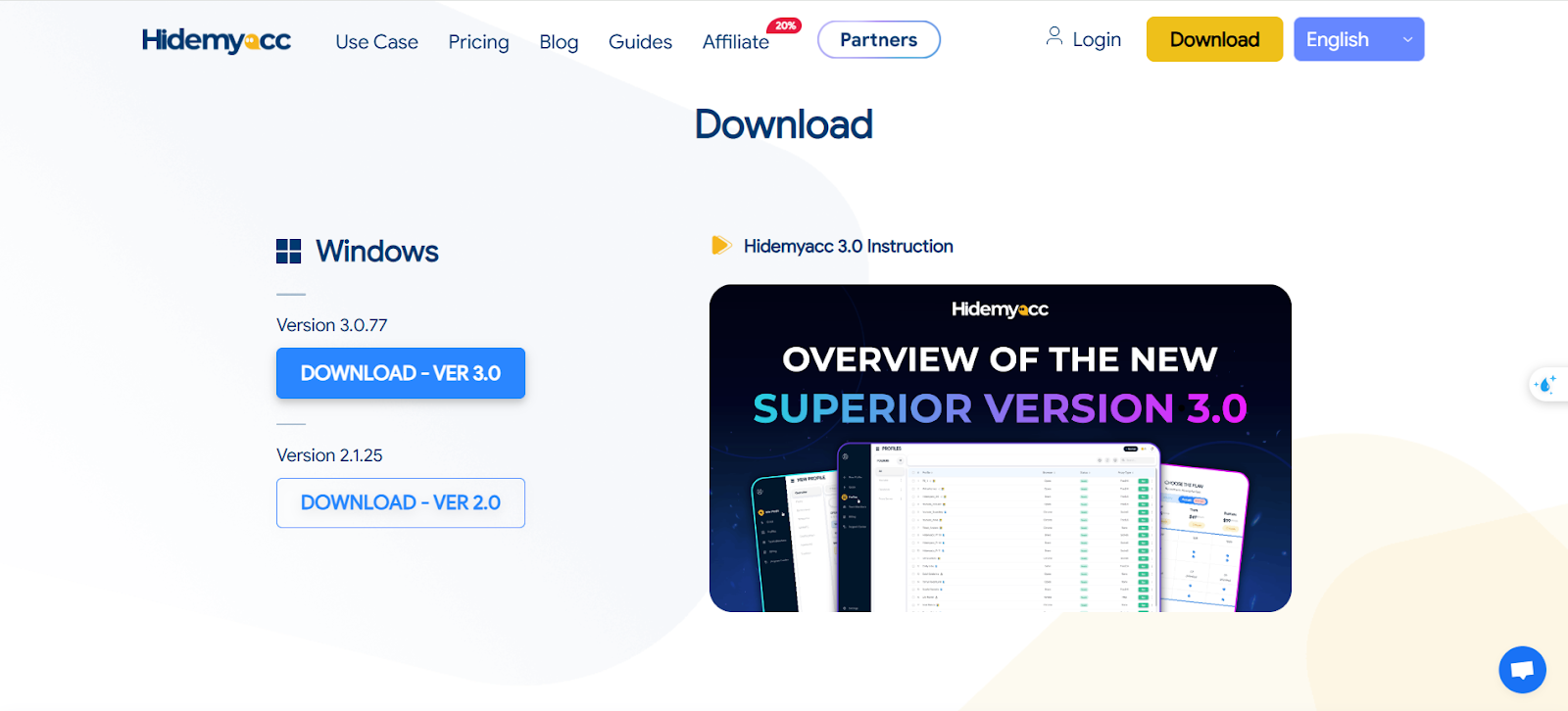
Step 2: Create a new profile: Open Hidemyacc and create a new browser profile. Assign a unique name to the profile and configure the settings, including proxy integration. Choose a proxy that aligns with the account’s location.
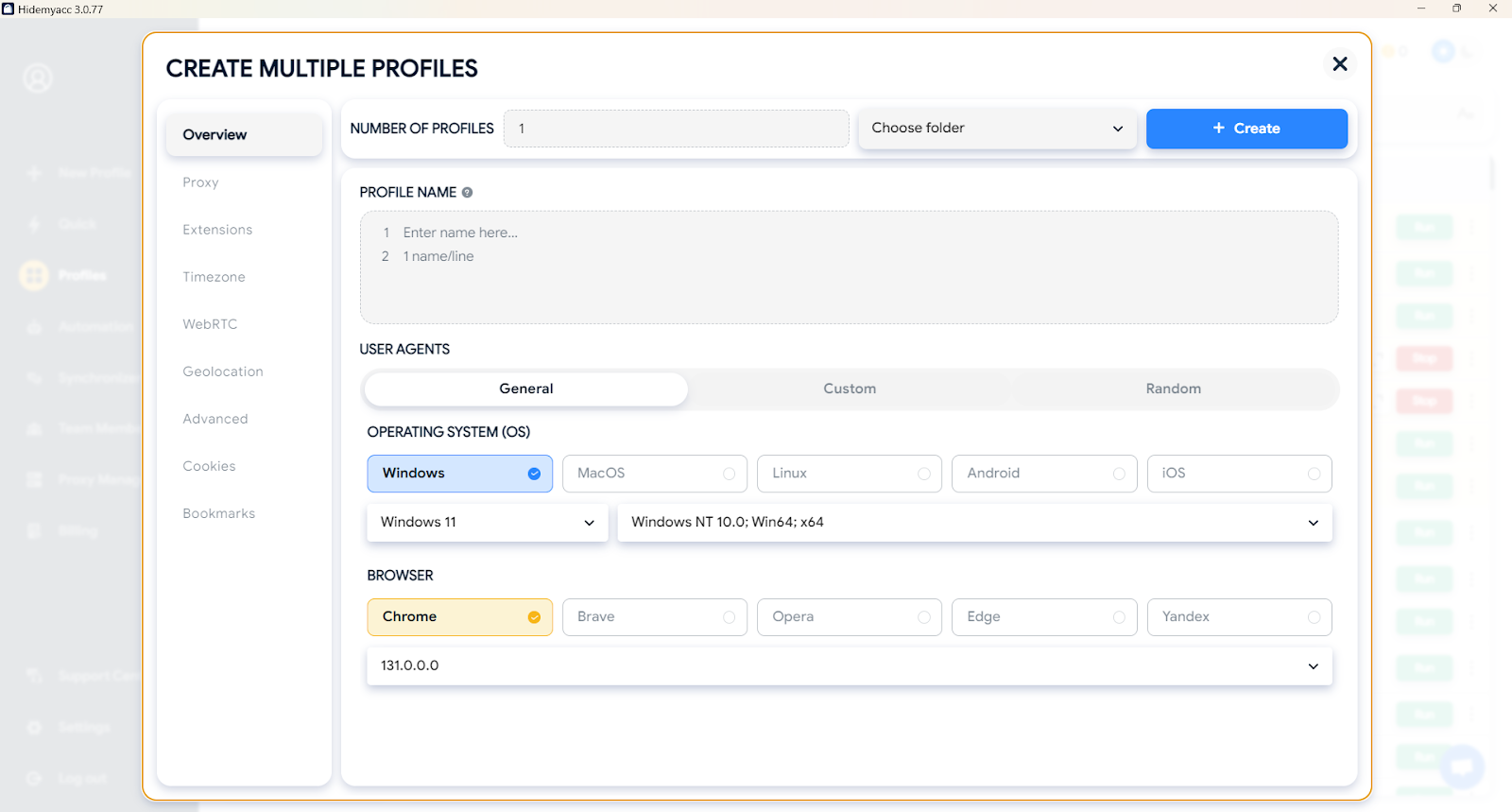
Step 3: Use unique credentials: Run your profile and create new eBay accounts with the unique name, email, phone number, and address prepared earlier. Double-check that all details are consistent to avoid detection.
Step 4: Verify your account: Complete eBay’s verification process using your unique phone number and email address. Ensure that you follow all instructions carefully during the verification process.
Step 5: Link a PayPal account: Add your new PayPal account to enable secure transactions. Ensure that the PayPal account matches the name and location of your stealth eBay account.
Step 6: Start selling: Begin listing items and managing your eBay business with confidence. Use the Hidemyacc browser to manage each account independently and ensure all actions are performed within the dedicated profile.
3. Conclusion
Stealth eBay accounts are an essential tool for anyone looking to scale their e-commerce business or maintain anonymity on eBay. With the right resources and tools like Hidemyacc, creating and managing these accounts becomes a seamless process. By leveraging stealth accounts, you can safeguard your business, expand your market reach, and enjoy greater flexibility and control.
In addition, you can read 2 more articles on the same eBay topic, providing you with solid knowledge before participating in the eBay e-commerce platform.
See more: