
Ever seen a weird TikTok account and thought, "What is a spam account on TikTok?". Uncover their secrets, learn to spot them instantly, and discover how to stay safe (and manage multiple legit accounts securely!).
1. What is a spam account on TikTok?
A spam account on TikTok refers to a profile that engages in activities violating TikTok’s community guidelines or spam policies. These accounts often rely on automation, deceptive practices, or mass interactions rather than authentic engagement. Common behaviors of spam accounts include flooding the platform with repetitive messages, sharing harmful links, and using fake or stolen identities.
Spam accounts can significantly affect the TikTok ecosystem, from lowering content quality to compromising user trust. For example, businesses promoting their brand might experience reduced engagement due to an influx of fake followers, while regular users may fall victim to phishing scams promoted by spam profiles.
Get started on TikTok by creating an account. Check out this TikTok guide to creating an account.
2. Why does TikTok flag your account as spam?
TikTok uses advanced AI and moderation tools to maintain a safe, enjoyable environment for its users. However, legitimate accounts can sometimes be flagged as spam due to certain behaviors. Here are the primary reasons TikTok flags accounts:
- Mass following and unfollowing: Rapidly following or unfollowing numerous accounts within a short time is perceived as bot-like behavior.
- Repetitive actions: Posting identical comments or videos repeatedly triggers TikTok’s detection systems.
- Using automation tools: Employing bots to automate likes, follows, or comments is a violation of TikTok’s terms of service.
- Suspicious links in bio: Sharing links to phishing sites or scams often leads to account flagging.
- Low engagement despite high follower count: Accounts with many followers but little interaction on posts are often scrutinized for artificial growth.
3. How to recognize spam account on TikTok?
Protecting your TikTok experience involves recognizing and avoiding spam accounts. Here are the key indicators to watch for:
- A drastic drop in engagement: You notice a significant decrease in views, likes, shares, and comments on your videos, even though you are consistently posting content of the same quality. Your videos may no longer reach your usual audience or go viral, which often happens if TikTok’s algorithm limits your visibility due to suspicious activity.
- Limited visibility: Your content stops appearing on the "For You" page or is no longer shown in TikTok’s search results. Hashtags on your videos don’t seem to drive traffic like they used to, indicating your account may be shadowbanned.
- Account restriction: TikTok disables specific features such as posting, comment, follow,... These restrictions can happen temporarily or permanently depending on the severity of the issue.
- Frequent warnings or notifications: You receive warnings from TikTok about violating community guidelines. These notifications might highlight issues like "spammy behavior," "inauthentic engagement," or "use of prohibited content."
- Shadowban-like behavior: Your content only reaches a very small audience, often limited to your current followers. Sometimes, your videos may not be shown to anyone outside your account, making it nearly impossible to grow.
- Sudden follower loss: You experience a sharp drop in follower count, often because TikTok has removed bots, fake accounts, or inactive followers.
4. How to avoid being flagged as spam on TikTok?
For legitimate users, following TikTok’s guidelines is crucial. Here’s how you can protect your account:
4.1. Create high-quality Content
Focus on producing authentic, engaging videos that align with your niche. Avoid copying or reposting the same content across multiple accounts.
4.2. Engage authentically
Interact meaningfully with other users. Instead of mass-following or spamming generic comments, build genuine relationships and engage thoughtfully.
4.3. Avoid using bots
Automation tools that mimic user interactions are strictly prohibited. Organic growth may take time, but it’s safer and more sustainable.
4.4. Monitor account activities
Regularly review your account’s actions to ensure they comply with TikTok’s policies. Avoid engaging in repetitive or suspicious behaviors.
4.5. Use quality tools
Using reliable tools like Hidemyacc can help you manage multiple TikTok accounts effectively. Hidemyacc prevents IP leaks, mimics unique device fingerprints, and ensures each account operates independently, reducing the risk of being flagged.
5. Manage multiple TikTok accounts with antidetect browser Hidemaycc
Hidemyacc is an antidetect browser designed to help users manage multiple online accounts securely. It works by masking browser fingerprints, ensuring that each account operates independently. This makes it an ideal solution for individuals or businesses managing several TikTok accounts, as it reduces the risk of detection and bans.
Here is how Hidemaycc can help you avoid being flagged as a spam account on TikTok
- Independent account management: Hidemyacc assigns unique browser fingerprints to each account, preventing detection. You can customize these parameters according to your needs.
- Enhanced privacy and security: By integrating proxy to change IP address, each profile Hidemaycc will have a different clean working environment to avoid being detected by TikTok.
- Streamlined workflow: Automate tasks like account creation, content uploading, and audience interaction without violating TikTok’s policies.
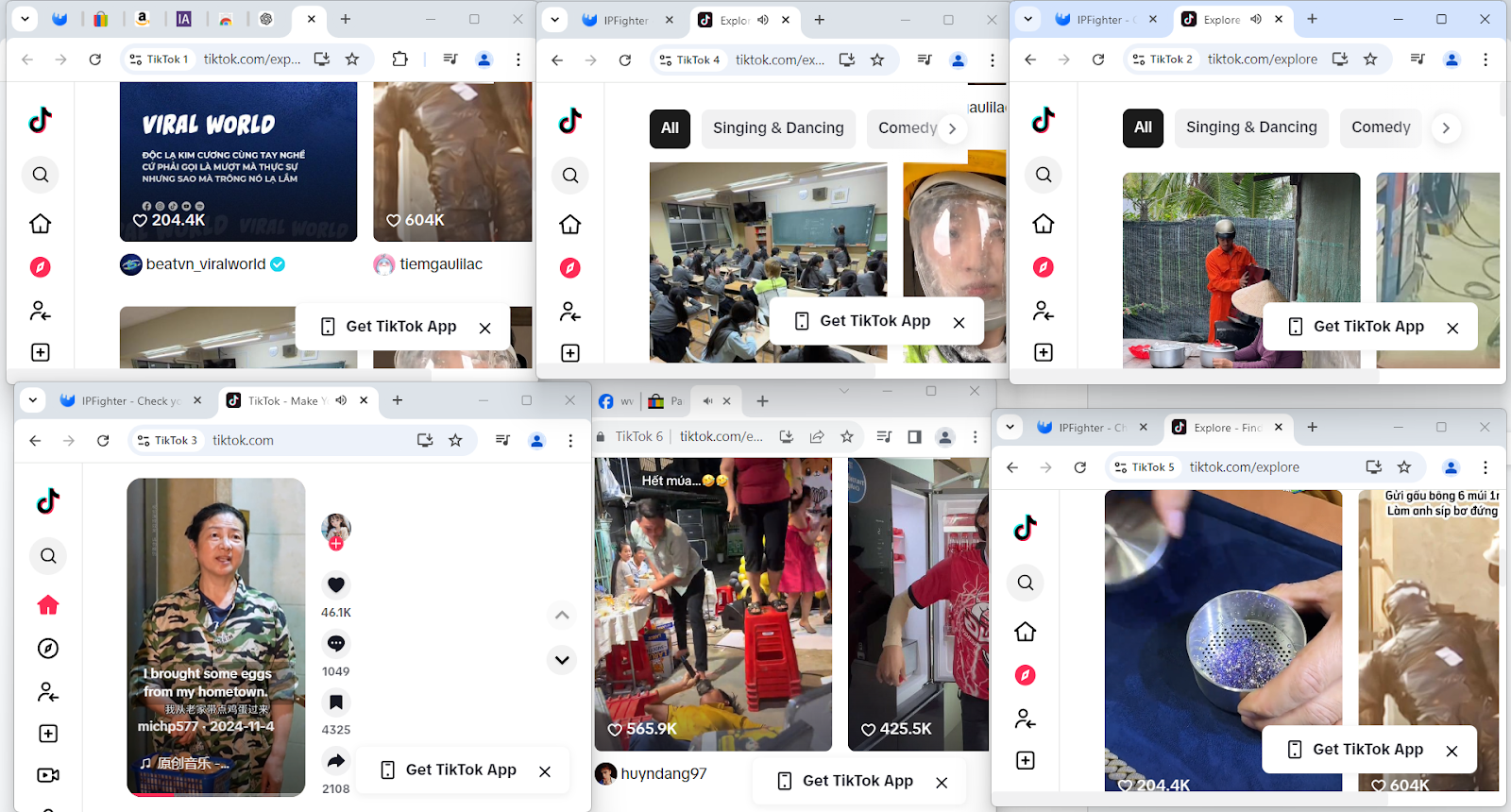
By adopting Hidemyacc, users can safely manage multiple TikTok accounts while focusing on content creation and audience engagement.
6. Steps to recover a flagged spam TikTok account
If TikTok mistakenly flags your account as spam, follow these steps:
- Reach out to TikTok support: Contact TikTok’s support team through the app or website, providing detailed information about your account.
- Verify your identity: Link your phone number or email address to authenticate your account.
- Review your activity: Check for any suspicious actions, such as mass interactions or unauthorized third-party tools, and cease them immediately.
- Submit an appeal: Use TikTok’s appeal process to clarify the misunderstanding. Be polite and provide any evidence supporting your case.
7. Conclusion
Therefore, grasp what is a spam account on TikTok and take proactive steps to safeguard your experience. By identifying spam, avoiding risky actions, and considering tools like Hidemyacc for secure multi-account handling, you contribute to a healthier TikTok community and ensure your own account thrives through authentic interaction, not spam.
Discover similar insights here:






