YouTube is widely regarded as the world's largest video platform, where users store content, build personal brands, or grow business channels. However, many users face the frustrating situation of losing access due to forgotten passwords, hacking, or losing access to their linked email.
If you are experiencing these issues, don't worry. In the following article, Hidemyacc will guide you through how to recover YouTube account quickly and safely, helping you regain access to your channel and data in just a few simple steps.
1. Why can't you access your YouTube account?
There are many reasons why users may be unable to sign in to their YouTube accounts. Identifying the exact cause will help you choose the most suitable method to recover YouTube account and save time.

Below are some of the most frequent cases where users lose control of their accounts:
- Forgotten login password: This is the most common reason, often due to simply forgetting the password, the system requiring re-verification after a long period of inactivity, or unusual password changes.
- Hacked YouTube account: A hacker gains unauthorized access, changes login information, or posts strange, unidentified content on your channel.
- Unable to access the linked email: Since YouTube uses a shared Google account, forgetting your password or having your Gmail locked will prevent you from signing in to your channel.
- YouTube account locked or disabled: YouTube may suspend channel activity if it detects violations of community guidelines, copyrights, or spam activities.
In general, any of the above issues can result in losing access to your YouTube account. However, in most cases, users can still recover YouTube account through Google's recovery system by following the necessary verification steps.
Read more related articles here:
- What is YouTube error code 15? Causes and how to fix it
- How to fix YouTube error code 4
- Trying to purchase youtube premium but not working? How to fix it?
- Why was my YouTube account suspended? 7 common reasons and how to appeal
2. How to recover YouTube account when forgetting the password
If you have forgotten your login password, the easiest way is to use the Google Account Recovery system to reset a new one.
Step 1: Access the Google Account Recovery page
First, navigate to the Google Account Recovery page – the official tool provided by Google to help users regain access. Please ensure you are using the official Google link to avoid any phishing or fraudulent websites.
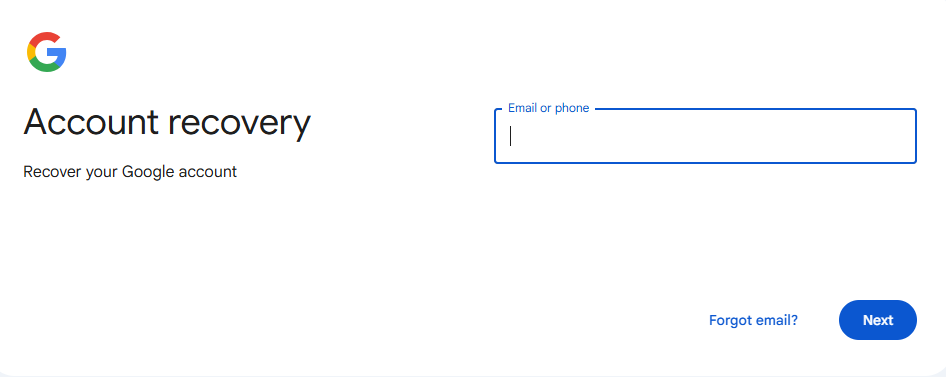
Step 2: Enter your YouTube login email or phone number
At the recovery interface, you need to enter the email address linked to your YouTube account. If you previously linked a phone number to your Google account, you can also use this number to recover YouTube account.
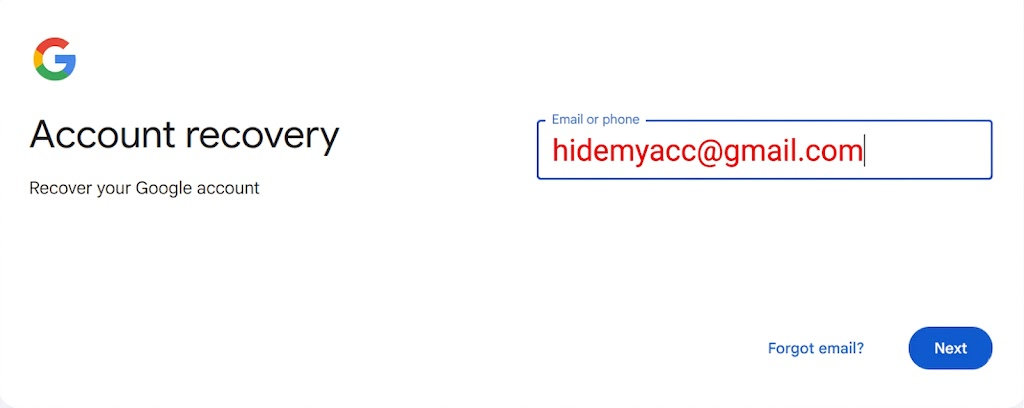
Step 3: Verify your account identity
Google will ask you to verify your identity using several methods, such as:
- Receiving a verification code via SMS.
- Receiving a verification code via a recovery email.
- Answering security questions related to the account.
This verification step ensures the system that you are the legitimate owner of the account.
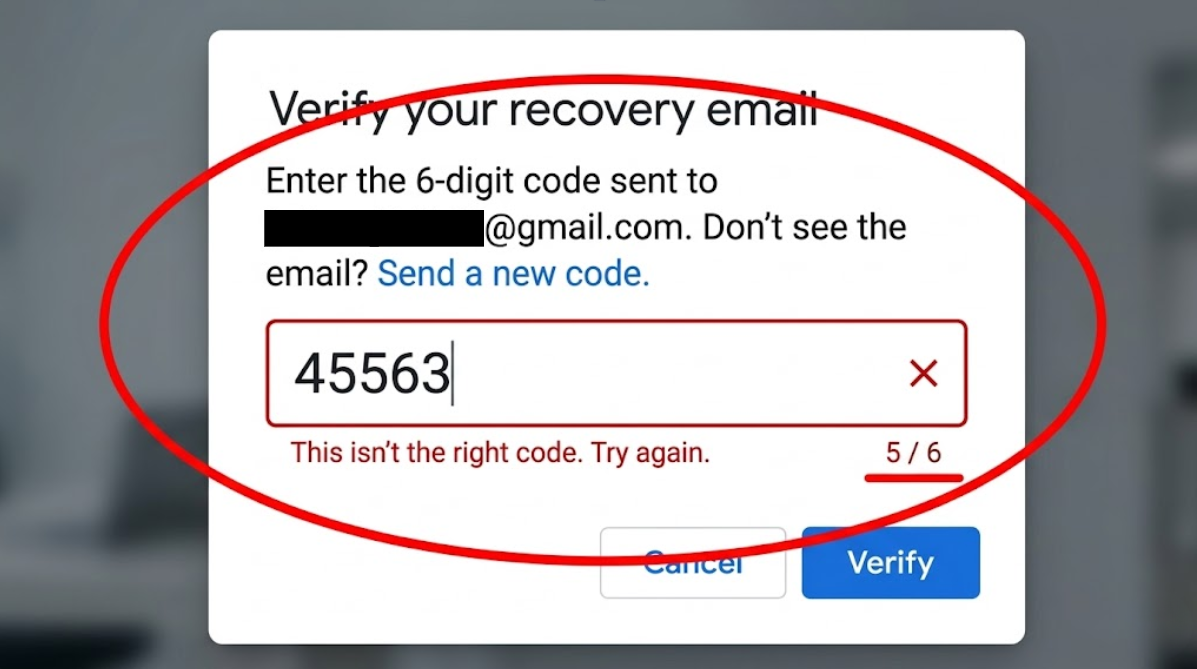
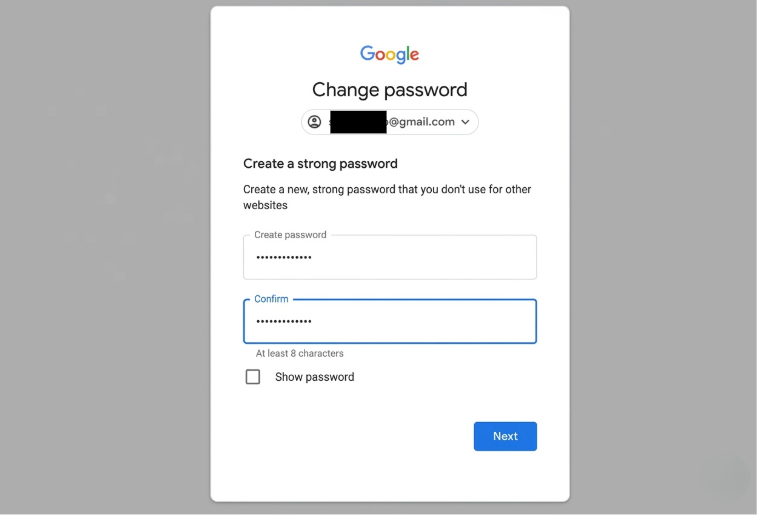
Step 4: Create a new password for your account
After successful verification, you can reset a new password for your Google account. Make sure to create a strong password by combining uppercase letters, lowercase letters, numbers, and special characters. Once the password is changed, you can log back into YouTube and continue using your channel as usual.
3. How to recover YouTube account when hacked
If your YouTube account has been accessed by a hacker, you must quickly perform recovery steps to avoid data loss or channel exploitation.
3.1. Signs that your YouTube account has been hacked
Some common indicators that your account may have been compromised include:
- Strange videos appearing on your channel.
- Channel information such as name or profile picture being changed.
- Being unable to sign in even though the password is correct.
- Receiving login notifications from unrecognized devices or locations.
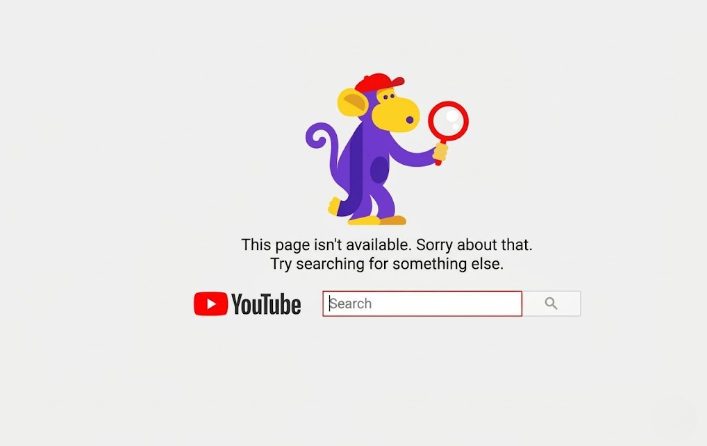
3.2. Steps to recover YouTube account when hacked
When you detect that your YouTube account has been hacked, you need to handle it as soon as possible to avoid losing control of the channel. Below are the essential steps to help you quickly recover YouTube account and protect your channel.
Step 1: Recover your password immediately
Access the Google Account Recovery page to change your password and regain access.
Step 2: Check login history
After logging back in, check the list of devices and locations that have accessed your account.
Step 3: Remove suspicious devices or apps
If you detect unfamiliar devices, sign out of them immediately and revoke access for any suspicious applications.
Step 4: Update security information
Add a recovery email, update your phone number, and enable two-step verification to better protect and recover YouTube account in the future.
4. How to recover YouTube account when unable to access Gmail
In case you cannot log into your Gmail, you first need to recover your Google account before you can access YouTube again.
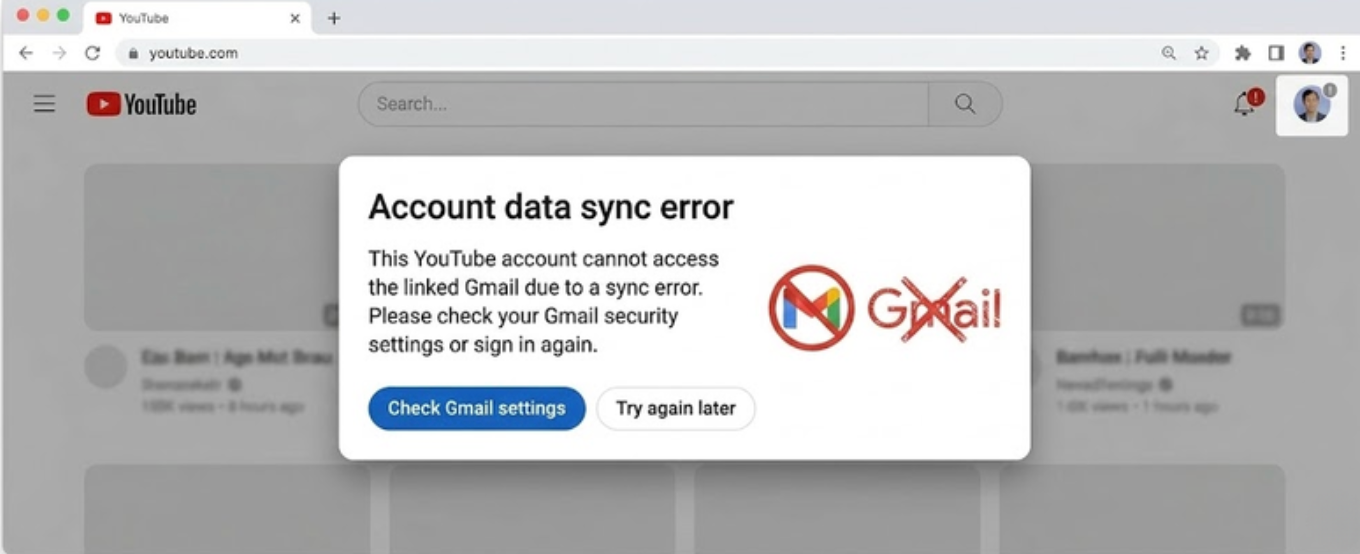
4.1. Recover your Google account first
Access the Google Account Recovery page and enter your Gmail address. The system will then ask for verification via phone number or recovery email to confirm your identity.
4.2. Use alternative verification methods
If you cannot receive a verification code through standard methods, you can:
- Answer security questions.
- Confirm using a device that was previously logged in.
These details help Google verify that you are the account owner, allowing you to recover YouTube account more easily.
4.3. Sign back into YouTube after recovering Gmail
Once you have successfully recovered your Gmail, you can sign back into YouTube. Do not forget to check your account status and update security information to prevent similar issues when you need to recover YouTube account in the future.
5. How to recover YouTube account when locked or disabled
In some cases, a YouTube account or channel may be locked due to policy violations.
Step 1: Check the notification email from YouTube
YouTube usually sends an email explaining why the account was locked. Check your Gmail inbox to identify the cause and review the instructions provided by Google.
Step 2: Identify the type of violation
Before appealing, determine whether the account was locked due to community guideline violations, copyright issues, or spam. Identifying the correct reason will help you provide a clearer explanation when you attempt to recover YouTube account via an appeal.
Step 3: Submit an appeal to YouTube
If you believe your account was locked by mistake, you can submit an appeal through YouTube's official form. In the form, provide your account information and clearly explain the issue you are facing.
Step 4: Wait for a response from YouTube
After submitting the form, you need to wait for YouTube to review and respond. The processing time can range from a few days to several weeks, depending on the case.
Step 5: Comply with policies after recovery
If your channel is reinstated, review your content and ensure compliance with YouTube's policies to avoid being locked out again as you recover YouTube account access.
6. How to protect your YouTube account after recovery
After you successfully recover YouTube account access, enhancing security is crucial to prevent losing access in the future.
- Enable 2-step verification for your Google account: Two-step verification adds an extra layer of security when signing in. Even if someone knows your password, they will still need a verification code to access the account.
- Do not share login information: You should refrain from sharing your email and password with others. Additionally, avoid logging into your account on untrusted devices.
- Be wary of phishing emails or links: Do not click on suspicious links that request your login credentials. Always double-check the sender's email address from Google before providing any account information.
- Monitor login activity regularly: Frequently check the list of devices logged into your Google account. If you detect an unfamiliar device, sign out immediately and change your password.
Proactively protecting your account will minimize the risk of being hacked or losing your YouTube channel again. Maintaining security measures and regularly checking account activity ensures your channel stays safe after you recover YouTube account access.
7. Manage multiple YouTube accounts safely with Hidemyacc
If you are managing multiple YouTube accounts for marketing or business purposes, using the same IP or device can cause YouTube's system to flag your accounts as linked.
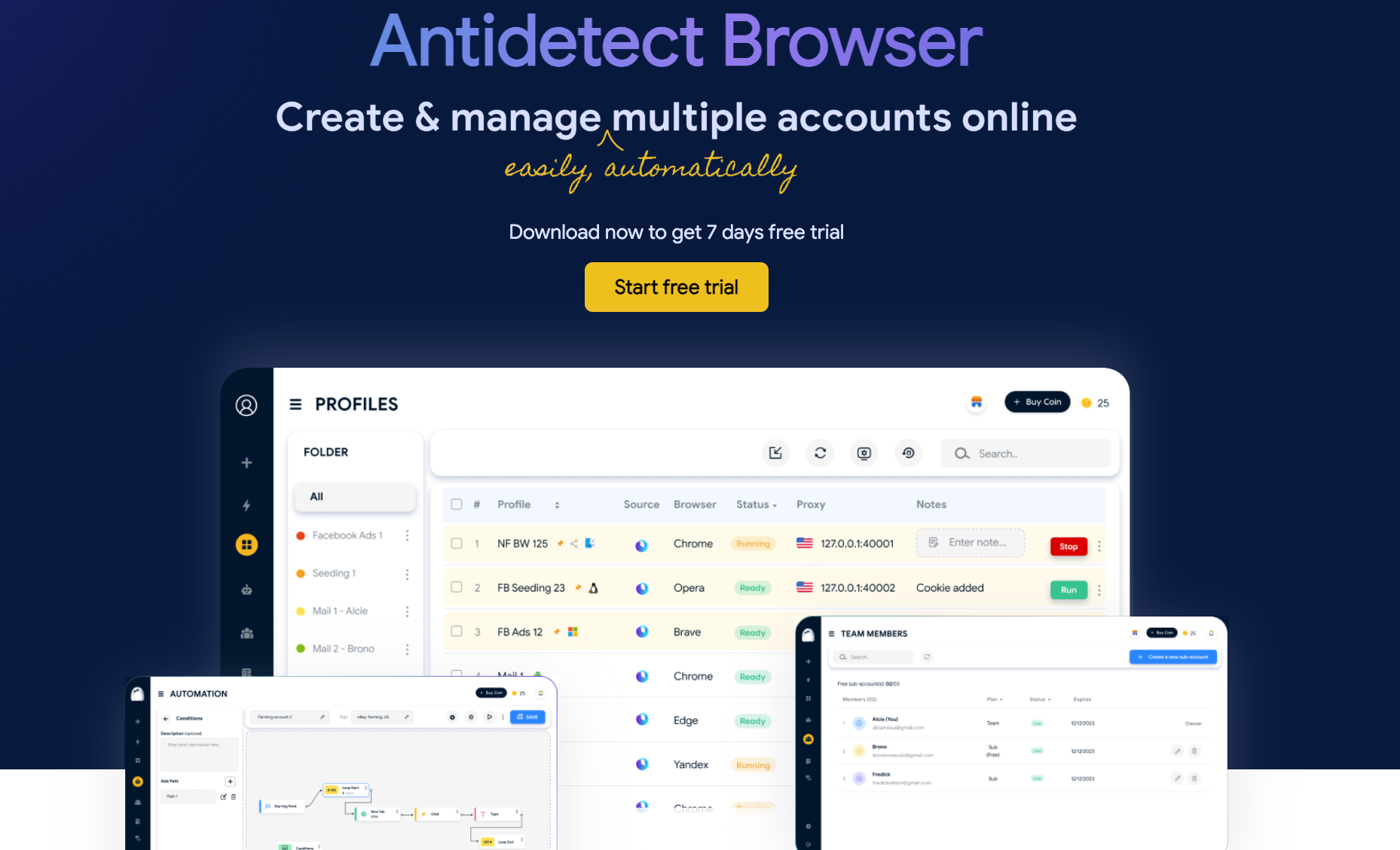
To avoid this, you should use the Hidemyacc antidetect browser to create separate browser environments for each account. Each browser profile has its own fingerprint, cookies, and configuration data, helping accounts operate independently and reducing the risk of being flagged.
As a result, users can manage multiple YouTube channels more securely, stably, and effectively.
Read more: How to manage multiple social media accounts without getting banned
8. Conclusion
Being unable to access your YouTube account can stem from various causes, such as forgetting your password, being hacked, losing Gmail access, or having your account temporarily locked by YouTube. In most cases, you can still recover YouTube account by using Google’s recovery system and following the identity verification steps as instructed.
In particular, if you manage multiple YouTube accounts for marketing or business purposes, logging into multiple accounts on the same device or IP can lead to risks of detection or cross-account linking. In such cases, using the Hidemyacc antidetect browser to create separate browsing environments for each account will help you manage multiple YouTube channels more securely, stably, and effectively.
9. FAQ
1. What should I do if I lose my YouTube account?
You can regain access by using the Google Account Recovery tool to reset your password or find your login email. Once you successfully recover your Google account, you will be able to access YouTube again.
2. Why can't I access my YouTube account?
The reason could be a forgotten password, a forgotten login email, or your Google account being locked or hacked. In these cases, you should try to reset your password or recover YouTube account information through official channels.
3. How can I find my YouTube account?
Visit the Google Account Recovery page and select the "Forgot email" option if you don't remember your address. Then, enter your phone number or recovery email to locate your account.
4. Why can't I find my YouTube account?
Your account may have been suspended, deleted, or experienced a system error. Check your email for notifications from Google or YouTube and follow the instructions provided to recover YouTube account access.
5. How do I resolve issues related to my YouTube account?
You can use Google's account recovery tool to handle login issues. If the problem persists, contact Google Support or refer to the Help Center for detailed guidance on how to recover YouTube account effectively.