There is no shortage of X scraping tools available today, but choosing the right one is not always straightforward. Some tools let you collect data without writing code, while others are designed for automation or large-scale data collection. This article reviews popular X scraping tools, compares their strengths and limitations, and helps you identify the option that best fits your data collection needs.
1. Is using an X scraping tool legal?
Before choosing from the many X scraping tools available, it is important to understand the legal and compliance considerations involved. There is no universal answer to whether X scraping is simply legal or illegal. The level of risk depends on what data is collected, how it is accessed, the applicable jurisdiction, and how the data is stored or used.
- Publicly available data: Collecting publicly accessible data, such as public X posts or profiles, may be treated differently depending on the jurisdiction. However, public availability does not automatically remove contractual, copyright, privacy, or data protection obligations.
- X Terms of Service and platform rules: X restricts certain forms of automated access and data collection through its Terms of Service and platform policies. Violating these rules does not necessarily mean violating criminal law, but it may result in account suspension, blocked access, or other enforcement actions by the platform.
- Data privacy and personal information: If an X data collection workflow includes personal information, such as usernames, follower data, or profile details, additional privacy and data protection requirements may apply to how that information is stored, processed, shared, or reused.
- Data behind authentication or access controls: Accessing private data, bypassing authentication, or attempting to retrieve information without authorization presents significantly higher legal and compliance risks and should be avoided.
- The X API: The X API remains the official channel for accessing X data and generally presents lower platform compliance risk than unofficial X data scraping methods. Available plans, features, and rate limits vary depending on X's current API offerings.
For example, a brand analytics company may choose the X API to monitor daily brand mentions and accept request limits in exchange for a more stable and officially supported data source.
The key point is that X scraping should not be viewed as simply legal or illegal. Applicable law, X's platform rules, and data protection obligations should all be considered before collecting data from X.

2. Criteria for evaluating X data scraping tools
X scraping platforms are engineered for diverse operational requirements. Some prioritize code-free data extraction, while others excel at scheduled cloud workflows or enterprise-scale data pipelines.
To provide an objective comparison, we evaluate tools across the following criteria:
- Stability and Anti-Bot Resilience: How reliably does the tool function when X updates its frontend architecture, access restrictions, or bot detection engines?
- Data Extraction Scope: What data types can the tool harvest, such as tweets, user profiles, followers/following, media assets, engagement metrics, hashtags, or trending topics?
- Pricing and Scalability: Is pricing usage-based, subscription-tiered, or pegged to data consumption? Does the cost scale predictably alongside your data volume requirements?
- Ease of Use: Does the setup require programming knowledge, or can workflows be deployed in minutes via an intuitive interface?
- Export Formats and Integrations: Does the tool support structured data exports to CSV, JSON, or Excel, and does it integrate seamlessly with Google Sheets or cloud storage?
These criteria help compare X data extraction tools based on practical requirements rather than simply the number of available features.
3. Top X scraping tools to consider
The best X scraping tool depends on your technical experience, budget, data volume, and automation requirements. Some platforms are better for occasional no-code tasks, while others are designed for recurring or large-scale X data collection.
Below are several popular X scraping tools that serve different use cases.
3.1 Apify
Apify is a cloud platform that provides prebuilt data collection and automation tools known as Actors. Its ecosystem includes Actors designed to collect X posts, profile data, keyword search results, and hashtag-related information.
One of Apify's main strengths is flexibility. Users can run prebuilt workflows without building their own infrastructure, while more technical users can customize data collection processes when needed.
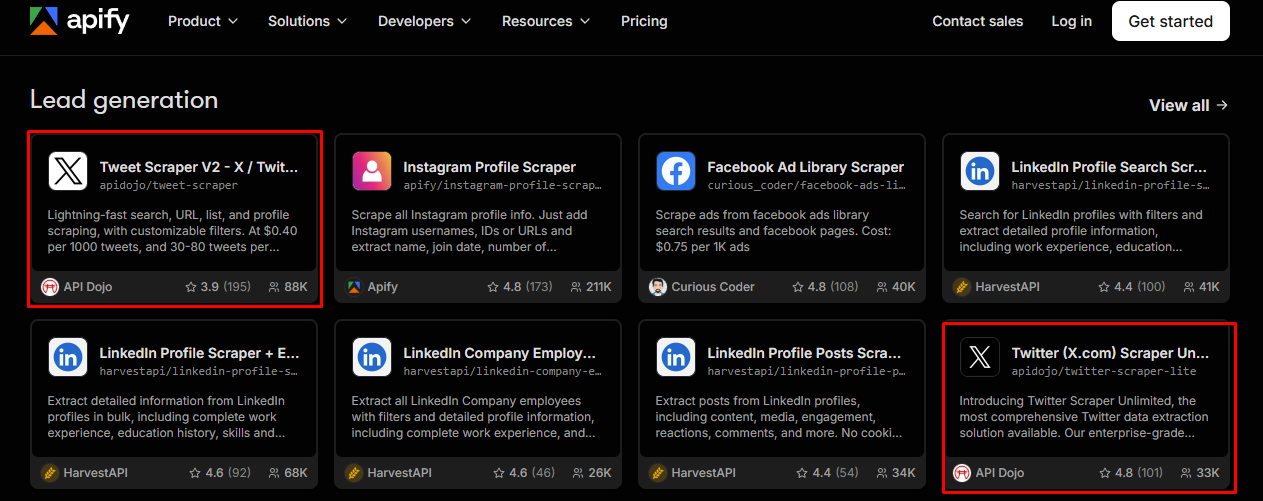
Key advantages include:
- Cloud-based execution without managing local infrastructure.
- Prebuilt Actors for different X data collection tasks.
- Automated and scheduled workflows for recurring collection.
- Dataset management and export options, including CSV and JSON depending on the Actor.
For example, a marketing agency could use an Apify Actor to collect posts related to a campaign hashtag each day and export the dataset for client reporting.
The main limitation is that pricing is generally based on usage and computing resources, so costs may increase when collecting large volumes of data regularly. The capabilities of individual Actors can also vary.
Best for: Teams seeking a flexible cloud platform with automated scheduling and clean data exports without building local scraping infrastructure.
3.2 Octoparse
Octoparse is a no-code visual web scraper featuring a point-and-click interface. Instead of writing extraction scripts, users define workflow rules by clicking directly on webpage elements within the built-in browser.
This visual paradigm makes Octoparse ideal for researchers, analysts, and non-programmers who need to convert dynamic webpage elements into structured datasets.
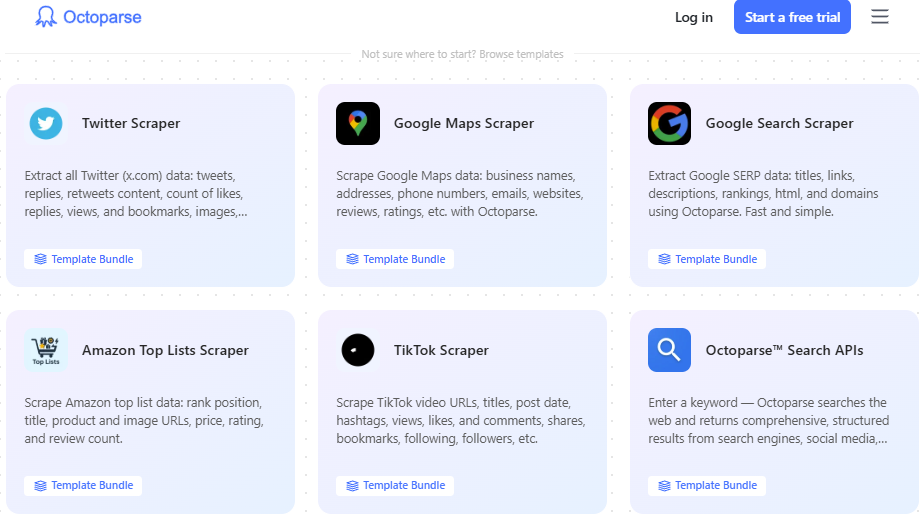
Key highlights:
- Intuitive point-and-click workflow configuration.
- Zero coding requirements.
- Dual execution options across local desktop and cloud environments.
- Automated extraction and formatting of structured data.
However, complex workflows involving dynamic JavaScript loading, infinite scrolling, or sudden DOM changes can require ongoing maintenance. Advanced cloud features and high-speed concurrency require premium subscription tiers.
Best for: Users looking for an intuitive, code-free visual scraper to set up extraction tasks through a graphical interface.
3.3 PhantomBuster
PhantomBuster specializes in lead generation and growth automation across social networks, utilizing standalone cloud automation units called Phantoms.
For X, PhantomBuster provides ready-made Phantoms to extract public profiles, pull tweet replies, harvest follower networks, and schedule automated engagement sequences.
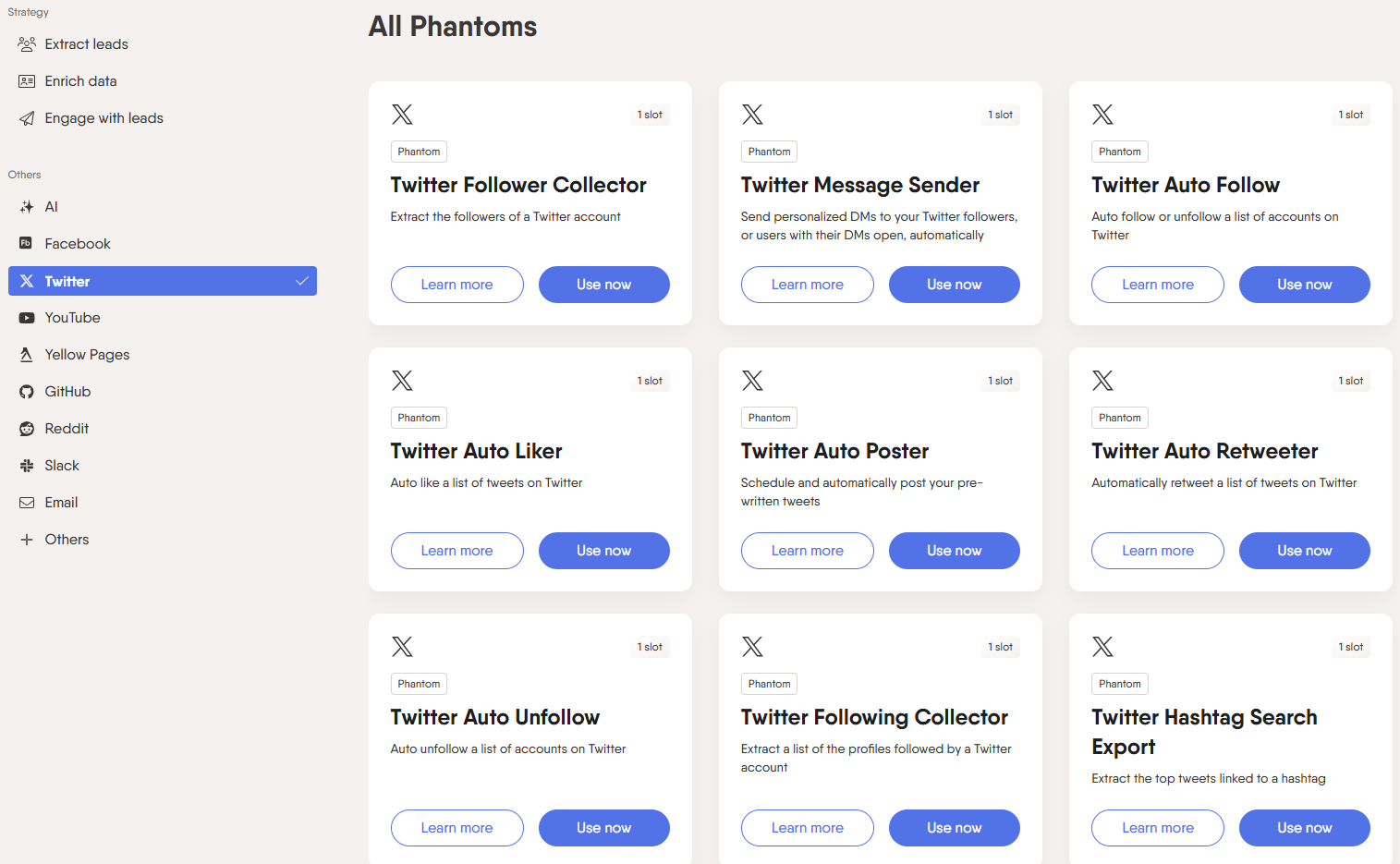
Key highlights:
- 100% cloud-based automation and execution.
- Pre-built workflow recipes requiring minimal configuration.
- Chaining capability: connect output from one Phantom into another.
- Broad cross-platform support across major social networks.
New users may experience a learning curve when chaining complex automations together, and strict monthly execution time limits apply across subscription plans.
Best for: Marketers and sales teams requiring multi-step growth workflows and lead enrichment rather than raw data dumps.
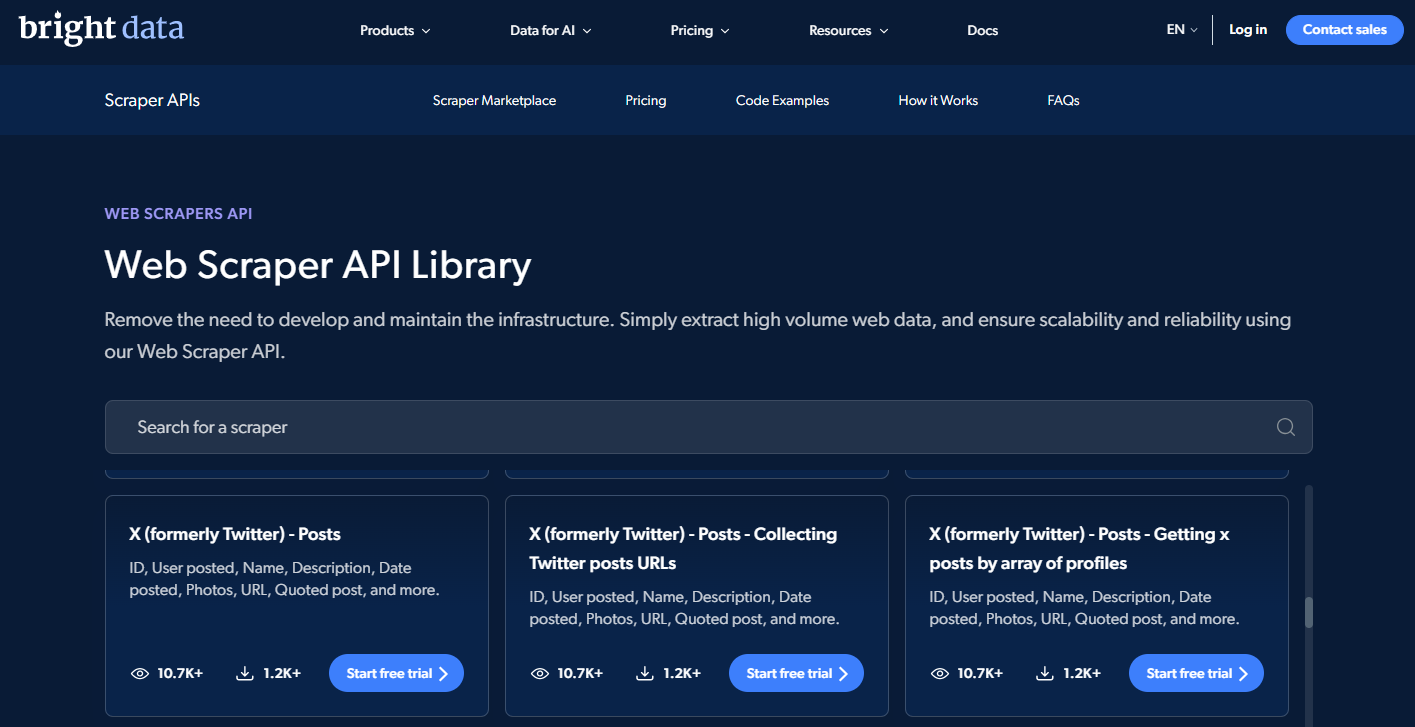
3.4 Bright Data
Bright Data is an enterprise data extraction platform equipped with high-performance scraping infrastructure and massive proxy networks designed for large-scale web data collection.
Unlike simple browser extensions or entry-level scrapers, Bright Data is built for enterprise pipelines demanding high-frequency, resilient data extraction capable of bypassing complex anti-scraping countermeasures.
Key highlights:
- Enterprise-grade infrastructure built for massive concurrency.
- Automated handling of IP rotation, CAPTCHAs, and fingerprint emulation.
- Flexible deployment: Web Scraper IDE, Scraping APIs, or pre-collected datasets.
- Fully managed data collection pipelines for organizations without in-house scraping engineers.
The primary barrier is cost: consumption-based enterprise pricing can be prohibitive for casual researchers or small teams. The platform also involves an initial setup curve.
Best for: Enterprises and large-scale operations requiring dependable, continuous data pipelines with comprehensive proxy and anti-bot management.
3.5 X scraping browser extensions
Browser extensions are generally best suited for users who need to collect a relatively small amount of data quickly without setting up a complex workflow. The tools below can be useful for one-time research or lightweight X data collection tasks.
Notable extensions include:
- Magical: Extracts profile-level metadata such as handles, bios, locations, and website links, syncing data directly into Google Sheets or CRMs. Not built for large-scale tweet harvesting.
- FREE Twitter (X) Social Data Scraper: Exports search results or profile feeds into CSV, Excel, or JSON formats, with support for infinite-scroll navigation.
- Ultimate Web Scraper — Twitter Scraper: Extracts profiles, tweets, comment threads, media links, engagement metrics, and follower lists into multiple structured formats.
- X-Post Scraper: Pulls tweets, user accounts, and trending topics into CSV, Excel, JSON, or HTML tables.
Note: Extension functionality, pricing models, and maintenance cycles change frequently. Always verify the latest updates in the Chrome Web Store before relying on extensions for active workflows.
4. Comparison of X scraping tools
The tools above differ in terms of pricing, technical requirements, scalability, and intended use. The table below provides a quick comparison of the main X scraping tools and alternatives.
| Tool | Category | Pricing Model | Difficulty | Best Suited For |
|---|---|---|---|---|
| X API | Official API | Free tier to Enterprise | Moderate | Officially supported, structured X data access |
| Apify | Cloud / Low-code | Usage-based compute | Low | Flexible cloud scraping with scheduled CSV/JSON exports |
| Octoparse | No-code desktop/cloud | Subscription tiers | Low | Non-programmers wanting a visual point-and-click builder |
| PhantomBuster | No-code automation | Subscription tiers | Low | Multi-step growth workflows and lead enrichment |
| Bright Data | Enterprise infrastructure | Pay-as-you-go / Custom | Low to Moderate | High-volume, recurring enterprise data pipelines |
| Browser Extensions | Browser plugins | Free / Freemium | Very Low | Fast, lightweight extraction for ad-hoc research |
There is no single best X scraping tool for every use case. The right choice depends on your budget, technical expertise, data volume, and automation requirements.
Browser extensions are generally better suited for smaller and occasional tasks, while cloud scraping tools offer greater flexibility for recurring workflows and larger datasets. Organizations with high-volume data collection needs may require more scalable infrastructure.
Users who prioritize official access and platform compliance should also consider the X API when comparing X API alternatives and third-party X data extraction tools.
5. Alternative ways to collect data from X (Twitter)
Prebuilt X scraping tools are not the only option for collecting data from X. Users who need more flexibility or prefer not to rely entirely on third-party platforms can build their own workflows or outsource the data collection process.
5.1 Build your own X scraping script
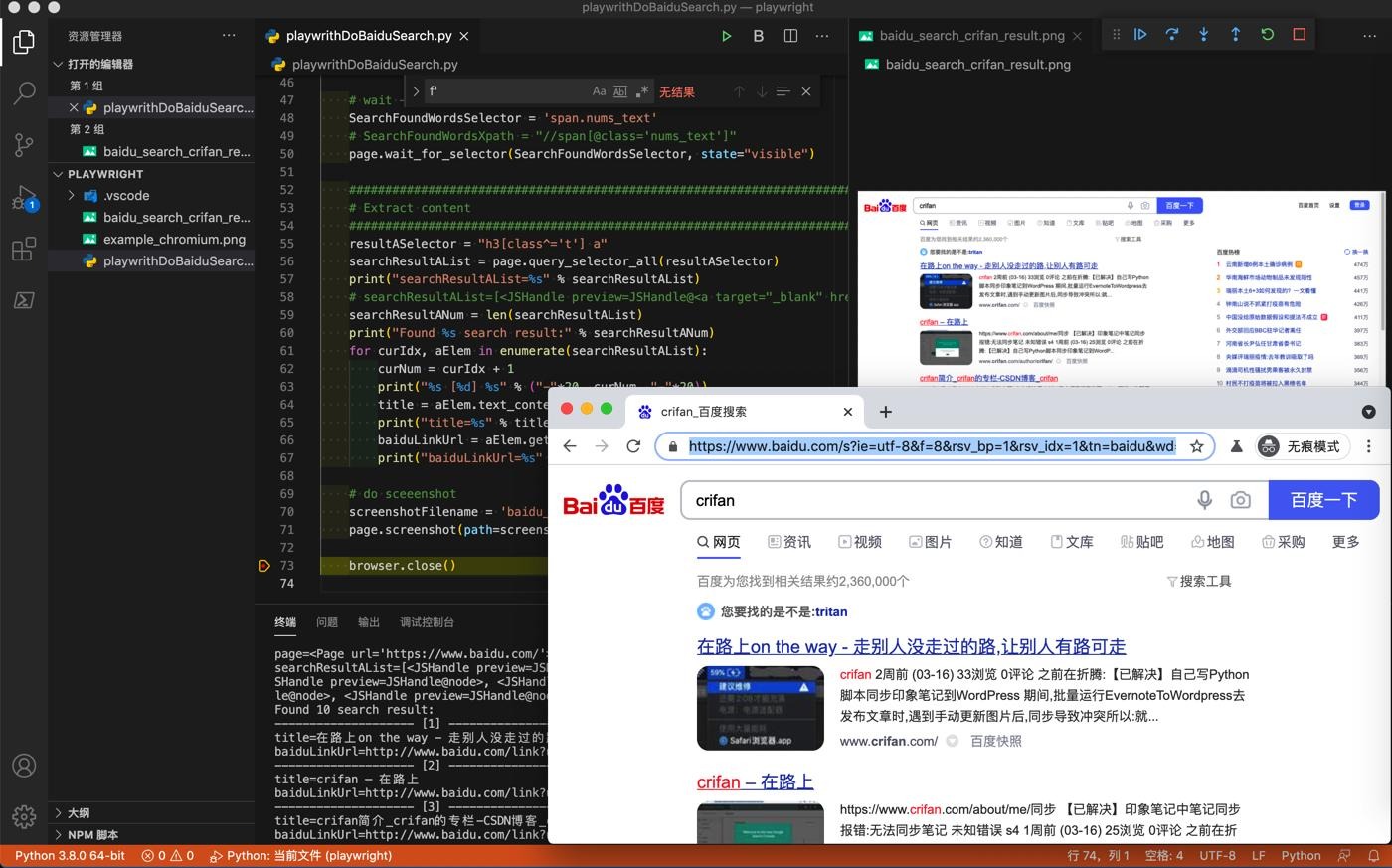
Developers and data engineering teams can write custom data collection pipelines using specialized Python libraries or headless browser automation frameworks. This approach offers complete programmatic control, but requires active maintenance.
Popular frameworks include:
- twscrape: An open-source Python library with CLI support, designed for developers wanting low-level control. It manages account pools to navigate request rate limits efficiently.
- Scweet: A Python utility designed to collect tweets, user profiles, and engagement data without requiring an official X API key. It supports proxy rotation and asynchronous requests, though it remains vulnerable to frontend DOM updates.
- Playwright / Selenium: End-to-end browser automation frameworks that enable fully custom X scrapers when commercial tools fail to meet edge-case requirements. In exchange, maintaining these browser pipelines requires substantial engineering overhead.
Custom scripts suit engineering teams needing bespoke data formatting, deep infrastructure integration, and full control over network routing.
Note: Open-source scraping libraries can break unexpectedly when X changes its layout, API endpoints, or bot detection heuristics. Review repository maintenance activity before embedding open-source libraries into production systems.
5.2 Outsourcing to data extraction service providers
Organizations lacking internal web scraping engineers can outsource the entire pipeline to dedicated data collection providers.
Common options include:
- Managed Scraping Vendors: Companies that design, host, and maintain custom scraping pipelines, delivering structured datasets directly to your cloud storage.
- Freelancers and specialized data collection agencies: Specialized data extraction professionals suitable for one-off research projects or specialized niche queries.
- Custom data service providers: Data vendors delivering clean, pre-packaged feeds tailored to corporate specifications.
The quality and compliance practices of external providers can vary significantly. Before outsourcing, organizations should review a provider's technical capabilities, data handling practices, portfolio, and confidentiality commitments.
This option may be suitable for businesses that need a one-time dataset or want to collect data from X without building an internal scraping workflow.
Note: It is important to understand how an external provider collects data and whether its methods comply with applicable laws, platform rules, and data protection requirements.
6. The role of antidetect browsers in X scraping
When running browser-driven automation across multiple accounts, teams frequently combine proxies with antidetect browsers to manage distinct browser profiles and prevent cross-contamination.
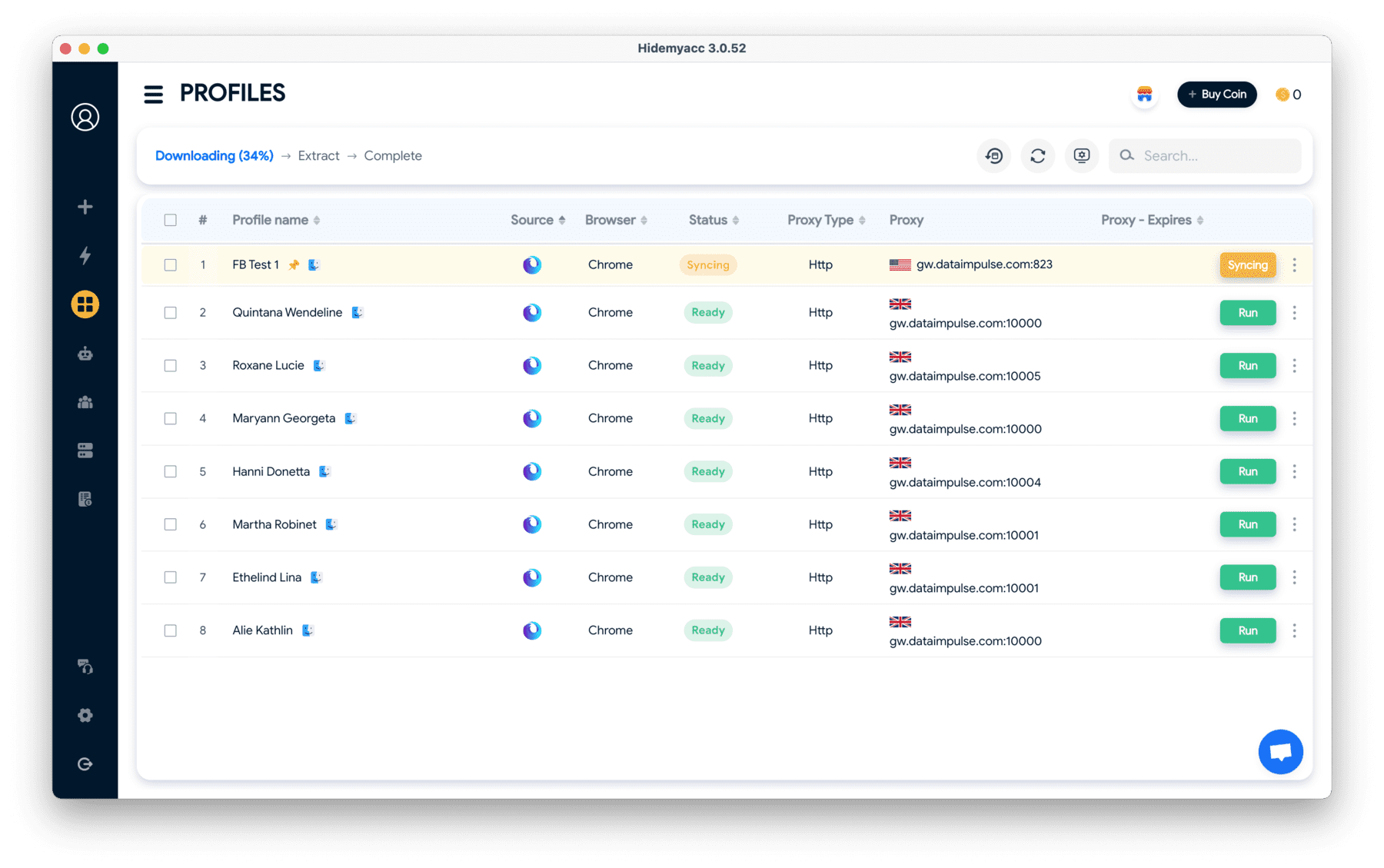
An antidetect browser creates fully isolated browser profiles, each equipped with its own cookies, local storage, and unique hardware fingerprint. This setup isolates separate X workflows, preventing accounts from sharing residual sessions or tracking traces.
Among profile management solutions, the antidetect browser Hidemyacc allows operators to create and run dozens of distinct browser environments from a centralized interface. Each profile functions as a dedicated sandbox for a specific scraping workflow, simplifying pipeline management and tracking.
However, an antidetect browser is fundamentally an environment management tool. It does not alter how X algorithms evaluate abnormal engagement or exempt users from platform guidelines.
Using an antidetect browser does not make web scraping inherently legal, nor does it provide an unconditional guarantee against account suspensions.
Basic configuration workflow
- Install the antidetect browser.
- Create a dedicated browser profile for each distinct X account or scraping task.
- Apply descriptive names to profiles for efficient organization.
- Assign dedicated proxies to individual profiles as required.
- Log into the target X account within its designated profile environment.
- Execute your automated data extraction workflow within that isolated container.
For example, a social listening team might manage five separate monitoring tasks. Rather than constantly logging in and out of multiple accounts in a single browser, the team uses separate Hidemyacc profiles to isolate cookies, sessions, and browser fingerprints.
Note: Antidetect browsers should be treated as operational tools for workflow isolation and environment organization. They do not ensure account immunity and should never be used to breach computer fraud statutes or bypass security firewalls.
Related reading:
- What is an antidetect browser? Why it outperforms basic VPNs and proxies
- Secure and scalable web scraping with Hidemyacc
7. Best practices to mitigate risks when scraping X
Using the right X scraping tool is only one part of building a reliable data collection workflow. Request frequency, data handling, and compliance practices can also affect the stability and risk level of an X scraping process.
7.1 Regulate request frequencies and rate limits
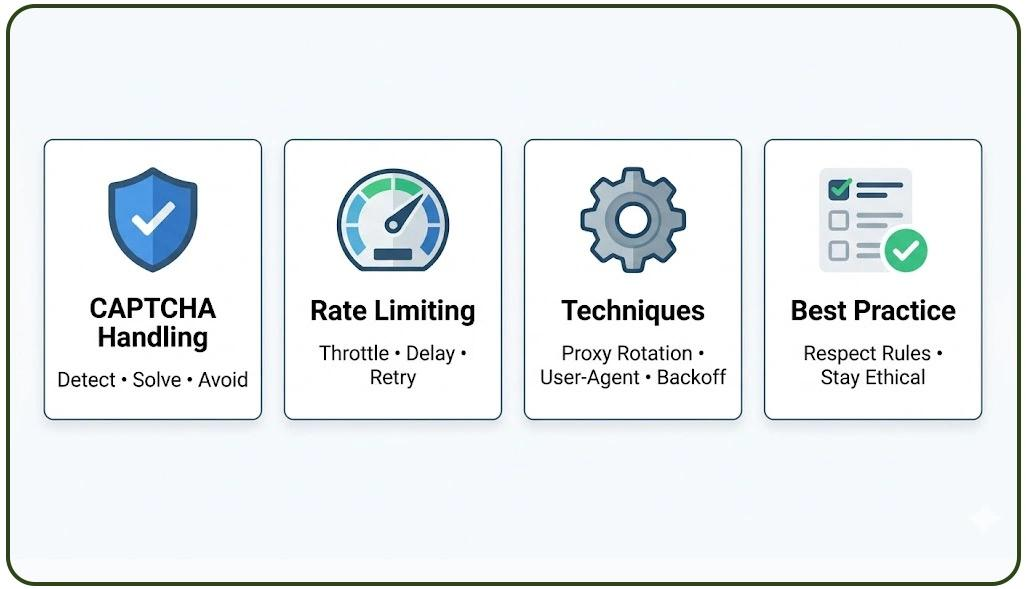
Avoid flooding servers with high-frequency concurrent requests. Respect realistic rate limits to minimize the risk of IP throttling, Twitter account suspensions, or permanent access bans.
Extract only necessary data fields and avoid running automated scrapers more often than required. A controlled, paced extraction schedule is far easier to sustain than an aggressive, uninterrupted scraper.
Related articles:
- How to fix the Rate limit exceeded error on Twitter easily
- What is a Twitter shadowban? Key indicators and recovery strategies
7.2 Handle CAPTCHAs and anti-bot systems responsibly
CAPTCHAs trigger when platforms detect anomalous network traffic or automated browsing patterns.
Rather than relying purely on aggressive solver services, review your workflow design. Reduce excessive request velocity and explore official APIs when feasible. Recurring CAPTCHA challenges indicate your extraction behavior requires throttling and configuration review.
7.3 Enforce secure data storage and structured exports
Exporting X data into CSV or JSON structures simplifies data analytics, reporting pipelines, and downstream CRM integrations.
Implement strict access controls and data retention schedules, particularly when datasets contain personal information. Storing redundant personal data escalates compliance exposure under global privacy frameworks like GDPR and CCPA.
8. Common mistakes to avoid when scraping X
Even reliable X scraping tools can produce unstable results when the underlying workflow is poorly managed. The following mistakes can lead to unnecessary technical, operational, or compliance risks:
- Funneling all automated traffic through a single account or IP: Funneling an entire scraping workflow through one connection creates a single point of failure. If that account or IP gets throttled, your entire data pipeline halts.
- Ignoring X Terms of Service: Focusing solely on extraction mechanics while ignoring platform terms creates unnecessary compliance vulnerabilities. Evaluate the official X API whenever commercial terms allow.
- Using cheap, unverified scraping utilities: Low-cost, poorly maintained scrapers often break without warning or expose sensitive authentication tokens. Review documentation, vendor reputation, and update frequencies before integrating third-party tools.
- Operating without contingency plans: Relying on a single scraper, account pool, or data provider leaves you vulnerable when X modifies its layout or third-party tools deprecate.
Maintain backup workflows, alternative tools, and secondary proxy pools to keep data collection resilient against sudden platform updates.
9. Conclusion
Selecting the right X scraping tool requires weighing budget, technical skills, compliance boundaries, and data volume requirements.
No-code platforms like Apify and Octoparse provide fast time-to-value for non-programmers, while custom Python scrapers grant developers complete architectural flexibility. Large-scale enterprise pipelines typically demand dedicated data infrastructure providers capable of handling massive concurrency.
When running browser-based automations across multiple profiles, an antidetect browser helps isolate cookies, sessions, and hardware fingerprints for cleaner management. However, tool isolation does not override X platform rules or guarantee account immunity.
Start with a small, focused scraping pipeline to evaluate data quality and stability, then scale your architecture once your workflow proves reliable and compliant.
10. FAQ
1. Does X (Twitter) allow web scraping?
Not unrestricted. X's Terms of Service restrict automated data collection outside its official API. Whether a specific scraping workflow is permissible depends on the data collected, authentication methods, and applicable laws.
2. Which tools can I use to scrape data from X (Twitter)?
Your choice depends on technical skill and budget. No-code solutions include Apify, Octoparse, PhantomBuster, and Bright Data. Browser extensions suit quick, lightweight tasks, while Python libraries like twscrape and Scweet serve custom programming workflows.
3. Why do accounts get restricted when scraping large volumes from X?
High-frequency, repetitive, or bursty request patterns trigger X's automated anti-bot defenses. Sending massive automated requests from a single account or IP address rapidly prompts CAPTCHAs, rate limiting, or account suspension.
4. Should I use proxies when scraping X?
Proxies help distribute network requests across multiple distinct IP addresses, which is standard for multi-account management and high-volume data collection. However, proxies alone do not guarantee platform access or prevent account penalties.
5. What does an antidetect browser do during multi-account X scraping?
An antidetect browser isolates cookies, local storage sessions, and digital fingerprints across separate profiles. This prevents multiple accounts from cross-contaminating their local environments, though it does not guarantee accounts will remain undetected if usage patterns trigger anti-bot algorithms.
6. Should I use the official X API or third-party scraping tools?
Choose based on budget and compliance mandates. The X API is the official path, offering high stability and policy compliance. Third-party scraping tools offer greater data flexibility and alternative pricing structures, but carry distinct platform policy risks.
7. Are free X scraping tools genuinely free?
Most free utilities enforce strict limits on request volume, scraping speeds, or export features. Thoroughly evaluate free plan constraints before relying on them for scheduled or high-volume workflows.
8. Is web scraping legal or illegal?
Web scraping cannot be broadly labeled as purely legal or illegal. Legality depends on whether data is public or private, access methods used, regional data protection frameworks (like GDPR/CCPA), and intellectual property laws.
9. How do you scrape X (Twitter) using Python?
Developers use dedicated libraries such as twscrape or Scweet, or build custom automation scripts using Playwright or Selenium. The right approach depends on required data depth, development resources, and pipeline maintenance capacity.