Looking to collect product data, live prices, customer reviews, or seller metrics from Amazon without knowing which technical path to take? Building a custom scraper provides granular control, whereas headless browsers, official APIs, and commercial scraping platforms serve different operational scales. Selecting the wrong method can result in fragile pipelines, slow extraction speeds, or persistent CAPTCHAs and IP bans. This guide analyzes the most popular Amazon scraper approaches to help you choose the best solution for your project.
1. What is an Amazon Scraper and how does it work?
An Amazon scraper is an automated script or tool designed to extract structured data from Amazon pages, eliminating the need to manually copy and paste information. Depending on your business goals, you can scrape product titles, ASINs, live pricing, star ratings, review counts, seller credentials, or inventory availability.
The standard scraping lifecycle begins by sending an HTTP request to an Amazon product URL to retrieve raw HTML or JSON payloads. The scraper then parses the markup, locates target data attributes via CSS selectors or XPath expressions, extracts the values, and stores them in structured databases, CSV files, or analytics dashboards.
For example, if you only need to monitor prices for a handful of products daily, a lightweight Python script is sufficient. As data requirements scale into thousands of ASINs, teams transition to headless browser frameworks, official partner APIs, or commercial scraping proxy services.

2. Building a custom scraper with Requests + BeautifulSoup/Scrapy
If you have a Python background and want end-to-end control over your data collection logic, pairing Requests with BeautifulSoup or Scrapy is a standard starting point. Instead of rendering a full browser instance, the script dispatches lightweight HTTP GET requests directly to target Amazon URLs, parses the HTML response, and pulls target elements.
For a basic product page, extracting title and price fields looks like this:
import requests
from bs4 import BeautifulSoup

url = "https://www.amazon.com/dp/PRODUCT_ID"

headers = {
    "User-Agent": "Mozilla/5.0 (Windows NT 10.0; Win64; x64) AppleWebKit/537.36 (KHTML, like Gecko) Chrome/120.0.0.0 Safari/537.36"
}

# Dispatch request and fetch page content
response = requests.get(url, headers=headers, timeout=10)

soup = BeautifulSoup(response.text, "html.parser")

title = soup.select_one("#productTitle")
price = soup.select_one(".a-price .a-offscreen")

print("Product:", title.get_text(strip=True) if title else "N/A")
print("Price:", price.get_text(strip=True) if price else "N/A")
The primary advantage of this approach is complete programmatic freedom: you define exact selectors, post-processing rules, and storage architectures. Initial development costs remain minimal since all libraries are open-source and run natively in Python.
However, ongoing maintenance is challenging. Amazon frequently serves CAPTCHAs, triggers rate limits, or rotates internal HTML classes, breaking hardcoded selectors without warning. You must also implement your own proxy rotation, User-Agent spoofing, retry policies, and timeout handlers.
This method is best suited for developers managing low-to-moderate data volumes. For instance, a dropshipper tracking pricing for 50 SKUs daily can rely on a custom Python script rather than paying for enterprise SaaS subscriptions.
3. Using headless browsers with Puppeteer, Selenium, or Playwright
Not all Amazon data is embedded in the initial static HTML document. Many elements—such as customer reviews, lightning deals, and seller inventory modals—rely on client-side JavaScript execution. In these scenarios, headless browser automation frameworks like Puppeteer, Selenium, and Playwright outperform raw HTTP request scripts.
Headless browsers simulate real user navigation: they load the full DOM tree, execute client scripts, wait for asynchronous network calls, and extract elements from the fully rendered document. Using Playwright, extracting product rating metrics can be handled like this:
from playwright.sync_api import sync_playwright

url = "https://www.amazon.com/dp/PRODUCT_ID"

with sync_playwright() as p:
    browser = p.chromium.launch(headless=True)
    page = browser.new_page()

    page.goto(url, wait_until="domcontentloaded")
    page.wait_for_selector("#acrPopover")

    rating = page.locator("#acrPopover").inner_text()

    print("Rating:", rating)

    browser.close()
The main benefit of headless automation is its ability to handle dynamic content, infinite scrolling, and multi-step UI interactions (such as clicking dropdowns to reveal variant pricing). You can configure explicit waits for specific elements rather than guessing network timeouts.
The trade-off is high computational overhead. Running multiple browser instances consumes significant RAM and CPU resources, which lowers extraction speeds compared to raw HTTP requests. Additionally, headless browsers still expose default automation flags (such as navigator.webdriver) that Amazon's bot detection algorithms actively flag.
This approach works well when your data targets depend on dynamic JavaScript rendering or require interactive workflows. For example, a market research team tracking product reviews across complex variations on a schedule can use Playwright to automate page navigation and data collection.
4. Amazon Product Advertising API and Creators API
Rather than scraping front-end HTML, you can ingest structured catalog data through official Amazon APIs if your account meets the qualification criteria. With this approach, your application queries official endpoints and receives structured payloads backed by Amazon's servers.
This eliminates the need to maintain fragile CSS selectors, bypass bot mitigations, or parse broken DOM trees. Data arrives in clean, standardized JSON schemas, simplifying downstream ETL pipelines.
However, official API access is not open to everyone. Amazon enforces strict approval criteria, continuous sales quotas, and hourly rate limits depending on your tier. Before architecting an integration around official endpoints, verify the latest account prerequisites and field availability.
Additionally, Amazon has been transitioning from the Product Advertising API (PA-API 5.0) toward the Creators API. If you plan to build an integration for long-term production, consult Amazon's latest developer documentation rather than relying on outdated integration guides.
For eligible developers requiring reliable, policy-compliant catalog data, official APIs are a more sustainable alternative to scraping HTML directly.
5. Using commercial scraping API services
Paid scraping APIs are designed for teams that require high-volume Amazon data on an ongoing basis without the burden of maintaining in-house crawler infrastructure. Instead of managing residential IP pools, CAPTCHA challenges, and headless clusters, you send a target URL to the API and receive structured product data in return.
Platforms differ in their architecture: some offer turnkey endpoints specifically parsed for Amazon, while others provide unblocking proxy layers, automated browser rendering, or cloud crawler runtimes. Below are the leading commercial providers:
5.1 Bright Data
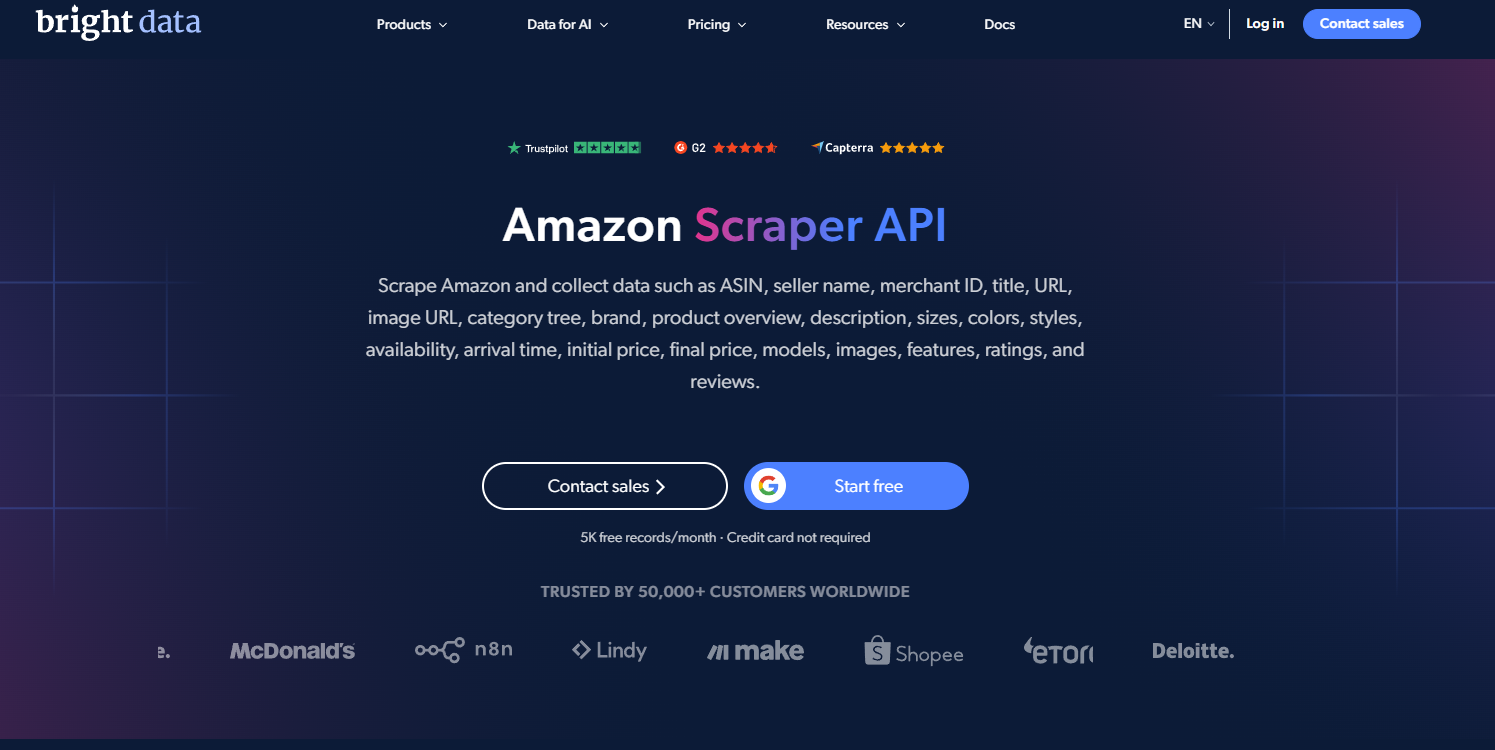
Bright Data provides a dedicated Amazon Scraper API that extracts product catalogs, search results, and customer reviews without requiring users to manage scraper scripts or residential proxy pools. It is built for enterprise-scale web data extraction.
Key Features:
- Amazon Scraper API: Programmatically extract product specs, buy box prices, reviews, and search ranking pages via standard API calls.
- Structured Payloads: Returns clean, pre-parsed JSON data ready for direct ingestion into analytical databases.
- Integrated Proxy Infrastructure: Automatically routes requests through a global network of residential and mobile IPs.
- Web Unlocker: Machine-learning algorithms automatically handle CAPTCHAs, browser fingerprints, and anti-scraping firewalls.
These capabilities significantly reduce developer overhead, making Bright Data a strong option for enterprise data collection.
Pros:
- High Scalability: Handles massive concurrency across millions of Amazon ASINs daily.
- Diverse Proxy Pool: Global coverage with granular country and city-level targeting.
- Low Engineering Overhead: Eliminates the need to build proxy rotators or CAPTCHA solvers.
- Comprehensive Data Coverage: Supports product pages, keyword search queries, pricing matrices, and customer review threads.
However, enterprise-level scale comes with trade-offs:
Cons:
- Cost: Usage-based pricing can become expensive at high request volumes.
- Platform Complexity: The comprehensive dashboard and feature set require an initial learning curve.
- Technical Prerequisites: Advanced implementations require familiarity with API pipelines and ETL integration.
Bright Data is optimal for organizations requiring reliable, large-scale Amazon scraping. For smaller projects, simpler API providers may offer a more cost-effective solution.
5.2 Oxylabs
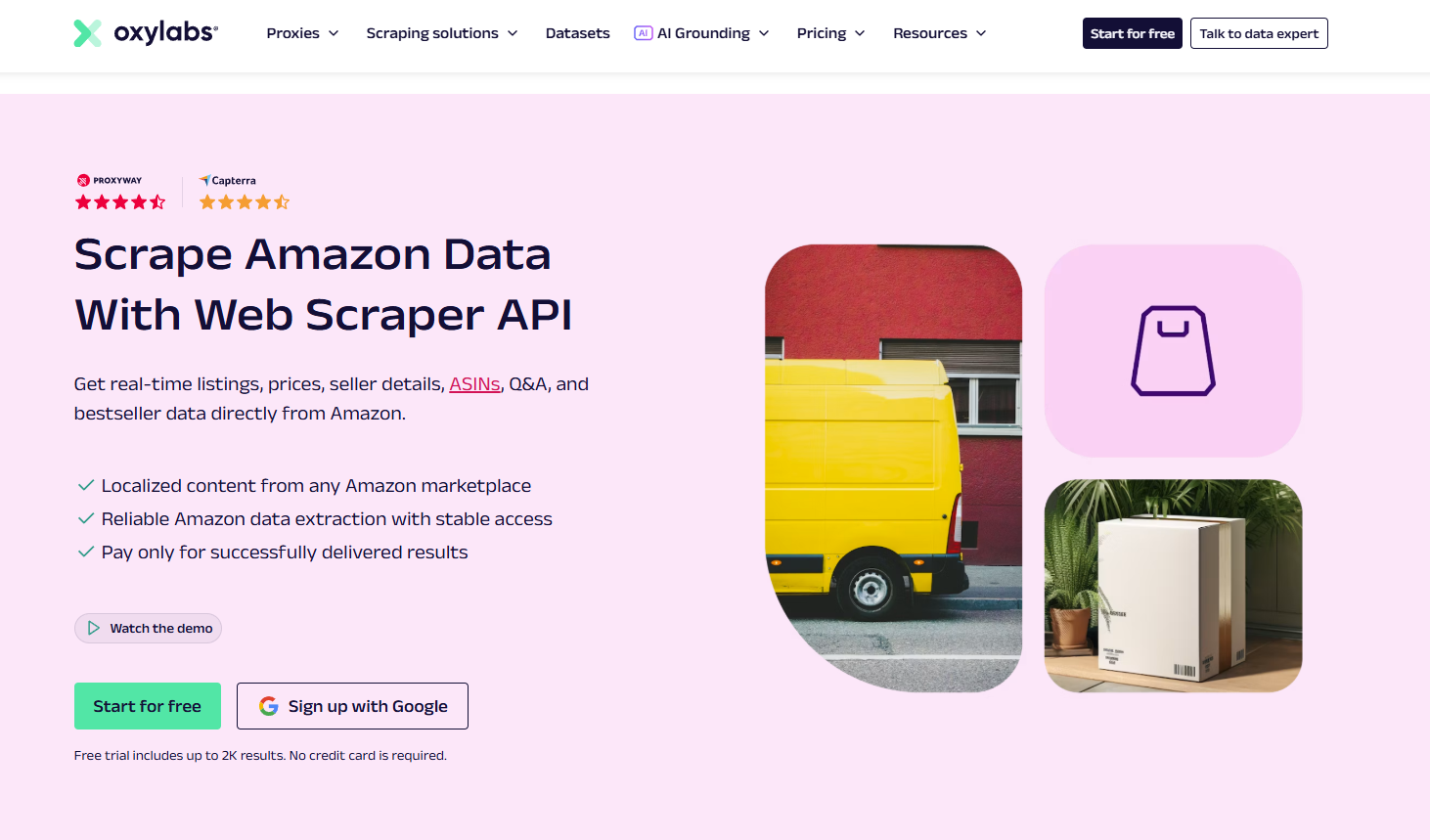
Oxylabs delivers an e-commerce-focused Amazon Scraper API paired with a global proxy network, catering to high-volume enterprise intelligence operations. It abstracts the extraction process behind single REST API calls.
Key Features:
- Amazon Scraper API: Extracts listings, live prices, customer reviews, and keyword rankings across localized Amazon domains.
- Structured Formats: Delivers pre-parsed JSON payloads, reducing parsing overhead.
- Integrated Residential Proxies: Access to a massive residential IP pool for geo-specific pricing audits.
- Adaptive Parser: Resilient data models adapt to front-end Amazon layout changes automatically.
These features position Oxylabs as a strong choice for e-commerce data extraction:
Pros:
- Enterprise Scalability: High throughput capacity for continuous, large-scale Amazon scraping.
- All-in-One Infrastructure: Combines scraper logic and residential proxy routing in a single service.
- Rich E-commerce Endpoints: Covers standard product listings, sponsored search ads, and review feeds.
- High Availability: Enterprise SLAs ensure high uptime and success rates.
However, high performance involves operational trade-offs:
Cons:
- Premium Pricing: Higher entry-tier commitments may not be viable for hobbyists or small budgets.
- Configuration Overhead: Integrating advanced API options requires developer expertise.
- Overkill for Basic Tasks: Not economical for simple, occasional price checks.
Oxylabs is well-suited for businesses needing consistent, high-volume Amazon data where operational uptime and scalability are top priorities.
5.3 ScraperAPI
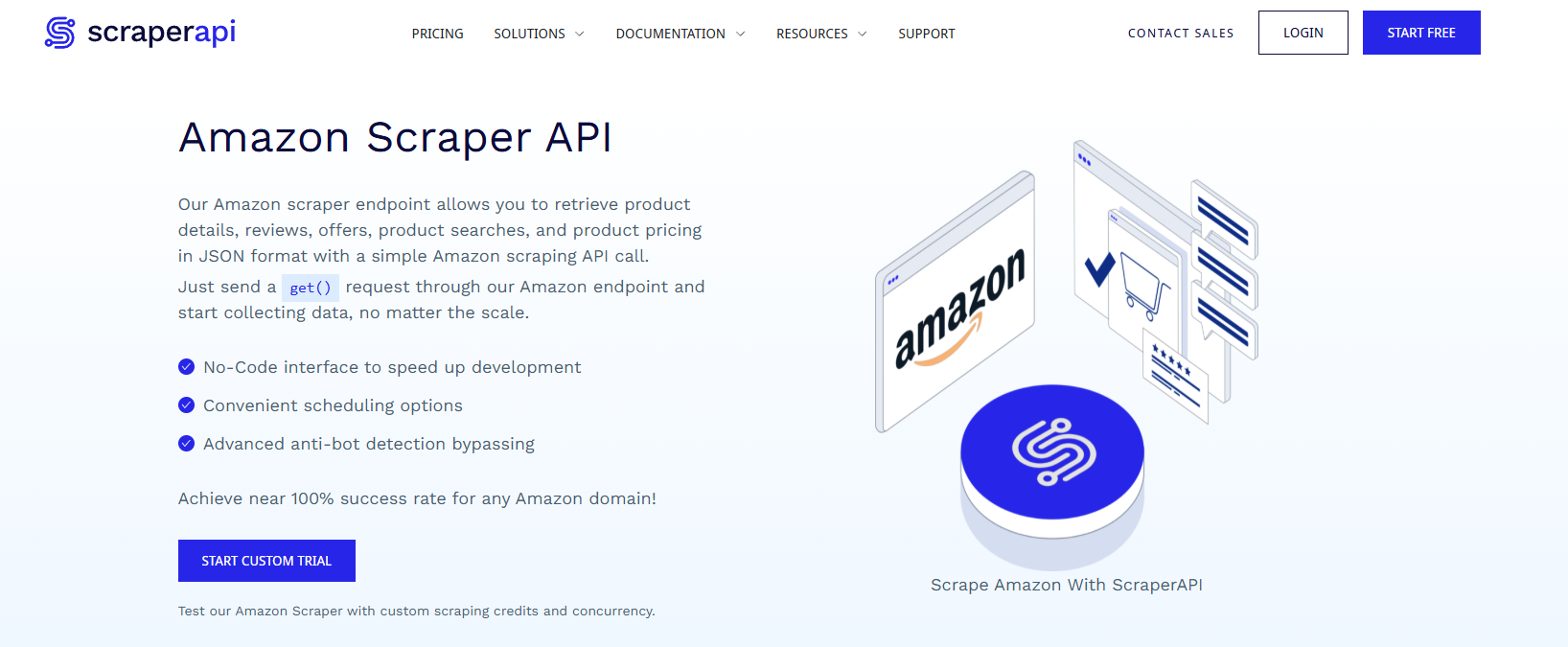
ScraperAPI simplifies Amazon scraping by providing pre-built structured endpoints. Instead of managing raw HTML parsing, developers can call dedicated endpoints that return normalized JSON payloads for specific Amazon page types.
Key Features:
- Product API: Collect detailed product metadata, specifications, and buy box data.
- Search API: Extract keyword-based search engine results pages (SERPs).
- Offers API: Harvest third-party seller listings and pricing tiers.
- Reviews API: Pull historical customer reviews and rating breakdowns.
- Structured JSON: Clean, standardized output for straightforward application integration.
These dedicated endpoints make ScraperAPI accessible to teams of all sizes:
Pros:
- Fast Integration: Connect existing applications via standardized REST endpoints.
- Pre-Parsed Payloads: Eliminates the need to maintain custom CSS and XPath selectors.
- Broad Endpoint Coverage: Dedicated models for products, searches, offers, and reviews.
- Budget-Friendly Tiers: Accessible pricing models for small-to-medium initiatives.
Despite its simplicity, ScraperAPI has considerations to keep in mind:
Cons:
- API Usage Multipliers: Structured endpoints and JavaScript rendering consume multiple API credits per request.
- Cost Scaling: Expenses grow rapidly as request volumes increase.
- Limited Schema Customization: Non-standard data fields outside the default JSON schema require manual parsing from raw HTML.
5.4 Apify Amazon Scraper
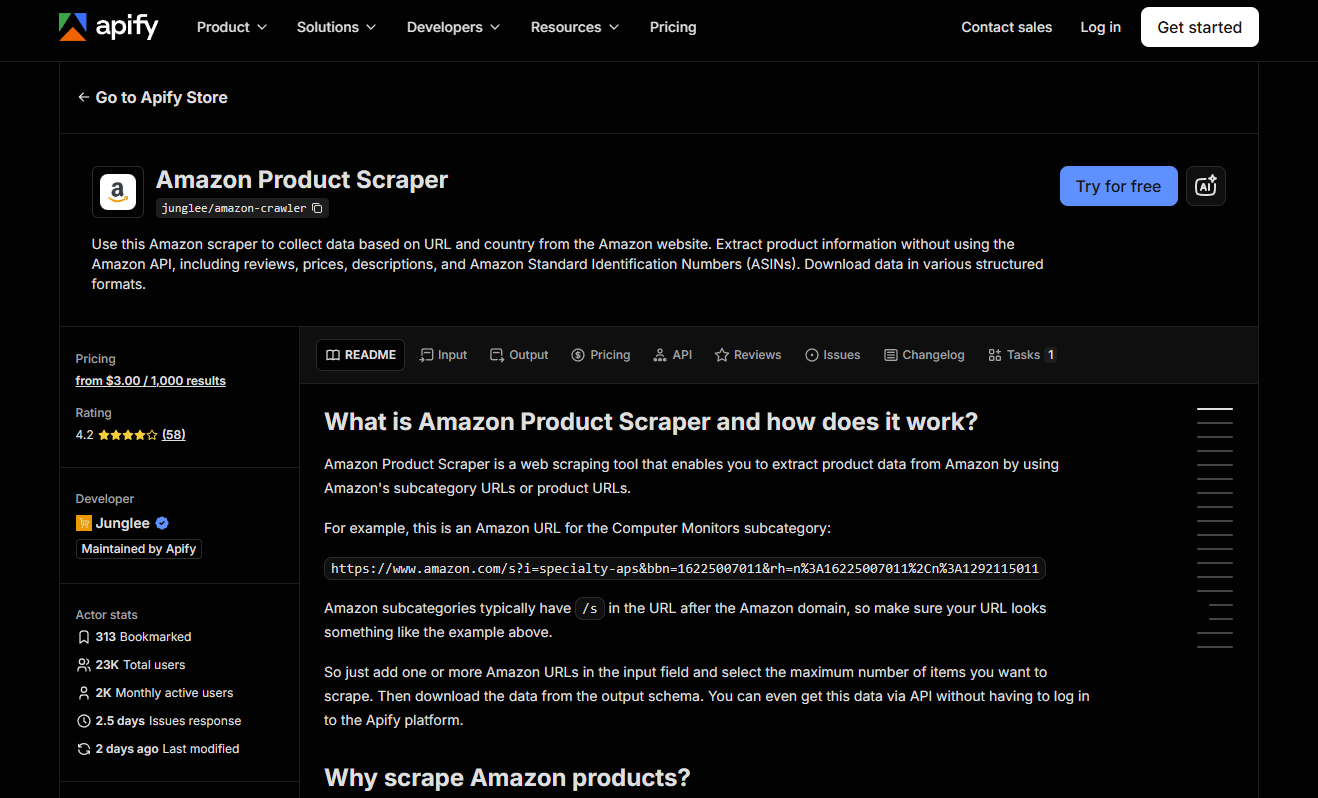
Apify provides pre-built community and official scraper templates called Actors, allowing users to collect Amazon data without writing code from scratch. It supports both a visual web dashboard and programmatic API access to accommodate different technical skill levels.
Key Features:
- Amazon Product Scraper: Harvest titles, pricing, variants, and descriptions directly from listing URLs.
- Amazon Search Scraper: Scrape entire search result feeds based on target search terms.
- Amazon Reviews Scraper: Export verified reviews, reviewer details, and media assets.
- REST API & Webhooks: Trigger runs programmatically and deliver datasets into cloud storage.
Apify's flexibility allows teams to start with pre-built Actors before customizing extraction logic:
Pros:
- Turnkey Actors: Jumpstart data collection without building scrapers from the ground up.
- No-Code UI: Configure and schedule runs directly within an intuitive browser console.
- API Automation: Easily integrate outputs into downstream cloud pipelines.
- Export Diversity: Export datasets to CSV, JSON, Excel, or XML.
However, relying on third-party Actors introduces operational dependencies:
Cons:
- Variable Actor Maintenance: Stability depends on how frequently Actor maintainers update selectors.
- Layout Breakages: Amazon frontend updates can temporarily break extraction until an Actor patch is deployed.
- Compute-Based Billing: Total costs depend on compute unit usage and proxy consumption.
Apify is practical for growth teams and developers looking to deploy Amazon scrapers quickly while retaining the option to scale via API.
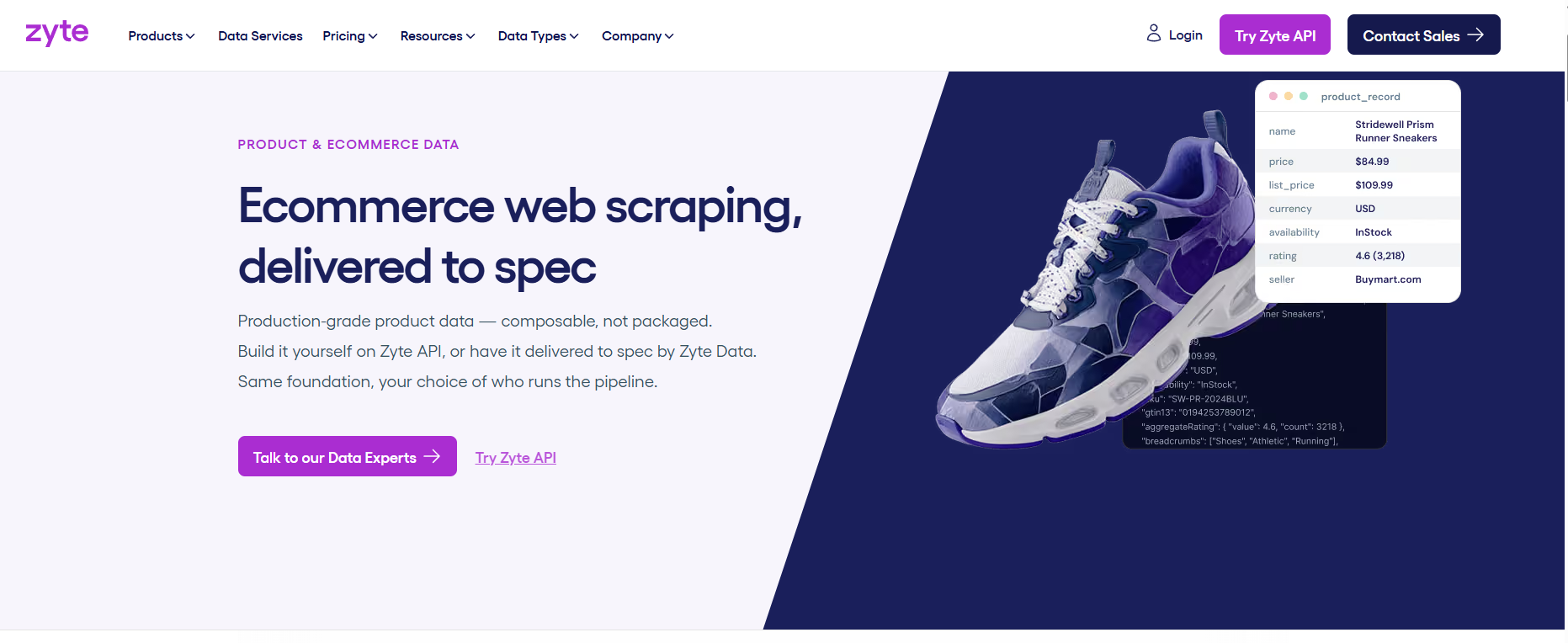
5.5 Zyte
Zyte offers Zyte API alongside Scrapy Cloud, catering to engineering teams that need custom extraction pipelines. Rather than using fixed scrapers, Zyte pairs with the open-source Scrapy framework to give developers full control over crawling logic and pipeline processing.
Key Features:
- Zyte API: Managed unblocking API that handles proxy rotation, headers, and anti-bot challenges automatically.
- Scrapy Cloud: Cloud-hosted container platform for deploying, scheduling, and monitoring Scrapy spiders.
- Headless Browser Rendering: Handles dynamic JavaScript-heavy pages via automated browser sessions.
- Custom Spider Logic: Build bespoke parsing pipelines instead of relying on rigid third-party schemas.
Zyte provides clear advantages for engineering teams with specialized scraping requirements:
Pros:
- Complete Architectural Control: Build and maintain custom extraction and filtering logic.
- Native Scrapy Integration: The standard platform for teams already using the Scrapy ecosystem.
- Managed Cloud Hosting: Eliminates the operational overhead of running scraping servers manually.
- Enterprise Extensibility: Designed to grow from single spiders into distributed multi-site pipelines.
Conversely, Zyte is not a turnkey solution for quick, low-code data extraction:
Cons:
- Steep Learning Curve: Requires professional experience with Python, Scrapy, and crawler architecture.
- Extended Setup Time: Custom spider development takes significantly longer than calling a pre-built API.
- Excessive for Simple Tasks: Unnecessary overhead for basic, one-off price monitoring tasks.
Zyte is ideal for engineering teams building custom, long-term Amazon scraping pipelines integrated into larger data infrastructures.
5.6 ScrapingBee
ScrapingBee is a general-purpose web scraping API designed to simplify data extraction across diverse websites, including Amazon. It handles headless browser rendering, proxy rotation, and CAPTCHA solving behind a single API endpoint.
Key Features:
- Headless JavaScript Rendering: Fully executes JavaScript so complex pages render completely before parsing.
- Rotating Proxy Network: Routes requests through residential and data center IP pools automatically.
- Simple API Wrapper: Submit a target URL with query parameters and receive raw HTML or parsed JSON.
- Multi-Platform Utility: A single API can extract data from Amazon and other e-commerce targets alike.
ScrapingBee's streamlined integration makes it versatile across multiple web targets:
Pros:
- Low Setup Overhead: Eliminates the need to maintain local browser instances or proxy pools.
- Reliable JavaScript Handling: Renders dynamically loaded content and reviews effectively.
- Broad Utility: Easily scrape multiple e-commerce sites without switching providers.
- Transparent Developer Pricing: Predictable subscription tiers based on API credit usage.
However, as a general-purpose unblocking service, ScrapingBee has operational trade-offs for Amazon tasks:
Cons:
- No Dedicated Amazon Models: Lacks pre-built, Amazon-specific parsed endpoints compared to specialized alternatives.
- Manual Parsing Required: Developers must write custom logic to parse target fields from returned HTML.
- Credit Multipliers: Headless browser rendering and premium proxies consume multiple credits per request.
ScrapingBee is a practical option for small-to-medium pipelines that need a clean unblocking API, especially when Amazon is just one of several platforms being scraped.
5.7 Quick comparison of Amazon scraper tools
The table below summarizes each commercial provider based on turnkey scraper availability, API support, proxy infrastructure, and implementation difficulty:
| Tool | Pre-built Amazon Scraper | API | Proxy | Ease of Setup | Best For |
|---|---|---|---|---|---|
| Bright Data | ✓ | ✓ | ✓ | Moderate | Enterprise scale |
| Oxylabs | ✓ | ✓ | ✓ | Moderate | E-commerce intelligence |
| ScraperAPI | ✓ (Dedicated structured endpoints) | ✓ | ✓ | Easy | Developers & startups |
| Apify | ✓ (Via community Actors) | ✓ | Available | Easy | No-code + API workflows |
| Zyte | Workflow-dependent (API + Scrapy Cloud) | ✓ | ✓ | Moderate | Custom engineering teams |
| ScrapingBee | General-purpose | ✓ | ✓ | Easy | Multi-target scrapers |
For high-throughput Amazon operations, Bright Data and Oxylabs provide enterprise infrastructure. ScraperAPI is optimal for rapid integration via structured JSON payloads. Apify is well-suited for testing pre-built Actors quickly, while Zyte fits teams invested in the Scrapy framework. For multi-platform data collection, ScrapingBee remains a versatile choice.
6. High-level comparison: 4 Amazon scraping approaches
The four primary scraping methods differ across cost, setup complexity, anti-bot resilience, and operational scalability:
| Approach | Cost | Setup Difficulty | Anti-Bot Resilience | Long-Term Stability | Target Scale |
|---|---|---|---|---|---|
| Custom Script (Requests) | Low | High | Low to Moderate | Low (breaks on DOM changes) | Individuals, low volumes |
| Headless Browser | Low to Moderate | High | Moderate | Moderate | Dynamic JavaScript pages |
| Official Channel (Creators API) | Moderate (eligibility-dependent) | Low | Not applicable (official access) | High (if account remains compliant) | Affiliates, authorized apps |
| Commercial Scraping API | Moderate to High | Low | High | High | Enterprises, large-scale pipelines |
Custom scripts offer maximum flexibility at low cost, but require continuous maintenance to handle selector changes and IP blocks. Headless browsers render dynamic content effectively, but require substantial compute resources.
The Creators API is the best choice for teams that qualify for official Amazon access and need clean, compliant data feeds. For organizations requiring large-scale data extraction without infrastructure maintenance, paid scraping APIs provide the most practical path forward.
7. Why is scraping Amazon harder than most websites?
Amazon hosts massive product catalogs, but also enforces sophisticated anti-scraping defenses. Unlike static sites, sending high-frequency requests to Amazon quickly triggers security challenges. As request volume grows, automated monitoring systems identify anomalous patterns and block traffic.
Common technical challenges when scraping Amazon include:
- Rate Limiting: Sending excessive concurrent requests from a single IP address leads to immediate throttling or temporary IP bans.
- CAPTCHAs & Verification Walls: Unnatural browsing patterns trigger Amazon's image or text CAPTCHA challenges, interrupting automated data collection.
- Frequent DOM Mutations: Amazon frequently updates its front-end HTML, CSS classes, and element hierarchies, causing hardcoded selectors in custom scripts to fail.
- Dynamic JavaScript Rendering: Key elements—such as buy box prices, shipping costs, and customer reviews—hydrate dynamically after the initial page load, requiring headless browser rendering.
- Session & Cookie Tracking: Certain scraping pipelines must maintain persistent sessions, cookies, and postal code locations. Browser-based scrapers must also manage digital fingerprints and automation signals.
- Infrastructure Scalability Bottlenecks: Scraping a few dozen products is straightforward, but processing millions of pages requires managing distributed proxies, concurrency pools, retry logic, and structured data storage.
These challenges highlight why each method has trade-offs. Requests scripts are cost-effective for small projects, but require manual unblocking logic. Headless browsers handle dynamic layouts, but consume significant compute. Official APIs and commercial unblocking platforms remove infrastructure overhead at the expense of stricter usage terms or higher service fees.
8. Best practices for scraping Amazon safely
A resilient Amazon scraper depends on sound architectural design. How you throttle requests, manage sessions, and handle errors directly impacts pipeline longevity. Apply these operational best practices:
- Throttle Request Velocity: Avoid bursting high-frequency requests in short time windows. Add randomized delays between calls to mimic human browsing habits.
- Use Quality Proxies: Choose proxy networks based on operational scale. For high-volume or geo-specific scraping, premium residential proxies provide the stability needed to avoid blocks.
- Isolate Sessions and Cookies: Keep authentication cookies, session stores, and location settings organized. When running parallel tasks, isolating sessions prevents data cross-contamination.
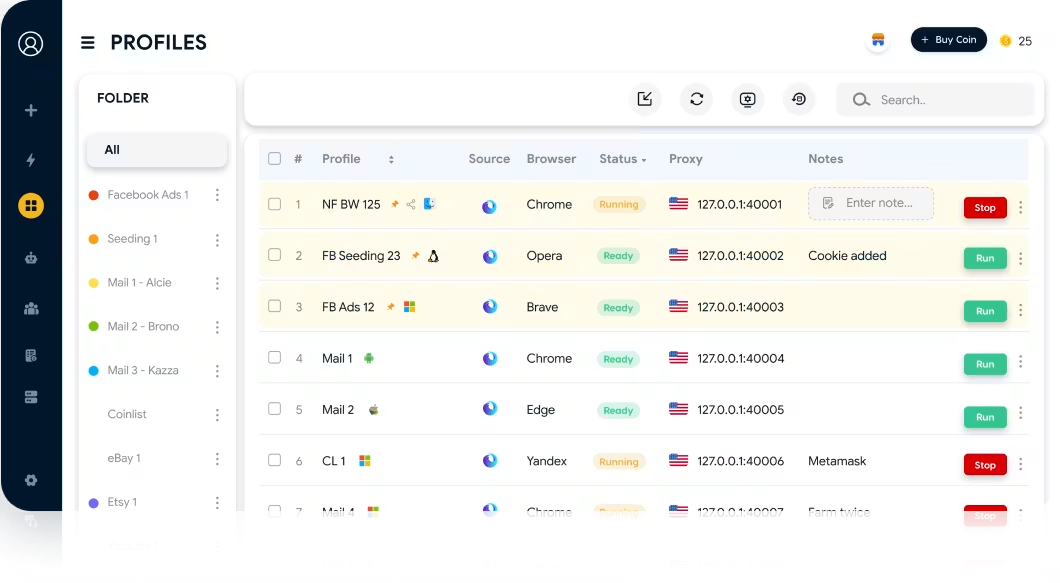
- Separate Browser Profiles: For browser-driven scrapers, use the antidetect browser Hidemyacc to manage distinct browser profiles. This ensures each task operates with an independent fingerprint, session state, and proxy connection.
- Implement Smart Retry and Fallback Logic: Handle timeouts, network drops, and incomplete responses with exponential backoff retries to prevent entire jobs from failing.
- Review Applicable Policies: Before collecting data, review Amazon's Conditions of Use, API service terms, and relevant data privacy regulations for your specific use case.
These practices keep extraction workflows reliable, particularly when managing multi-threaded scrapers across large ASIN catalogs.
Learn more about proxy infrastructure:
- Best proxy providers for Amazon: Scale your e-commerce operations safely
- Mobile Proxy - Features, benefits, and implementation guide
- Residential Proxy - How it works and why you should use it
- What is a Datacenter Proxy? Everything you need to know
- Residential vs. Datacenter Proxies: Key differences and how to choose
9. Common pitfalls when building an Amazon scraper
Scraping failures often stem from architectural oversights rather than syntax bugs. Avoid these common mistakes when extracting Amazon data:
- Choosing Tools Solely for Setup Ease: A basic script may work for a quick prototype, but can fail when scaled up. Design your architecture around your target data volume and extraction frequency from the start.
- Using a Single Extraction Strategy for All Data: Product listings, search results, reviews, and seller pages differ in layout and loading behavior. A scraper tuned for product pages will often fail when parsing search feeds.
- Relying on Fragile CSS Selectors: Building scrapers around brittle, auto-generated HTML classes causes jobs to break during routine site updates. Use robust XPath expressions or parse data from embedded JSON-LD scripts where possible.
- Ignoring Scalability Constraints: A process that runs cleanly on 50 ASINs can crash when processing thousands of pages. Account for memory usage, network bandwidth, and concurrency limits early.
- Underestimating Ongoing Maintenance: Scrapers require continuous upkeep. Layout changes, bot detection updates, and evolving data requirements demand engineering time.
- Evaluating Scraping APIs Only by Price: Headline costs per request do not tell the whole story. Evaluate response latency, success rates, unblocking capabilities, and credit multiplier policies before committing to a provider.
Carefully evaluating your requirements early helps you choose the right approach and avoid costly re-architecture later as data demands grow.
10. Conclusion
No single Amazon scraping method fits every operational requirement. For small, budget-conscious tasks, custom Python scripts provide maximum control. Headless browsers like Playwright are effective for dynamic pages that require JavaScript execution. For enterprise teams that prioritize long-term stability and compliance, the Creators API and commercial scraping APIs offer the most scalable path forward.
For browser-driven automation workflows, pairing scrapers with antidetect software improves isolation and organization. The antidetect browser Hidemyacc allows teams to create and manage distinct browser environments, connecting proxies and automation frameworks like Puppeteer to keep workflows stable.
Before launching a scraping operation, define your data fields, estimate your target scale, and establish clear storage pipelines. Always review Amazon's terms of service, API policies, and local regulations to ensure your data collection practices remain compliant.
Related reading:
- How to scale multiple Amazon seller accounts effectively
- Why is your Amazon account locked? 3 tips to unlock it
- Where to buy trusted aged Amazon accounts safely
11. FAQ
1. Is scraping Amazon legal?
The legality of scraping publicly accessible web data depends on your jurisdiction, data collection methods, and how the data is used. Review Amazon's Conditions of Use, applicable API policies, and local data privacy laws before beginning.
2. Is scraping Amazon with Python difficult?
Extracting basic data from a few product pages using Requests and BeautifulSoup is straightforward. However, scaling extraction up requires handling CAPTCHAs, rate limits, proxy rotation, and changing HTML layouts, which increases technical complexity.
3. How can I tell if Amazon is blocking my scraper?
Common indicators include CAPTCHA pages, HTTP 403 or 503 response codes, connection timeouts, or missing page content. If requests fail consistently while the same URLs load in a manual browser, your IP or fingerprint is likely being blocked.
4. Should I use free proxies to scrape Amazon?
No. Free proxies are unreliable, insecure, and frequently blacklisted by Amazon's security systems. Using them leads to high failure rates and immediate IP blocks.
5. Do I need an antidetect browser to scrape Amazon?
Not for every scenario. For simple scripts or API-based workflows, standard proxies and HTTP requests are sufficient. Antidetect browsers are valuable when running multi-session browser automation that requires distinct hardware fingerprints, cookies, and proxy environments.