How do you access TikTok when it is blocked in your country? Although TikTok is one of the world’s largest entertainment platforms with diverse content and audiences, it is still restricted in certain regions due to content policies or government regulations. This can create significant challenges for users who need legitimate access.
In this guide, Hidemyacc explains safe methods to unblock TikTok and access it securely, while minimizing legal and security risks.
1. Why is TikTok blocked in some regions or countries?
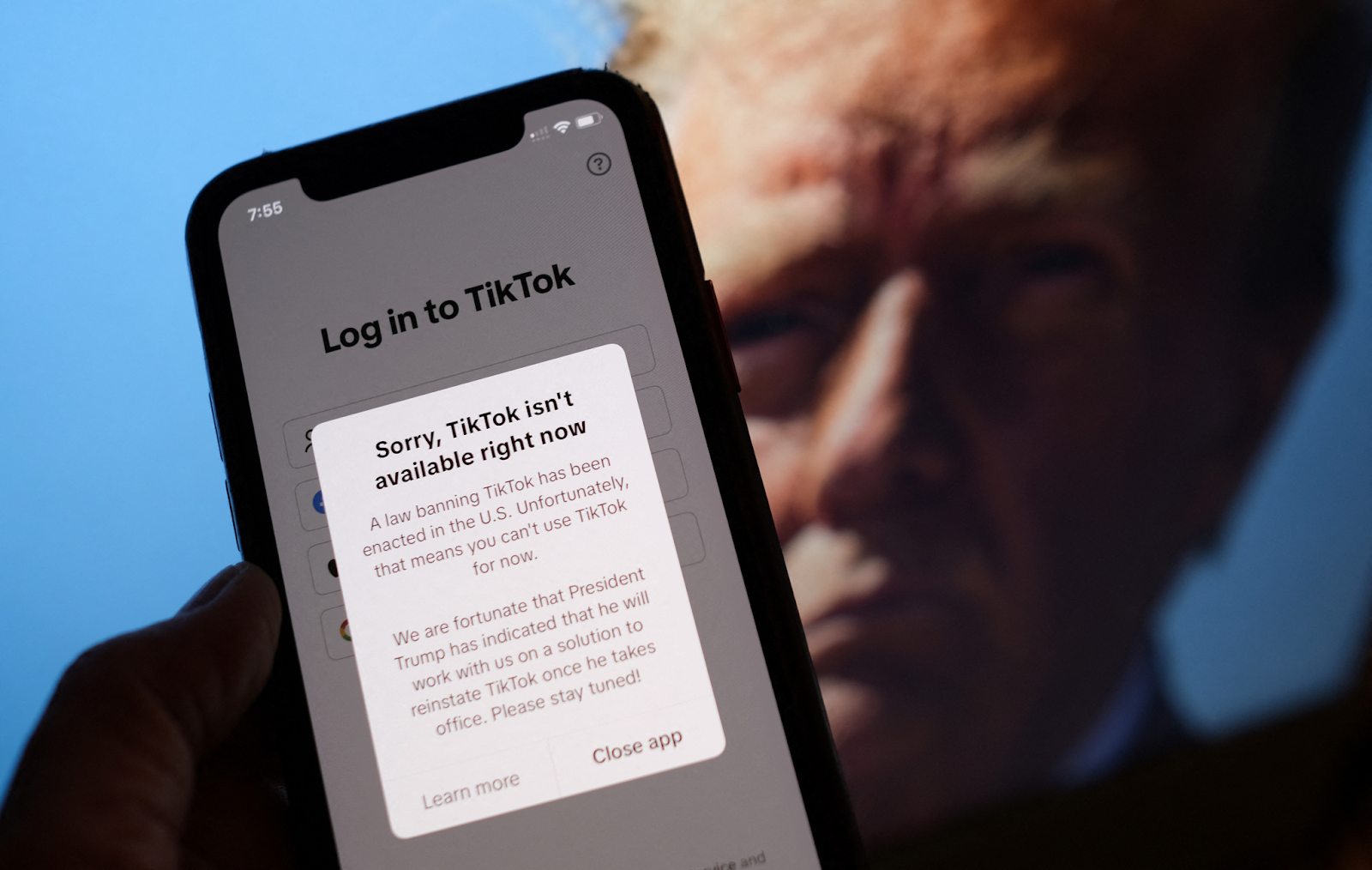
TikTok can be blocked at different levels, and the restriction is not always related to your account or the app itself.
- Network filtering (Wi-Fi or firewall restrictions): Schools, companies, or public networks often block TikTok to reduce bandwidth usage or prevent distractions. This is typically enforced through firewall rules or DNS filtering.
- Country or ISP-level blocking: In some countries, TikTok is restricted at the Internet Service Provider level. This means even if you switch between Wi-Fi and mobile data, access may still be blocked.
- Managed devices: Devices such as school-issued Chromebooks or corporate laptops may have administrative software installed. These systems allow only approved applications, and TikTok is often excluded.
Identifying whether TikTok is blocked by network, country, or device is essential before choosing the appropriate method to unblock it.
2. How to access TikTok when it is blocked in your country using a VPN
A VPN is the most popular and effective solution when TikTok is blocked by your ISP, school or company Wi-Fi, or due to regional restrictions. The principle is simple: a VPN encrypts your data and hides your real IP address, preventing the system from detecting that you are accessing TikTok from a restricted region.
2.1. Steps to access TikTok using a VPN
First, choose a reputable VPN provider. Prioritize services with stable servers in countries where TikTok is not blocked, such as Singapore, Vietnam, or Poland. If the provider offers obfuscated servers, that is even better, as they can bypass stronger firewalls.
After installing the VPN, follow these steps:
- Connect to a VPN server in a country where TikTok is not blocked
- Enable the Kill Switch to prevent your real IP from leaking if the VPN disconnects unexpectedly
- Reopen the TikTok app or access TikTok through your browser
In most cases, TikTok will work normally once your IP address has been successfully changed.
2.2. VPN connected but TikTok still not working?
This is a fairly common issue, especially on mobile devices. The reason is that TikTok does not only check your IP address but also cross-checks location data.
You should try the following steps in order:
- Clear the TikTok cache (or browser cache if using the web version)
- Disable GPS or Location Services, since TikTok uses GPS alongside IP detection
- Switch VPN protocols, for example between WireGuard and OpenVPN
- Try a different server within the same country
If TikTok still does not work after trying all these steps, your network may be using strong Deep Packet Inspection (DPI). In this case, free or low-quality VPNs may not be sufficient.
If a VPN no longer works, you may need to switch to a proxy or combine a proxy with an antidetect browser for more stable access.
3. How to access TikTok when blocked in a region using a proxy
If you only need to change your IP address to access TikTok and prefer not to use a VPN due to speed issues, app conflicts, or firewall detection, a proxy can be an alternative solution.
Unlike a VPN, a proxy does not encrypt all your internet traffic. Instead, it simply routes your connection through a different IP address. This makes proxies suitable when TikTok is blocked at the IP or local Wi-Fi level, but they may not be strong enough to bypass advanced filtering systems.

3.1. Access TikTok via proxy on the TikTok app (mobile & desktop app)
To use a proxy with the TikTok app, you must configure the proxy directly on your device rather than in the browser.
The most important rule is choosing the correct type of proxy. Residential proxies or mobile proxies are recommended because their IP addresses resemble real users. Avoid shared or low-cost datacenter proxies, as they are more likely to be flagged by TikTok.
Once you have a proxy, configure it in your device’s network settings, then reopen TikTok. During this process, avoid frequently changing IP addresses while logged in, as TikTok is highly sensitive to sudden location changes.
This method is suitable when:
- TikTok is blocked by internal Wi-Fi
- You are using only 1-2 accounts
- You do not require deep anonymity
A proxy can help you access TikTok at a basic level, but for long-term stability and reduced detection risk, you must keep your IP consistent and configure everything properly from the beginning.
3.2. Access TikTok via proxy on a browser (desktop)
If you prefer not to modify system network settings, you can use a proxy directly within your browser to access TikTok’s web version.
Popular extensions include Proxy Helper for Chrome and Edge, and FoxyProxy for Firefox.
Basic steps:
- Install a proxy extension
- Enter the proxy IP, port, and username/password (if required)
- Enable the proxy and verify your IP address
- Visit tiktok.com to check whether it works
This method is suitable when TikTok is only blocked on school or office Wi-Fi, as you can access the web version directly in the browser. However, browser-based proxies only apply to that specific browser. The TikTok app on your device will still use your real IP address.
If the proxy still cannot access TikTok, your network may be filtering DNS or using strong DPI. In that case, changing DNS or using a VPN will likely be more effective.
>>>> LEARN MORE: How to easily change your IP address on mobile and computer
4. How to access TikTok when blocked in your region by changing dns
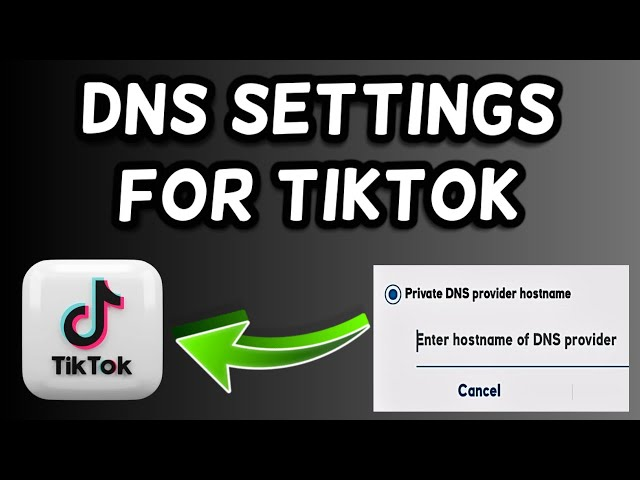
In some cases, TikTok is not completely blocked but restricted at the DNS level by your ISP or local Wi-Fi network. In this situation, you do not need a VPN or proxy. Simply changing your DNS settings may allow you to regain access.
Think of DNS as the internet’s phonebook. If your current DNS “refuses to look up” TikTok, switching to another DNS provider like Google or Cloudflare can resolve the issue.
4.1. When is changing DNS effective?
Changing DNS is usually effective when:
- TikTok is blocked on school, café, or office Wi-Fi
- The network only blocks the domain name and does not inspect traffic deeply
- Your browser shows errors like “site can’t be reached” or “DNS error”
If TikTok is blocked at the ISP or national level, DNS alone will not be strong enough.
4.2. How to change DNS on Windows, Android, and iOS
On Windows, you can manually change DNS through network settings:
- Open Network Settings
- Select your current Wi-Fi or Ethernet connection
- Open IPv4 settings
- Enter DNS: 8.8.8.8 and 8.8.4.4 (Google DNS)
After saving, reopen your browser or app to check whether TikTok is accessible.
On Android and iOS, the fastest method is using a DNS app instead of configuring it manually:
- Download the 1.1.1.1 app by Cloudflare
- Open the app and enable it with one tap
- No complicated configuration required
This method is suitable for users who are not technically experienced and want to quickly check whether TikTok is blocked at the DNS level.
4.3. Limitations of changing DNS
This method cannot bypass higher-level restrictions such as:
- Strong school or corporate firewalls
- Deep Packet Inspection (DPI) systems
- Nationwide or ISP-level blocking
If TikTok still cannot be accessed after changing DNS, it means the network is applying deeper control mechanisms beyond domain filtering. In that case, you will need a VPN or a more advanced IP-changing solution.
>>>> RELATED ARTICLES:
- Understanding DNS: Types, Security, and How to Prevent DNS Leaks
- How to Change DNS on Android and iPhone (Updated 2026)
5. How to access TikTok when blocked using browser extensions & mobile data
If you cannot install a VPN or change DNS settings (for example, on a school or company device), browser extensions and mobile hotspot are two simple temporary solutions.
5.1. Using a browser extension to access TikTok
Some popular extensions that may help unblock TikTok on Chrome or Firefox include SetupVPN, ZenMate, Urban VPN, and similar tools.
These extensions work by routing browser traffic through a different IP address, without requiring system-level installation.
Basic steps:
- Install the extension from Chrome Web Store or Firefox Add-ons
- Enable the extension
- Visit tiktok.com
- Check whether videos load normally
The advantage is convenience and no admin rights required. The downside is lower stability and the risk of being restricted by TikTok or the browser over time.
5.2. Risks of free extensions
Free VPN or proxy extensions often:
- Use shared IP addresses that are easily detected
- Provide slow speeds or unstable connections
- Log or track browsing activity
For this reason, they should only be used for casual viewing, such as viewing TikTok content anonymously. Avoid logging into important accounts or uploading sensitive content through free extensions.
5.3. Using mobile data or hotspot
The simplest way to bypass Wi-Fi restrictions is:
- Turn off Wi-Fi
- Enable 4G/5G on your phone
- Share hotspot to your laptop or tablet
Since mobile networks are not controlled by school or office firewalls, TikTok usually works immediately.
The main drawback is high data consumption, especially when watching high-resolution videos or live streams.
6. Access TikTok when blocked using proxy + antidetect browser Hidemyacc
In many cases, changing your IP address alone is not enough for stable TikTok access. TikTok not only checks IP addresses but also analyzes browser fingerprints.
Using Proxy + Anti-Detect Browser Hidemyacc
6.1. Why proxies get detected on regular Chrome
When using a proxy on a standard Chrome browser, TikTok may detect inconsistencies such as:
- Timezone not matching the IP location
- WebRTC leaking your real IP
- Canvas, WebGL, or User-Agent mismatches
- Sudden changes in login behavior
As a result, TikTok may block access, show network errors, or restrict certain features.
6.2. How Hidemyacc solves this
When creating a browser profile in Hidemyacc, each profile includes:
- A unique browser fingerprint (browser, operating system, timezone)
- Controlled WebRTC settings
- A dedicated proxy IP assigned to each profile
- A fully isolated browsing environment
When combining proxy + Hidemyacc, TikTok sees a consistent device environment instead of a suspicious connection.
6.3. When should you use proxy + Hidemyacc?
Using a proxy together with the Hidemyacc antidetect browser provides:
- A dedicated IP assigned to each account
- A unique browser fingerprint per account
- Reduced risk of real IP leakage
- Lower chance of abnormal login detection
- Easier management of multiple accounts without cross-linking
This setup is suitable for long-term access in restricted regions, managing multiple TikTok accounts, or requiring high stability. The goal is consistent and secure access.
>>>> SEE MORE: How to Use a proxy with Hidemyacc
7. Legal, safety, and ethical considerations when accessing blocked TikTok
Legal, safety, and ethical considerations when accessing blocked TikTok
Before applying any method, understand the associated risks and ensure your purpose is legitimate.
- Legal considerations: Some countries block TikTok at the ISP level. Accessing it may violate local regulations.
- School or company policies: Bypassing internal firewalls may violate usage policies.
- Privacy concerns: Low-quality proxies or free extensions may collect user data.
- Avoid bypassing restrictions on managed devices or devices containing sensitive information.
Accessing TikTok when blocked should always be carefully evaluated. Security, stability, and compliance are more important than bypassing restrictions at any cost.
8. Conclusion
If you need to access TikTok when it is blocked in your country or region, the most important step is identifying the cause of the restriction and choosing the appropriate solution. VPNs are typically effective for national-level blocks, while proxies or DNS changes may be sufficient for local network limitations.
Regardless of the method used, prioritize security, privacy, and compliance with local regulations. The goal is not only to unblock TikTok, but to access it safely and reliably.
>>>> YOU MAY ALSO BE INTERESTED IN:
- How to Manage Multiple TikTok Accounts Without Getting Shadowbanned
- Can’t Add Product Links on TikTok? Find Out Why Here
FAQ
1. How can I access TikTok on a school computer?
You can use a VPN, a browser proxy, or access TikTok via the web version. However, many school networks use strong firewalls. A VPN with obfuscation or a 4G/5G hotspot is often more effective. Always review your school’s network policies.
2. Can I use TikTok without installing the app?
Yes. You can access TikTok directly at tiktok.com in a browser. The web version works when app installation is restricted, though some features such as Live or uploading may be limited.
3. What should I try first if TikTok is blocked?
Try in this order: change DNS → VPN → proxy → mobile data. For long-term stable access, consider proxy combined with an anti-detect browser.
4. Does VPN work for TikTok?
Yes. A VPN hides your IP address and encrypts traffic. However, low-quality VPNs may be detected. Choose a reputable provider, enable Kill Switch, and disable GPS on mobile devices.
5. Can I open TikTok on Chrome?
Yes. TikTok supports web access through Chrome. You can use a proxy or VPN extension if blocked, but avoid logging into important accounts using free extensions.
6. Why does TikTok Live Studio show a network error?
Common causes include firewall restrictions, region-limited IP addresses, or server region mismatch. Check your VPN or proxy settings and ensure your IP matches a supported region.
7. What is the safest way to access blocked TikTok?
A high-quality VPN or proxy combined with an anti-detect browser is the most stable and secure option when used appropriately.
8. Is accessing blocked TikTok illegal?
It depends on your country and local regulations. In some regions, bypassing restrictions may violate laws or institutional policies. Always verify before proceeding.