What is iTop VPN? iTop VPN is a virtual private network service that helps protect privacy and enhance online security. Details about the features, advantages, and how to install and use iTop VPN are updated by Antidetect Browser Hidemyacc in the article below. Check it out now!
1. What is iTop VPN?
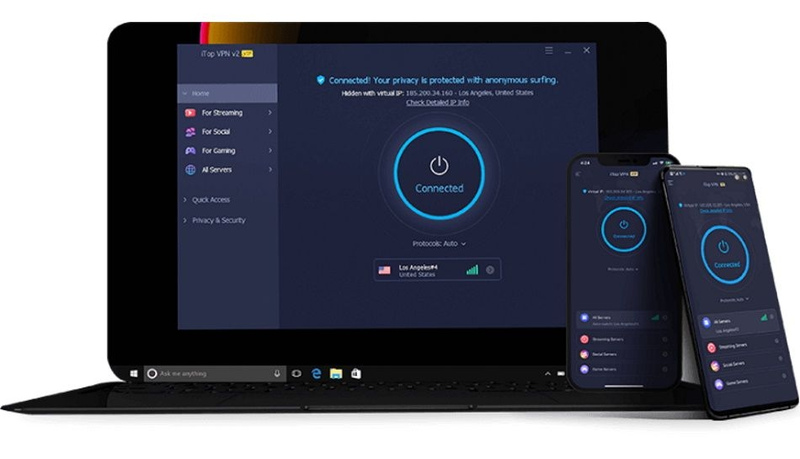
iTop VPN is a free VPN service that secures online privacy for users. By encrypting data and hiding IP addresses, iTop VPN allows users to access the Internet safely from dangerous threats, avoid tracking, and bypass geographic restrictions. One of the standout strengths of iTop VPN is its vast global server system, with over 1,800 server points in many different countries and regions.
iTop VPN is a virtual private network (VPN) service that helps protect user privacy
>>>> SEE MORE:
- What is a VPN? How it can protect you from online threats
- VPN detection secrets that websites don’t want you to know
2. Outstanding Advantages of iTop VPN
iTop VPN is considered one of the best VPN services today thanks to its superior features that set it apart from other services. Below are the key benefits of iTop VPN:
- Unblock Content: Enjoy movies, gaming, music, and social media on platforms like Netflix, BBC iPlayer, TikTok, and Facebook without being restricted by geographical location or ISP policies.
- Online Anonymity: Helps you avoid tracking by websites or third parties. It also protects you from cyberattacks while watching videos, livestreaming, or performing online transactions.
- Unlimited Access: Feel free to download or livestream at high speeds without interruptions.
- Global Connectivity: With a network of over 1,800 servers worldwide, iTop VPN provides exceptional connectivity: bypass firewalls and access content from anywhere in the world with low latency and high speed.
- Privacy Guaranteed: Committed to the highest level of personal information security. It does not track, store, or sell personal data to any third party.
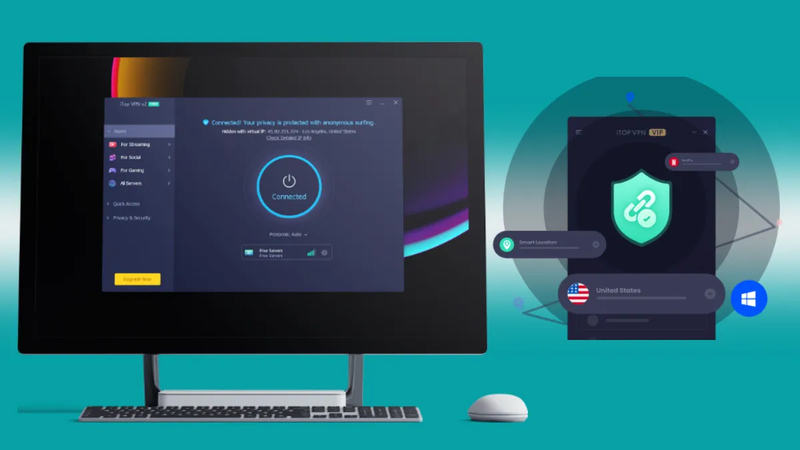
- Customized Network Modes: Ability to customize connection modes with 3 options: gaming, streaming, and smart connection.
- Kill Switch Function: This is a high-level security feature that automatically disconnects the Internet if the VPN is interrupted, preventing IP leaks or data exposure.
- 24/7 Support: The technical support team is always ready to resolve any technical issues or inquiries, providing detailed instructions to optimize user experience.
- Free to Use: iTop VPN offers a free plan, allowing users to connect to specific servers and experience stable speeds.
>>>> REFERENCE NOW:
- How to Change VPN Server Location and Get a New IP Address
- Proxy vs VPN: Key Differences You Should Know
3. How to Install and Use iTop VPN
After learning what iTop VPN is and its outstanding features, users will surely be interested in how to install and use it. Below is a detailed guide that you can easily follow:
-
Step 1: Download and install iTop VPN. Once the download is complete, open the installation file and follow the on-screen instructions to finish the setup. Then, proceed to log in if you already have an iTop VPN account. If not, select Sign Up to create a new account. You will need to provide an email and set a password.
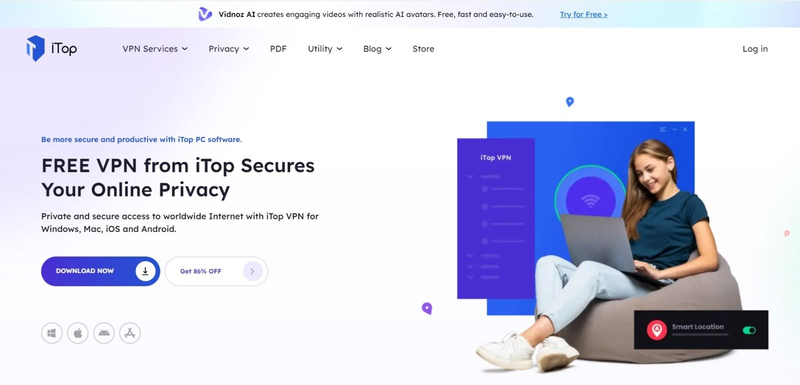
- Step 2: Next, open the app and choose a VPN connection server. To select a server, click on the Server section to display the list of available locations. Depending on your needs, you can choose the most suitable server.
- Step 3: Connect to the VPN and access the Internet anonymously. After clicking the Connect button to activate the VPN, all your online activities will be encrypted and protected. Additionally, restricted content will be unlocked.
>>>> RELATED ARTICLES:
- Best free VPN for Android: Top 9 services to try
- 7 Best free VPN for iOS
- 15 Best free VPN software for PC
4. Is using iTop VPN safe?
Thanks to its ability to provide high-speed, stable, and secure Internet connections, iTop VPN has increasingly affirmed its position as one of the leading reliable network solutions today.
iTop VPN uses AES-256 encryption, the highest security standard currently available, widely applied by military and financial organizations. Therefore, it ensures that all data transmitted through the VPN is safe from cyberattacks.
This application not only meets online entertainment needs but also effectively supports remote work. However, to ensure safety and avoid security risks, users should be cautious when downloading and installing; always choose the official version released by the iTop VPN provider.
The article above has helped you better understand what iTop VPN is and the outstanding features and advantages this service offers. iTop VPN is not only a useful tool for securing online data but also provides a smooth and flexible browsing experience. If you are looking for a versatile, high-speed, and secure VPN service, try iTop VPN today!
>>> Read more about other VPN reviews:
- Kiwi VPN: What is it & easiest setup guide for beginners
- What Is Radmin VPN? Download the Latest Free Radmin VPN
- Is ExpressVPN Safe? Full ExpressVPN Review for Beginners
- What is NordVPN? Pros and Cons of NordVPN
- Hotspot Shield Review 2026: Is This Free VPN Worth Using?