Whoer.net is one of the most widely used tools for checking IP data, DNS leaks, and browser fingerprints. However, it is not the only option available. Depending on your workflow, you might require a dedicated tool to catch WebRTC leaks, evaluate overall browser consistency, or inspect fingerprint components at a deeper technical level.
In this guide, Hidemyacc compares 6 prominent Whoer.net alternatives to help you understand the strengths of each platform and select the right diagnostic tool for your operational needs.
1. Which Whoer.net alternative is best suited for you?
Whoer.net handles basic network checks well, but when you need deeper insights, several alternatives offer specialized capabilities. Some excel at quick IP and connection audits, while others allow in-depth fingerprint decomposition or evaluate whether your browser environment appears coherent.
Below are 6 reliable tools to evaluate your browsing environment from multiple angles.
1.1. BrowserScan
If you are new to browser fingerprinting, BrowserScan is one of the most accessible testing platforms available.
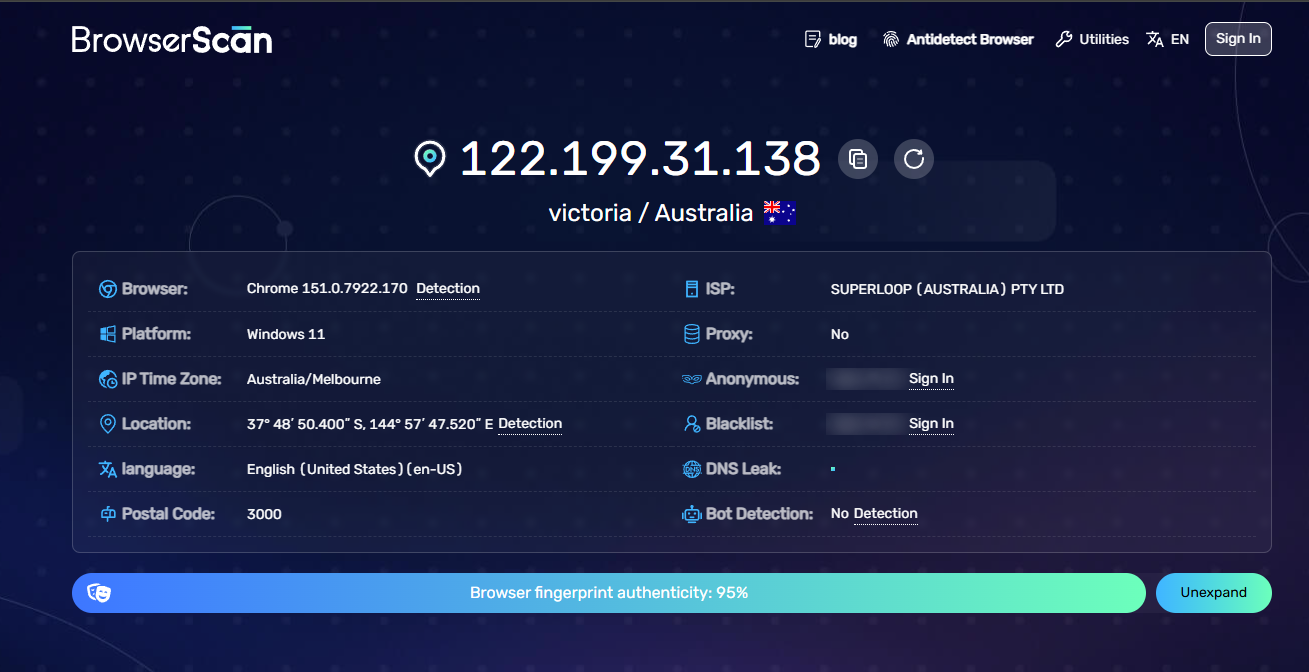
This tool focuses on displaying the specific data points that target websites can collect from your browser. The results are laid out in a clean, visual format, making it easy to identify anomalies in your current setup.
BrowserScan provides detailed metrics on:
- IP address and connection data.
- User Agent string.
- WebRTC leaks.
- Canvas fingerprinting.
- Hardware and browser specifications.
- Additional browser fingerprint signals.
The primary advantage of BrowserScan is its readability. Users do not need an extensive background in web development to understand what data their browser exposes.
Pros:
- Clean, visual user interface.
- Beginner-friendly and easy to navigate.
- Highly readable diagnostic report.
- Ideal for quick sanity checks before using a browser profile.
Cons:
- Lacks the deep component breakdowns provided by specialized technical checkers.
- Less suited than BrowserLeaks or CreepJS for low-level technical auditing.
Best for: Beginners, operators needing fast browser fingerprint overviews, or users confirming profile health before logging into accounts.
1.2. BrowserLeaks
While BrowserScan emphasizes simplicity, BrowserLeaks is designed for users requiring granular, component-by-component fingerprint analysis.
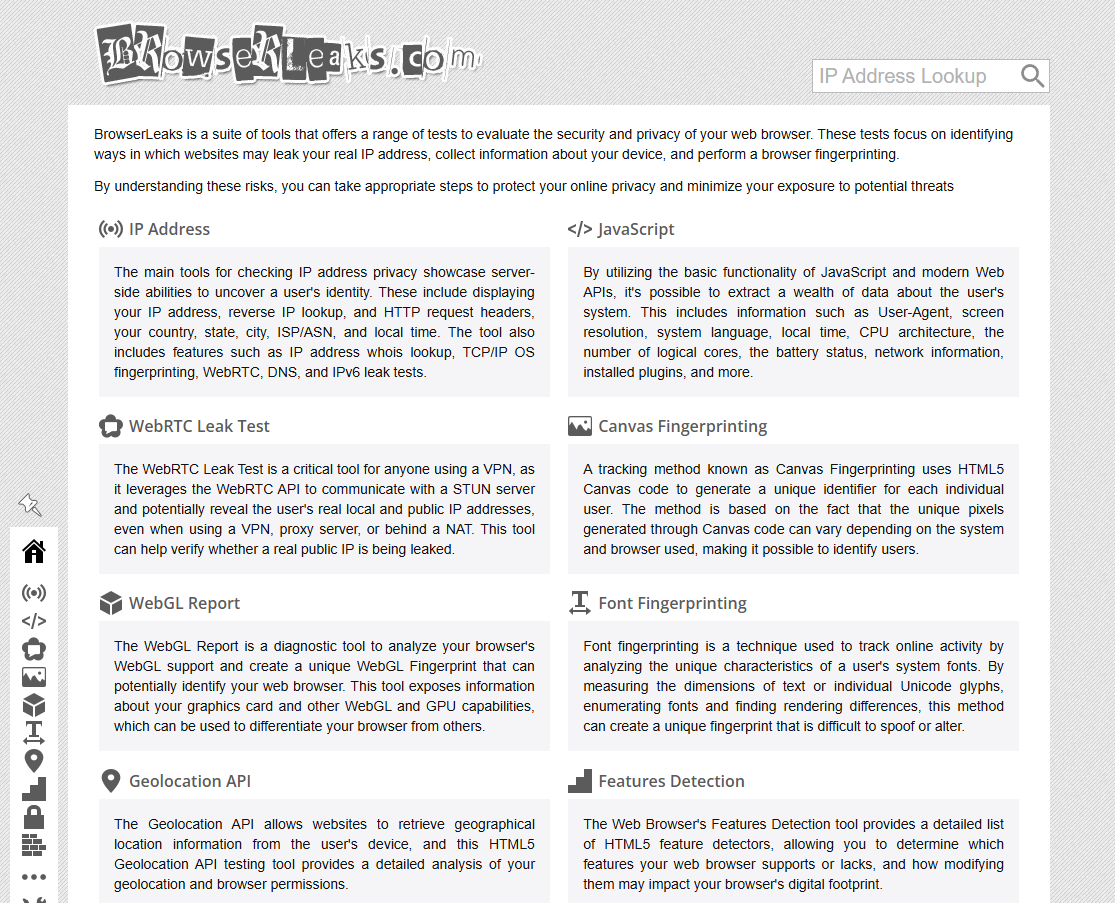
Instead of compiling everything into a single score, BrowserLeaks offers standalone diagnostic modules. Each module focuses on a specific dataset exposed by the browser, including IP, DNS, WebRTC, AudioContext fingerprinting, and more.
This modular structure is especially helpful when debugging a specific configuration issue. For instance, if you suspect your WebGL or Canvas configuration produces an abnormal hash, you can audit that exact API directly rather than relying on a generalized trust score.
Pros:
- Exhaustive, low-level technical analysis.
- Independent test suites for individual browser APIs.
- Invaluable for debugging and auditing browser profiles.
- Well-suited for developers and technical operators.
Cons:
- Dense technical data can be overwhelming for beginners.
- Does not provide a simplified single score summary.
Best for: Developers, technical users, or anyone needing to inspect individual browser fingerprinting components.
For a complete breakdown of its testing modules, check out our comprehensive BrowserLeaks review for in-depth guidance.
1.3. IPFighter
IPFighter is ideal for operators looking to check IP reputation and browser fingerprint signals simultaneously in one quick test.
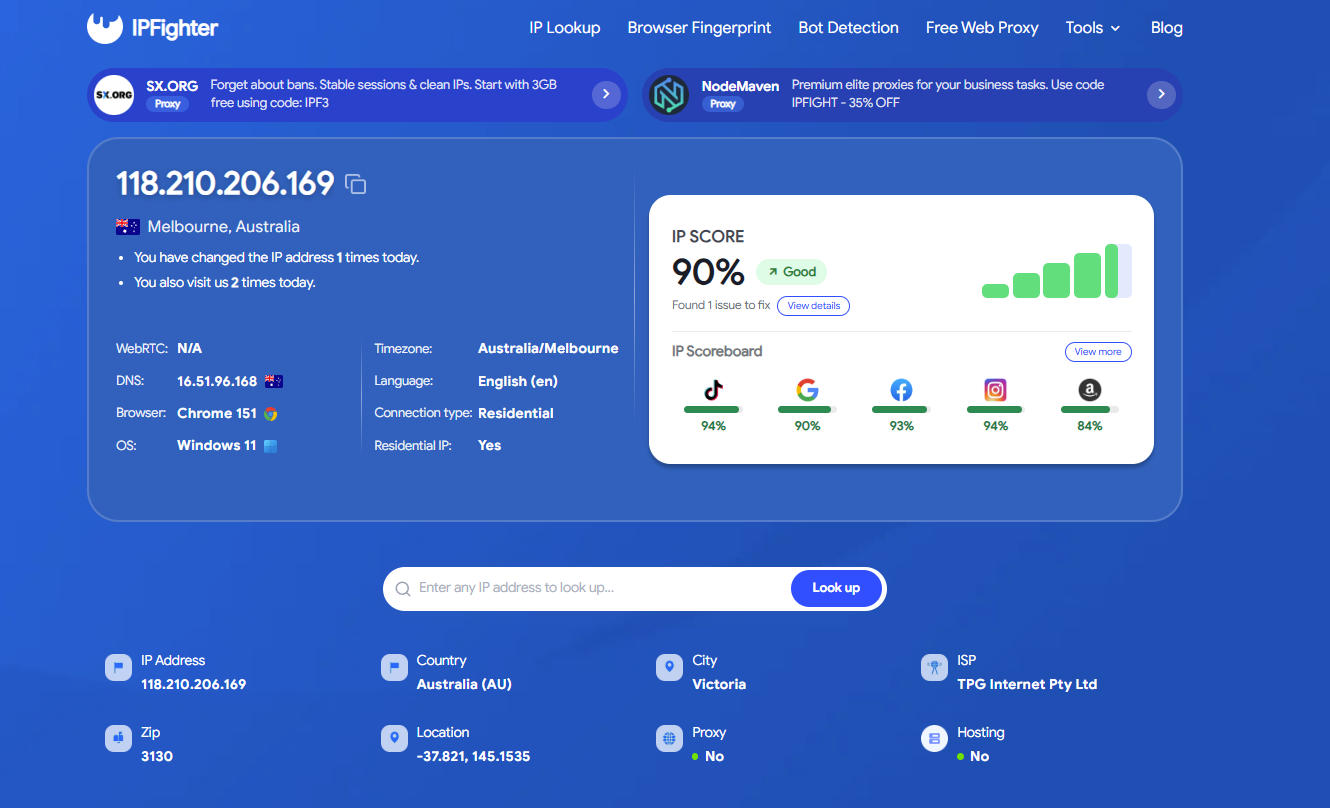
Rather than concentrating strictly on browser fingerprints, IPFighter pairs IP metadata with a rapid snapshot of your active browser environment. You can review geolocation, ISP, blacklist status, and risk scoring for your IP address alongside Canvas, WebGL, Audio, fonts, and timezone data. IPFighter also checks basic bot detection markers, WebRTC status, and DNS leak routes.
Pros:
- Combines IP risk scoring with fingerprint diagnostics.
- Fast execution with no account registration required.
- Useful immediately after configuring a new proxy or VPN.
- Provides actionable IP reputation indicators.
Cons:
- Fingerprint analysis is less detailed than BrowserLeaks or CreepJS.
- Better suited for general overviews than exhaustive technical audits.
Best for: Operators needing quick IP and fingerprint verification, especially when rotating proxies frequently across multiple account environments.
1.4. Pixelscan
If your goal is not merely inspecting parameter values but verifying whether all browser signals are mutually consistent, Pixelscan is an essential tool.
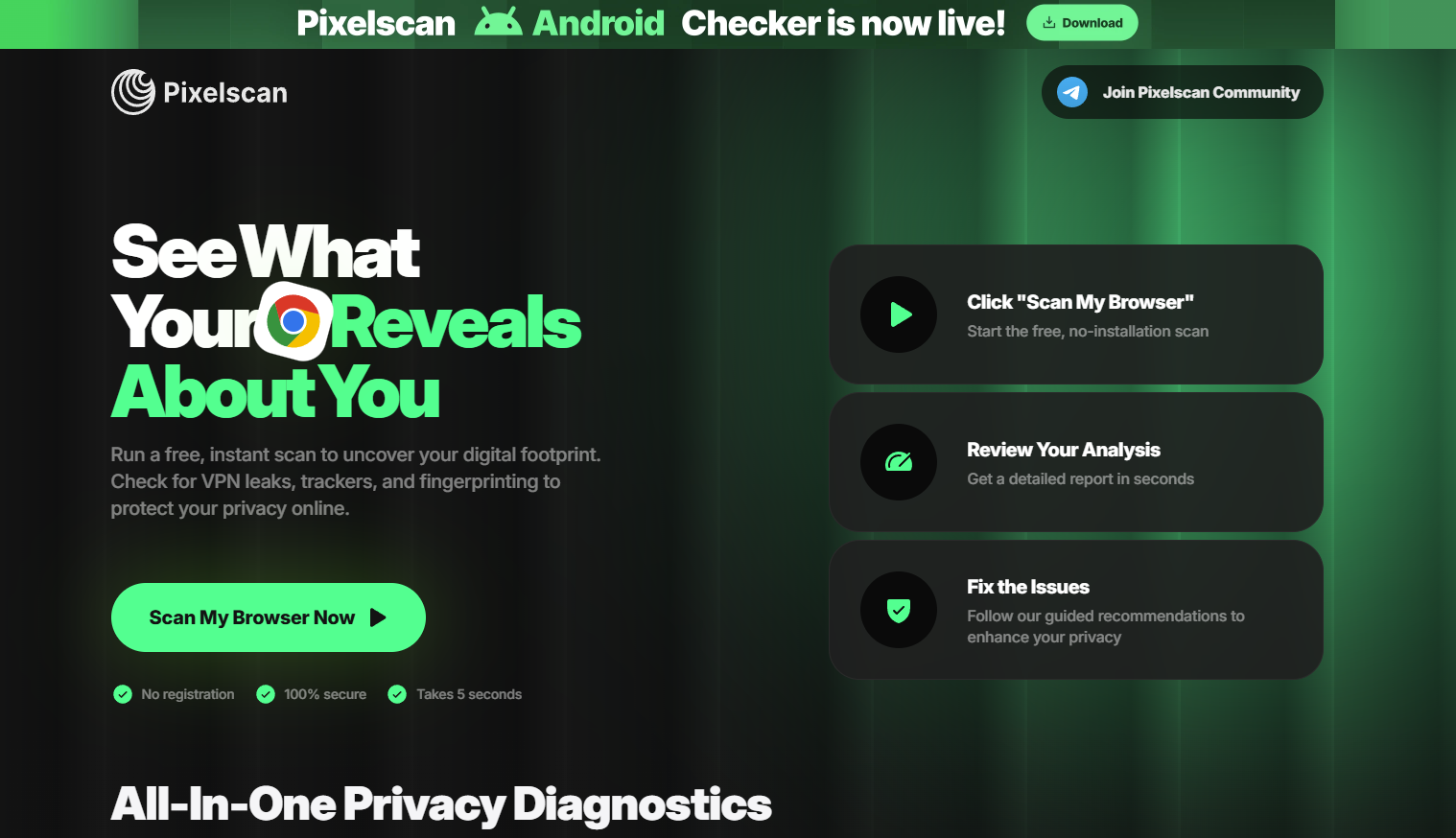
Pixelscan evaluates whether your browser signals form a natural, coherent environment. This cross-signal consistency is critical: anti-fraud systems look for mismatches between hardware capabilities, OS flags, and network properties, rather than judging parameters in isolation.
Pixelscan formats its findings into an accessible report, making it easier to parse than raw data outputs like BrowserLeaks while providing a strong assessment of overall profile authenticity.
Pros:
- Clear visual report with immediate pass/fail indicators.
- Strong focus on consistency across hardware and software signals.
- Effective for vetting antidetect browser profiles.
- Built specifically for multi-accounting and automation workflows.
Cons:
- Trust scores should be treated as diagnostic references, not absolute guarantees.
- Scoring does not mirror the exact internal risk engines of Google, Facebook, or Amazon.
- Should not be relied upon as the sole proof of profile security.
Best for: Multi-account operators, antidetect browser users, and teams verifying profile consistency before launching campaigns.
To learn more about its evaluation criteria and scoring logic, read our detailed Pixelscan review.
1.5. IPHey
While many platforms focus on hardware fingerprints, IPHey is built primarily for fast network leak detection. It is a straightforward tool to verify that your VPN or proxy connection is active and that your real IP address remains hidden.
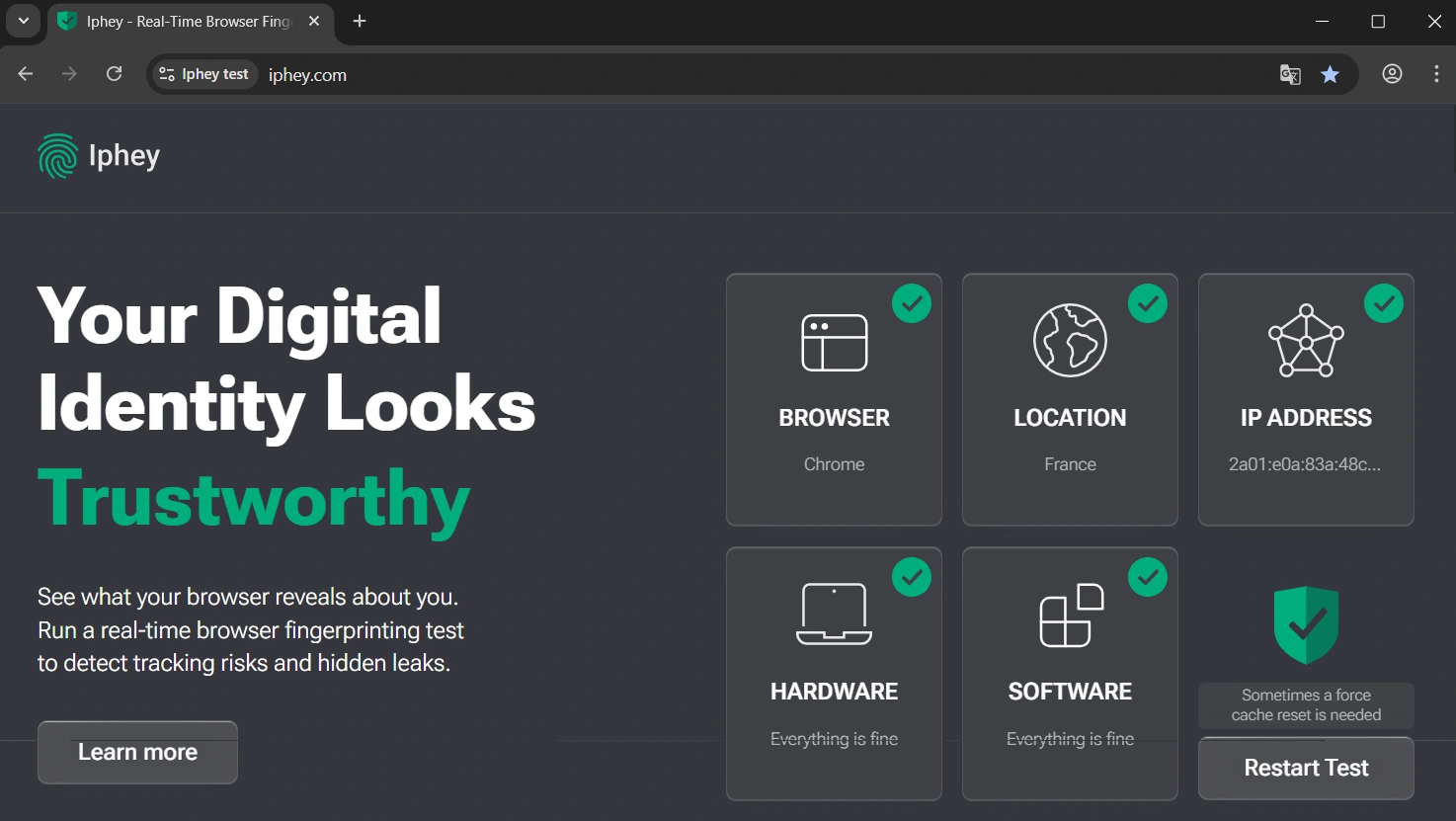
The platform centers on inspecting network routing integrity and catching WebRTC exposure, ensuring your proxy tunnel functions without leaving identifying network traces.
Pros:
- Instant diagnostic speed.
- Clean, minimal user interface.
- Reliable for validating IP masking and catching WebRTC leaks.
- Convenient for quick VPN and proxy checks.
Cons:
- Limited focus on hardware browser fingerprints.
- Not suitable for auditing Canvas, WebGL, AudioContext, or font lists.
Best for: VPN and proxy users or anyone looking to quickly verify that their real IP address is not exposed.
Read more: iPhey Test: Fingerprint Checking and How to Optimize Environment Setup
1.6. CreepJS
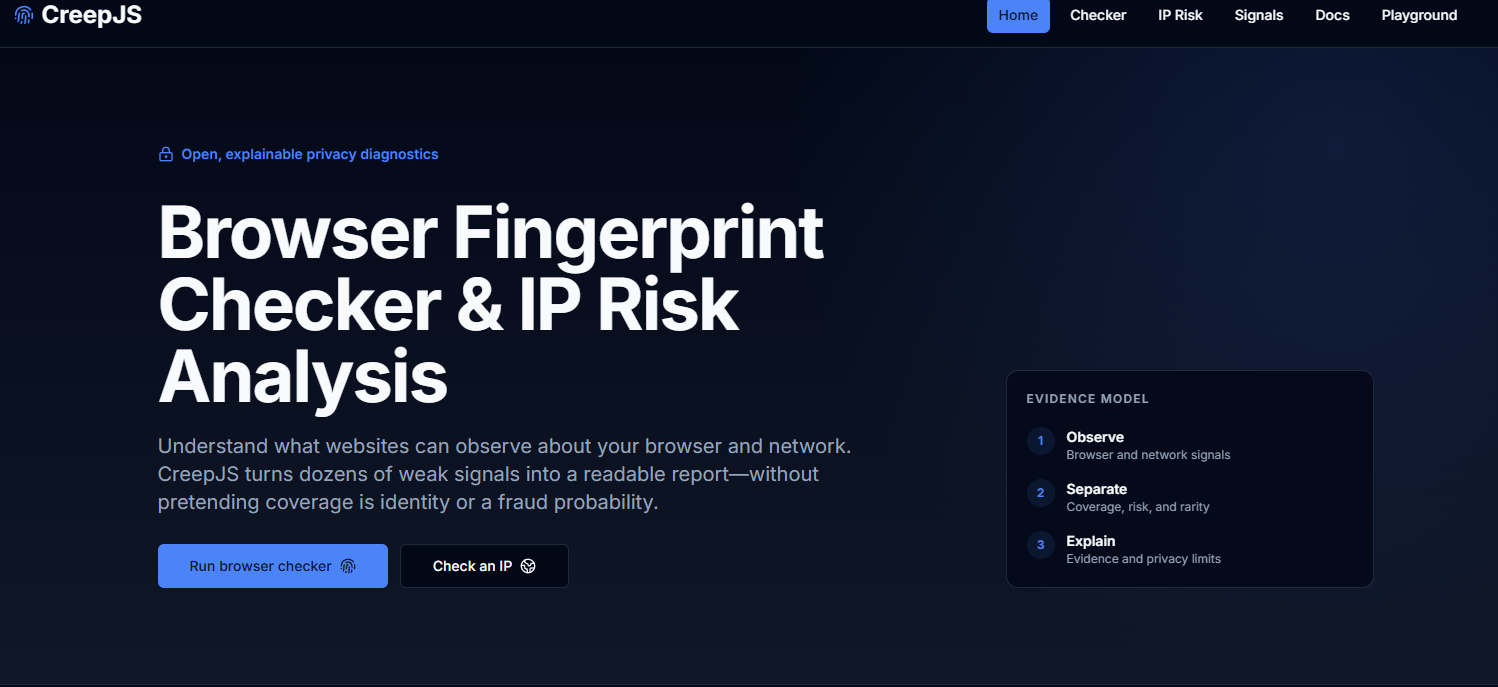
For advanced auditing, CreepJS is the premier open-source tool for deep browser fingerprint analysis. It interrogates browser APIs to uncover inconsistencies, spoofing artifacts, and environment anomalies. When reviewing CreepJS outputs, you will frequently encounter three core concepts: entropy, consistency, and spoofing.
Entropy measures how unique or distinctive a particular fingerprint parameter is across global web traffic. The rarer the attribute value, the more easily it identifies a specific browser.
Consistency evaluates whether related properties align logically. A profile with conflicting internal parameters (e.g., claiming a Linux platform while exposing Windows-specific rendering artifacts) is immediately flagged.
Spoofing measures whether browser APIs show evidence of tampering or artificial modification. CreepJS excels at detecting superficial masking attempts that basic testing tools often miss.
Pros:
- Industry-standard depth for fingerprint analysis.
- Audits subtle browser signals and edge-case API responses.
- Highly effective at identifying synthetic or improperly spoofed fingerprints.
- Essential for developers and antidetect browser evaluators.
Cons:
- Technical interface with a steep learning curve.
- Heavy use of advanced developer terminology.
- Not designed for quick, everyday IP checks.
Best for: Developers, security researchers, and technical operators conducting rigorous audits of antidetect profiles and browser environments.
2. Quick comparison of Whoer.net alternatives
Each diagnostic tool serves a distinct role within an operational workflow. The table below provides a side-by-side comparison based on core focus, depth, and target use cases.
| Tool | Primary Focus | Detail Level | Beginner Friendly | Free | Best For |
|---|---|---|---|---|---|
| BrowserScan | Core fingerprint checks | Medium | Yes | Yes | Quick checks |
| BrowserLeaks | Detailed component analysis | Very High | No | Yes | Profile auditing |
| IPFighter | IP scoring and rapid fingerprint snapshot | Medium | Yes | Yes | Multi-account sanity checks |
| Pixelscan | Browser consistency evaluation | High | Yes | Yes | Multi-accounting / MMO |
| IPHey | WebRTC and IP leak verification | Medium | Yes | Yes | VPN / Proxy verification |
| CreepJS | Fingerprint consistency and anti-spoofing audit | Very High | No | Yes | Antidetect validation |
If you need a simple, accessible checker, BrowserScan is an excellent starting point. For deep architectural audits, use BrowserLeaks or CreepJS. If your primary concern is verifying network routes or proxy leaks, choose IPFighter or IPHey. When evaluating whether a profile's signals appear natural and consistent, Pixelscan is the ideal option.
3. Why look for Whoer.net alternatives?
Whoer.net provides a solid introductory overview in a single scan, but user requirements vary widely. A user checking basic VPN connectivity has very different needs from an operator auditing browser environments to prevent account linking.
Three common reasons drive users to explore alternatives:
- Need for granular diagnostics: Certain tools isolate specific subsystems like Canvas, WebGL, AudioContext, or system fonts rather than condensing them into an arbitrary general score.
- Targeted troubleshooting: If you suspect a specific WebRTC leak, running a focused network test is faster and more precise than navigating a broad generic dashboard.
- Cross-verification across multiple engines: Different platforms use distinct scoring algorithms and database lookups. Cross-referencing results across multiple checkers reveals blind spots that a single test might overlook.
In short, a Whoer.net alternative does not need to outperform Whoer across every metric—it simply needs to solve the specific diagnostic problem you face.
4. How to choose the right diagnostic tool
The tool with the longest list of features is not always the best choice. When comparing options, prioritize factors that directly impact your operational workflow:
- Diagnostic accuracy: Can the tool accurately identify IP, DNS, WebRTC, VPN, and proxy signatures?
- Fingerprint coverage: Does it test Canvas, WebGL, AudioContext, Fonts, User-Agent, and Timezone parameters?
- Report readability: Are results presented clearly enough for your team to act on without extensive technical training?
- Speed and stability: Does the platform load quickly and deliver reliable, repeatable results?
- Use case alignment: Is the checker optimized for beginners, multi-account managers, developers, or casual proxy users?
You do not need a single tool that scores highest in every category. Prioritize the capabilities most relevant to your specific tasks.
5. Best practices for testing and environment validation
A diagnostic test captures your browser and network state only at the exact moment of execution. If you rotate proxies, enable a VPN, or modify a profile's parameters, the environment changes immediately. Always re-test after making significant configuration adjustments.
Recommended operational practices:
- Test periodically: Re-run diagnostics whenever you update proxies, VPN tunnels, browsers, system timezones, or profile settings to catch accidental misconfigurations.
- Cross-reference multiple tools: Avoid relying on a single checker. A reliable approach combines BrowserLeaks for component inspection, Pixelscan for consistency checking, and IPHey for WebRTC leak verification.
- Compare before and after enabling proxies: Audit your initial connection, then re-test after connecting to your proxy or VPN. This confirms whether your IP, DNS, and WebRTC routes masked properly.
- Use dedicated antidetect browsers: If you manage multiple accounts, antidetect browser Hidemyacc allows you to generate completely isolated profiles with dedicated fingerprints and assigned proxies.
- Maintain configuration logs: Document the proxy IP, timezone, User-Agent, and baseline test scores for each profile to simplify troubleshooting if an issue arises.
Following these steps helps you monitor your browsing environments systematically and identify the root cause whenever settings shift unexpectedly.
Learn more:
- What is DNS? Why DNS leaks are dangerous and how to prevent them
- Guide to configuring and using proxies in Hidemyacc
6. Common mistakes to avoid when checking IP and fingerprints
When auditing IP and browser environments, focusing narrowly on a single metric while ignoring the broader picture leads to false confidence. Avoid these common pitfalls:
- Relying on a single testing platform: Every testing site has distinct evaluation methods and database sources. Cross-check across two or three complementary tools for an accurate assessment.
- Overlooking WebRTC leaks: A masked public IP does not mean your real IP is completely hidden. WebRTC requests can bypass proxy tunnels, making standalone WebRTC testing essential when using VPNs or proxies.
- Confusing IP masking with fingerprint alteration: IP addresses and browser fingerprints are separate layers of digital identity. Changing an IP address does not modify your hardware or browser fingerprint.
- Failing to re-test after software updates: Browser and OS updates frequently alter underlying fingerprint hashes and supported APIs. Always re-validate profiles after major updates.
Never treat a single isolated score as definitive proof of anonymity. Cross-verify multiple indicators whenever your operational environment changes.
7. Conclusion
There is no single Whoer.net alternative that fits every possible use case. Each platform specializes in a different diagnostic layer, ranging from IP reputation and WebRTC leak detection to in-depth fingerprint decomposition and environment consistency.
For quick everyday checks, start with BrowserScan or IPFighter. When you need exhaustive fingerprint analysis, turn to BrowserLeaks and CreepJS. Pixelscan is ideal for auditing profile consistency, while IPHey provides rapid validation of IP and WebRTC routing.
You do not need to run all 6 tools for every session. Select the platform tailored to your specific problem, and cross-reference with a second tool when necessary. This balanced approach saves time while providing a reliable assessment of your browsing environment.
8. FAQ
1. Which Whoer.net alternative is the most accurate?
No single tool is universally superior because each platform evaluates distinct technical signals. For deep browser fingerprint analysis, BrowserLeaks is standard; for evaluating whether environment signals align naturally, Pixelscan is best; for verifying IP masking and WebRTC leaks, IPHey is highly effective.
2. Should I use multiple testing tools at the same time?
Yes. Combining 2–3 complementary tools provides a complete picture rather than relying on a single source. For example, pairing BrowserLeaks (fingerprint breakdown), Pixelscan (signal consistency), and IPHey (WebRTC leak detection) provides thorough environment validation.
3. Are free browser fingerprint checkers reliable?
Yes, free testing tools reliably show the exact parameters that web servers read from your browser, such as Canvas hashes, WebGL data, User-Agents, and WebRTC routes. However, subjective summary metrics (like trust or anonymity scores) should be treated as diagnostic references rather than absolute guarantees.
4. What is a WebRTC leak and why must it be tested separately?
A WebRTC leak occurs when a browser unintentionally reveals your real local or public IP address through the WebRTC protocol, bypassing an active VPN or proxy tunnel. This is a common reason accounts get linked despite an updated public IP, making regular WebRTC checks essential when managing proxies.
5. What should I do after completing a test to keep accounts safe?
Resolve any detected DNS or WebRTC leaks, then re-test with a secondary tool to confirm the fix. Only log into accounts once your IP location, system timezone, and browser fingerprint parameters align consistently, minimizing the risk of account suspensions or checkpoints.